Introduction
The Chess Query Language (CQL) is a statically-typed, domain-specific language used to find chess games and positions that match arbitrary criteria.
CQL queries can be used to inspect game characteristics (such as the information provided in PGN tags, starting position, length of the game, etc), position characteristics (locations of pieces on the board, side to move, move number, pins, xrays, squares attacked, pawn structure, etc.), and complex relationships between different positions in a game.
CQL provides a rich set of powerful intrinsic operations and an expressive language by which these may be combined to form concise queries that represent complex search criteria. Matching games are extracted and information about matching components of the query may be dynamically inserted into the game via comments or PGN tags.
About CQL
CQL was developed by Gady Costeff and Lewis Stiller around 2003 being described as a tool “designed to allow researchers, authors, and players to search for games, problems, and studies that match specific themes”. CQL 3 was introduced in EG 151 in January 2004 which provided several examples including the following which finds a pair of positions within a game that are identical except that White is missing between 1 and 10 pieces in the later position.
(match
  :pgn heijden.pgn
  :output out.pgn
  :result 1-0  ;return only win studies
  (position
    :markall
    :relation (:missingpiececount A 1 10)
  )
)
CQL 3 provided powerful and innovative search features allowing users to classify endgame studies by theme, extract studies containing specific positional characteristics and inter-positional relationships. The CQL language remained largely unchanged until the release of CQL 5 in 2017 which introduced a more expressive and approachable syntax and increased functionality. Released in 2019, CQL 6 expanded upon this base and CQL 6.1 (the version described in this manual) provides many refinements including support for string and dictionary types, string regular expression matching, generalized tag manipulation, and a dedicated interface for querying the HHdbVI endgame study database.
About CQLi
CQLi is a from-scratch clone of CQL which incorporates many new features and improvements including:
- Imaginary position exploration
CQLi extends the
movefilter to allow exploration of positions not reached within a recorded game. The newimaginefilter allows the board to be temporarily modified in arbitrary ways by placing, removing, or swapping pieces and querying the resulting position. This feature may be used to find unplayed moves that would result in mate, stalemate, or some other condition and is instrumental in using CQLi to solve and generate various types of chess problems.
- Variant support
CQLi fully supports several popular chess variants including Chess960, Crazyhouse, Racing Kings, Atomic, Losing Chess, Suicide, Giveaway, Three-check Chess, King of the Hill, and Horde. The variant of each game is automatically determined from the value of the Variant PGN tag allowing a single PGN file to contain games of different variants. CQLi contains extensions to applicable filters to support these variants and adds new filters to identify variants and their specific win/loss/draw conditions.
- Unicode support
CQLi supports UTF-8 encoded PGN and cql query files. Unicode characters are supported and preserved within PGN strings and comments and within cql queries. String operations are Unicode aware and pattern matching and comparison operations are performed using Unicode aware facilities.
- Powerful Extensibility
The Command Pipe feature allows CQL queries to easily interact with external programs in order to delegate complex operations, such as engine analysis, tablebase lookup, ECO or rating assignments, etc., and utilize the results of those operations within the query.
Other improvements include expressive diagnostics that more precisely identify issues and distinguish errors from warnings, 64-bit numeric types, smarter “smart comments”, greater flexibility over output PGN formatting, transactional evaluation of line filters, unreachable position detection, support for persistent variables in multi-threaded mode, implicit promoted piece tracking, reverse move generation, splitting output across multiple files, cqlbegin and cqlend blocks that are evaluated at the start and end of processing, immediate output using the –nosort option, Polyglot-compatible zobrist key calculation, and scoped variables.
Typographical Conventions
The following typographical conventions are used in this reference manual:
Italic text is used to introduce new terms, refer to specific chess variants, and as a general emphasis mechanism.
Bold monospace textis used when referring to CQL filters, options, chess moves, and inline code snippets.External links are underlined in red and internal links are underlined in blue, such links can be clicked on to navigate to the link target in most pdf readers.
CQL code blocks are presented with syntax highlighting in a blue shaded box.
Chess diagrams use colored circles to draw attention to specific pieces, highlighting to emphasize particular squares, and arrows to represent pertinent moves or rays.
The colors used in this document are intended to be easily distinguishable by readers with various forms of color-blindness. If you are color-blind and have difficulty differentiating the colors used in this document, please let us know.
Notes for CQL6 Users
In most cases CQLi may be used as a drop-in replacement for CQL 6.1 but there are some differences in the feature set and default behaviors that current users of CQL 6.1 should be aware of. The most notable differences are provided below, see here for a more comprehensive accounting of the differences between CQL 6.1 and CQLi.
CQL 6.1 combines multiple comments at a single position into a single conglomerate comment. By default, CQLi will write multiple comments as separate individual comments, e.g.
e4 {A} {B}instead ofe4 {A B}. Use the–coalescecommentsoption to obtain the CQL 6.1 behavior.Variables declared in the body of an iteration filter are not visible outside the filter which may result in a syntax error for queries accepted by CQL 6.1. The solution is to move the declaration outside the iteration filter. See Variable Scopes for more information.
CQLi does not yet support the
--gui,--guipgnstdin, or--guipgnstdoutoptions which are planned for a future version of CQLi. The option-o stdoutcan be used to cause matching games to be printed tostdout.
System Requirements
Supported Operating Systems
Native 64-bit CQLi binaries are provided that support the following platforms:
- Windows 7 SP1 and up.
- macOS 10.14 and up (macOS 11.0 and up for ARM64 builds).
- Linux kernel version 4.15+ with glibc version 2.27+.
Hardware Requirements
- x86-64 or ARM64 (macOS only) compatible CPU.
CQLi will take advantage of multiple cores by default. For relatively slow queries, multi-threaded processing scales well to several processors. For fast queries, IO and other bottlenecks may limit the gains realized by parallel processing.
- 64MB RAM (256MB recommended).
Since, by default, CQLi stores matching games in memory until the end of processing, the amount of memory consumed by CQLi is largely proportional to the number of games matching a particular query and the size of matching games. On average, CQLi will utilize 1-2KB of memory per matching game. The
–nosortoption may be used to prevent the storing of matching games, causing them to be written immediately at the expense of not being sorted first.
File Encoding
PGN database and CQL query files processed by CQLi should be encoded in UTF-8 (note that 7-bit ASCII is a subset of UTF-8). Output generated by CQLi will similarly be UTF-8 encoded. PGN and CQL files with other encodings (such as extended 8-bit ASCII encodings or UTF-16) will need to first be converted to UTF-8 before being processed by CQLi. Such conversions may be performed by tools such as iconv on Linux and macOS, or PowerShell on Windows. Many text editors support conversion to UTF-8 as well. For example, to convert from CP 1251 to UTF-8 with the Windows PowerShell use:
Get-Content -Encoding ([System.Text.Encoding]::GetEncoding(1251)) test.pgn | Set-Content -Encoding utf8 test-utf8.pgn
To perform the same conversion with iconv use:
iconv -f WINDOWS-1251 -t UTF-8 test.pgn -o test-utf8.pgn
Acknowledgements
Thanks to Lewis Stiller and Gady Costeff for designing the CQL language and making the CQL program freely available.
Thanks to Lewis Stiller for his consistent and gracious support which was instrumental in understanding many of the more subtle aspects and design choices of CQL and for the feedback and encouragement he provided during the development of CQLi.
CQL Fundamentals
Theory of Operation
The CQLi tool accepts a PGN file and a CQL query as input and outputs the games from the PGN file that match the provided query. A game matches the query if any positions appearing in the game match the query. A CQL query consists of one or more filters.
For each game processed by CQLi, a game tree is constructed to represent the game and any variations present. Every position in a game has a unique sequential position id starting at 0 for the initial position. Each position in the game is visited once, starting at the initial position and progressing through the positions corresponding to the moves made in the game in order of increasing position id. For each position, the supplied CQL query is evaluated. Each filter in the CQL query is evaluated at the current position and either matches the position or not. As soon as a filter fails to match, evaluation of the current position stops and the query is then applied to the next position. A position matches if all of the filters in the query succeed for the position. After all positions in the game have been evaluated, the game matches the query if at least one position in the game matched.
Each game that matches the query is saved until processing of all games is complete. When all games have been processed, matching games are sorted according to any provided sort criteria, comments are added for matching positions, tag modifications are applied, and the resulting games are written to the output file.
Running CQLi
CQLi is a command line application which can be run from a shell or command prompt or another program such as a GUI interface or a batch script. CQLi accepts many options that affect the behavior such as how many threads to use, PGN output formatting options, and options that allow queries to be specified or modified on the command line. The full set of available options are documented in Commandline Options. The most important options are summarized below.
The -i option is used to specify the name of the input PGN file which contains the games that will be queried. The -o option is used to specify the name of the output PGN file, i.e. the file to which CQLi will write matching games. The output file is truncated first if it already exists. If no -o option is specified, matching games will be written to a file with a name constructed from the provided CQL query file as explained in the description of the -o option. The -i and -o options both require exactly one argument: the name of the respective file. Options and their corresponding arguments are separated by spaces. The final argument of a typical CQLi invocation is the name of the file that contains the CQL query to be evaluated. For example:
cqli -i input.pgn -o output.pgn test.cql
will process the query contained in test.cql for each game in the input file input.pgn writing any matching games to output.pgn. If the provided query file name cannot be found in the current directory or any directories specified by the CL_PATH environment variable, and does not end with an extension, CQLi will attempt to locate the file with the extension .cql appended.
The text of a CQL query may also be specified directly on the command line using the -cql option, for example the command:
cqli -i input.pgn -o output.pgn -cql 'mate parent : check'
will find games where check was answered by checkmate. When specifying a query with -cql that contains spaces or characters special to the shell, the argument to -cql must be quoted, typically by surrounding the entire argument with single quotes.
A Brief Tour of CQL
This section introduces CQL through a series of short examples aimed at the first-time user. Each example adds one new idea to the previous one: finding checkmate, combining filters, using or and not, describing pieces on squares, expressing attack relationships, comparing material, searching both colors with a transform, and adding comments to matching positions. Detailed explanations of every feature used here can be found in later sections of this manual.
Finding Checkmates
The simplest useful CQL query consists of a single word:
mateThis query uses the mate filter to find every game containing a checkmate position. CQL queries are evaluated at each position of every game, and a game matches if any position matches the query. To try this query directly from the command line, invoke CQLi as follows:
cqli -i games.pgn -o results.pgn -cql 'mate'
The same query may also be saved in a file called checkmates.cql and run with:
cqli -i games.pgn -o results.pgn checkmates.cql
CQLi will scan every position in every game in games.pgn and write the games that contain a checkmate to results.pgn.
Combining Filters
A CQL query can contain multiple filters. A position matches only when all filters match. For example, to find games where White delivers checkmate, use the query:
btm
mate
The btm filter matches positions where it is Black to move. Combined with mate, this matches checkmate positions where it is Black’s turn, meaning White just delivered the checkmate. When a query contains multiple filters, the query is only considered to match when all of the filters match the same position. The line breaks are only for readability.
Using or and not
Sometimes a query should match one of several alternatives rather than requiring every filter to match at once. For example:
mate or stalemateThis query finds games containing either a checkmate position or a stalemate position. The or filter matches when either operand matches.
To exclude a condition, use the not filter:
check
not mate
This matches positions where the side to move is in check but not checkmated. As previously noted, all filters in the query must match the same position for that position to be considered a match.
Describing Pieces on Squares
Piece designators provide a mechanism to express the arrangement of pieces on the board. For example, the query:
mate
Qh7
kg8
finds checkmate positions where a white queen is on h7 and the black king is on g8. The filter Qh7 means “a white queen on h7” and kg8 means “a black king on g8”. Combined with mate, this shows how a CQL query can describe a concrete board pattern.
Describing Attacks
Attack relationships are another common way to describe a position. For example, the query:
k attackedby Qfinds positions where the black king is attacked by a white queen. More precisely, the expression X attackedby Y means “the squares in X that are attacked by the pieces in Y”. Since k refers to the square occupied by the black king, this query matches when that square is attacked by a white queen.
This can be combined with other filters just like the earlier examples:
btm
k attackedby Q
This matches positions where it is Black to move and the black king is attacked by a white queen. In standard chess, that means Black is in check from a queen. The next example further refines the pattern by adding a material condition.
Inspecting Material
The power filter calculates the total material value of the pieces on a given set of squares (pawns = 1, knights/bishops = 3, rooks = 5, queens = 9). Capital letters represent white pieces and lowercase letters represent black pieces. A represents all white pieces and a represents all black pieces.
The following query finds checkmates where Black had a large material advantage:
btm
mate
power a - power A >= 8
The expression power a - power A >= 8 computes the difference in material between Black and White and matches when Black is ahead by at least 8 points (roughly a rook and a bishop). This can be read as: “Black has at least eight more points of material than White.” Combined with the mate filter, this finds games where White won by checkmate despite being significantly behind in material.
Using Transforms
Many search patterns apply equally to both sides. Rather than writing two separate queries, the flipcolor filter automatically searches for the pattern as written and with colors reversed:
flipcolor {
    btm
    mate
    power a - power A >= 8
}
Here the braces group the earlier filters so that flipcolor applies to the whole pattern. This single query finds checkmates by either side while behind in material. Without flipcolor, only checkmates by White would be found.
Adding Comments to Matches
By default, CQLi marks matching positions with a comment in the output PGN. The comment filter lets you add custom annotations. For example:
flipcolor {
    btm
    mate
    power a - power A >= 8
    comment "Checkmate despite material deficit"
}
This is the same search as above, but with a custom comment added to each matching position. The matching games in the output file will contain the comment Checkmate despite material deficit at the position where the checkmate occurs, making it easy to navigate to the relevant position in a chess GUI.
Where to Go from Here
The examples above only scratch the surface of what can be expressed with CQL queries. The remainder of this manual describes the full set of filters and features available, including:
- Piece Designators for specifying which pieces and squares to examine.
- The
attackedbyandattacksfilters for expressing attack relationships. - The move filter for inspecting individual moves, including captures, promotions, and castling.
- The line filter for finding complex move sequences using repetition patterns borrowed from regular expressions.
- Transform Filters for finding patterns regardless of board orientation, color, or location.
- Imaginary Position Exploration for analyzing positions that were never actually reached in the game.
- The Synoptic Examples and Expository Examples sections which contain a collection of practical queries and detailed walkthroughs.
Basic Concepts
Source Comments
CQL supports two types of comments: block comments and line comments. Block comments are introduced by the character sequence /* and terminated by the sequence */. Block comments do not nest. Line comments begin with the sequence // and continue until the end of the line. Comments may appear anywhere between tokens in a CQL query and are removed during parsing.
Filters and Types
Filter is the term used to refer to any component of a CQL query that is evaluated. Function definitions, function calls, variable assignment, operators, operands, intrinsic operations, looping constructs and even literal values are all filters.
Every filter has a static type and evaluation of the filter will either yield a value of that type, or the special None value which represents the absence of a value.
There are several distinct types in CQLi:
- Boolean - can represent the values
trueandfalse - String - represents a string of UTF-8 characters
- Numeric - represents a 64-bit integral value
- Set - represents a set of zero or more chessboard squares
- Position - represents a specific position in a game
- Piece Identity - represents the identity of a piece (see Piece Tracking)
- Dictionary - a collection of key/value pairs
A value is said to “match the position”, or simply “match”, if it is not the special None value, the false Boolean value, or an empty Set value. This is separate from the question of whether a filter produced a value at all: a filter may yield a value and still not match. In particular:
Nonedoes not match.falsedoes not match.[]does not match.0does match.""does match.
This distinction is a key concept in CQL. For example, comparison, assignment, and string conversion filters may all yield values that do not match the position.
Literals
A literal is a single constant value that is known at parse time. Literals are supported for the Boolean, String, Numeric, and Set types. The literal Boolean values are true and false. String literals are any text (except for double quotes) surrounded by double quote characters. Numeric literals consist of one or more digits. Set literals are specified using square designators such as a1, a-h1-2, or [a1-6,d5,f6]. The special designator . represents all squares. The shortest CQL query is just . which matches every position of every game and is functionally equivalent to a CQL query of true.
Variables
Variables may hold values of any type except for Boolean. The type of a variable is static, the value initially assigned to a variable determines its permanent type (except for piece variables and dictionary variables which are declared using separate keywords). The names of variables may consist of letters, digits, underscores and the $ character and may not begin with a digit. There is no limit to the length of the name of a variable and all characters are significant.
A variable may not have the same name as a keyword or a sequence that would represent a piece designator. It is good practice to start variable names with either an uppercase letter or a $ to prevent accidental collision with reserved names and to serve as a visual cue to differentiate variables from other names.
Variable names are case sensitive so var, Var, and VAR refer to three distinct names. Names starting with __CQL are reserved by the CQL implementation.
Variables are assigned a value using the = filter. Assignment is how variables are declared in CQL, the type of the variable is inferred from the value initially assigned to it. It is a syntax error to reference a variable before it is declared. This rule applies at the point where the reference is actually processed. In particular, function bodies are checked when the function is invoked, not when it is defined.
The assignment filter (=) yields a Boolean value of true unless the value to be assigned is None in which case the value of the variable is unchanged and the result of assignment is false. For example, the query:
$check_pos = find checkwill find the first position, starting with the current position, where one side is in check and assign this position to $check_pos. If no such position is found, the find filter yields None, $check_pos is not assigned, and the assignment itself does not match the position.
Conditional Set Assignment
An empty set value (e.g. []) does not match the position but it can still be assigned to a variable, and a plain assignment of [] will itself match the position. The =? conditional set assignment filter may be used to assign a Set variable only if the provided value is not the empty set. In other words, = stores empty sets while =? skips them.
For example:
X = []      // X holds the empty set
X = a1      // X holds the value a1
X =? []     // X is not modified
The =? filter yields true if the variable was assigned (possibly with the same value it already held) and false otherwise. When =? yields false, the variable is left unchanged. This matters when =? appears as one step in a sequence of filters: the assignment may leave the variable unchanged and yet still cause the enclosing sequence to fail to match.
Compound Assignment
Variables can be modified using the simple assignment filter = or the compound assignment filters +=, -=, *=, /=, %=, |=, and &=. Like simple assignment, if the RHS of a compound assignment filter is None, the variable is not modified and the assignment does not match the position.
Unbound Variables
An unbound variable is one whose value is None, i.e. it does not hold a value. A variable of any type except Dictionary type may be unbound. This can occur if the variable has not yet been assigned such as if the initializing declaration is skipped. For example:
if 1 == 2 then X = 1
str(X)      // yields the string "<None>", X is unbound
A variable may be explicitly unbound using the unbind filter which takes the name of a previously declared variable as its only argument, e.g.:
unbind XThe isbound filter takes a single identifier as an argument and yields true if the identifier corresponds to a bound variable and false otherwise (the specified identifier refers to an unbound variable or does not refer to a variable at all). The isunbound filter operates similarly but yields false if the provided identifier is a bound variable and true otherwise. For example:
X = 1
Y = 1
unbind Y
isbound X   // true
isbound Y   // false
isbound Z   // false
isunbound X // false
isunbound Y // true
isunbound Z // true
Dictionary Variables
A dictionary holds a set of key-value pairs. The possible types for keys and values are Numeric, String, and Set. The types of the keys and values are set when the dictionary is declared. A dictionary variable is declared using the dictionary keyword, no initializer is provided with the declaration. An optional type specifier of the form:
{
str|int|set}-->{str|int|set}
may be provided where the type indicated on the left of the arrow specifies the key type and the type indicated on the right of the arrow specifies the value type.
For example, the following filter declares a dictionary variable named Dx with keys of Numeric type and values of Set type:
dictionary int --> set DxIf the optional type specifier is not present, the dictionary will have keys and values of type String. Dictionary variables are persistent, their values are maintained across games.
Dictionary Entry Access and Assignment
Given a dictionary variable Dx, the key access filter Dx[key] yields the value of key stored in Dx or None if key does not exist in Dx. Accessing a missing key never creates it.
The key assignment filter Dx[key]= value inserts key into Dx with the value value, if neither key nor value is None, or replaces the value for key if key already exists. If key or value is None, the key assignment filter does not match the position and Dx is not modified.
In particular, note that:
Dx[key]on a missing key yieldsNoneand does not create an entry.Dx[key] =valueinserts or replaces an entry unlesskeyorvalueisNone.Dx[key] =?value(for Set-valued dictionaries) inserts or replaces an entry only ifvalueis a non-empty set.Dx[key] += ...and the other compound assignment operators may create a missing key first; see below.
Compound Assignment and Key Autovivification
The compound assignment operators (+=, -=, *=, /=, %=, |=, and &=) may be used with dictionaries that have appropriate value types. If the specified key does not exist in the dictionary, it will first be created (vivified) with a default value (0 for Numeric values, [] for Set values, and "" for String values) unless the filter will evaluate to false (which occurs when the right-hand side of the compound assignment is None or the right-hand side of /= or %= is zero). For example, Dx[key] += 1 will increment the value of Dx[key], if key did not exist in Dx it will first be added with a value of 0 and then incremented to 1.
This autovivification of entries only occurs when using the compound assignment operators. Simply attempting to access a key that does not exist with Dx[key] will not create a corresponding entry in Dx, and neither will a failing simple assignment or conditional set assignment.
To increment the value of a key that already exists in a dictionary, without creating it if it does not exist, use if Dx[key] then Dx[key] += 1 or Dx[key] = Dx[key] + 1 instead.
Conditional Set Assignment with Dictionaries
The conditional set assignment operator =? can be used with dictionaries having Set values with the same semantics that are employed for regular variables. E.g. Dx[key]=? value will assign value to Dx[key] only if value is not the empty set. If value is empty and key does not exist in Dx, it is not created with a default value.
Removing Keys from Dictionaries
An unbind filter of the form unbind Dx[key] will remove key from Dx. If unbind is applied to a dictionary variable, e.g. unbind Dx, all of the keys are removed from the variable (but the variable itself is not unbound, dictionary variables never have a value of None).
Dictionary Cardinality and Iteration
The number of keys in a dictionary can be obtained using the cardinality filter #, e.g. #Dx will yield the number of key-value pairs present in Dx. The keys in a dictionary may be iterated using the key iteration filter.
Dictionary Access Caveats
For dictionary variables having keys of Set type, care must be taken when attempting to use an unbracketed piece designator as the key in a dictionary access or assignment filter. The parser may otherwise interpret the text as a piece designator instead of a dictionary key.
For example, Dx[a2] += 1 will produce a syntax error because it is interpreted as two separate filters: Dx and [a2] += 1. To force dictionary-key parsing, one of the following disambiguation techniques may be used:
- Enclose the piece type and/or square designator portions in square brackets. For example, instead of
Dx[Ka1-8]useDx[[K]a1-8],Dx[K[a1-8]], orDx[[K][a1-8]]. This prevents the outside bracketed expression from being confused with a piece designator (since nested brackets are not permitted in piece designators). - Add a space character before and/or after the piece designator. For example, instead of
Dx[Ka1-8]useDx[ Ka1-8 ]. - Prefix the piece designator with the identity operator. For example, instead of
Dx[Ka1-8]useDx[`Ka1-8].
In short, for a Set-keyed dictionary:
Dx[a2]is ambiguous and should be avoided.Dx[ a2 ],Dx[`a2], andDx[[a2]]are unambiguous dictionary accesses.
Similarly, if a variable that would be interpreted as a compound piece type designator when enclosed by square brackets without spaces (i.e. one whose name consists entirely of the characters in the set QqBbRrNnKkPpAa_), one of the last two disambiguation techniques above needs to be taken when using the variable as a key in a dictionary access or assignment filter. For example, instead of Dx[Rank] use Dx[ Rank ] or Dx[`Rank].
Persistent Variables
The values of variables are reset to None at the beginning of every game unless declared with the persistent keyword (which immediately precedes the variable name) in which case their value persists across all games. Numeric, Set, and String variables may be declared as persistent. Dictionary variables are always persistent but may not be declared using the persistent keyword. Persistent variables are initialized once, prior to evaluating the first position in the first game. Persistent Numeric variables are initialized to zero, Set variables to the empty set, and String variables to the empty string. Persistent variables may be declared using a compound assignment operator, the type of the variable will be deduced from the RHS of the compound assignment. For example:
persistent $total_positions += 1declares a persistent Numeric variable named $total_positions that is incremented for every evaluated position. Persistent variables may be unbound using the unbind filter in which case they are never implicitly re-initialized.
The final values of non-dictionary persistent variables are emitted at the end of processing. The option --showdictionaries may be used to cause dictionary variables to be emitted along with other persistent variables.
Persistent and dictionary variables may be declared using the quiet keyword to suppress emission of their value after processing, this may be used to suppress emission of possibly very long string variables. E.g.:
persistent quiet $str = ""Variable Scopes
Every variable exists within a scope which dictates the portion of the query for which the variable is visible (may be referenced). In CQLi, all variables are placed in either the global scope or a block scope. Block scopes are introduced by function invocations and iteration filters (echo, loop, piece, square, string, and while) and extend to the end of the respective filter.
Names appearing in a function body are resolved when the function is invoked. However, the usual rule still applies at that point: every referenced variable must already have been declared before the reference is processed.
Persistent variables and variables declared outside of a function or iteration filter exist in the global scope. Parameter variables (parameters declared in a function parameter list and the iteration variables of piece, string, echo, and square filters) always exist within their corresponding block scope, shadowing any variable of the same name in an enclosing scope.
Other (non-persistent, non-parameter) variables used in a block scope either refer to a variable in an enclosing scope or create a new variable in the current block scope. While variables within an enclosing scope may be accessed in a block scope, variables created in a block scope may not be accessed after the end of that scope. Block scopes may be nested and all block scopes are enclosed by the global scope.
The following example illustrates the key points described above:
$param = "abc"              // $param created in global scope.
$called = 0                 // $called created in global scope.

function foo($param) {      // $param shadows variable in enclosing scope.
    $called = 1             // Refers to the above $called variable.
    $local = abs $param     // $local is not accessible outside of foo.
    $local + $global        // $global will be accessible at invocation.
}

$global = 10                // $global resides in the global scope.
$result = foo(5)            // foo can access $global from here.
The first two lines declare a String variable named $param and a Numeric variable named $called, both in the global scope. Function foo declares a parameter variable $param, a block scope variable which will shadow the global variable $param within the function invocation. The body of the function is not processed until the function is invoked. When this happens at the end of the example, the first line of the body of foo modifies the global variable $called, it does not create a new variable because the enclosing scope already has a variable named $called and within foo the variable is not a parameter variable.
Since there is not already a variable named $local at the point where foo is invoked, the $local variable will be installed in foo’s block scope and cannot be referenced outside of the function. The variable $global does not exist when foo is defined but does exist when foo is invoked so the reference in foo to $global will be that of the existing global scope variable. Note that if foo was called before $global had been declared a parse error would result. In other words, a function body may refer to a global declared later in the file, but only if that declaration has been processed before the function is invoked.
Piece Designators
Piece designators are used to identify squares on a chessboard such as the squares where certain pieces reside. The piece designator . represents all 64 squares while the piece designator [] represents none of the squares, i.e. it is the complement of the . piece designator. All other piece designators consist of a piece type designator and/or a square designator.
Piece Type Designators
A simple piece type designator specifies a single class of chess pieces. The table below lists the simple piece type designators used in CQL.
| Designator | Description | Designator | Description |
|---|---|---|---|
K |
White king | k |
Black king |
Q |
White queen | q |
Black queen |
R |
White rook | r |
Black rook |
B |
White bishop | b |
Black bishop |
N |
White knight | n |
Black knight |
P |
White pawn | p |
Black pawn |
A |
Any white piece | a |
Any black piece |
_ |
Unoccupied |
For example, the piece designator Q represents the squares on which a white queen resides in the position currently being evaluated. Multiple simple piece type designators may be combined to form a compound piece type designator which consists of one or more simple piece type designators enclosed in square brackets. For example, [Qq] represents squares occupied by white and black queens and [_a] represents the set of squares not occupied by white pieces, in the current position.
Square Designators
A square designator refers to specific squares on a chessboard by their files and/or ranks. A simple square designator consists of a file designator followed by a rank designator. A file designator is either a file name or two file names separated by a hyphen. A rank designator is either a rank name or two rank names separated by a hyphen. Valid file names are a, b, c, d, e, f, g, and h. Valid rank names are 1, 2, 3, 4, 5, 6, 7, and 8.
Examples of simple square designators include a1, e5, a-h8 (the squares on the 8th rank), and d-e4-5 (the four center squares). Note that a simple square designator must consist of both a file designator and a rank designator; e.g. b is a piece type designator, not a square designator. Use b1-8 to refer to all the squares in the b file.
Multiple simple square designators may be combined to form a compound square designator which consists of one or more simple square designators, separated by commas, enclosed in square brackets. For example, [a1,h8] represents the squares a1 and h8, while [a1-8,a-h8,d4] represents the union of d4, the a file, and rank 8.
Combining Piece Type and Square Designators
A piece designator may consist of both a piece type designator and a square designator, either of which may be a compound designator, in which the piece type designator precedes the square designator. For example, Ra-h8 represents the squares occupied by white rooks on the 8th rank and [Kk][a1,a8,h1,h8] represents corner squares occupied by a king of either color.
A piece designator represents the squares that are given by the intersection of its piece type designator and its square designator; if either one is missing, all squares are implied for the missing component. For example, Ra1 is equivalent to R & a1. Compound designators represent the union of each simple designator in the bracketed list, e.g. [a1-8,a-h8,d4] is equivalent to a1-8 | a-h8 | d4 and [Kk][a1,a8,h1,h8] is equivalent to (K | k) & (a1 | a8 | h1 | h8) (except when appearing in shift transforms).
Piece designators are a cornerstone of the CQL language and provide a concise mechanism to articulate a set of squares using both the static nature of the chess board (with square designators) and the dynamic nature of piece occupancy (using piece type designators).
Arithmetic Operators
CQL provides the following arithmetic operator filters for operating on numeric types:
| Description | Example | Result | |
|---|---|---|---|
+ |
Addition | 4 + 5 |
9 |
- |
Subtraction | 12 - 7 |
5 |
* |
Multiplication | 5 * 5 |
25 |
/ |
Integer Division | 10 / 3 |
3 |
% |
Modulus | 10 % 3 |
1 |
Each of the above operators is a binary infix filter that accepts two numeric arguments and yields a numeric result. The result matches the position unless one of the operands does not match the position or a value of zero is used as the right-hand argument to / or %. Note that division yields only the integral portion of the quotient as CQL does not have a fractional type.
Arithmetic Intrinsics
The following arithmetic intrinsic filters are available:
| Filter | Description | Example | Result |
|---|---|---|---|
abs |
Absolute value | abs -10 |
10 |
max |
Maximum of multiple values | max(4 2 7) |
7 |
min |
Minimum of multiple values | min(-5 -2) |
-5 |
sqrt |
Square root | sqrt 10 |
3 |
The sqrt filter does not match the position if its argument has a negative value. Otherwise, all of the above filters match the position if at least one of their operands does. The abs and sqrt filters take exactly one argument which does not need to be parenthesized. The max and min filters require at least two arguments and the argument list must be parenthesized.
The result of the abs filter is the absolute value of its argument. The result of the sqrt filter is the integer portion of the square root of its argument. The min and max filters yield the smallest or largest value, respectively, of their argument list, ignoring arguments that do not match the position.
Comparison Filters
Comparison filters can be used to compare Numeric, Set, String, and Position filters.
| Filter | Description | Example | Result |
|---|---|---|---|
== |
Test for equality | a1 == flipcolor a8"abc" == "ABC" |
a1None |
!= |
Test for inequality | "a" != "ab"10 != abs -10 |
truefalse |
< |
Less than | 10 < 2010 < 5 |
10None |
<= |
Less than or equal to | 10 <= 102 <= 1 |
10None |
> |
Greater than | 20 > 10"a" > "ab" |
20None |
>= |
Greater than or equal to | 20 >= 20"ab" >= "a" |
20"ab" |
All of the comparison filters may be used with two Numeric, String, or Position operands, or with one Numeric operand and one Set operand in which case the Set operand is implicitly converted to a Numeric value that represents the set’s cardinality (the number of squares in the set). The == and != filters may additionally be used with two Set arguments.
The ==, <=, <, >=, and > filters have the same type as their operands and yield the value of the left-hand operand if the corresponding comparison holds and None if it does not. As the comparison filters are also right-to-left associative, they may be chained to express an n-ary relationship. For example $a < $b < $c will yield the value of $a if $b has a value between $a and $c and None otherwise. These filters always yield None if one of their operands is None.
When used with Numeric operands, the standard mathematical relationships are applied. When used with String operands, a Unicode-aware collated comparison is performed. When used with Position operands, checks for an ancestral relationship between the positions.
The != filter yields a Boolean value and X != Y is equivalent to not X == Y for any X and Y. In particular, if X or Y is None, the result of X != Y will be true, even if both X and Y are None.
Logical Operators
CQL provides the and, or, and not logical operator filters. The and and or filters are binary infix operators and not is a prefix operator. and matches the position if both its LHS and RHS operands match the position and or matches the position if either of its operands match the position. The not filter matches the position if its operand does not. The and and or filters employ short-circuited evaluation, i.e. the RHS of and is not evaluated if the LHS does not match the position and the RHS of or is not evaluated if the LHS matches the position.
Set Operators
CQL provides the following set operator filters:
| Description | Example | Result | |
|---|---|---|---|
| |
Set union | a1 | a8 |
[a1,a8] |
& |
Set intersection | a1-8 & a-h3-4 |
[a3,a4] |
~ |
Set complement | ~. |
[] |
# |
Set cardinality | #[c-f3-6] |
16 |
in |
Set inclusion | c3 in [a1,b2,c3] |
true |
The | and & filters are binary infix filters that accept two set filter arguments A and B. A | B yields the union of sets A and B (A ∪ B or the set of squares that are present in either A or B) and A & B yields the intersection of sets A and B (A ∩ B or the set of squares that are present in both A and B). The ~ and # filters are unary prefix filters that accept one set filter argument. ~A yields a set containing the squares not present in A and #A yields a numeric value representing the number of squares present in A. Because the filter . yields a set of all the squares, ~. yields the empty set.
The in binary infix filter accepts two set filter arguments. A in B yields true if A is a subset of B (A ⊆ B or every square in A is also in B) and false otherwise and is equivalent to A & B == A. The query A in B and A != B can be used to determine if A is a proper subset of B (A ⊂ B, or A is a non-identical subset of B). Note that A in B is always true when A is the empty set which should be considered when A could potentially be empty. In particular, use caution when a piece variable is used on the LHS of the in filter. Piece variables are automatically converted to a set representing the location of the piece but this set could be empty if the piece is not currently on the board (i.e. it was previously captured). For example, the intention of the query below is to find all positions where a white pawn has just promoted:
initial
piece Pawn in P {
    find Pawn in a-h8
}
However, it also matches positions where a white pawn was captured because Pawn converts to the empty set in such positions, causing Pawn in a-h8 to evaluate to true. In this case, the correct solution is to use &:
initial
piece Pawn in P {
    find Pawn & a-h8
}
so that when Pawn is empty, the result of Pawn & a-h8 will be the empty set which will not match the position.
Other Set Operations
CQL does not provide a set difference operator but the set difference A ∖ B (the squares in A that do not exist in B) can be calculated using A & ~B. The symmetric difference or disjunctive union (aka exclusive OR or XOR) A △ B is the set of squares that exist in exactly one of the sets and can be calculated with either (A & ~B) | (B & ~A) or (A | B) & ~(A & B).
Position Operators
With-position Filter
The with-position filter (:) is a binary infix filter taking a LHS Position operand and an arbitrary RHS filter. When the with-position filter is evaluated, the current position is set to the position specified by the LHS operand, the RHS filter is evaluated, and the current position is then restored. The result of the with-position filter has the type and value of the result of evaluating the RHS filter unless the LHS operand does not refer to a valid position in which case the filter yields None.
It is helpful to think of X:Y as “evaluate Y as if the current position were X”. If X does not name a real position in the current game, nothing on the RHS is evaluated and the entire filter yields None.
The with-position filter has several common use cases including accessing the source position in an echo filter and accessing previously saved positions, including imaginary positions.
Positional Intersection
When the & operator is used with two Position operands, the result is the positional intersection of the positions. The positional intersection of two positions is a set that represents the squares which are either empty in both positions or occupied by pieces of the same type and color.
For example, the query:
echo (source target) {
    differences = ~(source & target)
    differences > 1
    differences == A & source:_
}
will find positions that are identical except that White is missing two or more pieces in one of the positions compared to the other. The filter ~(source & target) yields the squares that are not occupied by the same pieces in both positions. The filter A & source:_ uses set intersection to identify the squares occupied by white pieces in the target position that are empty in the source position, if this intersection has the same value as the differences variable then the echo filter will match the position.
Note that for any positions X and Y the query:
X & Yis equivalent to:
square sq in . {
    X:colortype sq == Y:colortype sq
}
String Filters
| Filter | Description | Example | Result |
|---|---|---|---|
+ |
String concatenation | "hello " + "world" |
"hello world" |
# |
String cardinality | #"hello" |
5 |
~~ |
Regex matching | "XABACA" ~~ "(A.)+" |
"ABAC" |
\n |
Regex group extraction | \1 |
"AC" |
\-n |
Regex group index | \-1 |
3 |
\{name} |
Named group extraction | \{year} |
"2024" |
\-{name} |
Named group index | \-{year} |
0 |
ascii |
Character-ordinal conversion | ascii "A"ascii 38 |
65"&" |
in |
Substring search | "ll" in "hello" |
true |
indexof |
Substring index | indexof("ll" "hello") |
2 |
int |
Numeric conversion | int("0123") |
123 |
lowercase |
Lowercases string | lowercase "Hello" |
"hello" |
replace |
Regex replacement | replace("abcd" ".c" "X") |
"aXd" |
str |
String conversion | str(1 false "abc") |
"1falseabc" |
uppercase |
Uppercases string | uppercase "Hello" |
"HELLO" |
The + binary infix string filter takes two string arguments and yields a string value that is the concatenation of its operands unless one of its operands does not match the position in which case neither does the + filter. The compound assignment filter += may also be used to append a string to a string variable, in general X += Y is much more efficient than X = X + Y and the latter should be avoided for long strings.
When the argument to the unary prefix # cardinality filter is a string, it yields the number of Unicode code points comprising the string (which may be different than the number of bytes or graphemes). The individual code points in a string may be accessed using String Slicing.
The ~~ binary infix string filter is a regular expression matching and extraction operator. The left-hand operand is a string filter and the right-hand operand is a string containing a regular expression pattern. The result is a string that corresponds to the first matching portion of the left-hand operand. Invalid regular expression patterns are diagnosed at query compilation time if the pattern is a string literal, otherwise such errors are diagnosed at runtime with a fatal error. If the left-hand operand does not match the position or there is no pattern match, the filter does not match the position.
By default, matching is case-sensitive and a match may occur anywhere in the string. See Regex Matching Flags for performing case-insensitive matches and Anchored Patterns to limit matches to the beginning or end of a string.
The \n group extraction filter yields the text of the nth capture group associated with the most recently evaluated regex matching filter. The \-n filter yields the starting index of the most recently evaluated regex matching filter relative to the beginning of the target match string. Named capture groups may be extracted using \{name} and \-{name} which yield the matched text and starting index, respectively, of the capture group with the specified name. If there was no previously evaluated regex matching filter or the most recently evaluated regex matching filter did not match or did not perform a capture corresponding to the provided group number or name, the result of these filters will be None. These filters will yield None after the final iteration of a regex iteration filter.
The ascii filter accepts either a String or a Numeric operand. When provided with a String operand, if the string consists of exactly one character (code point) and the binary value of the character is 127 or less, the value of the filter is this value, otherwise the filter yields None. When provided with a Numeric operand in the range of 0-127, the result is the ASCII character with the provided value.
The in binary infix string filter yields true if the value of the left-hand string operand appears anywhere in the right-hand string operand, otherwise the filter does not match the position.
The indexof filter takes a parenthesized argument list consisting of two String arguments. If the first string appears within the second string, the result is the index in the second string at which the first string appears, otherwise the filter does not match the position. If the first string appears multiple times in the second string, the result is the location of the earliest occurrence.
The uppercase and lowercase filters each accept a single string filter argument and yield the uppercased or lowercased string. Unicode-aware case conversion is performed by the uppercase and lowercase filters, e.g.:
uppercase "Criança"⇒"CRIANÇA"
uppercase "Strauß"⇒"STRAUSS"
lowercase "Æ"⇒"æ"
The int filter accepts a single string argument and attempts to extract an integral value from the string yielding the numeric result if successful. If no integral value could be extracted, the int filter does not match the position. The int filter first skips any initial whitespace and then looks for a sequence of decimal characters, optionally prefixed by a single plus or minus sign. The resulting value is converted to a numeric value. Non-decimal characters following a valid numeric sequence are ignored.
The replace filter has the form:
replace(subject-string pattern-string replacement-string [ count ])
and yields a copy of the subject-string with portions of the string that match the pattern-string replaced with the replacement-string.
If pattern-string is a string literal, it will be checked for syntax errors at parse time, otherwise regular expression syntax errors in the pattern string will be diagnosed at runtime with a fatal error. Patterns provided as string literals are also faster to evaluate as the regular expression only needs to be compiled once instead of every time the replace filter is evaluated.
In the replacement-string, the \uxxxx and \UXXXXXXXX sequences are expanded to their corresponding Unicode characters and named and numbered capture groups from pattern-string may be accessed using the syntax $# where # is the number of the captured group or ${name} where name is the name of a named capture group. Unmatched groups will be replaced with an empty string. Invalid capture group names or numbers following a $ will result in a fatal runtime error. A literal $ can be obtained by using \$. All other characters are taken literally. Note that the \n regex group extraction and the \-n regex group index filters that work with the ~~ filter do not interact with the replace filter in any way. The capture groups of a replace filter are accessible only within the pattern and replacement strings of the filter.
If count is not provided or has a value of 0, all instances that match the provided pattern-string are replaced. If count is greater than 0 then only the first count matches will be replaced. If count is negative, then only the last -count matches will be replaced. If the magnitude of count is greater than the number of matches in subject-string, all instances will be replaced.
If any of the arguments supplied to the replace filter does not match the position then the result of the replace filter will not match. Otherwise the replace filter will match the position even if no replacements occur (in which case the result is the value of the subject-string) or the result is an empty string.
The str filter accepts a parenthesized argument list consisting of one or more filters of any type. The str filter converts each of its arguments to a string value and yields the concatenated result. The str filter always matches the position. Values are converted to strings as described below. If str is used with a single filter the parentheses are optional.
String Portrayal of Types
Any value can be converted to its string representation using the str filter. String conversion also occurs for the arguments of the comment and message filters. The table below explains how each type is portrayed in its string representation.
| Type | Portrayal description | Examples |
|---|---|---|
| Numeric | Decimal digit representation with a leading minus sign for negative values. | 1234-34 |
| Set | A bracket enclosed, comma-separated list of squares in ascending rank-first order. | [d4,e4,d5,e5][] |
| Boolean | true or false |
true |
| Piece variable | Piece type character followed by the square on which it resides or [absent] if the piece is not present on the board in the current position. |
Ke2re8Pg5[absent] |
| Position | The string “move” followed by the move number and either “(wtm)” or “(btm)” indicating the side to move. If the position is not a mainline position, the position ID enclosed in square brackets is appended. | move 1(wtm)move 72(btm)move 4(wtm)[14] |
| Dictionary | The string “Dictionary with n entries” (where n is the number of entries in the dictionary) followed by a colon and newline (unless there are 0 entries) and each key/value pair in the dictionary separated by newlines. | Dictionary with 2 entries:a: 123b: 456Dictionary with 1 entry:x: abc |
String values are unchanged. A filter that yields None is portrayed as <None> regardless of the type of the filter.
Predefined Strings
The five backslash sequences are filters that always yield the String value indicated in the table below.
| Sequence | Value |
|---|---|
\n |
Newline character |
\r |
Carriage return |
\t |
Tab |
\" |
Double quote |
\\ |
Backslash |
Note that these are filters and only have a special meaning outside of string literals. For example:
X = "A" + \nwill assign the string consisting of A followed by the newline character to X but the query:
X = "A\n"will assign the string consisting of A followed by a backslash and the character n to X.
So, outside a string literal, \n is a predefined-string filter. Inside a string literal, the two characters \ and n are taken literally.
String Slicing
Substrings may be extracted with the [ … ] string slicing filter where … is a string index expression of the form i where i is an arbitrary numeric expression or the form m:n with m and n being arbitrary numeric expressions. In the latter form, either or both of m and n may be omitted. Indices are zero-indexed such that the first character (code point) of string x is represented by x[0].
There are two importantly different forms:
- Single-index form
x[i]yields theith character ofxifiis valid andNoneotherwise. - Slice form
x[m:n]yields a string, possibly empty. Out-of-range slice endpoints are clipped as described below; this form yieldsNoneonly ifxitself does not match the position.
The index of string x specified by a negative value j is #x + j, thus x[-1] represents that last character in x, x[-2] represents the next-to-last character in x, etc.
When the form x[m:n] is used, the result is the substring of x that starts at index m and ends at index n-1. If the index specified by m is greater than or equal to the index specified by n, or the index specified by m is not a valid index into the string x, the result is an empty string. Otherwise, if the index specified by n is greater than the largest valid index for x, the substring ends at the end of x. Likewise, if the index specified by m refers to a character before the start of x, the substring starts at the beginning of x.
The result of string slicing is therefore:
- the extracted string (which may be empty) for the slice form
x[m:n], or Nonefor the single-index formx[i]ifidoes not specify an existing index,
and in either case None if x itself does not match the position.
| Example | Result |
|---|---|
"abcde"[4] |
"e" |
"abcde"[5] |
None |
"abcde"[-5] |
"a" |
"abcde"[-6] |
None |
"abcde"[1:1] |
"" |
"abcde"[1:2] |
"b" |
"abcde"[1:] |
"bcde" |
"abcde"[:3] |
"abc" |
"abcde"[-4:-1] |
"bcd" |
"abcde"[-4:100] |
"bcde" |
"abcde"[-10:10] |
"abcde" |
"abcde"[10:20] |
"" |
"abcde"[:] |
"abcde" |
Note in particular that the first n characters of string x are obtained with x[:n] and the last n characters of string x are obtained with x[-n:].
Slicing Assignment
If the left-hand side of a string slicing operation is a variable, the slice may be assigned using the syntax x[ … ]= String where String is an arbitrary string filter. The portion of the substring referenced by the string index expression is replaced with String. String may be a different size than the referenced substring in which case the string value of x is modified to accommodate the replacement. The result of the slicing assignment filter has Boolean type and matches the position unless x is unbound, String does not match the position (i.e. it is None), or the left-hand side of the assignment has the form x[i] and i specifies an index that does not exist in x. If the slicing assignment does not match the position, x is not modified although the reverse is not necessarily true, e.g. given a variable x of length 5, the filter x[10:] = "abc" will match the position even though x is not modified.
As with slicing itself, single-index and range forms behave differently here:
x[i] = ...fails ifiis not a valid existing index.x[m:n] = ...may succeed even when the replacement changes nothing, for example because the referenced slice is empty and the replacement is also empty, or because the slice lies entirely beyond the end of the string.
| Example | Value of x |
Expression Result |
|---|---|---|
x = "abc" x[0] = "" |
"bc" |
true |
x = "abc" x[1] = "xxx" |
"axxxc" |
true |
x = "abc" x[1:] = "" |
"a" |
true |
x = "abc" x[:-2] = "" |
"bc" |
true |
x = "abc" x[0:0] = "x" |
"xabc" |
true |
x = "abc" x[5] = "x" |
"abc" |
false |
Code Points and Graphemes
The values returned by the indexof, # string cardinality, and \-n group index filters, and the values used in the string index expression of slicing filters, represent code point indices into the corresponding strings, e.g. X[3] represents the fourth code point in X regardless of how many bytes or code units are required to represent the string X (CQLi does not expose access to the internal representation of Unicode code points). To iterate over the code points in a string, the following query may be used:
$idx = 0
while ($idx < #X) {
    $codepoint  = X[$idx]
    $idx += 1
}
Code points may also be iterated with the regex iteration filter which is more concise but somewhat less efficient:
while (X ~~ ".") {
    $codepoint = \0
}
To iterate over the extended grapheme clusters of a string, replace "." with "\X":
while (X ~~ "\X") {
    $codepoint = \0
}
The starting code point offset of every grapheme cluster can be accessed using \-0 and the length of the grapheme, in code point units, obtained with #\0. For example, the query:
while (X ~~ "\X") {
    message("Grapheme of length " #\0 " that starts at position " \-0 ": " \0)
}
will emit a message containing the length and starting position of every grapheme cluster in X.
String Limitations
Strings that require more than one billion UTF-16 code units to represent are not supported.
Regular Expression Matching
The ~~ and replace filters utilize regular expressions. This section provides an overview of some of the fundamental regular expression capabilities supported by the patterns that these filters accept. For more information see Regular-Expressions.info which is a great resource detailing the features provided by various regular expression implementations, including that employed by CQLi (ICU version 78 or later).
Regex Syntax Fundamentals
Regular expressions provide a powerful mechanism to search for patterns within text using facilities such as repetition, alternation, and character classes.
A regular expression consists of characters that represent themselves (including letters and digits) and characters with a special meaning (*, ?, +, {, }, (, ), [, ^, $, |, \, and .). The backslash is used to escape special characters (to cause them to represent themselves) and to give special meaning when preceding certain characters that are not normally special.
Repetition
Repetition operators allow part of a pattern to optionally match or to match multiple times. The * operator specifies that the previous character is present zero or more times, + matches the previous character one or more times, and ? matches zero or once. For example, in the query:
var ~~ "\d+:\d+"\d represents any digit and + indicates one or more of what immediately preceded it so \d+ represents one or more digits. The : matches itself so the pattern \d+:\d+ will match if var contains a sequence consisting of one or more digits followed by a colon and one or more digits immediately following the colon, e.g. "Time 1:23" will match the pattern (with the result being "1:23") but "123:" and ":123" will not.
The basic repetition operators (*, +, ?, and {...}) will match as much of the string as possible (i.e. they are greedy matching operators) without causing a match failure (i.e. they are non-possessive). For example:
"ABBB" ~~ "AB*"will match the entire string and:
"ABBBCABD" ~~ "AB*D"will match "ABD". The first successful match is always returned regardless of whether a later match would consume a larger portion of the string, e.g.:
"ABABBABBBB" ~~ "AB+"will match the initial sequence "AB", not a later (and longer) sequence. Repetition operators may be made non-greedy (matching as little as possible) by suffixing them with ?. For example:
"ABBB" ~~ "AB+?"will match "AB" since the expression B+? requires at least one B and prefers to match the smallest sequence. Non-greedy repetition is useful when trying to match delimited text. For example:
"#A# #B# #C#" ~~ "#.*#"will match the # character followed by any number of any character (. represents any non-newline character) followed by another #. To extract only the first delimited portion (#A#) the non-greedy version of * may be used:
"#A# #B# #C#" ~~ "#.*?#"The basic greedy and non-greedy repetition operators are summarized in the table below.
| Operator | Description |
|---|---|
? |
Matches zero or one times, prefers to match once. |
* |
Matches zero or more times, matches as much as possible. |
+ |
Matches one or more times, matches as much as possible. |
{n} |
Matches exactly n times. |
{n,m} |
Matches between n and m times, matching as many times as possible. |
{n,} |
Matches n or more times, matching as many times as possible. |
?? |
Matches zero or one times, prefers to match zero times. |
*? |
Matches zero or more times, matches as little as possible. |
+? |
Matches one or more times, matches as little as possible. |
{n,m}? |
Matches between n and m times, matching as few times as possible. |
{n,}? |
Matches n or more times, matching as few times as possible. |
Alternation
The | character is the alternation operator, A|B will match either A or B.
Character Classes
A character class matches any character from the specified square bracket-enclosed set. For example, the regex ch[aio]p will match chap, chip, or chop. Ranges may be created by separating two characters by a dash, e.g. [A-Z] will match any character with a Unicode code point value between (inclusive) the values used to represent A and Z. A negated character class can be specified by using ^ as the first character in the class in which case the class matches anything except the contained values, e.g. [^A-Z] will match any character except A through Z.
Character classes may be nested, e.g. [[A-Z][a-z]] is equivalent to [A-Za-z]. The && and -- class operators may be used to perform set intersection and set subtraction, respectively, to form the resulting class. For example, [\p{S}--\p{Sm}] will match a non-math symbol character and [\p{L}&&\p{script=Cyrl}] will match any Cyrillic letter. Any of the Escape Sequences except for \A, \b, \B, \R, \X, \z, \Z, and backreferences may be used in a character class. The POSIX character classes are also supported, e.g. [[:ascii:]] will match any ASCII character.
Groups, Captures, and Backreferences
Parentheses are used to form a group which is treated as a unit, repetition operators following such a group apply to the entire text matching the group. For example the pattern (\d+:)+ will match a sequence of one or more groups of text, each containing one or more digits followed by a colon.
By default, groups perform captures meaning that their corresponding matching text may be referenced later in the pattern. Text matching a captured group is accessible using backreferences which consist of a backslash followed by an index i (starting at 1) that represents the ith capture group appearing in the pattern. For example, the pattern \d\d\d will match any three digits but the pattern (\d)\1\1 will only match three identical digits (e.g. 111, 222, etc).
Backreferences may also appear outside of regular expression patterns to extract text matching capture groups from the most recently evaluated ~~ filter. Additionally, \0 may be used outside of a pattern and yields the entire matched text (which is also the result of the ~~ filter). For example, the following query will match the first appearance of a character appearing three or more times in a row with the repeated character available after the match as \1:
"ABCCDEEEEF" ~~ "(.)\1{2,}"
\0 == "EEEE"
\1 == "E"
Named capture groups may be extracted outside of patterns using \{name} which yields the matched text of the named group, and \-{name} which yields its starting index. For example:
"2024-01-15" ~~ "(?<year>\d{4})-(?<month>\d{2})-(?<day>\d{2})"
\{year} == "2024"
\{month} == "01"
\{day} == "15"
\-{year} == 0
\-{month} == 5
Named capture group names must start with a letter and contain only ASCII letters and digits.
Groups may be nested to an arbitrary depth.
In addition to the basic grouping/capturing parentheses, there are several special parenthetical constructs that introduce various behaviors. These are summarized in the table below.
| Syntax | Description |
|---|---|
(...) |
Capturing parentheses. The portion of string that matches ... will be available via a backreference. |
(?<name>...) |
Named capturing parentheses. The portion of the string that matches ... will be available both using a numeric backreference and as a named group within the pattern using \k<name>. Outside of the pattern, the matched text and starting index can be extracted using \{name} and \-{name} respectively. |
(?: ...) |
Non-capturing parentheses. Used to group an expression without capturing the contents of the matching portion. |
(?= ...) |
Positive lookahead assertion. The ... portion must match at the current position being matched but the matching portion is not consumed. |
(?! ...) |
Negative lookahead assertion. The ... portion must not match at the current position being matched. |
(?<= ...) |
Positive lookbehind assertion. The ... portion must match the part of the text that immediately precedes the current position. The ... portion may not contain the unbounded repetition (e.g. no + or * operators). |
(?<! ...) |
Negative lookbehind assertion. The ... portion must not match the part of the text that immediately precedes the current position. The ... portion may not contain unbounded repetition (e.g. no + or * operators). |
(?> ...) |
Atomic capturing parentheses. The ... portion is matched possessively. |
(?# ...) |
Comment parentheses. The entire parenthetical construct is ignored. |
For example, the patterns (fl|spl)at, (?<prefix>fl|spl)at, and (?:fl|spl)at will all match the same text, the difference being that fl/spl matching prefix will be available with the \1 backreference after matching either of the first two cases and additionally available via the named backreference \k<prefix> later in the same pattern, or via \{prefix} outside of the pattern, in the second case.
Lookahead and lookbehind assertions require specific text to be present at a particular point in a match in order to continue. Use cases for these constructs, as well as possessive matching, are more advanced and outside the scope of this introduction.
Escape Sequences
The backslash \ character is used to escape regex meta characters in patterns and access backreference content of previously matched capture groups. The backslash may also be used to start one of several escape sequences as described in the table below.
| Sequence | Description |
|---|---|
\a |
Matches the BELL character, i.e. \u0007. |
\A |
Matches the beginning of a string. Unlike ^, will not match after a newline. |
\b |
Matches at a word boundary. |
\B |
Matches when the current position is not at a word boundary. |
\cX |
Matches a control-X character where X is in the range A-Z. |
\d |
Matches any decimal digit character (Unicode General Category Nd). |
\D |
Matches any non-decimal digit character. |
\e |
Matches the ESCAPE character, i.e. \u001B. |
\E |
Marks the end of the most recent quoting sequence begun with \Q. |
\f |
Matches a FORM FEED character, i.e. \u000C. |
\h |
Matches a horizontal whitespace character, i.e. HORIZONTAL TABULATION (\u0009) or Unicode General Category Zs. |
\H |
Matches a non-horizontal whitespace character. |
\k<name> |
Named capture backreference. |
\n |
Matches a LINEFEED character, i.e. \u000A. |
\N{NAME} |
Matches a code point with the specified character name, e.g. \N{Latin Capital letter C with cedilla} will match the character Ç (\u00C7). |
\p{NAME} |
Matches a Unicode code point with the specified property name, e.g. \p{Lt} will match a titlecase letter. |
\P{NAME} |
Matches a character that does not have the specified property name. |
\Q |
Quotes characters between the \Q and the next \E sequence, e.g. \Q()\E will match the literal text () (instead of treating the parentheses as a group). |
\r |
Matches a CARRIAGE RETURN character, i.e. \u000D. |
\R |
Matches the sequence CARRIAGE RETURN + LINEFEED or a newline character (one of \u000A, \u000B, \u000C, \u000D, \u0085, \u2028, or \u2029). |
\s |
Matches a whitespace character (equivalent to the character class [\t\n\f\r\p{Z}]). |
\S |
Matches a non-whitespace character. |
\t |
Matches a HORIZONTAL TABULATION character, i.e. \u0009. |
\uhhhh |
Matches the Unicode code point with the provided 4-digit hexadecimal value. |
\Uhhhhhhhh |
Matches the Unicode code point with the provided 8-digit hexadecimal value. |
\v |
Matches a newline character, i.e. \u000A, \u000B, \u000C, \u000D, \u0085, \u2028, or \u2029. |
\V |
Matches a non-newline character. |
\w |
Matches a word character, equivalent to [\p{L}\p{Nl}\p{M}\p{Nd}\p{Pc}\u200c\u200d]. |
\W |
Matches a non-word character. |
\xhh |
Matches the code point with the provided two-digit hexadecimal value. |
\x{hhhhhh} |
Matches the code point with the provided 1-6 digit hexadecimal value. |
\X |
Matches a Grapheme Cluster which may consist of multiple code points. |
\z |
Matches the end of the string. |
\Z |
Matches the end of the string or if \R$ would match at the current position. |
Anchored Patterns
Patterns are not anchored by default meaning that the matching substring may occur in any part of the string, the special ^ and $ characters may be used to match the beginning or end of the string, respectively. For example:
var ~~ "^\d+"will match one or more digits appearing at the start of the string.
Finding all Matches
When the condition of the while filter is a regular expression matching filter, the filter becomes a regex iteration filter. In this case, the LHS of the ~~ operator will be evaluated once after which the pattern provided on the RHS will be applied to the LHS argument until it no longer matches with the body of the while filter being evaluated after each match. For example:
while ("ABC" ~~ ".") {
    message \0
}
will print A on the first iteration, B on the second, and C on the third and final iteration. Note that the pattern provided as the RHS of the ~~ operator will only be processed once, even if the pattern is a string variable whose value changes after iteration begins. The result of this form of the while filter matches the position unless the LHS argument does not, even if the pattern never matches.
Regex Matching Flags
There are several flags that may be embedded in a regular expression to change the default matching behavior in different ways. The table below describes these flags.
| Flag | Default | Description |
|---|---|---|
i |
OFF | If set, matching occurs in a case-insensitive manner. |
m |
ON | If set, the ^ and $ anchors will match the beginning and end of a line, respectively, in addition to matching the beginning or end of a string. |
s |
OFF | If set, the . character will match a line terminator (e.g. line-feed, vertical tab, form-feed, carriage-return, or a carriage-return line-feed sequence). |
w |
OFF | If set, the \b sequence matches word boundaries in accordance with Unicode UAX 29 which employs a much more sophisticated, and slower, locale-dependent behavior than the simple word/non-word character classification employed when this flag is not set. |
x |
OFF | If set, whitespace in regular expressions does not have any special meaning (use \s to match whitespace instead) and everything from a # character to the end of a line is ignored by the regex parser. Using this flag facilitates commenting complex regular expressions that may also span multiple lines. |
The values of the above flags may be set within a regular expression using the syntax:
(?{imswx}[-]{imswx})
which will set the flag values until the next flag setting expression appears or the end of the pattern is reached. The flags may also be modified just for a sub-pattern using the syntax:
(?{imswx}[-]{imswx}:…)
where … is the pattern that should be subject to the flag modifications. Flags appearing without a preceding - are turned ON, flags appearing after a - are turned OFF.
For example, the following query performs a case-insensitive search for “Michael Jones”:
$name ~~ "(?i)Michael Jones"
The following query performs a case-insensitive search for “Michael” followed by a case-sensitive search for “Jones”:
$name ~~ "(?i)Michael (?-i)Jones"
The same effect could be realized by using the second form above to limit the flag modification to a single sub-pattern:
$name ~~ "(?i:Michael) Jones"
The following pattern shows how multiple flags may be enabled and disabled at once:
(?is-mw)
which will turn the i and s flags ON and turn the m and w flags OFF.
Ranges
Several filters accept an optional range argument. A range consists of one or two numeric filters, each of which must be either a numeric variable or a numeric constant. The first filter in a range may be the operand of a negation operator. When a single range constituent is provided the resulting range represents a single value, otherwise the range represents the set of values between (and including) the supplied endpoints. Potential range elements must not be parsable as part of a larger expression, e.g. find 1 10 -3 will be parsed as a find filter with a range of [1:1] and a body of 10-3, not as a range of [1:10] with a body of -3.
The filters accepting a range argument are: consecutivemoves, find, line, and the direction and transform filters (use of ranges in transform filters is deprecated). In the very unusual situation where the body of one of these filters might unintentionally be interpreted as a range, parentheses or braces can be used around the body to prevent it from being parsed as a range.
Ranges were used extensively in CQL 5 which did not possess arithmetic comparison operators and instead relied on ranges to specify target values for many filters. For example, to find positions where White is attacking 50 or more squares in CQL 5, the query attack 50 64 (A .) was used. In CQL 6, the equivalent query is . attackedby A >= 50. CQL 6 retains ranges in several places where the same functionality would not be easily expressed without ranges but they play a much smaller role than they did in CQL 5.
Identity Operator
The identity operator is represented with the backtick character (`). The identity operator is a prefix filter taking a single filter operand of any type. The type and value of the identity operator are those of its operand.
The identity operator never changes the type or value produced by its operand. Instead, it changes how the operand is interpreted in context. The identity filter has the following contextual effects:
- When used to prefix a variable that is an argument in a function call, it suppresses pass-by-ref semantics.
For example, after the following query is executed,
$var1will be set to0but$var2will retain its value:$var1 = 10 $var2 = 20 function clear($param) { $param = 0 } clear($var1) clear(`$var2)
- It forces the normally suppressed PieceID-to-Set conversion in a function call or within a
messageorcommentfilter.
For example, in the starting position, the first
messagefilter below will printKe1while the secondmessagefilter will printe1:piece King = K message(K) message(`K)
- It forces evaluation of arguments in a
messageorcommentfilter that would normally emit a string.
For example, the filter
message(event "X")will print the value of theEventtag followed by the stringXbutmessage(`event "X")will print the Boolean value of theevent "X"filter (trueif theEventtag contains the string"X"andfalseotherwise).
- When appearing before the key expression in a dictionary access filter, it will prevent the square brackets from being treated as a piece designator.
For example, if
Dxis a dictionary,Dx[a2]will be interpreted as the two filtersDxand[a2]. UsingDx[`a2]will instead cause the filter to be treated as a dictionary access filter with a Set key.
Board State Filters
The attackedby and attacks Filters
The attackedby and attacks filters provide information about the squares attacked by one or more pieces. Both filters are binary infix filters each accepting a Set filter for both their LHS and RHS operands.
The attackedby filter has the form X attackedby Y and yields a Set value representing the subset of squares in X which are attacked by pieces occupying squares in Y.
The attacks filter has the form X attacks Y and yields a Set value representing the set of squares in X occupied by a piece that attacks a square in Y.
A piece P attacks square S if a king of the opposite color on square S would be in check by piece P. In particular, P can attack S even if P may not legally move to S, e.g. P is pinned, it’s king is in check, or it is not P’s side to move. The pin filter can be used to determine if attacking pieces are pinned.
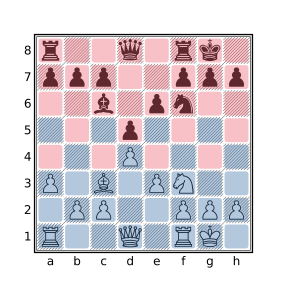
In the above diagram, the squares attacked by white pieces are highlighted in blue and the squares attacked by black pieces are highlighted in red (this is a very unusual position in that all squares are attacked by exactly one side). The query:
. attackedby Awill yield the set of squares attacked by white pieces (those shown in blue above) and:
. attackedby awill yield the set of squares attacked by black pieces (those shown in red above). The following query was used to find a position where all squares were attacked by exactly one side:
. attackedby A & . attackedby a == []
. attackedby A | . attackedby a == 64
Note that X attackedby Y will match the position only when Y attacks X would (and vice versa) but the result of these filters is not the same: the former yields the set of squares attacked while the latter yields the pieces which attack these squares. For example:
A attacks kwill yield the squares occupied by white pieces which attack the black king but:
k attackedby Awill yield the square on which the attacked king resides. The following query will find squares on Black’s side of the board that are attacked by White but not defended by Black:
a-h5-8 & (. attackedby A & ~ . attackedby a)To find undefended black pieces attacked by White use:
a attackedby A & ~ a attackedby aThe below query will find underdefended black pieces attacked by White:
square sq in a {
    a attacks sq
    #A attacks sq > a attacks sq
}
The attackedby and attacks filters have a higher precedence (bind tighter) than most other operators including the &, |, and ~ set filters, comparison filters, and the cardinality filter (#). Consequently, queries such as a attackedby A & ~ a attackedby a and #A attacks sq > a attacks sq used above need not be parenthesized to obtain the expected meaning.
See Calculating Effective Attackers for examples of how to exclude pinned attackers and/or include battery attackers.
CQL 6.1 allows the attackedby filter to be spelled using two tokens: attacked by. For backwards-compatibility CQLi does the same.
The black, white, btm, wtm, and sidetomove Filters
The btm, wtm, and sidetomove filters provide information about the side to move in the current position. The btm filter yields true if it is Black to move and the wtm filter yields true if it is White to move, these filters yield false otherwise. The sidetomove filter yields the value of either black or white corresponding to the side that has the move. black and white are numeric filters that always yield the values -1 and 1 respectively.
The btm and wtm filters are provided for convenience, the same behavior can be achieved with sidetomove, e.g. sidetomove == white to determine if White has the move. The sidetomove filter is useful when using position relationship filters to determine if two different positions have the same side to move.
The check, mate, and stalemate Filters
The check, mate, and stalemate filters yield true if the current side to move is in check, is checkmated, or is stalemated, respectively. The side to move is considered to be in check if said side’s king is attacked by an opposing piece. For Standard chess, the check filter is equivalent to:
flipcolor { wtm and K attackedby a }The side to move is considered to be checkmated when the said side’s king is in check and no legal moves are available. For Standard chess, the mate filter is equivalent to:
check and move legal count == 0The side to move is stalemated when there are no legal moves available and the king is not in check. The stalemate filter is equivalent to:
not check and move legal count == 0Note that some chess variants supported by CQLi have different notions of what constitutes check, mate and/or stalemate. For example, some variants allow pawns to be promoted to kings which are not subject to check. See Behavior of check, mate, and stalemate with Variants for details of how these filters work with such variants.
Examples
The below query will find checkmates delivered via a discovered double check:
mate
flipcolor { wtm a attacks K > 1 }
To find smothered mates (defined here as mate delivered by an opposing knight where the king is surrounded by friendly pieces preventing its potential escape), the below query may be used:
mate
flipcolor {
    wtm
    [_a] attackedby K == []
}
The below query will find stalemates that occurred as the result of a pawn promoting to a queen:
stalemate
move previous promote Q
An example of such a game is:
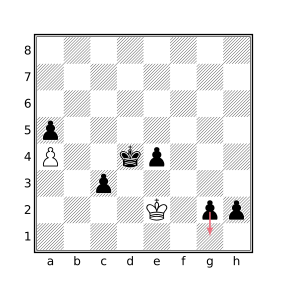
Black played 57...g1=Q?? stalemate. Black could have mated in 3 by instead playing 57...g1=R or 57...h1=Q.
The following query will find positions where the side to move has at least 4 legal moves but all of them, save one, results in stalemate:
(move count legal == move count legal : stalemate + 1) > 3Here is one such position found by this query:
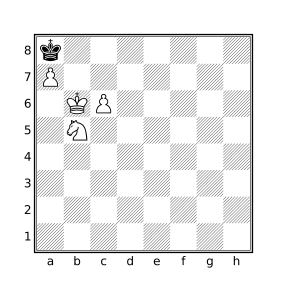
There are 10 legal moves by White in the above position, 9 of which are stalemate, the remaining move is checkmate. The correct move is Nc7#, in the actual game White played 50.Ka5??.
The colortype and type Filters
The colortype and type filters each accept a single Set operand. If this operand does not consist of exactly one square, the filter does not match the position. Otherwise the result is a numeric value representing the piece type (for type) or piece type and color (for colortype) present on the specified square. The numeric values used to represent piece types by the type filter is given in the below table:
| Piece Type | Type Value |
|---|---|
| None / Empty | 0 |
| Pawn | 1 |
| Knight | 2 |
| Bishop | 3 |
| Rook | 4 |
| Queen | 5 |
| King | 6 |
The colortype filter additionally encodes piece color information in the result by negating the type value for black pieces. For example, a white rook will be represented with the value 4 by colortype and a black rook with the value -4; type would yield a result of 4 in both cases.
The typical use case of these filters is to check if the piece or piece type present on two squares or in two positions are the same.
The currentfen and standardfen Filters
standardfen is a String filter whose result is the representation of the current board state in Forsyth–Edwards Notation (FEN). The FEN string for the starting position in standard chess is:
rnbqkbnr/pppppppp/8/8/8/8/PPPPPPPP/RNBQKBNR w KQkq - 0 1
The first field provides a rank-major listing of piece placements starting at rank 8 with ranks separated by slashes and pieces being presented in file order within each rank. A number represents the specified number of consecutive empty squares in the rank. The second field is either w or b indicating White or Black to move, respectively. The remaining fields represent the castling permissions, the en passant target square, the halfmove clock, and the move number. A - is used to represent the complete lack of castling permissions when appearing in the third field and the lack of an en passant target square when appearing in the fourth field.
The currentfen filter is identical to standardfen except that the halfmove clock is always represented as 0 and the move number represented as 1 making currentfen more amiable for use as a dictionary key when identical board positions should produce the same key. See also Positional Intersection and the zobristkey filter for similar applications.
These filters are useful to dump matching board positions for processing by external tools outside of the PGN format.
Castling and X-FEN Format
CQLi uses the X-FEN notation to express castling rights in order to support Chess960. When the castling rook is the one closest to the corner on the back rank, the standard KQ/kq notation is used. Otherwise, the names of the files corresponding to the castling rooks are used (uppercase for White, lowercase for Black). For Standard chess games, the castling rooks will always be in the corner (since that is where they start and they cannot be used for castling once moved) and the KQ/kq notation will be used.
En Passant Target Square
CQLi follows the standard FEN convention for encoding the en passant square, specifically if the last move was a double pawn push, the en passant square will be populated even if there is no opposing pawn attacking this square.
Extensions Supporting Variants
The Crazyhouse variant needs to track both pocket pieces and the pieces on the board that have been promoted. This information is included in the FEN string to allow the full game state to be reconstituted. CQLi represents the pocket pieces with a bracketed list appended to the first field. Promoted pieces are represented by suffixing them with a ~ when they appear in the piece placement field. For example, the below FEN represents a position where the white queen on b8 and the black queen on f1 were both the result of pawn promotions and White has a pawn and a knight in pocket while Black has a pawn and a bishop in pocket:
rQ~b1kbnr/pp3ppp/8/2p5/5P2/8/PPPPK1qP/RNBQ1q~NR[PNpb] w kq - 0 9
In the Three-Check variant, it is necessary to track the number of remaining checks each side can be exposed to. CQLi represents this information by inserting a new field between the en passant target square field and the halfmove clock field of the form D+d where D is the number of checks that White needs to deliver against Black to win and d is the number of checks Black would have to deliver to White to win. For example, in the FEN below White can win by delivering 1 more check to Black while Black would need to deliver 3 checks to White to win via check:
5k2/p7/1p6/3B2P1/3P1rp1/b1P2P2/P5K1/7R w - - 1+3 4 34
The fen Filter
If the fen filter is not immediately followed by a string literal, it behaves the same as currentfen. Otherwise the provided string literal must contain the piece placement portion of a FEN string where the characters A, a, ., and _ may be used in addition to the standard piece characters allowed in a FEN string with their usual meaning in CQL. FEN strings are checked at parse time and an invalid string argument will result in a parse error.
The fen filter matches the position if the pieces on the board in the current position correspond to the provided FEN string. For example:
fen "k7/8/NKB5/8/8/8/8/8"will match the position:
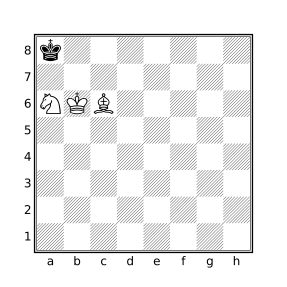
The FEN string is subject to manipulation by enclosing flipcolor, reversecolor, and dihedral transform filters. For example:
flipcolor fen "k7/8/NKB5/8/8/8/8/8"will also match the position:
and the query:
flipcolor flip fen "k7/8/NKB5/8/8/8/8/8"will match any of the following 16 FEN strings (these can be seen when using the --parse option to show the transformed query tree):
k7/8/NKB5/8/8/8/8/8
8/8/8/8/8/5B2/5K2/5N1k
8/8/8/8/8/NKB5/8/k7
8/8/8/8/8/2B5/2K5/k1N5
7k/8/5BKN/8/8/8/8/8
5N1k/5K2/5B2/8/8/8/8/8
8/8/8/8/8/5BKN/8/7k
k1N5/2K5/2B5/8/8/8/8/8
8/8/8/8/8/nkb5/8/K7
5n1K/5k2/5b2/8/8/8/8/8
K7/8/nkb5/8/8/8/8/8
K1n5/2k5/2b5/8/8/8/8/8
8/8/8/8/8/5bkn/8/7K
8/8/8/8/8/5b2/5k2/5n1K
7K/8/5bkn/8/8/8/8/8
8/8/8/8/8/2b5/2k5/K1n5
In most cases, it is easier and clearer to use piece designators to specify desired piece arrangements but the fen filter is convenient when looking for positions that match a FEN string copied from a chess program, online game, or other electronic media. See also the –fen option.
The halfmoveclock Filter
The halfmoveclock filter yields the current value of the halfmove clock, an integer that represents the number of halfmoves (plies) for which no captures or pawn moves have been made. By default, all games start with a halfmove clock initialized to zero. Games may specify a different initial value by using the FEN PGN tag which will be honored by CQLi.
The following query will find positions where a valid claim fifty-move rule claim becomes available, i.e. each side has made 50 moves without a capture or pawn push and the side to move is not mated or stalemated:
halfmoveclock == 100
move legal
The movenumber Filter
The movenumber filter yields the move number of the current position. Move numbers start at 1 unless the FEN PGN tag specifies a valid alternate starting move number in which case the initial position starts at the specified move number. The move number is incremented after each move by Black, regardless of the side to move in the initial position. The movenumber filter always matches the position. The query below will find games that end before move 20:
terminal
movenumber < 20
Pawn Structure Query Filters
A group of two or more pawns of the same color on adjacent files are connected. The group must span at least two files and consists of all of the pawns in the adjacent files. A pawn is isolated if there are no friendly pawns in an adjacent file.
A group of two or more pawns of the same color on a single file are doubled. The pawns in the group need not occupy adjacent ranks. A pawn that has no opposing pawns in front of it on the same or adjacent file (i.e. a pawn that can keep it from advancing) is a passed pawn.
The connectedpawns filter evaluates to the set of squares occupied by connected pawns on both sides. The doubledpawns, isolatedpawns, and passedpawns filters similarly evaluate to the set of squares occupied by doubled pawns, isolated pawns, and passed pawns, respectively.
A pawn query can be isolated to a particular side by using the bitwise and operator &. For example, the query
passedpawns & pwill yield the set of squares occupied by passed black pawns. The query
doubledpawns & a-d1-8will yield the set of queen side doubled pawns. Connected passed pawns can be found using
connectedpawns & passedpawnsNote that every pawn is either isolated or connected so
isolatedpawns & connectedpawnswill always evaluate to the empty set and
isolatedpawns | connectedpawns == [Pp]will always be true.
In the diagram below, the connected pawns are highlighted in blue and the isolated pawns are highlighted in red.
In the following diagram, passed pawns are highlighted in blue and doubled pawns in red.
The pawn on a7 is both passed and doubled so it is highlighted twice.
Equivalent filters
The pawn structure query filters do not provide any new functionality, the effect of each of these filters can be accomplished using existing CQL filters. Instead, these filters provide a convenient short-hand that is easier to type and understand. The functional equivalents for each of the pawns structure query filters is provided in the table below for instructive purposes. In CQLi the shorter versions are optimized and execute faster than the written out equivalent.
| Filter | Equivalency |
|---|---|
connectedpawns |
notransformflipcolor {P & horizontal 1vertical 0 7 P} |
doubledpawns |
notransformflipcolor {P & vertical P} |
isolatedpawns |
notransform[Pp] &~ flipcolorP & horizontal 1vertical 0 7 P |
passedpawns |
notransformflipcolor {P & ~down horizontal 0 1 p} |
The use of notransform in the above equivalencies is necessary to prevent undesired transformations when appearing inside of a rotate90 filter.
Querying Other Pawn Structures
Tripled and Quadrupled Pawns
Tripled pawns can be found using:
shifthorizontal flipcolor { TP = down a8 & P TP > 2 TP }Quadrupled pawns may be found by replacing TP > 2 with TP > 3 in the above query.
Advanced Pawns
A pawn that has passed its own fourth rank is sometimes referred to as an advanced pawn. Advanced pawns can be found with the query
flipcolor Pa-h5-8Fixed Pawns
A pawn that is blocked by an opposing pawn immediately in front of it is sometimes called a fixed pawn. Fixed pawns can be found using
flipcolor p & up 1 PPawn Chains
A pawn chain is two or more pawns of the same color that are diagonally adjacent. Pawn chains can be found using
flipcolor P & diagonal 1 PThe base of a pawn chain is the pawn in the chain that is not defended by another pawn. The bases of pawn chains can be located with the query
(flipcolor P & diagonal 1 P) & (flipcolor P & ~ up horizontal 0 1 P) The power Filter
The power filter takes a single Set argument S and returns a numeric value representing the sum of the power of each of the pieces that occupy the squares in S. For the purpose of this filter, each piece has a static power value, expressed in terms of the power of a pawn, given by the table below.
| Piece | Power Value |
|---|---|
| King | 0 |
| Pawn | 1 |
| Knight | 3 |
| Bishop | 3 |
| Rook | 5 |
| Queen | 9 |
power X, where X is a set filter, is therefore equivalent to:
#[Pp]&X + #[Nn]&X * 3 + #[Bb]&X * 3 + #[Rr]&X * 5 + #[Qq]&X * 9The power filter always matches the position and yields a value of zero if the provided Set is empty or there are no non-king pieces occupying the squares in Set.
A user-defined function can be employed to calculate the power of pieces using alternative piece values. For example, if rooks should be valued at 5.5 pawns, queens at 10, and bishops at 3.5, the following function can be used:
function altPower(X) {
    #[Pp]&X * 10 + #[Nn]&X * 30 + #[Bb]&X * 35 +
        #[Rr]&X * 55 + #[Qq]&X * 100
}
Because numeric values in CQL are integers, relative values need to be scaled. The altPower function therefore represents power in decipawns (tenths of a pawn) instead of pawns.
The ply Filter
The ply filter yields the ply of the current position. The ply represents the number of half-moves made since the initial position. The ply starts at zero for the initial position (regardless of the move number specified by an optional PGN FEN tag) and is incremented by one for each half-move played by either side.
The following query will find games with a length of at least 200 ply (at least 100 moves played by each side):
ply == 200Note that this will not limit matches to games with exactly 200 ply but rather match any games that have a position where ply is 200. Using ply >= 200 will achieve the same results except that every position above ply 200 will be commented instead of just the position at ply 200 (the --quiet or --matchstring="" options may be used to prevent matched positions from being commented at all). To find games that end at a particular ply, use terminal to match the desired ply at the terminal position, e.g.:
terminal
ply == 200
Changing == in the above query to >= will find all games with 200 plies or more and comment only the terminal position instead of the position that represents the 200th ply.
Note that an even ply typically represents a position where it is White to move and an odd ply Black to move but this is not always the case. If the game contains a FEN tag that specifies Black to move in the starting position, even plies will correspond to Black-to-move positions. Use the wtm and btm filters to determine which side has the move.
The promotedpieces Filter
The promotedpieces filter yields the set of squares occupied by promoted pawns. For example, the query:
promotedpieces & Q
promotedpieces & q
will match positions where both sides have a promoted queen on the board.
Tracking of promoted pieces is necessary for the Crazyhouse variant (captured promoted pieces are dropped as pawns instead of the promoted piece type) but CQLi performs promoted piece tracking for all variants.
The zobristkey Filter
CQLi maintains a 64-bit Zobrist hash key for each position, the zobristkey filter yields a string containing the hexadecimal representation of this value for the current position.
A Zobrist hash is calculated by XORing predefined 64-bit keys that correspond to characteristics of the current board state. Invented by Albert Zobrist, this simple but effective method is fast to calculate and produces significantly different values for similar positions, providing positional keys that are all but guaranteed to be different for different positions in a game (like all hashing methods, collisions are possible but it is extremely unlikely for different positions in a recorded game to have the same Zobrist hash) and guaranteed to be identical for identical positions even in different games.
The Zobrist hash incorporates the following pieces of board state into the hash key:
- The piece type and color present on each square.
- Castling permissions for each side.
- En-passant capture rights.
- The side to move.
- The pieces each side has in their pocket (only used for the Crazyhouse variant).
For the purpose of calculating the Zobrist hash, the side to move is considered to have “en passant capture rights” if the last move was a double-pawn push and the side to move has a pawn that attacks the square behind this pawn, even if en passant capture would otherwise be illegal (e.g. because the pawn is pinned).
In particular, the ply, move number, and half-move clock (i.e. number of half-moves since the last capture or pawn push) do not influence the value of the Zobrist key making it an effective mechanism to detect positional repetition which is how such detection is commonly employed by chess engines. See Detecting 3-fold Repetition for an example of how this can be accomplished using the zobristkey filter.
Polyglot Compatibility
For Standard chess, CQLi produces Polyglot-compatible hash keys which means the produced hash will match the keys used by Polyglot opening books and the zobristkey filter can be used to look for position matching a Polyglot hash. For Crazyhouse, CQLi will hash pocket pieces using its own keys making Zobrist keys for this variant unique to CQLi. No other variants introduce new state information into the Zobrist hash.
A Note About Collisions
While it is guaranteed that two identical positions will have the same Zobrist key, it is possible that two different positions also produce the same key, this is called a hash collision. The likelihood of hash collisions is directly related to the size of the hash and the number of keys generated. With the 64-bit hash employed for Zobrist keys a collision would be expected about once in every few billion keys. In practice this is rarely a concern. For an application that is not able to tolerate the possibility of collisions of this frequency, a full or partial fen string may be used. Using FEN strings as keys takes more space (because FEN strings are larger than Zobrist hashes) and the currentfen filter is slower than the zobristkey filter because FEN strings are calculated on demand while Zobrist keys are not.
Board Geometry Filters
Direction Filters
A direction filter consists of a basic or compound direction keyword followed by an optional range and a Set target filter. The result is the set of squares that can be reached by moving in the specified direction from any of the squares in the target set. If an optional range is provided, only the squares that can be reached in a number of steps enclosed by the range are included, a range of 1 7 is implied if not provided. If the range includes 0, the squares in the target set are included in the result. Negative values included in the range represent squares that can be visited by moving in the opposite direction.
The eight basic directions are: up, down, left, right, northeast, northwest, southeast, and southwest. The compound directions and their component directions are given in the below table.
| Compound Direction | Component Directions |
|---|---|
vertical |
up, down |
horizontal |
left, right |
orthogonal |
vertical, horizontal |
maindiagonal |
northeast, southwest |
offdiagonal |
northwest, southeast |
diagonal |
maindiagonal, offdiagonal |
anydirection |
orthogonal, diagonal |
Examples
orthogonal d4
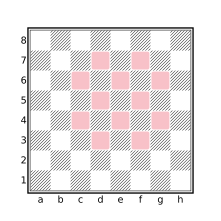
diagonal 1 orthogonal 1 e5
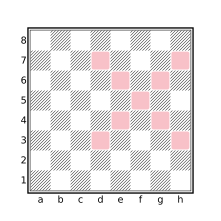
diagonal 0 2 f5
![anydirection 1 [Kk]](../assets/figures/diagram-425cb24fe0dab686.svg)
anydirection 1 [Kk]
The between Filter
The between filter takes two Set arguments, set1 and set2, and returns the set of squares that are between any two squares S1 and S2 where S1 is a square in set1 and S2 is a square in set2. A square S is between two squares S1 and S2 if S is present in the set that results from evaluating the query anydirection sq1 & anydirection sq2. In other words, if S is traversed when starting on S1 and moving in a single direction to reach S2 then S is between S1 and S2. Similarly, if S1 can be reached by moving in a single direction from S and S2 can be reached by moving in the opposite direction from S, then S is between S1 and S2.
The below diagram shows the result of the query between([a1,a3,g1] a-h8).
![Squares between [a1,a3,g1] and a-h8](../assets/figures/diagram-3afc349af607fd45.svg)
[a1,a3,g1] and a-h8
The dark and light Filters
The light and dark filters each accept a single Set argument and yield the set of light or dark squares, respectively, contained in the provided set. For example:
dark [Bb]represents the squares on which dark-squared bishops reside and:
move to light . legal from Rrepresents the light squares on which a white rook may legally move in the current position.
The meanings of dark and light are influenced by color transforms (see Transform Filters). For example:
flipcolor dark [Aa] == [Aa]will match any position where all pieces of both sides reside either on light squares or dark squares.
The file and rank Filters
The file and rank filters each take a single Set argument. If the set argument contains exactly one square, the result is the numeric value of the corresponding file or rank of the square, respectively, otherwise these filters yield None. The numeric values returned by these filters are in the range 1-8 with file a having the value 1 and file h having the value 8.
For example, the Chebyshev distance (the minimum number of king moves needed to move between two squares) between two squares sq1 and sq2 is given by the query:
max( abs(file sq1 - file sq2) abs(rank sq1 - rank sq2) )The makesquare Filter
The makesquare filter accepts either a single String argument or two Numeric arguments, and yields a set value representing the square corresponding to its argument(s) or an empty set if the provided input is not valid.
makesquare with a String Argument
A string argument represents a square if it consists entirely of two characters, the first being a lowercase letter between a-h and the second being a digit between 1-8. For example, “c4” and “h7” represent valid squares but “C4”, “c 4”, and “4c” do not. Thus:
makesquare "f6" == f6
makesquare "f6x" == []
makesquare with Numeric Arguments
This form of the makesquare filter accepts a parenthesized argument list consisting of two Numeric values, the first specifying the file and the second specifying the rank. Valid values for file and rank, and their corresponding meaning, is the same as the values returned by the file and rank filters. If both arguments have valid values (numbers between 1 and 8), the result is a set value representing the corresponding square, otherwise the result is an empty set. Thus:
makesquare(1 3) == a3
makesquare(6 1) == f1
makesquare(0 3) == []
makesquare(3 9) == []
Ray Filters
A ray is a set of squares in a straight line formed by starting at a given square and moving forward in one of the eight basic directions. A ray is distinguished from a line in that the former implies a direction while the latter does not.
CQL provides three ray filters which search for pieces arranged in specific patterns along a ray on the chess board: ray, xray, and pin. The ray filter is the most general of these filters and can be used to find any arrangement of pieces along a ray. The xray filter is similar but sequences are limited to those where the first piece in the ray is a sliding piece that can move in the direction of the ray. pin is a filter specialized for finding and reporting pieces that are pinned against another piece or square by an opposing sliding piece.
The ray Filter
ray[direction …](Set1Set2 …)⇒ Set
The ray filter accepts zero or more directions followed by a parenthesized list of two or more Set filters. directions may be any simple or compound directions, a default of anydirection is used if no direction is provided. The result of the ray filter is the set of squares on which matching rays terminate. Matching rays are those that begin on a square in Set1 and, moving in a prescribed direction, consecutively include a square in each successive set Seti in the list of provided sets with only unoccupied squares being allowed to appear between successive sets.
Some examples of ray filters include:
ray (A a A a)           // Four pieces in a line of alternating color
ray diagonal (B n k)    // White bishop pinning a black knight
ray up (R [Pp] r)       // Opposing rooks on a file separated by a pawn
The following query will match any position for which there is an orthogonal ray containing two white rooks, a black queen, and a black king, in that order, without any other pieces in between, i.e. a rook battery pinning the black queen to its king:
ray orthogonal (R R q k)Such a situation occurs in the following position:
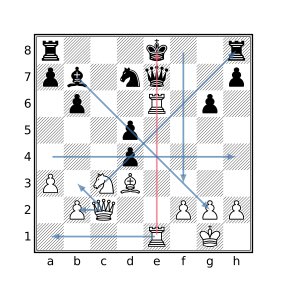
The table below contains other examples of rays shown in the above diagram.
| Ray Example | Ray Start | Ray End |
|---|---|---|
ray(Q b3) |
c2 |
b3 |
ray(Q b2) |
c2 |
b2 |
ray(N p r) |
c3 |
h8 |
ray(a4 a h4) |
a4 |
h4 |
ray(e1 c1 a1) |
e1 |
a1 |
ray(b _ . _ A) |
b7 |
g2 |
ray down (_ _ _ _ _ _) |
f8 |
f3 |
The filter ray(r r) would not match the position in the above diagram because of the presence of the black king between the two black rooks, only empty squares may appear between the consecutive set arguments in the ray filter.
A single ray filter may match multiple rays in which case the result will be the set of the endpoints of all matching rays. For example, ray(p p) matches rays ending on squares a7, b6, g6, a7, and h7. The filter ray right (a1 _) will also match multiple rays ending on squares b1, c1, and d1 as empty squares may appear between the squares specified by a1 and _.
The result of the ray filter represents the end of the matching rays, to obtain the beginning of matching rays simply reverse the set arguments (and possibly the direction) of the ray filter, e.g. ray orthogonal (k q R R) instead of ray orthogonal (R R q k).
The xray Filter
xray(Set1 …Setn)⇒ Set
The xray filter finds pieces along a ray such that a sliding piece in Set1 would attack a square in Setn if the squares between them were unoccupied. The result of the xray filter is the set of squares on which matching rays terminate. Matching rays must consecutively consist of a square in each successive set Seti in the list of provided sets with only unoccupied squares being allowed to appear between successive sets.
The colors of the pieces involved are not significant, it is not even required that pieces reside on any of the squares except a square in Set1.
The following query looks for a white rook that x-rays a black queen through a white knight such that the knight can move to a square not attacked by Black and simultaneously check the black king:
xray(R (move from N to ~(. attackedby a): check) q)The second argument to the xray filter in the above query uses the speculative move filter to find moves by white knights to squares not attacked by Black that also result in check. The result of the move filter is the set of squares on which matching knights reside since the first parameter to the move filter is from.
One position matching this query is:
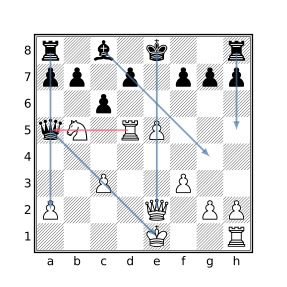
In the above diagram, the matching xray is shown in red (the move 1.Nd6+ wins the black queen), some other examples of xrays are shown with blue arrows.
Note that an xray filter of the form
xray (S1 …Sn)
is functionally equivalent to:
ray orthogonal ((S1&[RrQq])…Sn)
| ray diagonal ((S1&[BbQq])…Sn)
The pin Filter
pin[fromSet] [throughSet] [toSet] ⇒ Set
A pin is induced from a piece Px on square Sx through a piece Py on square Sy to a square Sz when all of the following are true:
- Px attacks Py
- Px and Py are opposite colors
- Sz is not attacked by Px but would be if Py were not present on Sy
- Sz is unoccupied or is occupied by a piece of the same color as Py
In such a case, Py is said to be pinned to Sz by the pinning piece Px. Note that only sliding pieces (bishops, rooks, and queens) can induce a pin. Px attacks Py if Py would be in check by Px if Py were a king. In particular, Px attacks Py even if Px is itself pinned. It can be inferred from the above definition that Sx, Sy, and Sz must be distinct squares.
The pin filter finds pins where the from, through, and to squares each match a particular set of squares specified by the optional from, through, and to parameters. A default value of [Aa] is used for each of from and through if not provided and a default value of [Kk] is used for to if not provided, the result of which is to find absolute pins.
The pin filter is a set filter with a value that depends on the first parameter provided to the filter. If from is specified first, the result is the set of squares occupied by the pinning pieces matching the pin filter. If to is specified first, the result is the set of squares to which the pinned pieces matching the pin filter are pinned. Otherwise, if through is specified first or if no parameters are specified, the result is the set of squares occupied by pinned pieces matching the pin filter.
When no parameters are provided,
pinis equivalent to
pin through [Aa] from [Aa] to [Kk]which has a value corresponding to the squares of pieces pinned to their king. The filter
pin from [Aa]is equivalent to
pin from [Aa] through [Aa] to [Kk]and finds the same pins as pin but has a value of the squares occupied by the pinning pieces instead of the pinned pieces.
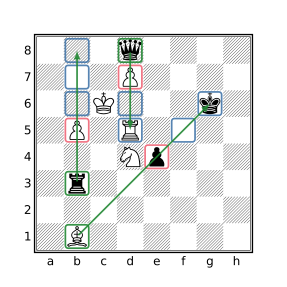
In the above diagram, there are 3 pinning pieces (highlighted in green) that each pin a single opponent piece (highlighted in red). The squares the pinned pieces are pinned to are highlighted in blue. The black rook on b3 pins the white pawn on b5 to the squares b6, b7, and b8 even though there are no pieces on those squares and pawn cannot currently move to another file. The black queen on d8 pins the white pawn on d7 to d6 and d5. The pawn is not pinned to d4 because if the pawn were removed, the queen would not attack d4. The white bishop on b1 pins the black pawn on e4 to the empty f5 square and the king on g6 but not to the square h7 which would not be attacked by the bishop even if the pawn were removed.
The rook on b3 does not pin the bishop on b1 because even though the rook attacks the bishop, there is no square Sz along the ray of attack that is not attacked by the rook but would be if the bishop were removed (because the bishop is on the edge of the board).
Using the pin filter without any parameters in the diagrammed position will find just the black pawn pinned to the black king. To find all of the pins shown, the query
pin to .can be used which is equivalent to
pin to . from [Aa] through [Aa]Note that for the purposes of the pin filter, kings may be pinned (may occupy a square in the through set) despite the fact that such a situation would ordinarily be referred to as a skewer as an attacked king cannot legally remain in check.
Metadata Filters
The filters described in this section allow access to PGN game metadata including tag values, ordinal position of the game within the PGN file, and the recorded game result.
The tag, settag, and removetag filters support querying, modifying, and removing PGN tags.
Convenience filters provided for extracting information from standard PGN tags include elo, event, player, result, site, and year.
The gamenumber filter yields the index of the current game within the PGN file and the result filter supports querying of the recorded game result.
The result Filter
The result filter takes a single argument representing a game disposition and yields a Boolean value indicating whether the game terminated with the specified disposition. The valid arguments for the result filter are: 1-0 or "1-0" indicating a win for White, 0-1 or "0-1" indicating a win for Black, 1/2-1/2 or "1/2-1/2" indicating a draw, and * or "*" indicating an incomplete game. The result filter yields true if the specified disposition matches the disposition of the current game and false otherwise.
The game termination token, not the value of the Result PGN tag, is used to determine the game’s disposition. To obtain the value of the Result PGN tag (which should match the game termination token), use tag "Result".
The following query will detect and report conflicts between a game’s termination token (via the result filter) and either the result recorded in the Result tag or the game’s actual disposition (checkmate, stalemate, variant-specific win, etc).
cql()
mainline
terminal

$result_str = "*"
if result 1-0 then $result_str = "1-0"
else if result 0-1 then $result_str = "0-1"
else if result 1/2-1/2 then $result_str = "1/2-1/2"

if ($result_tag = tag "Result") and $result_tag != $result_str {
    message("Value of Result tag ('" $result_tag
        "') is inconsistent with game termination token '"
        $result_str "'")
}

$cur_side = if wtm then "white" else "black"
$off_side = if wtm then "black" else "white"

if variantwin {
    if flipcolor { wtm not result 1-0 }
        message("Game termination token '" $result_str
        "' inconsistent with result of variant win by " $cur_side)
}
else if variantloss {
    if flipcolor { wtm not result 0-1 }
        message("Game termination token '" $result_str
        "' inconsistent with result of variant loss by " $off_side)
}
else if variantdraw {
    if flipcolor { wtm not result 1/2-1/2 }
        message("Game termination token '" $result_str
        "' inconsistent with result of variant draw")
}
else if stalemate {
    if not result 1/2-1/2
        message("Game termination token '" $result_str
        "' inconsistent with result of stalemate")
}
else if mate {
    if flipcolor { wtm not result 0-1 }
        message("Game termination token '" $result_str
        "' inconsistent with result of checkmate by " $off_side)
}

false
Tag Filters
Tag filters operate on the tag pairs appearing before the move text section of a PGN file.
The Standard Tag Filters
The standard tag filters are date, eco, event, eventdate, site, and player.
When not immediately followed by a string literal, these filters yield a String whose value is the value of the current game’s corresponding tag, as shown in the below table.
| Filter | Tag |
|---|---|
date |
Date or UTCDate |
eco |
ECO |
event |
Event |
eventdate |
EventDate |
site |
Site |
player |
White and Black |
If the corresponding tag does not appear in the current game, the filter does not match the position. The date filter will yield the value of either the Date or UTCDate tag, preferring Date if present. The player filter may optionally be followed by the white or black keyword. The filter player white will yield the value of the White tag and player black the value of the Black tag. If player is not followed by black or white, the result is equivalent to:
notransform { player white + \n + player black }Any of the standard tag filters may be immediately followed by a string literal in which case the filter yields a Boolean value indicating whether the value of the string literal appears within the value of the corresponding tag. E.g. site "X" is equivalent to "X" in site.
The year Filter
The year filter yields a Numeric result that corresponds to the year provided in either the Date or UTCDate PGN tag for the current game. If neither of these tags is present or a valid year could not be extracted from the tag, the year filter will not match the position. For example, to limit games to those played between 2000 and 2005 use:
2000 <= year <= 2005The elo Filter
The elo filter exposes information from supplemental tags in the tag pair section of the PGN game related to player ratings. If the token following elo is black or white, the filter evaluates to the numeric rating of the corresponding player. If the rating for the requested player is not available, the filter does not match. If elo is not followed by black or white, the filter yields the rating of the higher-rated player if the ratings for both players are present and does not match the position otherwise.
Ratings are traditionally supplied via the WhiteElo and BlackElo tags but this is not universal and several other tags are commonly used to provide this information. When parsing a PGN game, the rating of each player is taken from the first tag in the below table that contains a numeric value. If no matching tag is encountered, the rating for that player is considered to be unavailable.
| White | Black |
|---|---|
WhiteElo |
BlackElo |
WhiteRating |
BlackRating |
WhiteRapid |
BlackRapid |
WhiteICCF |
BlackICCF |
WhiteUSCF |
BlackUSCF |
WhiteDWZ |
BlackDWZ |
WhiteBCF |
BlackBCF |
The tag Filter
The tag filter accepts a single string argument which specifies the name of the PGN tag to inspect, and yields a string value corresponding to the value of the specified tag in the current game. If the specified tag is not present for the current game, the filter yields None.
The tag filter operates on the tags present in the PGN file, changes to tags via the settag or removetag filters are not reflected in the evaluation of tag as these changes are not realized until after the game has been processed.
The settag Filter
The settag filter accepts a parenthesized argument list consisting of two string filters. The first string filter argument is the tag name and the second string argument is the tag value. This filter sets the value of the specified tag, creating the tag if it was not originally present in the PGN file. The new tag value is included in the output PGN written by CQLi.
The PGN format requires that tag names consist exclusively of letter, digit, and underscore characters. If the name specified by the settag filter consists of characters besides A-Z, a-z, 0-9, or _, the filter yields false without making any changes. Existing tags with such invalid names may be queried with the tag filter and removed with the removetag filter but may not be created or modified via settag.
Caution should be exercised when using settag to set the value of standard tag names as this may cause problems when read by other PGN-processing software. In particular, setting the value of the standard tag FEN is likely to elicit errors from chess software if the value of this field does not correctly portray the initial position of the game.
The PGN standard forbids the use of non-printing characters in tag values. CQLi will replace carriage return and linefeed characters appearing in the second argument to settag with spaces but will not prevent other non-printing characters from being used in a tag value. The PGN specification also limits tag values to “255 characters of data”, as a result some chess software may have difficulty reading tag values that exceed 255 bytes.
Note that settag does not employ smart-comment-like semantics. The effects of a previously evaluated settag filter will be realized even if the same position later fails to match.
If the –nosettag option is specified, the settag filter behaves as described above except that the change is not represented in the corresponding output PGN file.
Examples
The following query will set the tag PlyCount to the number of plies in the mainline:
cql(quiet)
mainline
terminal
settag("PlyCount" str ply)
The query below will set the tag TotalPlyCount to the total number of plies across all variations, i.e. the total number of moves or the total number of positions not counting the initial position.
cql(variations quiet)
initial
settag("TotalPlyCount" str find all true - 1)
The next query will set the tag MaxPly to the largest ply of any position across all variations. The echo filter will evaluate its target filter at every position. When the target of an echo filter is a Numeric filter, the result is the value of the largest evaluation at any of the processed positions. The target filter yields the ply of all terminal positions and the result of the enclosing echo filter is the largest of these values. The in all parameter is used to include the initial position in set of positions evaluated by echo so that a game without any moves will have a MaxPly value of 0 instead of <None>.
cql(variations quiet)
initial
settag("MaxPly" str echo(x y) in all { terminal ply })
The removetag Filter
The removetag filter accepts a single string argument representing a tag name. The specified tag will be removed from the current game when written to the output PGN file unless a later evaluation of a settag filter specifies a value for the same tag name. If there is no tag of the specified name to remove (either appearing in the original PGN content or previously added with settag), the removetag filter has no effect. The removetag filter always yields true.
Caution should be exercised when using removetag with standard tag names as this may cause problems when read by other PGN-processing software. In particular, removing the value of the standard FEN or SetUp tags is likely to elicit errors from chess software if the game does not start from the expected starting position.
Note that removetag does not employ smart-comment-like semantics. The effects of a previously evaluated removetag filter will be realized even if the same position later fails to match.
If the –noremovetag option specified, the effects of the removetag filter are not honored.
The Gametree Filters
Synopsis
ancestor(Position Position)⇒ Boolean
child⇒ Position
child(Number)⇒ Position
currentposition⇒ Position
depth⇒ Number
descendant(Position Position)⇒ Boolean
distance(Position Position)⇒ Number
initial⇒ Boolean
initialposition⇒ Position
lca(Position Position)⇒ Position
mainline⇒ Boolean
parent⇒ Position
positionNumber ⇒ Position
positionid⇒ Number
terminal⇒ Boolean
variation⇒ Boolean
virtualmainline⇒ Boolean
The Game Tree
A chess game forms a tree with nodes representing individual positions and edges that connect two nodes representing the moves that transitions from one position to another. When there are no variations, this tree is flat with each node having at most one child and a single path from the initial position to the last position. The PGN format provides a syntax for specifying variations (alternate moves) by enclosing moves corresponding to the variation in parentheses. Variations can be nested and the resulting game tree may have many branches consisting of nodes with two or more children.
For example, given the PGN game
1.e4 (1.d4 Nf6 (1...d5) 2.c4) 1...c5 (1...e5) (1...e6 2.d4 (2.d3) 2...c5 (2...d5))
the corresponding tree representation will look something like:
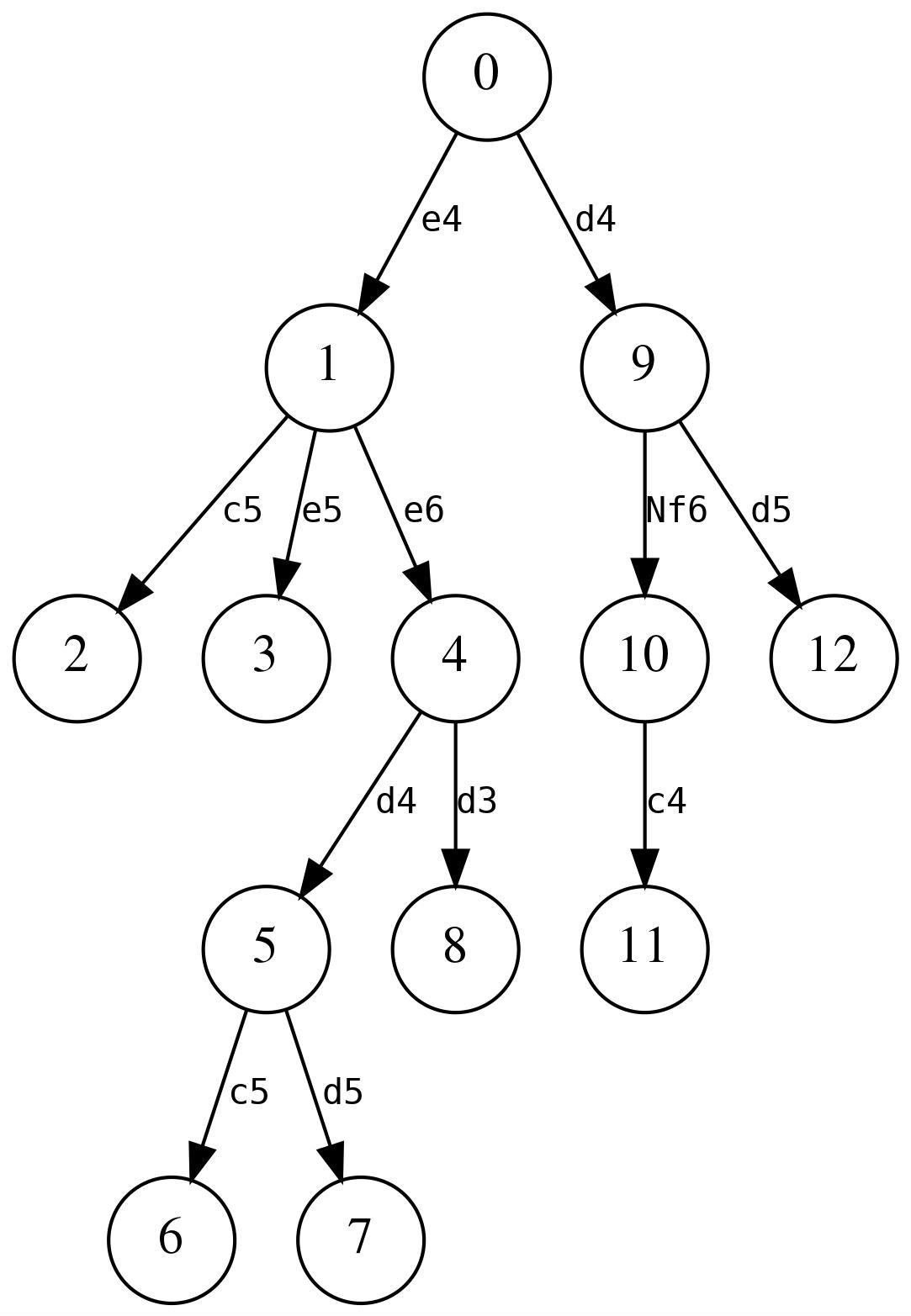
The number in each node is the position id which is the number that CQL assigns to each position in a game and reflects the order in which positions are visited during game traversal.
The position with position id 0 represents the initial position of the game. Each non-initial position has exactly one parent which is the position that immediately precedes it. Each position contains zero or more children which represent positions reachable from it with a single move. In the figure above, the initial position has two children, positions 1 and 9, and the parent of both of these children is position 0.
Given two positions A and B occurring in a game, A is considered to be an ancestor of B if A can be reached from B by iteratively traversing parent nodes, starting at B. In other words, if and only if there exists a sequence of one or more moves, starting at A, that reaches B, then A is an ancestor of B. The initial position is an ancestor of all other positions. In the above diagram, position 1 is an ancestor of positions 2-8, position 4 is an ancestor of positions 5-8, etc. Position B is called a descendant of A if A is an ancestor of B.
The Comparison Filters may be used to check for ancestral relationships. The filter A < B matches the position when A is an ancestor of B and A > B matches when A is a descendant of B. The filters A <= B and A >= B will also match when A and B are the same position.
If a position does not have any children (there are no recorded moves at the position), the position is called a terminal position. The first move specified at a position is called the primary move and any alternate moves specified are called secondary moves. The initial position and all positions reachable from it via primary moves are called mainline positions, all other positions (those that require traversing a secondary move to reach) are called variation positions. In the above diagram, the left-most child always represents the position reached from its parent via the primary move and all other children are reached via secondary moves. In the diagram below, terminal positions are represented by double-circled nodes and mainline positions are highlighted in green.
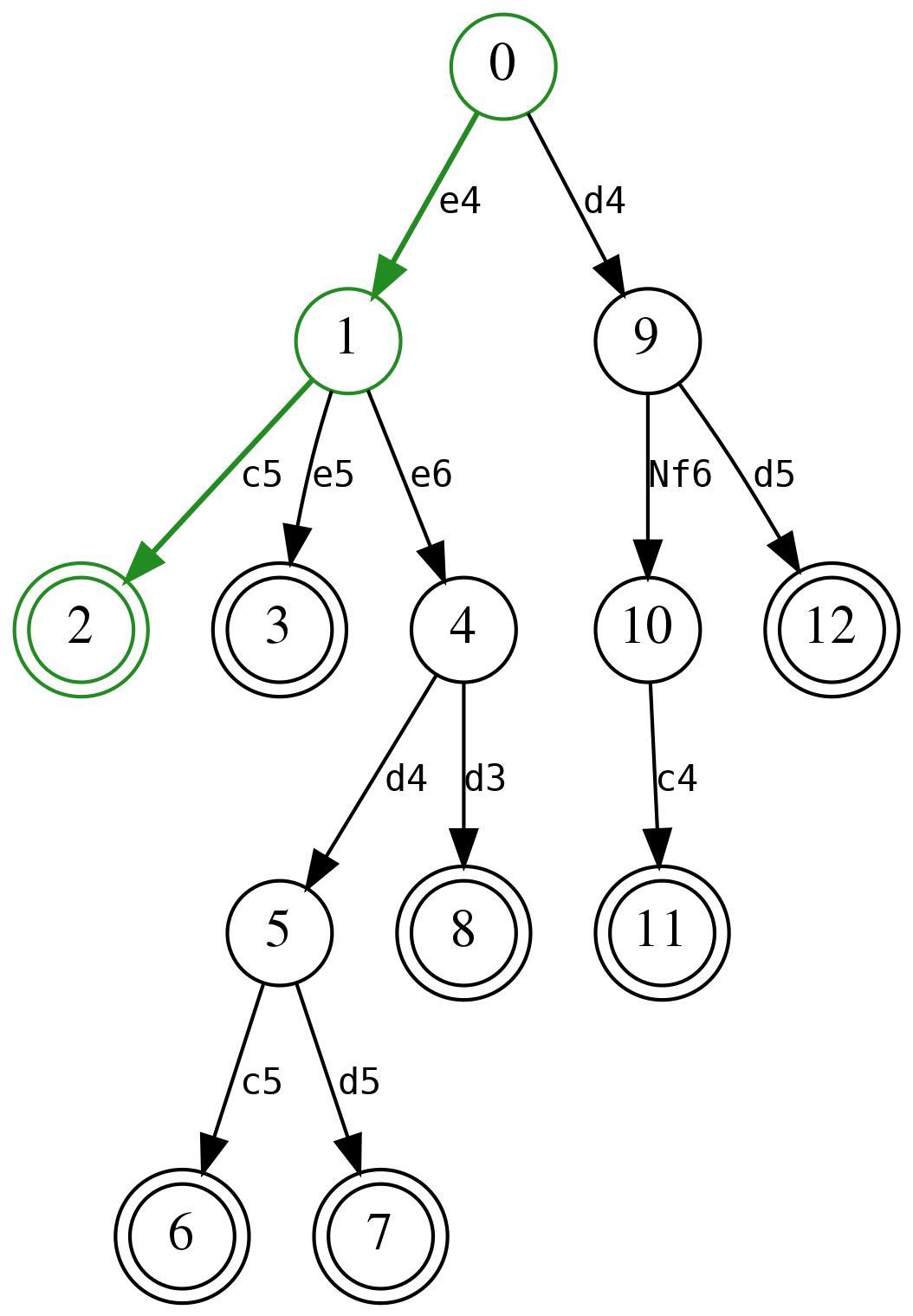
1.e4 (1.d4 Nf6 (1…d5) 2.c4) 1…c5 (1…e5) (1…e6 2.d4 (2.d3) 2…c5 (2…d5))
The variation depth of a position is an integer that indicates how many secondary moves are traversed to reach the position from the initial position. The variation depth also corresponds to the number of unclosed parentheses at the corresponding position in the PGN file. Any position with a variation depth of zero is a mainline position.
The latest common ancestor (LCA) of two positions A and B is the position with the greatest ply that is a generalized ancestor of positions A and B. A generalized ancestor of A is either an ancestor of A or A itself. Therefore, the LCA of positions A and B will be one of: A, B, or an ancestor of both A and B. In the above figure, the LCA of positions 1 and 2 is position 1, the LCA of positions 6 and 7 is position 5, and the LCA of 4 and 9 is the initial position. The distance between two positions A and B is the sum of the number of moves that separates each of A and B from the LCA of A and B. For example, the distance between positions 4 and 9 is 3 (the integer 3, not position 3) because the LCA of positions 4 and 9 is position 0, there are 2 moves separating position 0 from position 4 and 1 move separating position 9 from position 0; the sum of which is 3.
A position is a virtual mainline position if it is a mainline position or if it can be reached from a mainline position without traversing secondary moves when it is White to move. All children of a virtual mainline position are virtual mainline positions if it is Black to move, otherwise only the position resulting from the primary move is a virtual mainline position. In the following diagram, all virtual mainline positions are highlighted in green and nodes that represent a position where it is Black to move are designated as btm.
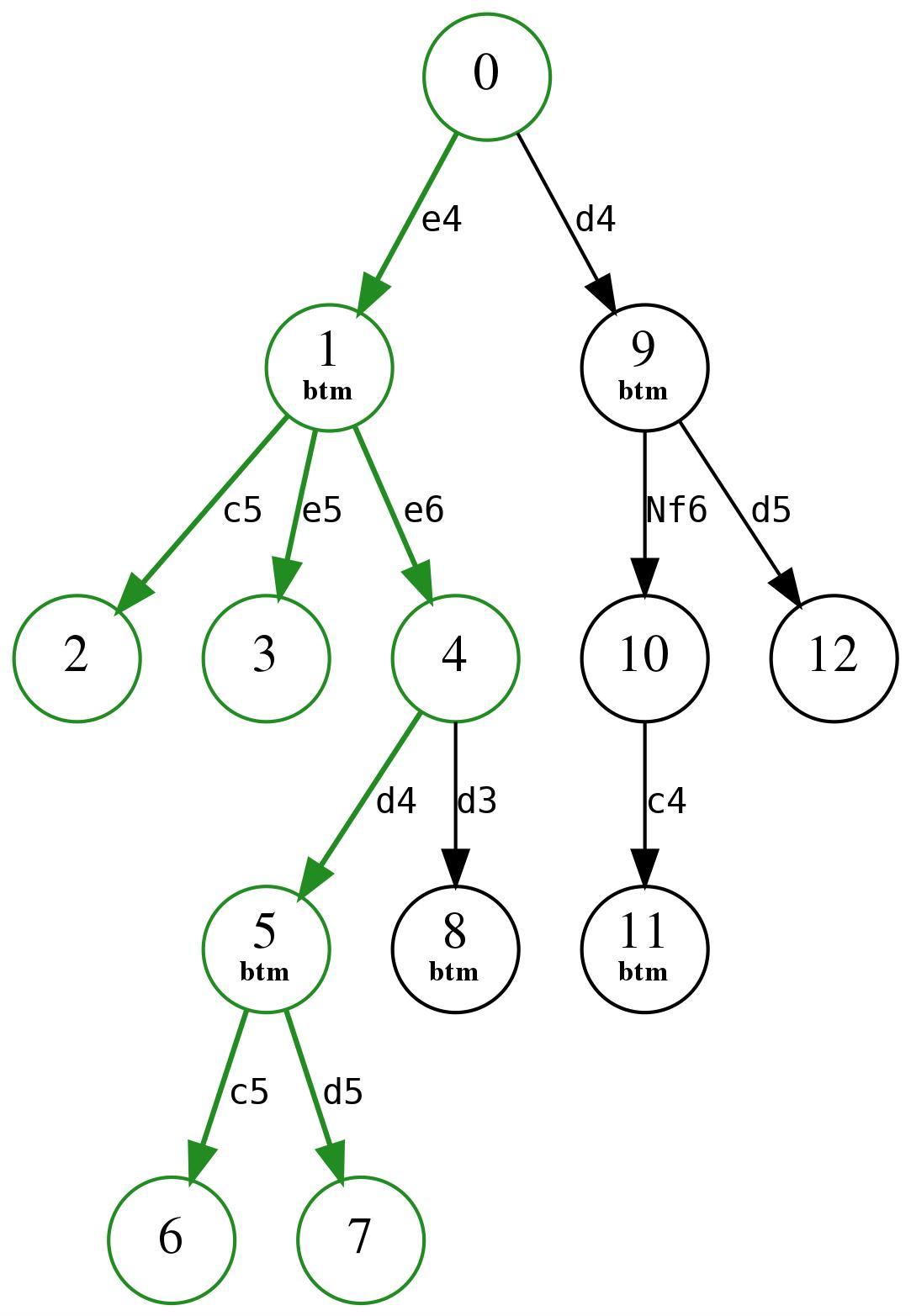
1.e4 (1.d4 Nf6 (1…d5) 2.c4) 1…c5 (1…e5) (1…e6 2.d4 (2.d3) 2…c5 (2…d5))
The ancestor and descendant Filters
The ancestor and descendant filters accept a parenthesized list of two Position filters. The filter ancestor(x y) matches the position if x and y are valid positions and position x is an ancestor of position y. The filter descendant(x y) matches the position if x and y are valid positions and position x is a descendant of position y. Note that ancestor(x y) is equivalent to descendant(y x). The ancestor and descendant filters are now deprecated in favor of the equivalent comparison filters: x < y for ancestor(x y) and x > y for descendant(x y). Note that x <= y and x >= y may also be used to test for generalized ancestor or descendant relationships.
The child and parent Filters
The parent filter yields the position that is the parent of the current position. The parent will fail to match the initial position which does not have a parent.
The child filter yields the position that results from the first child of the current position (the one resulting from the primary move at the current position). The child(n) filter yields the nth child at the current position. child(0) is equivalent to child and child(n) yields the position that results from the nth secondary move at the current position. If the specified child does not exist at the current position, the child filter does not match.
Every position, except for the initial position, has exactly one parent. Every position will also have zero or more children. To determine the number of children at the current position, the following filter may be used:
currentposition: move countThe use of currentposition: prevents linearization within a line filter from restricting the visible moves to those in the line being processed.
The currentposition, initialposition, position, and positionid Filters
The currentposition filter yields the position that is currently being evaluated, curpos is a shorthand alias for currentposition. The position filter takes a single numeric argument and yields the position with the provided position ID. If there is no position with the specified position ID, position yields the None value. The positionid filter yields the numeric position ID of the current position. The initialposition filter yields the position that is the initial position of the game, it is equivalent to position 0. initialposition always matches as all games, even those with no moves, have an initial position.
The initial and terminal Filters
The initial filter matches if the current position is the initial position, i.e. the position with position id 0 and no parent. Note that while the initial position is usually the standard starting position in chess, this need not be the case if the FEN PGN tag is used to specify an alternate initial position for the game. initial is equivalent to not parent and positionid == 0.
The terminal filter matches if the current position ends the mainline or a variation, i.e. if the position has no children. terminal is equivalent to not child.
The mainline and variation Filters
A mainline position is one that can be reached from the initial position exclusively via primary moves, all other positions are variations. The mainline filter matches if the current position is a mainline position. The variation filter matches if the current position is a variation position. mainline is equivalent to not variation and depth == 0. variation is equivalent to not mainline and depth > 0.
The depth, distance, and lca Filters
The depth filter yields the variation depth of the current position, i.e. the number of secondary moves that need to be traversed from the initial position to reach the current position. The distance and lca filters each accept a parenthesized argument list containing two position arguments. The lca filter yields the position that is the LCA (latest common ancestor) of the provided positions. The distance filter yields the numeric distance between the provided positions, i.e. the sum of the number of moves separating each position from the LCA of the positions.
The virtualmainline Filter
The virtualmainline filter yields true if the current position is a virtual mainline position, i.e. if it can be reached from the initial position without traversing secondary moves when it is White to move.
Position Relationship Filters
The find filter is used to search for positions appearing either previous or subsequent to the current position that match a provided filter. The echo filter is used to find relationships between positions within a game. The consecutivemoves filter is used to determine the longest series of consecutive moves in common between two variations.
The find Filter
find[quiet] [<--] [all| range] target-filter
The find filter evaluates the target-filter first at the current position and then at every position that is a descendant of the current position until the result of target-filter matches the position in which it is evaluated. The result of the find filter is the first position for which the target-filter matched or None if no position matches. If the token <-- appears between find and target-filter, the target-filter will be evaluated for each ancestor position instead of each descendant. If the all keyword appears before the target-filter, the search will not stop at the first matching position and the result of the find filter will be the number of matching positions or None if no searched position matches. If a range is provided in place of all, the result will be the number of matching positions if the number of matching positions is within the provided range (which may include zero) and None otherwise. The quiet, <--, and all keywords may appear in any order but may not follow the optional range.
Positions are searched in position ID order (ascending order for descendants, descending order for ancestors) which is the same order that CQLi uses to process positions in the game evaluation loop.
Auxiliary Comments
When a find filter matches, automatic comments are applied to the positions for which target-filter matched by default. If neither all nor a range is provided, the comment Found will be applied to the single matching position, otherwise each matching position will have a comment of the form Found i of n where n is the total number of matching positions that were found and i is the index (1 ≤ i ≤ n) of the match based on the search order. The automatic comments generated by the find filter are suppressed if the quiet parameter is specified or the –quiet or –silent commandline options are used.
Use Cases
The find filter is particularly useful in situations where it is more natural to search all positions for each iteration over a set of pieces or squares than it is to construct the search over positions in the main loop. In such cases the find filter is typically preceded by initial to ensure the query is only executed once per game instead of once per position. One such common theme is when searching for the “greatest” or “least” of some situation across games. For example, to find the greatest number of captures by a single piece in a game, something that would be quite awkward without using the find filter, the following query may be used:
// Games with 10 or more captures by a single piece
initial
piece $p in [Aa] {
    sort "Number captures by single piece"
    { find all move previous capture . from $p } >= 10
}
In the initial position, the piece filter is used to iterate over all black and white pieces. For each piece, the find filter is used to count the number of positions where the move that led to the position was a capture by the current piece. If the total number of matching positions is greater than or equal to 10 then the game matches. Because the find filter is enclosed by a sort filter, only the largest value returned by find across all iterations will be reported for the game. Matching games will also be sorted in the output PGN file with games with the largest number of single-piece captures appearing first. The Smart Comments facility ensures that the comments automatically added by find are discarded unless they correspond to a piece that simultaneously has more captures than any other piece and has 10 or more captures. Captures by a pawn before and after promotion will both be counted toward the total number of captures for that piece by virtue of the Piece Tracking mechanism. The find filter will insert comments enumerating each capture by the piece with the greatest number of captures for each matching game. An example of a matching game with the find and sort comments inserted is:
{Number captures by single piece: 13} 1.e4 c5 2.Qh5 d6 3.Bc4 e6 4.Qh4
Qxh4 {Found 1 of 13} 5.g3 Qxe4+ {Found 2 of 13} 6.Ne2 Qxc4 {Found 3 of 13}
7.Nec3 Nc6 8.Na3 Qd4 9.Ne2 Qe5 10.O-O Nb4 11.Nc4 Qxe2 {Found 4 of 13}
12.Re1 Qxe1+ {Found 5 of 13} 13.Kg2 Qe4+ 14.Kg1 Qxc4 {Found 6 of 13} 15.b3
Qxc2 {Found 7 of 13} 16.Ba3 Nxa2 17.Rxa2 Qxa2 {Found 8 of 13} 18.Bb4 Qxb3
{Found 9 of 13} 19.Kg2 Qxb4 {Found 10 of 13} 20.h4 Qe4+ 21.f3 Qe2+ 22.Kh3
Qxf3 {Found 11 of 13} 23.d3 Qxd3 {Found 12 of 13} 24.Kg4 e5+ 25.Kg5 Qf3
26.g4 Qxg4# {Found 13 of 13} 0-1
The following query uses find inside a square iterator to find games with the largest number of captures (by both sides) on a single square:
// Games with 10 or more captures on a single square
initial
square sq in . {
    sort "Most captures on a single square"
    { find all move previous capture sq } >= 10
}
Note that this does not limit captures to consecutive captures. See the line filter for an example that will find the longest series of consecutive captures.
The following query will find games with more than 5 promotions, sorted by the number of promotions in the game:
// Games with more than 5 promotions
initial
sort "Number of promotions" find all move promote A previous > 5
For games containing variations, promotions occurring in separate lines will all contribute to the total which likely is not desired. To limit the total to those occurring within a single line, it is necessary to consider the moves of each line separately. This can be done by using find <-- to search backwards from each terminal position:
// Games with more than 5 promotions in a single line
terminal
sort "Number of promotions" find <-- all move promote A > 5
The same method could be applied to the previous examples as well. In most cases it probably will not be desired to consider variations at all in which case variations can simply not be enabled or the mainline filter can be used to limit positions searched by the find filter to mainline positions.
The backwards searching find filter is often combined with terminal in the same way that the forward searching find filter is combined with initial. For example, to find games where neither side castled, the following query may be used:
// Games where neither side castled
terminal
not find <-- move castle
The echo Filter
echo[quiet](source target)[in all] target-filter
The echo filter is used to search for arbitrary relationships between positions in a game. The echo filter takes a parenthesized list of two identifier names and creates a new variable scope in which Position variables with the names source and target are created. The target-filter is then evaluated once for every position in the game except the current position. For each evaluation of target-filter, the source variable is set to the original current position, and the target variable is set to the new position. If in all appears immediately after the parenthesized list, the original current position is included in the list of target positions. Target positions are processed in position ID order.
If target-filter has Numeric type, the echo filter is also Numeric with the result being the largest value of target-filter during evaluation of the echo filter. Otherwise the type of echo is Boolean and matches the position if any evaluation of target-filter matches the position.
For example, to find pairs of positions that are identical except for the side to move, the following query may be used:
echo (source target) {
    source & target == .
    sidetomove != source:sidetomove
}
Note that while it is conventional to name the source and target variables source and target, they may have any valid variable names. The following example will find pairs of positions that differ only in that en passant capture is available in the one case and not in the another:
move legal enpassant
echo (source target) {
    not move legal enpassant
    source & target == .
    sidetomove == source:sidetomove
    source:move legal enpassant:
        comment("enpassant capture " currentmutation " legal here")
    comment("enpassant capture not legal here")
}
Below is a matching study found in the HHdbVI endgame study database:
{Schach/3 (EG#21134).} {Game number 6319} 1.Bf2+ $1 1...Kh1 2.Kf3 f4 {LCA}
(2...g5 3.Bg3) 3.c5 $1 (3.g4 $2 3...g5 4.c5 {enpassant capture not legal here}
{target -->move 4(btm)} {id:14}) 3...g5 4.g4 {CQL} {enpassant capture 4...fxg3
legal here} {source <--move 4(btm)[14]} 4...fxg3 5.Bxg3 Kg1 6.Bxh2+ 1-0
Auxiliary Comments
As can be seen in the above example, the echo filter adds several types of comments for matching positions:
- For each matching pair identified by
echo, the source position is annotated with a comment of the formsource<--target-positionand the target position is annotated with a comment of the formtarget-->source-positionwheresourceandtargetcorrespond to the variable names used withecho. - A Position ID comment is added to variation positions referenced by a matching pair annotation.
- If the LCA of source and target is neither source nor target, the LCA position will be annotated with the comment
LCA.
The automatic comments generated by the echo filter are suppressed if the quiet parameter is specified or the –quiet or –silent commandline options are used.
Using echo with sort
If the target-filter of echo is a Numeric filter, the echo filter itself is a Numeric filter that may be used as the target of a sort filter. As a special case, when the target of a sort filter is an echo filter, Smart Comments will suppress all comments emitted from the evaluation of the echo filter except those that correspond to the evaluation producing the largest numeric value. This is particularly useful in situations where there are many matching position pairs that would otherwise generate a large number of comments. Note that because a Numeric echo filter maximizes the value of its target positions, an echo filter may not be used as the target of a sort min filter.
Use Cases
The echo filter is particularly well-suited to situations in which specific relationships between two positions are sought and either the nature of the relationship does not imply an ordering between such positions or position pairs may span variations. When a relationship implies a strong order (e.g. two positions in the same line in which one must have preceded the other), the find filter may be more appropriate.
Aside from the comments that echo adds and the special behavior when combined with sort, a query of the form:
echo (source target) {
    ...
}
can be approximated using the find filter:
source = currentposition
initialposition : find quiet all {
    target = currentposition
    source != target    // Remove to obtain the 'in all' behavior
    ...
}
The type and result of this query may also be different than the corresponding echo filter. The echo query is of course more compact and introduces useful comments but the point is that the basic functionality can be realized using the find filter and potentially tailored to specific needs.
Performance Considerations
The use of echo can result in relatively slow queries as the target-filter is evaluated for every position in the game every time the echo filter is reached. To mitigate the performance impact, place gating checks before the echo filter when possible so that the echo filter is only evaluated for positions that match some prerequisite criteria. An example of this is checking that en passant capture is legal before entering the echo filter in the previous example.
The consecutivemoves Filter
consecutivemoves[quiet] [range](position1 position2)
The consecutivemoves filter takes two Position arguments and determines the longest common sequence of identical moves in the lines bound by the provided positions and their LCA. The result of the consecutivemoves filter is the length of the longest common move sequence. The positions corresponding to the longest common move sequence pair found by a consecutivemoves filter across all evaluations for the current game are annotated with correlating comments unless the quiet parameter is specified. This means that a single consecutivemoves filter will annotate at most one sequence pair per game, regardless of how many times the filter is evaluated during the game.
For the purposes of this filter, two moves are considered to be identical if the to square and from square are the same and the color and type of piece moved is the same. This means that promotion of a pawn to different pieces are considered the same, as are moves that differ only in whether a capture occurred. Additionally, there is no distinguishing between a normal pawn capture and an enpassant capture (both involve a pawn moving from and to identical squares).
If either of the two arguments provided to consecutivemoves is None, the result of the filter is None. If both provided positions are part of the same line, then one of them will be the LCA of the two positions and the result of consecutivemoves will be None.
The consecutivemoves filter is typically used to identify key sequences in chess endgame studies and is often accompanied by the echo to provide the positions from which to analyze.
Auxiliary Comments
The positions of the corresponding matched sequence pairs are annotated comments having the form:
name-move[index]
The index starts at 1 and represents the position of the move within the matching sequence. By default, name corresponds to the names of the variables used as arguments to consecutivemoves. For example, in the following query x and y are position variables:
consecutivemoves(x y)and the PGN output of a game where this filter matched might look like:
1.Bd5+ (1.Rd1 1...Nd3+ 2.Kd2 b2 3.h7 a1=Q) 1...Kxd5 2.O-O-O+ 2...Nd3+
(2...Kc4 3.Kb2 Nd3+ 4.Ka1) 3.Rxd3+ Kc4 4.Rd4+ (4.Kb2 {y-move[1]}
4...Kxd3 {y-move[2]} 5.h7 {y-move[3]} 5...a1=Q+ {y-move[4]} 6.Kxa1
{y-move[5]} 6...Kc2 7.h8=Q b2+ 8.Ka2 b1=Q+ 9.Ka3 Qb3#) 4...Kxc3 5.Rc4+
5...Kxc4 6.Kb2 {x-move[1]} 6...Kd3 {x-move[2]} 7.h7 {x-move[3]} 7...a1=Q+
{x-move[4]} 8.Kxa1 {x-move[5]} 8...Kc2 9.h8=Q 1-0
The name values of <source> and <target> are used for non-variable arguments corresponding to the position1 and position2 parameters, respectively.
The automatic comments generated by the consecutivemoves filter are suppressed if the quiet parameter is specified or the –quiet or –silent commandline options are used.
The sort Filter
sort[quiet] [min|max] [description] target-filter
The sort filter takes a single target-filter which may have String, Numeric, or Set type. If target-filter is a Set filter, the value is implicitly converted to the Numeric value that represents the set’s cardinality. The result of the sort filter is the String or Numeric value resulting from evaluating the target filter. The best value of the target filter across all evaluations of the sort filter for each game is articulated by a sort comment at the beginning of each matching game. Description is an optional string literal used to form the sort comment, a unique identifier is used if no description is provided.
Any comments generated as a result of evaluating the target filter are suppressed except for the evaluation that produced the best value (unless Smart Comments are disabled using the --nosmartcomments option). The best value is the one that compares smaller than any other value encountered if min is specified or the value that compares larger than any other value if either max is specified or neither of min or max is specified.
Finally, matching games in the output PGN file are sorted by the best value encountered in each game (ascending order if min is specified, descending order otherwise). Multiple games with the same sort value are further ordered by their position within the input PGN file (i.e. the game number).
Multiple sort Filters
If multiple sort filters appear in a query, a separate sort comment will be generated for each sort filter in the order in which the corresponding sort filters appeared. Games in the output PGN file will be ordered by each sort filter with the first sort filter providing the primary ordering, the second sort filter provided a secondary ordering, etc. with the game number providing a final ordering.
Smart Comments are applied to each sort filter independently of other sort filters. In particular, a sort filter enclosing another sort filter does not influence the best value of the nested filter. For example the query:
sort "max-ply" {
    comment("greatest ply: " ply)
    sort min "min-ply" { comment("smallest ply: " ply) ply }
}
will result in the first sort filter having a best value that corresponds to the position with the largest ply and the nested sort filter having a best value of zero (the smallest ply). The comment smallest ply will be inserted at the initial position and the comment greatest ply will be added to the position with the largest ply. The inner sort is not affected by the outer sort, e.g. the outer sort does not limit the values seen by the inner sort or affect the comment enclosed by the inner sort.
Conjunction of sort Filters
Multiple sort filters having the same description string form a single conjoined sort ordering in which the best value from the evaluations of all the corresponding sort filters is used to determine the sort order and the application of Smart Comments. A single sort comment representing the best value of the conjoined filters is emitted. sort filters appearing within transform filters are treated similarly even if no description string is provided, the corresponding sort filter from each transformation is part of a conjoined set of sort filters.
While multiple sort filters with the same description string may have different target-filters, the sort order (specified with the min or max parameters) and type (String or Numeric) must be the same across all sort filters that share the same description.
sort Comments
Every sort filter will be represented by a corresponding sort comment at the beginning of each matching game, this comment will include the provided description (or generated identifier) followed by a colon (:), a space, and the best value encountered for the sort filter within that game. If the sort filter was never evaluated or never matched, the articulated value will be none. If the quiet keyword parameter is provided or the –silent command line option is used, a sort comment is not emitted. If there are multiple sort filters with the same description string, the quiet parameter is ignored on all but the first of them.
Unmatched sort Filters
It is possible for a game to match a CQL query without matching a contained sort filter, either because the sort filter was not reached or because it appeared as part of a larger expression that did match. For example, the query:
terminal
if movenumber > 100 then sort min date
will match all games with a Date tag but the sort filter will only be reached for games with more than 100 moves. In the following query, the sort filter is always reached but its target filter will not match every game:
terminal
if sort (movenumber > 100) then comment "Long game"
A sort filter that never matches has an empty best value which sorts after any non-empty value, regardless of sort direction. For example, in the first query above, games with more than 100 moves will appear first in the output PGN file sorted in ascending order by date while the remaining games will appear in game number order (the default output sort order). In the second example, games with more than 100 moves will appear first, sorted in descending order by number of moves, followed by remaining games appearing in the default sort order.
Multiple Best Values
If multiple evaluations of the sort filter yield the same best value, only the comments generated during the first evaluation of the best value will be retained by default. The –keepallbest option may be used to retain the comments associated with every evaluation producing the best value.
Examples
The sort filter may be used with any Numeric or String filter but is often used with the echo, line, and find filters. For example, the following query will find games where one side was subjected to check 10 or more times in a row. If there are multiple sequences of 10 or more checks in a game, only the longest sequence will be considered. Matching games will be ordered in the output PGN file with the games having longer sequences appearing first.
sort "Consecutive checks"
    { line singlecolor nestban --> check + } >= 10
Below is an example of a game found by the above query:
{Game number 1711785} {Consecutive checks: 32} 1.d4 e6 2.c4 Nf6 3.Nc3 Bb4 4.Nf3
c5 5.Qb3 Ne4 6.Nd2 Nxd2 7.Bxd2 Nc6 8.dxc5 Bxc5 9.Ne4 Be7 10.Qg3 O-O 11.Bc3 f6
12.O-O-O d5 13.e3 Nb4 14.a3 a5 15.Be2 Bd7 16.axb4 axb4 17.Nxf6+ Bxf6 18.Bxb4
Ra1+ 19.Kd2 Ra2 20.Rb1 Bxb2 21.Ke1 Rf5 22.h4 Be5 23.f4 Bf6 24.Qf3 d4 25.e4 Bc6
26.g3 Rfa5 27.Bxa5 Qxa5+ 28.Kf2 d3 29.Qxd3 Rd2 30.Qf3 Qc5+ 31.Ke1 Qd4 32.Qg4
Kf7 33.Qh5+ g6 34.Qxh7+ Bg7 35.h5 Rxe2+ {CQL} {Start line that ends at move
67(wtm)} 36.Kxe2 Qxe4+ 37.Kd2 Qd4+ 38.Ke2 Qe4+ 39.Kd2 Qg2+ 40.Ke3 Qxg3+ 41.Kd2
Qc3+ 42.Ke2 Qxc4+ 43.Kd2 Qxf4+ 44.Kc2 Be4+ 45.Kb3 Bd5+ 46.Kc2 Be4+ 47.Kb3 Qe3+
48.Kb4 Qb6+ 49.Kc4 Qd4+ 50.Kb3 Qc3+ 51.Ka4 Bc2+ 52.Kb5 Qc6+ 53.Kb4 Qb6+ 54.Kc4
Qd4+ 55.Kb5 Bd3+ 56.Ka5 Qc5+ 57.Ka4 Bc2+ 58.Rb3 Qa7+ 59.Kb5 Qa6+ 60.Kc5 Qc6+
61.Kb4 Qb6+ 62.Ka4 Qxb3+ 63.Ka5 b6+ 64.Ka6 Qa4+ 65.Kxb6 Qb4+ 66.Kc7 Qc4+ {End
line of length 32 that starts at move 36(wtm)} 67.Kd8 g5 68.Rf1+ Qxf1 69.Qxc2
Bf6+ 70.Kc7 Qf5 71.Qa4 Qd5 72.h6 Qd8+ 73.Kb7 Kg6 74.Qe4+ Kxh6 0-1
The below query will find decisive games with more than 100 moves (by each side), sorted by the number of moves:
terminal
flipcolor result 1-0
sort "Total moves: " movenumber > 100
To find all games played by Viswanathan Anand, ordered in ascending order by date played, the following query may be used:
cql(silent)
initial
player "Viswanathan"
sort min tag "Date"
The silent parameter in the CQL header suppresses both the matching position comments and the sort comments, neither of which are likely to be desired here.
The move Filter
Moves that were either played or available in the current position may be queried with the move filter. Various criteria may be specified to limit the set of moves including the pieces involved in the move, the to and from squares of the moving piece, whether the move was a capture, promotion, or castling move, etc. The move filter can provide a count of the matching moves or a set representing from, to, or capture squares of matching moves.
Description
In any position there exists:
- One previous move that was played to reach this position from the immediately preceding position (except for the initial position).
- Zero or more legal moves.
- Zero or more pseudolegal moves.
- Zero or more moves that were played (including moves that started a variation).
- Zero or more reverse moves that could have been played from a theoretical position immediately preceding this one.
The move filter provides information about the (possibly empty) set of moves in one of the above categories that match a set of specified criteria.
move Filter Parameters
Every move filter has a mode which determines the moves that are considered. The default move mode is ordinary which considers the moves actually played at the current position (including any moves that start a variation if variations are enabled). Other modes may be specified using the following move filter parameters:
| Parameter | Effect |
|---|---|
previous |
The move played immediately before this position |
legal |
The legal moves available in this position |
pseudolegal |
The pseudolegal moves in this position |
reverse |
Theoretically possibly previous moves |
A legal move is any move that could legally be played in the current position. Pseudolegal moves also consider moves for which the current side’s king would be in check after making the move. The reverse parameter may only be used in combination with one of legal or pseudolegal, no other parameter combinations are allowed.
The following parameters can be used to limit consideration of moves:
| Parameter | Argument Type | Moves considered |
|---|---|---|
from |
Set | Moves from the square(s) specified by Set |
to |
Set | Moves to the square(s) specified by Set |
capture |
Set | Moves capturing a piece residing in Set |
promote |
Piece designator | Pawn promotions to the specified piece |
drop |
Piece designator | Drops of the specified piece |
enpassant |
Enpassant captures | |
castle |
Castling moves | |
o-o |
Short/kingside castling moves | |
o-o-o |
Long/queenside castling moves | |
null |
Null moves | |
primary |
Moves which do not start a variation | |
secondary |
Moves which start a variation |
For example the query:
move from Rwill match rook moves played at the current position and:
move legal castlewill match castling moves available in the current position.
Multiple parameters may be combined, for example:
move promote [BNR] capture .matches underpromotion moves that capture.
The from Parameter
Every move has a single associated from square which represents the square that the moving piece originated. The from parameter takes a Set argument and constrains consideration of moves to those where the from square is in this set. For example, at the starting position there are two moves with a from square of g1: Nf3 and Nh3.
Castling and null moves are king moves and the from square for these moves is the square the king occupied before the move. Drop moves (used in the Crazyhouse variant) do not have a from square and the drop parameter may not be combined with the from parameter. Drop moves will not be considered if the from parameter is specified, e.g. from . may be used to exclude drop moves from consideration where they would otherwise have been included.
When from appears as the first parameter, and count is not specified, the move filter is a Set filter whose value is the set of from squares of all matching moves.
The to Parameter
Every move has a single associated to square corresponding to the destination square of the moving piece. The to parameter accepts a Set argument and moves considered are limited to those where the to square is a member of this set. For example, at the starting position there are two moves with a to square of a3: a3 and Na3.
The to square of castling and null moves is the square of the current side’s king after the move is made. The to square for drop moves is the square where the piece is dropped.
When to appears as the first parameter, and count is not specified, the move filter is a Set filter whose value is the set of to squares of all matching moves.
The capture Parameter
Capturing moves have a single associated capture square corresponding to the square that was occupied by the captured piece. The capture parameter takes a Set argument and limits consideration of moves to those which result in a capture of a piece in this set. For en passant captures, this is the square on which the captured pawn resided, for all other captures the capture square is the same as the to square. Note that pieces that are exploded by adjacent captures in the Atomic variant are not considered to be captured.
When capture appears as the first parameter, and count is not specified, the move filter is a Set filter whose value is the set of capture squares of all matching moves.
The promote Parameter
The promote parameter accepts a piece designator and limits moves to those where a pawn is promoted to one of the specified pieces. The color of the piece designator is ignored when used with the promote parameter so e.g. promote N is equivalent to promote n. The piece designator may be a compound designator (e.g. [BN]) but may not include a square designator (e.g. Bf8). To specify promotions that occur on a particular set of squares, combine promote with to, e.g. move to f8 promote B. The piece specifier A may be used to specify any promotion move, e.g. move promote A.
The drop Parameter
The drop parameter accepts a piece designator and limits moves to those where a piece of the specified type was dropped, piece drops are only allowed in the Crazyhouse variant. The color of the piece designator is ignored when used with the drop parameter so e.g. drop P is equivalent to drop p. The piece designator may be a compound designator but may not include a square designator. To specify drops that occur on a particular set of squares, use the to parameter in combination with drop. The piece specifier A may be used to specify any drop move, e.g. move drop A.
The count Parameter
If the count parameter is provided, the move filter is a Numeric filter with a value corresponding to the number of matching moves. This form of the move filter always matches the position, if there are no matching moves the result is zero.
The previous Parameter
When previous is specified, only the move that was played immediately preceding this position is considered. If from, to, or capture appear in a move filter where previous is used, their corresponding Set arguments are evaluated at the position preceding the current position. For example, the query:
move previous from Bwill match a move made by the white bishop because the B piece designator is evaluated in the previous position, before the bishop was moved. If B had instead been evaluated in the current position the filter would not work as expected because the square the bishop now resides would correspond to the to square instead of the from square.
When applied to an imaginary position, the move considered is the one associated with the most recently evaluated speculative move filter in effect at the current position, if any. For example:
move legal : message ("move from: " move from . previous)will emit a message containing the from square for every legal move at the current position.
The Set argument of a from, to, or capture parameter in a move previous filter applied to an imaginary position will be evaluated at the position immediately preceding the most recently evaluated speculative move filter in effect at the current position, if any.
The move previous filter does not consider any moves when evaluated for an imaginary position for which there is not a speculative move filter in effect.
The legal and pseudolegal Parameters
When legal is specified, all legal moves at the current position are considered as opposed to just the moves that appear in the PGN file at the current position. When pseudolegal is specified, all pseudolegal moves are considered. A pseudolegal move is either a legal move or a non-castling move that places or leaves the side to move’s king in check but is otherwise legal.
The reverse Parameter
CQLi supports reverse move generation which can produce a list of all of the moves that could have conceivably been played in the position preceding the current one, using the reverse parameter will generate such moves. The reverse parameter must be combined with either legal or pseudolegal to indicate whether the reverse moves considered would have been legal or pseudolegal moves, respectively.
Reverse move generation assumes Standard chess, while the reverse move filter may be used with other variants, the particulars of such variants will not be considered when producing the reverse move list.
A reverse move generated by CQLi does not necessarily imply that the position reached by performing the reverse move is reachable in a real game, even if the current position is reachable. Reverse move generation ensures only position legality, not reachability. For example, consider the following retrograde puzzle where the goal is to determine the last move played:
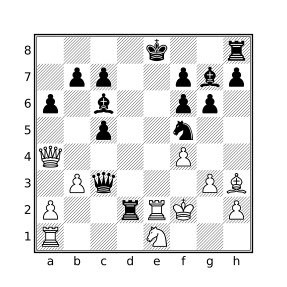
The query:
move legal reverse countwill consider three moves: 1.~Pe3x(N)f4+, 1.~Ke3f2+, and 1.~Ke3x(N)f2+ although only the first one yields a reachable position (the white king would have been exposed to an impossible check for either of the other two moves). The textual versions of these moves can be seen using the query:
move legal reverse : message currentmutationwhich employs the speculative move filter to evaluate a filter for every matching move and the currentmutation filter to portray the moves. The reachableposition filter may be used with the speculative move filter to help determine if positions following reverse moves are reachable, e.g.:
move legal reverse count : reachablepositionwill only consider the one move that is the solution to the above puzzle.
If the en passant target square is set for a position, either because the last recorded move was a double pawn push or the current position is the initial position and a FEN tag appears for the game with the en passant target square set, reverse move generation will assume that the last move must have been a corresponding double pawn push and will not generate other reverse moves.
Null moves
If null is specified, only null moves at the position are matched. Null moves are typically represented in a PGN file with the move text -- (CQLi also recognizes Z0, null, and pass as null moves) and represent the current side “passing”, e.g. not making a move (which is illegal in chess but such moves sometimes exist in puzzles). A null move resets the en passant square, increments the halfmove clock and the ply counter, and changes the side to move. CQLi allows null moves to appear both in the mainline and in variations. Null moves are not considered “legal” and will not be included in the set of available moves when using legal or pseudolegal (a null move can be generated by combining null with legal or pseudolegal in a speculative move filter).
Result of the move Filter
The result type of the move filter is either Boolean, Set, or Numeric depending on the parameters used. If the count parameter is specified, the result is a Numeric value indicating the number of matching moves at the current position. Otherwise, if the first parameter is from, to, or capture, the result has type Set. Otherwise the result is Boolean and matches the position only if there are any matching moves at the position.
If the count parameter is specified, the result will always match the position, even if there are no moves that match (the result will be 0).
If the first parameter is from, to, or capture, the result is the set of squares comprising the from squares, to squares, or capture squares of all of the matching moves, respectively. Every move has exactly one from square and one to square and may also have a capture square. The from square is the location of the moved piece before the move and the to square is the new square of the piece after the move. If the move is a capture move, the capture square is the square that the captured piece occupied immediately before being captured.
Castling is a king move and the from square and to square of such a move represent the position of the king before and after castling. A null move is a king move where the from square and to square are the same. If the move results in a capture, the capture square is the same as the to square except in cases of enpassant capture in which case the to square is the square the capturing pawn occupies after the move is made and the capture square is the location that the opposing pawn occupied before being captured.
If the primary keyword parameter is provided, only the primary move played in the game is considered, if the secondary keyword parameter is specified, only secondary moves (those that start variations) are considered.
Trailing comment Filter
If a comment filter appears immediately after an ordinary move filter (none of legal, pseudolegal, or previous are provided), the move filter becomes the custodian of the comment filter, evaluating the comment filter at the position after the move matching the move filter instead of the current position. This same behavior applies to the message filter as well. For example, the query:
move o-o-o comment "queenside castle"will apply the comment queenside castle to the post-castling position.
This custodial behavior may be suppressed by surrounding either the move filter or the subsequent comment filter in parentheses or braces. Alternatively the comment filter can be placed before the move filter. Any of the following examples will cause the comment to be placed at the current position, instead of the position resulting from the matching move:
move o-o-o (comment "before castling")
(move o-o-o) comment "before castling"
comment "before castling" move o-o-o
Constraints
The following constraints are placed on the move filter and violation of any of these constraints will be diagnosed at query compile time:
- No more than one castling specification may be provided, e.g.
move o-ois legal butmove castle o-ois not. - No keyword parameter may be specified more than once, e.g.
move castle castle. - The keyword parameters
primaryandsecondarycannot both be present. - The
primaryandsecondarykeyword parameters may not be combined withlegalorpseudolegal. - No more than one of
previous,legal, orpseudolegalmay be specified. - The
reversekeyword parameter may only be used in conjunction withlegalorpseudolegal. - The
dropparameter may not be combined withreverse,null,from,capture,promote,enpassant, or a castling specification.
Examples
Consider the following position for which Black has just played 4...Bxc3+:
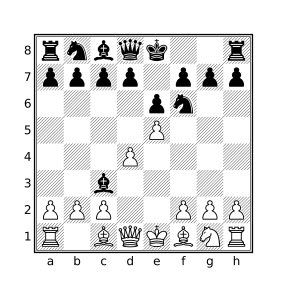
4…Bxc3+ and before 5.bxc3
Given that White responded 5.bxc3 in the game, the below table demonstrates various examples of the move filter and the result of each when evaluated at the above position.
| Filter | Result |
|---|---|
move |
true |
move count |
1 |
move from . previous |
b4 |
move to . previous |
c3 |
move capture . previous |
c3 |
move previous from b4 |
true |
move legal count |
4 |
move from A legal |
[c1,d1,e1,b2] |
move to _ legal |
[d2,e2] |
move to a legal |
c3 |
move capture . legal |
c3 |
move legal castle |
false |
move pseudolegal count |
35 |
move legal reverse count |
2 |
move from . legal reverse |
[b4,a5] |
The four legal moves reported by move legal count are: Ke2, bxc3, Bd2, and Qd2. The two conceivable reverse moves reported by move legal reverse count are: ~Bb4x(N)c3+ and ~Ba5x(N)c3+ which means that the black bishop moved to c3 from either b4 or a5 and captured a knight (this is the syntax by which reverse moves are portrayed by the currentmutation filter). The bishop must have captured a piece during this move or else the white king would have illegally already been in check. White is only missing a knight so this is the only piece that the bishop could have captured.
Note that move from . previous is a Set filter while move previous from b4 is a Boolean filter because the move filter is only a Set filter when from, to, or capture is the first parameter specified. The filter move previous from b4 matches because set arguments to the move filter are evaluated in the previous position when previous is specified, as described above.
The line Filter
The line filter is used to search for a sequential series of positions, starting from the current position, that match a prescribed pattern. A pattern consists of one or more constituents that describe when a position matches. The ability to use pattern repetition on individual constituents, borrowed from regular expressions, makes the line filter one of the most powerful filters in the CQL language which in turn lends itself to a variety of applications including Longest Consecutive Sequences.
Description
A line filter consists of zero or more parameters and an optional range followed by one or more constituent filters, each of which are introduced with the <-- or the --> token. Every constituent within the same line filter must be introduced by the same token, i.e. <-- and --> may not be mixed within a line filter. The line filter will then evaluate each constituent filter within consecutive positions existing in a single line, starting with the current position. If every constituent filter matches a corresponding position the specified number of times, the line filter matches and yields the length of the longest matching line. Consecutive positions are immediate child positions of the current position when --> is used (forward looking sequence) and parent positions when <-- is used (backwards looking sequence).
For example, consider the following query:
line --> check
     --> move previous capture (flipcolor A attacks k)
     --> mate
which will match when the current position is check, the check is resolved by capturing a piece attacking the king, and the subsequent move results in mate.
Constituent Repetition
Constituents of a line filter may optionally be followed by a quantifier which modifies the number of times the constituent must match (by default each constituent must match once). The quantifiers that may be used in line constituents are shown in the table below.
| Quantifier | Meaning |
|---|---|
? or {?} |
Match zero or once. |
* or {*} |
Match zero or more times. |
+ or {+} |
Match one or more times. |
{n} |
Match exactly n times. |
{,n} |
Match up to n times. |
{n,} |
Match n or more times. |
{m,n} or {m n} |
Match between m and n times. |
For example, to find sequences that start with a check, followed by any number of captures (including zero), followed by mate, the * quantifier may be added to the move filter constituent:
line --> check
     --> move previous capture . *
     --> mate
Constituent quantifiers are always greedy meaning they match as many times as possible, but not at the expense of the line filter failing. For example, the query:
line --> move previous capture . +will match the longest sequence of captures starting at the current position and the query:
line --> move previous capture . + --> matewill match a series of captures followed by mate even if the move that results in mate is a capture (the move constituent will not consume the final position, allowing the mate constituent to match instead so that the line filter can match).
If a * or + token appearing in a constituent could be interpreted as multiplication or addition, it will be. To force the token to be interpreted as a repetition quantifier it may be enclosed in braces, e.g. {?}, {*}, and {+}. In addition to being unambiguous, enclosing repetition quantifiers in braces help them stand out visually.
The m and n appearing in counted repetition quantifiers must be non-negative Numeric literals and m, if present, must not be greater than n.
Constituent Grouping
Multiple line constituents may be grouped by enclosing the constituents in parentheses and repetition may then be applied to the group as a whole. For example, the following query will find games that end in checkmate with at least three check-then-capture sequences immediately preceding mate:
line --> (check --> move previous capture (flipcolor A attacks k)) {3,}
     --> mate
Constituent groups may be nested and separate repetition for constituents within a group may be specified. Note that each instance of <-- or --> represents the next position in the specified direction, even within a grouping, e.g. the above query will not match sequences of less than seven positions.
An example of a game matching the above query is here. The diagrams below show the critical positions.
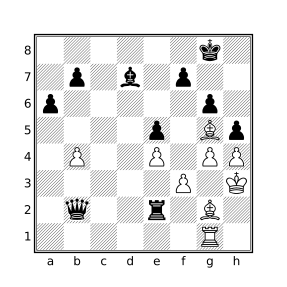
41…hxg4+
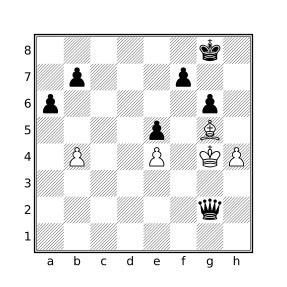
41…hxg4+ 42.fxg4 Bxg4+ 43.Kxg4 Rxg2+ 44.Rxg2 Qxg2#
Auxiliary Comments
Unless the quiet parameter is specified, the longest sequence found by a matching line filter at the current position will be annotated with auxiliary comments. The matching position at the start of this sequence will be annotated with the comment:
Start line that ends at moveend-position
and the position that ends the sequence will be annotated with the comment:
End line of lengthsequence-lengththat starts at movestart-position
where sequence-length is a positive non-zero numeric value that represents the length of the annotated sequence and start-position and end-position are the textual portrayals (as described in String Portrayal of Types) of the positions that start and end the sequence, respectively.
Multiple Matching Sequences
When variations are processed, it is possible for multiple sequences of the same length to be found at the current position. When this happens, the selected sequence (the one which contains auxiliary comments, comments retained by Smart Comments, the final position returned when using the lastposition parameter, and the sequence that determines the the final state of modified variables) is the one that ends with the position with the lowest position ID. If the –keepallbest option is used, comments (both user-comments and auxiliary comments) are preserved for all matching sequences but the position returned when lastposition is used and the final state of modified variables is the same as when this option is not used.
When multiple constituents in a line filter contain repetition quantifiers, it is possible for a matching sequence to have several ways to match, even outside of variations. For example, consider the query:
initial
line --> comment "A" * --> comment "B" *
applied at the beginning of a game that contains two positions. Since repetition is greedy, we know that both positions will be consumed by this line filter but how many times will each constituent match? Since the * quantifier can successfully match zero times, the possible outcomes are that the first constituent matches zero times and the second one matches two times, both constituents match once, or the first constituent matches both times. In most cases it won’t make a difference but it can when the constituents have side-effects, such as modifying a variable or adding a comment. When the line filter has multiples ways to match a sequence of the same length, it is unspecified how the positions in the sequence will be correlated to the corresponding constituents. In other words, the result of the above query could be that both positions are commented with “A”, both are commented with “B”, or the first position is commented with “A” and the second with “B”.
line Filter Parameters
The table below lists the parameters that may be used with the line filter.
| Parameter | Effect |
|---|---|
firstmatch |
Find the shortest matching sequence instead of the longest. |
lastposition |
Yield the last matching position instead of the length of the sequence. |
nestban |
Prevent matching positions from starting a later sequence. |
nolinearize |
Disable move linearization. |
nonatomic |
Disable atomic evaluation. |
primary |
Do not consider positions that start a variation. |
quiet |
Do not emit auxiliary comments. |
secondary |
After the first position, only consider positions that start a variation. |
singlecolor |
Only consider positions with the same side-to-move. |
The firstmatch Parameter
When the firstmatch parameter is specified, CQLi will find the shortest sequence that matches the constituent filters instead of the longest. Despite the name, this is not necessarily the “first” successful match that is encountered. This parameter was used in CQL 6 to partially mitigate situations in which variables modified in line constituents could have inconsistent states when backtracking while looking for a longer match although it doesn’t always achieve that goal. CQLi employs a more robust mechanism (Atomic Evaluation described below) to ensure variable consistency while evaluating constituents so specifying firstmatch is not necessary to accommodate such filters. Additionally, CQLi utilizes a different, non-backtracking, matching algorithm and the behavior that is closest to the CQL 6 behavior is simply to yield the shortest matching sequence.
The lastposition Parameter
The lastposition parameter indicates that the last position of the best matching sequence found by line should be returned instead of the length of the longest sequence.
The nestban Parameter
When nestban is used, all of the positions in the sequence of a matching line filter will be banned from starting a sequence in a later evaluation of the same line filter for the same game. The nestban parameter may not be used with backwards-looking line filters (ones where the constituent introducer is <--).
The nestban parameter is used to prevent subsequences of the longest matching sequence from being reported. For example, the following query will find sequences of 5 or more consecutive captures:
line nestban --> move capture . {5,}Without the nestban parameter, all later subsequences of the initial sequence will also be found which is typically not desired.
The nolinearize Parameter
The nolinearize parameter disables Move Linearization within all constituents of the line filter. Linearization may be independently disabled for individual constituents as described below.
The nonatomic Parameter
By default, CQLi performs atomic evaluation of constituent filters that modify non-dictionary variables. The nonatomic parameter may be used to suppress this atomic evaluation.
The primary and secondary Parameters
If secondary is specified, only positions that start a variation are considered after the current position. If primary is specified, only positions that do not start a variation are considered after the current position.
The quiet Parameter
If the quiet parameter is provided, auxiliary comments normally added by the line filter will be suppressed for matching sequences.
The singlecolor Parameter
When singlecolor is specified, only positions with the same side to move as the position that starts the sequence are considered. For example, the query;
line singlecolor --> check {10,}will find sequences where one side checks the other 10 or more times in a row.
Move Linearization
Move linearization refers to the special handling of ordinary move filters (those that do not specify previous, legal, or pseudolegal) when appearing in the constituent of a line filter. In particular, when there are multiple moves recorded at the position being evaluated for a line filter constituent (this situation only occurs for games that have variations), the result of the move filter is as though only the move that leads to the next position in the line currently being processed by the line filter exists. For example, in the game:
e4 (d4 d5) e5 *there are two recorded lines, the primary line e4 e5 and the variation d4 d5. If move linearization did not occur, then the below query would match the above game:
initial
line --> move to e4 --> move to d5
At the initial position, there are two moves e4 and d4 so, without move linearization, the first constituent would always match at the initial position. The second constituent would then match at the position that follows 1.d4 (the next move in this position is d5). Since there is no line in which e4 d5 was played, the result would be unhelpful at best. To solve this problem, an ordinary move filter evaluated in a line filter constituent will only consider the move that was played next in the line that is currently being processed by the line filter. At the initial position, the line filter will process each of the two lines individually and only the main line will match the first constituent.
Move linearization is suppressed within line filter constituents in the following situations:
- When the
nolinearizeparameter is specified for the correspondinglinefilter. In a nestedlinefilter, the presence ofnolinearizein the outerlinefilter does not suppress linearization for constituents in an innerlinefilter. - Within the body of a with-position filter.
- Within the body of a
findorechofilter. - When the current position in which the
movefilter is evaluated is different from the current position in which thelinefilter is evaluated.
Atomic Evaluation
Modification of non-dictionary variables inside of line filter constituents are performed atomically with respect to the candidate sequence being evaluated unless the nonatomic parameter is specified.
Variable modifications include (simple, compound, and slicing) assignment and variable disassociation via the unbind filter. Atomic evaluation ensures a consistent and isolated variable state during evaluation of any particular candidate sequence and well-defined values for modified variables at the end of evaluation of the line filter.
For example, the below query will find games with a sequence of eight or more consecutive captures:
sort "Consecutive captures"
line nestban --> move capture . {+} >= 8
This query can be modified to obtain the set of squares on which these captures occurred, e.g.:
$capture_squares = []
sort "Consecutive captures"
line nestban --> {
    $result =? move capture .
    $capture_squares |= $result } {+} >= 8
The $capture_squares variable is used to store the squares on which captures occur during the evaluation of the line filter. Atomic evaluation ensures that $capture_squares always represents only the captures seen in the current candidate sequence, even for games that contain multiple variations that would cause $capture_squares to be modified. In particular, the captures that occur in one variation will not affect the value of the $capture_squares variable while a different variation is being processed. At the end of the query, the value of $capture_squares will hold the set of squares on which captures occurred during the longest matching sequence identified by the line filter. Atomic evaluation supports arbitrary variable modifications within nested line filters.
In the below game from the HHdbVI endgame database:
[Event "Europa Rochade#0370"]
[Site "?"]
[Date "1985.??.??"]
[Round "?"]
[White "Jahn=G Geisdorf=H"]
[Black "(=0374.32d5e8)"]
[Result "1/2-1/2"]
[SetUp "1"]
[FEN "2n1kN2/2rb2p1/1PB2b1p/2PKP3/8/8/8/8 w - - 0 1"]
[PlyCount "14"]
[EventDate "1985.??.??"]

{Europa Rochade=10 Europa Rochade/10.} 1.Bxd7+ $1 (1.Nxd7 $2 1...Ne7+ $1 2.Ke4
Rxd7 $1 3.Bb5 Bxe5 4.Kxe5 Kd8 5.c6 Nxc6+ $1 6.Bxc6 Rf7) (1.exf6 $2 1...Bxc6+ $1
2.Ke6 Kxf8 3.bxc7 g5 $1) 1...Rxd7+ $1 (1...Kxf8 2.bxc7 $1) 2.Nxd7 Kxd7 3.c6+ $1
(3.exf6 $2 3...Nxb6+ 4.cxb6 gxf6 5.b7 Kc7 6.Ke6 h5 $1 7.Kf5 (7.Kxf6 h4 $1) 7...
Kxb7) 3...Ke8 $1 (3...Kd8 4.c7+ $1 4...Kd7 (4...Ke8 5.b7 $1) 5.e6+ Ke7 6.b7 $1)
4.b7 $1 4...Ne7+ 5.Ke6 $1 (5.Kd6 $2 5...Bxe5+ $1 6.Kxe5 Nxc6+) 5...Bxe5 (5...
Nxc6 {<main>} 6.exf6 $1 6...g5 (6...Nd8+ 7.Kf5 $1 7...Nxb7 8.fxg7 $1 8...Kf7 9.
g8=Q+ Kxg8 10.Kg6) 7.f7+ $1 7...Kf8 8.Kd6 Nb8 9.Kc7 Na6+ 10.Kb6 $1) 6.c7 $1 (6.
Kxe5 $2 6...Nxc6+ $1) 6...Bxc7 7.b8=Q+ Bxb8 1/2-1/2
the line having the longest series of consecutive captures is:
1.Bxd7+ Rxd7+ 2.Nxd7 Kxd7 3.exf6 Nxb6+ 4.cxb6 gxf6
for which $capture_squares will have the value [b6,f6,d7]. If atomic evaluation is suppressed with the nonatomic keyword, the result of $capture_squares after this sequence is matched will instead be [b6,c6,f6,c7,d7,f8] which includes captures that occurred in other variations processed by the line filter in the same position.
Selection and Iteration Filters
The if Filter
The if filter allows conditional evaluation of a filter based on arbitrary criteria. The if filter is the only selection filter provided by CQLi, it has the form:
ifcondition [then] true-branch-filter [elsefalse-branch-filter]
The then keyword is optional. condition, true-branch-filter, and false-branch-filter are arbitrary filters.
When an if filter is reached, the condition is first evaluated. If the result of evaluating condition matches the position, the true-branch-filter filter is evaluated. Otherwise, if the optional else clause is provided, the false-branch-filter is evaluated.
The type and result of the if filter depends on whether an else clause is present and if so, whether the types of the true-branch-filter and false-branch-filter are the same. If no else clause is present, the if filter has Boolean type and yields true if the true-branch-filter filter matches the position or was not evaluated (because condition did not match the position). If an else clause is present and true-branch-filter and false-branch-filter have the same type, the result is the value of whichever of the two filters was evaluated, otherwise if true-branch-filter and false-branch-filter have different types, the result has Boolean type and matches the position if the evaluated filter matched the position.
| Example | Result | Explanation |
|---|---|---|
if 1 then 2 |
true |
if without else has Boolean type. |
if a1 then false |
false |
condition matches but branch filter does not. |
if false then false |
true |
if without else is true if condition does not match. |
if true then 2 else 3 |
2 |
Result has same type as then and else filters. |
if true then 2 else K |
true |
Result has Boolean type when then and else filters have different types. |
if filters may be nested, e.g. any of condition, true-branch-filter, or false-branch-filter may be, or contain, an if filter. For example:
if result "1-0" then comment "White won"
else if result "0-1" then comment "Black won"
else if result "1/2-1/2" then comment "Draw"
else comment "Incomplete"
is equivalent to:
if result "1-0" then
    comment "White won"
else
    if result "0-1" then
        comment "Black won"
    else
        if result "1/2-1/2" then
            comment "Draw"
        else comment "Incomplete"
Iteration Filters
CQL provides several iteration filters that allow a target filter to be evaluated multiple times. The square filter evaluates its filter once for every square in a provided set, the piece iteration filter does the same for pieces residing on the set of provided squares. The key filter is used to iterate over all the keys in a dictionary. The while filter evaluates a specified filter until the provided condition does not match the position and the loop filter evaluates its target as long as it matches the position.
All of the iteration filters introduce a new variable scope that extends to the end of the filter.
The square Iteration Filter
square[all] VariableinSet-Expression Body
The square filter evaluates the Set-Expression one time and then iterates over the resulting squares, setting Variable to the value of the square before evaluating the Body. If the all parameter is specified, the result of the square filter has Boolean type and yields true if Body matched every iteration and false otherwise. When all is not specified, the result is the set of squares for which Body matched the position. If Set-Expression is an empty set, Body is never evaluated and the result of the square filter is true if all is specified and an empty set otherwise. The square iteration order is unspecified.
The query:
square all sq in d-e4-5 {
    #A attacks sq > a attacks sq
}
will evaluate to true if each center square has more white attackers than black attackers. Note that the Body of the above filter is equivalent to:
#(A attacks sq) > #(a attacks sq)because attacks has a higher precedence than # and a Set filter is implicitly converted to its cardinality when appearing in a comparison where the other side has Numeric type. To find all squares that are attacked by one side at least twice and defended by a fewer number of pieces on the other side, the following query can be used:
overdefended = flipcolor
    square sq in . {
        a attacks sq < A attacks sq > 1
    }
The piece Iteration Filter
piece[all] VariableinSet-Expression Body
The piece filter evaluates the Set-Expression one time and then iterates over the resulting squares on which a piece resides, setting Variable to the corresponding piece value before evaluating the Body. If the all parameter is specified, the result of the piece filter has Boolean type and yields true if Body matched every iteration and false otherwise. When all is not specified, the result is the set of squares for which Body matched the position. If Set-Expression is an empty set, Body is never evaluated and the result of the piece filter is true if all is specified and an empty set otherwise. The order in which pieces are iterated is unspecified.
The query:
piece pi in A {
    #a attacks pi > A attacks pi
}
will yield the set of squares on which underdefended white pieces are attacked by Black.
Note that any given piece filter:
pieceXinSetBody
can be expressed as the semantically equivalent square filter:
squareWinSet& [Aa] {
pieceX=W
Body
}
See Piece Tracking for more information on piece variables and piece identity.
The key and string Iteration Filters
keyVariableinDictionary-Name Body
stringVariableinDictionary-Name Body
The key filter evaluates Body one time for each key in the dictionary variable Dictionary-Name, setting the iteration variable Variable to the value of the current key before doing so. The key iteration order is unspecified.
The string filter operates the same way but only works for dictionaries having keys with String type. The string filter is provided for backwards compatibility.
The while Filter
while(Condition)Body
The while filter continually evaluates Condition and then Body as long as Condition matches the position.
If the Condition has the form String ~~ Pattern then the while filter has a regex-iteration form and the body is evaluated once for every portion of the String that matches Pattern as described here.
The result of the while filter has Boolean type and always matches the position unless it is the regex-iteration form and the LHS of the ~~ filter does not match the position.
Note that evaluation of the while filter will not complete until Condition fails to match the position. In particular, the loop will not be terminated because Body fails to match. If a loop variable is being used as part of the Condition, make sure that modifications to the loop variable occur as soon as possible in Body as an earlier filter that does not match the position will prevent the variable from being modified before the next loop iteration.
The loop Filter
loopBody
The loop filter continually evaluates Body until evaluation no longer matches the position.
Functions
CQL provides a mechanism to specify reusable user-defined functions which are replaced inline at the invocation site.
A function definition consists of the function keyword followed by a name, a (possibly empty) parameter list enclosed in parentheses, and a compound filter that forms the body of the function. The parameter list consists of zero or more names of variables that have a scope that ends at the end of the function body. The same variable name may not appear more than once in the parameter list. Within the function, parameter names shadow variables of the same name appearing outside the function. Functions may access variables in an enclosing scope (e.g. global variables) but variables declared in the body of the function that were not previously declared in an enclosing scope are not accessible outside of the function, see Variable Scopes for more information. The types of the parameters are not declared in the function definition but are deduced from the invocation. Multiple invocations of the same function may be made with different argument types.
A function invocation consists of the name of the function followed by a parenthesized argument list. The number of arguments provided in the call must match the number of parameters in the corresponding function definition. Parentheses are required even if the function does not accept any arguments. The invocation is replaced by an inline instantiation of the function corresponding to the argument types provided. Function parameters are assigned the values of the corresponding arguments provided in the invocation. Variables are passed by-reference to functions which means that a variable name used as a function argument may be modified by the function, other arguments are passed by-value. Variables can be passed by-value by surrounding the variable name with parentheses or braces in the argument list.
Because calls are textually replaced with the instantiated body of the invoked function, functions may not be invoked recursively and function invocations may be affected by surrounding transforms. A function may employ the notransform filter to insulate part or all of the function from the effects of transform filters enclosing invocations of the function if desired.
Examples of Functions
The following function accepts no arguments and will match the position if there is a series-mate in 2 at the current position (the side to move could deliver checkmate if allowed to move twice in a row where the first move cannot be check):
function hasSeriesMateIn2() {
    move legal : {
        not check
        imagine sidetomove reverse : {
            move legal : mate
        }
    }
}
The above function would be invoked as:
hasSeriesMateIn2()and could appear anywhere a Boolean filter is allowed.
The following function accepts two Set arguments and yields the set that is the eXclusive OR of the two sets (the squares that exist in exactly one of the sets):
function XOR($a $b) {
    ($a & ~$b) | ($b & ~$a)
}
An example of an invocation of the XOR function is:
XOR(. attackedby A . attackedby a)which will yield the squares that are attacked by White or Black but not both. Attempting to invoke the XOR function without exactly two arguments will result in a syntax error.
When a function definition is encountered, the function body is tokenized but not processed. Since the types of the arguments are not known until the function is invoked, semantic analysis cannot be performed until a corresponding invocation is seen. This means that most syntax errors in a function definition will not be diagnosed until invocation as different invocations could have different semantics. Consider the following function:
function lessThan($x $y) {
    $x < $y
}
which may be legally invoked with several different types of arguments:
lessThan(1 2)       // numeric arguments
lessThan("a" "b")   // string arguments
lessThan(a1 2)      // a set argument and a numeric argument
In each of the above invocations, the syntax of the instantiated function is the same but the semantics are different and semantic violations can only be diagnosed at the time of invocation. For example, if lessThan is invoked with two Set arguments, e.g.:
lessThan(a1 b2) // error, '<' not defined for setsan error will be produced similar to the following:
error: Sets cannot be compared using the '<' filter
    $x < $y
    ~~ ^ ~~
note: While instantiating function 'lessThan'
lessThan(a1 b2)
^
Transform Filters
A transform filter accepts a single target filter, optionally preceded by the count keyword, which is semantically transformed in some way at parse time. For example, to find games that end in checkmate where the mating side is down two rooks or more in material, the following query can be used:
{wtm mate power A - power a >= 10} or
{btm mate power a - power A >= 10}
The query consists of two parts that differ only in the color of the side to move and the color of the pieces used in the power calculation. The flipcolor transform filter can be used to write a concise version of the query:
flipcolor {wtm mate power A - power a >= 10}The flipcolor filter takes a single target filter and creates two filters from it, one which represents the original filter and one which represents the same filter with certain filters modified, including flipping wtm to btm and A to a (and vice versa). The original and transformed filter are then both evaluated and the result is the combination of the results (the value of the material advantage for the opposing side in this case if one of the filters matches the position).
Other transform filters perform geometric transformation of square designators and/or directions. For example, the following query will match positions where there is a white rook behind a white pawn on the h file:
shiftvertical { Rh1 Ph2-7 }The above query is equivalent to:
{ Rh1 P[h2-7] } | { Rh2 P[h3-8] } | { Rh3 P[h4-8] } | { Rh4 P[h5-8] } |
{ Rh5 P[h6-8] } | { Rh6 P[h7-8] } | { Rh7 Ph8 }
The following query will yield the set of squares on which a knight would attack a white king and queen:
(flip northeast 1 up 1 Q) & (flip northeast 1 up 1 K)The above query is equivalent to:
((northeast 1 right 1 Q) | (northeast 1 up 1 Q) |
 (northwest 1 left 1 Q) | (northwest 1 up 1 Q) |
 (southeast 1 down 1 Q) | (southeast 1 right 1 Q) |
 (southwest 1 down 1 Q) | (southwest 1 left 1 Q)) &
((northeast 1 right 1 K) | (northeast 1 up 1 K) |
 (northwest 1 left 1 K) | (northwest 1 up 1 K) |
 (southeast 1 down 1 K) | (southeast 1 right 1 K) |
 (southwest 1 down 1 K) | (southwest 1 left 1 K))
Transform Types
The types of transforms can be grouped into the following five categories:
Identity Transform
The identity transform is the original, unmodified target filter of the transform filter. All transform filters, except for
reversecolor, include the identity transform in the resulting transform set.
Dihedral Transforms
Modification of square designators and directions via geometric rotation and reflection composing the
D4 dihedral group transforms. See Dihedral Transform Filters for details.
Translation Transforms
Modification of square designators via horizontal and/or vertical translation. See the Shift Filters for details.
Color Transform
- Interchange of the following filters:
black⇔white,wtm⇔btm,result 1-0⇔result 0-1,elo black⇔elo white, andplayer black⇔player white.
- Reversal of piece colors within piece designators and the
fenfilter.
The
flipcolorandreversecolorfilters are the only ones that perform these transformations.
45° Rotations
Modification of directions independent of dihedral transforms. The only filter that employs this set of transforms is
rotate45.
Each of the transform filters employ one or more of these transform types.
Note that transforms do not modify the board itself, only the effect of specific filters appearing within the target filter are modified. While square and piece designators are modified by certain transforms, other Set filters are not. The rank, file, and makesquare filters are not affected by transforms.
Transposition of light and dark Filters
In addition to the filters described above as being influenced by various transforms, the light and dark filters are transposed within a transform in which a square specified by a square designator would be modified to a square of the opposite color.
The table below lists each transform filter and shows which types of transforms are employed by each filter.
| Transform Filter | Identity | Dihedral | Translation | Color | 45° Rotations |
|---|---|---|---|---|---|
flip |
✓ | ✓ | |||
flipcolor |
✓ | ✓ | ✓ | ||
fliphorizontal |
✓ | ✓ | |||
flipvertical |
✓ | ✓ | |||
reversecolor |
✓ | ✓ | |||
rotate45 |
✓ | ✓ | |||
rotate90 |
✓ | ✓ | |||
shift |
✓ | ✓ | |||
shifthorizontal |
✓ | ✓ | |||
shiftvertical |
✓ | ✓ |
Result of Transform Filters
When a transform filter is evaluated, each non-elided transformation associated with the transform filter, including the identity transform, is evaluated in an unspecified order. If the count keyword parameter is provided, the result is the number of evaluated transformations that matched the position. Otherwise, the result of the transform filter depends on the type of the target filter.
If the target filter is a Set filter, the result is the union of each evaluated transformation that matched the position. If the target filter is a Numeric filter, the result is the largest value of the matching transformations. Otherwise, the result of the transform filter matches the position if any of the evaluated transformations matched the position.
The flipcolor and reversecolor filters
The color reversing transform performs the following modifications to the target filter:
- The
blackandwhitekeywords are transposed. - The
wtmandbtmfilters are transposed. - The
result 1-0andresult 0-1filters are transposed. - The colors of pieces within piece designators and
fenfilters are reversed, e.g.Qbecomesq,abecomesA, etc.
In addition, square designators are reflected about the horizontal bisector.
The flipcolor and reversecolor filters are the only ones that employ the color reversing transform. The flipcolor filter represents both the identity transform and the color reversing transform of the target filter while the reversecolor transform represents only the color reversing transform.
Examples
Mate in KNBvK ending
terminal mate flipcolor { A == K a == [knb] == 3}The equivalent filter is:
terminal mate { A == K a == [nbk] == 3 } or { a == k A == [NBK] == 3 }Win by player 400+ Elo lower
initial flipcolor { result "1-0" elo white + 400 <= elo black }The equivalent filter is:
initial { result 0-1 elo black + 400 <= elo white } or
        { result 1-0 elo white + 400 <= elo black }
Bishop pins rook to queen
flipcolor xray(B r q)The equivalent filter is:
xray(B r q) | xray(b R Q)Advanced passed pawns
flipcolor Pa-h5-8 & passedpawnsThe equivalent filter is:
(Pa-h5-8 & passedpawns) | (pa-h1-4 & passedpawns)Fixed pawns
flipcolor p & up 1 PThe equivalent filter is:
(P & down 1 p) | (p & up 1 P)Pawn chains
flipcolor P & diagonal 1 PThe equivalent filter is:
(P & diagonal 1 P) | (p & diagonal 1 p)Dihedral Transform Filters
Dihedral transforms consist of geometric rotations and reflections of square designators and directions appearing in the target filter of a corresponding transform filter.
There are eight possible distinct transformations of any position that can be reached by applying rotation and reflection transforms associated with the D4 dihedral group of a chessboard. These are demonstrated in the below diagrams where the effect on the square designators a2 (marked with a red circle) and c1 (marked with a blue cross) are shown as well as the ray formed by the filter up 0 1 e1 (shown as a green arrow).
The type of dihedral transform is shown under each diagram as both the combination of rotation and reflection (which are non-commutative operations) and the equivalent set of commutative operations vflip (reflection about the vertical bisector), hflip (reflection about the horizontal bisector), and swap (interchange of file and rank offsets).
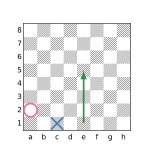
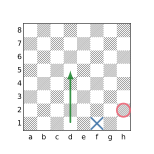
(vflip)
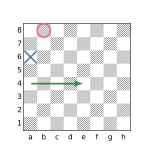
(vflip + swap)
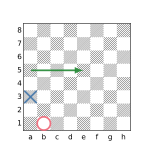
(swap)
(vflip + hflip)
(hflip)
(hflip + swap)
(vflip + hflip + swap)
The flip filter employs all of the above transforms. The rotate90 filter performs the first four transforms shown (the identity transform and the rotation transforms without reflection). The fliphorizontal and flipvertical filters add only the hflip and vflip transforms, respectively, to the identity transform.
The rotate90 Filter
The rotate90 filter introduces transforms by which square designators and directions appearing in the target filter are rotated clockwise by 90°, 180°, and 270°. The result of the filter is the combination of evaluating the original target filter and the transformed target filters.
The fliphorizontal and flipvertical Filters
The fliphorizontal and flipvertical filters introduce a transform by which square designators and directions appearing in the target filter are reflected about the horizontal bisector (hflip) or vertical bisector (vflip). The result of the filters is the combination of evaluating the original target filter and the transformed target filter.
The flip filter
The flip filter introduces transforms by which square designators and directions appearing in the target filter are subject to all of the D4 dihedral group transforms discussed above, i.e. clockwise rotations of 0°, 90°, 180°, and 270° as well as similar rotations applied to the reflections. The result of the filter is the combination of evaluating the original target filter and the transformed target filters.
Examples
The following diagrams show the effect of each of the dihedral transform filters applied to several target filters. Recall that when the target of a transform filter is a Set filter, the result is the union of the sets formed by each of the individual participating transforms.
flip up b3
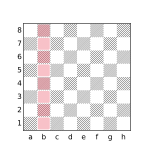
fliphorizontal up b3
flipvertical up b3
rotate90 up b3
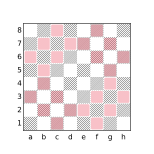
flip orthogonal 1 b3
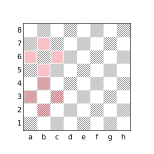
fliphorizontal orthogonal 1 b3
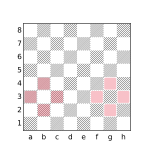
flipvertical orthogonal 1 b3
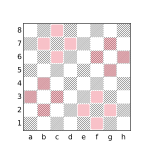
rotate90 orthogonal 1 b3
![flip [c1,b3,d3]](../assets/figures/diagram-2b57a35c8d7573a3.svg)
flip [c1,b3,d3]
![fliphorizontal [c1,b3,d3]](../assets/figures/diagram-c41772017b760b64.svg)
fliphorizontal [c1,b3,d3]
![flipvertical [c1,b3,d3]](../assets/figures/diagram-d0bfce07d3dadf14.svg)
flipvertical [c1,b3,d3]
![rotate90 [c1,b3,d3]](../assets/figures/diagram-5bfaab285de55a06.svg)
rotate90 [c1,b3,d3]
The Shift Filters
The shift filters perform square translation transforms. The shifthorizontal filter performs horizontal square translations within square designators appearing in the target filter, the shiftvertical filter performs vertical square translations within the square designators in its target filter and the shift filter employs compositions involving both horizontal and vertical square translations.
There are 15 possible horizontal square translations referred to as H-7 through H7 and 15 possible vertical square translations referred to as V-7 through V7. The horizontal square translation Hi indicates translation of square designators i files to the right and the vertical square translation Vj indicates translation of square designators j ranks up. A negative value for i results in translation to the left and a negative value for j results in a downward translation. For example, the result of applying the translation H5 to square c2 is h2 and the result of applying the translation V-1 to the square c2 is c1.
Translations that cause a non-empty square designator in the target to be transformed to an empty designator are automatically elided from the corresponding shift filter.
Horizontal square translations do not modify squares in a square designator that is part of a full rank and vertical square translations do not modify squares in a square designator that is part of a full file. For example, applying the translation H3 to the square designator [c5,a-g2] yields [d-h2,f5] but applying the same translation to the designator [c5,a-h2] yields [a-h2,f5] (the full rank a-h2 being preserved).
The shifthorizontal Filter
The shifthorizontal filter introduces transforms by which square designators appearing in the target filter are translated horizontally. For example:
shifthorizontal a1≡a1 | b1 | c1 | d1 | e1 | f1 | g1 | h1≡a-h1
Only translations H-1 through H2 are included in the below example because the translations H3 through H7 would result in the f5 square to be shifted off the board and the translations H-7 through H-2 would result in the square b1 being shifted off the board:
shifthorizontal b1|f5≡a1|e5 | b1|f5 | c1|g5 | d1|h5≡[a-d1,e-h5]
The shiftvertical Filter
The shiftvertical filter introduces transforms by which square designators appearing in the target filter are translated vertically. For example:
shiftvertical a1≡a1 | a2 | a3 | a4 | a5 | a6 | a7 | a8≡a1-8
Only translations V0 through V3 are included in the below example because the translations V4 through V7 would result in the b5 square to be shifted off the board and the translations V-7 through V-1 would result in the square a1 being shifted off the board:
shiftvertical a1|b5≡a1|b5 | a2|b6 | a3|b7 | a4|b8≡[a1-4,b5-8]
The shift Filter
The shift filter introduces transforms by which square designators appearing in the target filter are translated by the composition of horizontal and vertical translations. For example:
shift b2|h7≡a1|g6 | a2|g7 | a3|g8 | b1|h6 | b2|h7 | b3|h8≡[a-b1-3,g-h6-8]
Elided Transforms
When a non-empty square designator appearing in the target of a shift filter becomes empty due to the application of a translation transform, that transform is elided from the set of transforms associated with the shift filter. For example, the result of the query:
shiftvertical a1is all of the squares on the a file, the result of combining eight translation transforms (the identity transform and the vertical translation transforms V1 through V7). The transforms V-7 through V-1 are elided because each of them would transform the square designator a1 to an empty set as there is no square below a1.
This elision behavior can be used to control the set of transforms that compose a particular shift filter. For example, to find positions where the black king, white king, and white pawn stand on ranks 8, 6, and 5, respectively, of the same file, the following query may be used:
shifthorizontal { Pe5 Ke6 ke8 }If these are the only pieces on the board, white-to-move is a forced win unless the pieces are on the a or h files in which case black can easily draw. To exclude the drawing cases from matching the filter, sentinel values can be included in the filter which will become empty when the shift would cause the e-file squares to be shifted to the a or h files:
shifthorizontal { d1 f1 Pe5 Ke6 ke8 }The d1 designator will become empty in the transform that would shift Pe5 Ke6 ke8 to Pa5 Ka6 ka8 and the f1 designator will become empty in the transform that would shift Pe5 Ke6 ke8 to Ph5 Kh6 kh8 causing both transforms to be elided. The presence of the sentinel values does not otherwise affect the behavior of the filter.
Restricted Shifts
As explained above, transforms are elided when the target contains a square designator that becomes empty when the transform would be applied. When a square designator refers to multiple squares, e.g. a1-4 or [a1,h7], transforms are only elided when the entire set of squares designated becomes empty. For example the query:
shiftvertical [a1,h7]is equivalent to:
[a1,h7] | [a2,h8] | a3 | a4 | a5 | a6 | a7 | a8 | h1 | h2 | h3 | h4 | h5 | h6 which yields all the squares in the a and h files. If a shift filter is followed by the restrict keyword, translation transforms will be elided whenever any square in a designator is shifted off the board. For example, the query:
shiftvertical restrict [a1,h7]is equivalent to:
[a1,h7] | [a2,h8]having the same behavior as:
shiftvertical a1 | h7The rotate45 Filter
The rotate45 filter performs rotations on directions appearing in the target filter. Directions consist of the basic directions up, down, left, right, northeast, northwest, southeast, and southwest, and the compound directions vertical, horizontal, orthogonal, maindiagonal, offdiagonal, diagonal, and anydirection. The rotate45 filter affects the direction filters with these names and the directions with the same names used in a ray filter.
The result of rotate45 is the combination of each distinct 45-degree rotation transform applied to the target. For example, when rotated counter-clockwise by 45 degrees, the direction up becomes northwest, when rotated an additional 45 degrees the direction becomes west, etc. The 8 basic directions each produce a new basic direction when transformed and compound directions produce new compound directions of the same cardinality.
There are a total of 8 potential rotational transforms including the identity transform, although fewer transforms may be produced depending on the directions encountered in the target as non-distinct transforms are elided. For example when the compound direction orthogonal is rotated by 45 degrees, it becomes diagonal. Further rotations will simply alternate the direction back and forth between these two compound directions so that:
rotate45 orthogonal X ≡ orthogonal X | diagonal X ≡ anydirection X
given some filter X.
Because the effect of applying the rotate45 transform to any single direction in isolation is the same as replacing the direction with anydirection, the rotate45 filter is not as widely used as some of the other transforms. The most common use cases are when the target filter is a function call (in which case it may not be desired to modify the direction(s) in the function definition) and when the target filter contains multiple directions that need to be rotated in a synchronized way to achieve the desired effect. For example, one way to describe a knight’s movement is that it move one square in an orthogonal direction and then one square diagonally in a direction adjacent to the orthogonal direction. For example, the filter:
northeast 1 up 1 Nexpresses one of the possible knight’s moves while the filter:
rotate45 northeast 1 up 1 Nwill express all of them, being equivalent to:
northeast 1 up 1 N | up 1 northwest 1 N |
northwest 1 left 1 N | left 1 southwest 1 N |
southwest 1 down 1 N | down 1 southeast 1 N |
southeast 1 right 1 N | right 1 northeast 1 N
Note that this works because a knight’s move can always be expressed as a combination of moving one square orthogonally and one square diagonally, a characteristic which each rotation will maintain. While a single knight’s move can be expressed as moving 2 squares orthogonally and 1 square in a perpendicular direction, a 45 degree rotation of such a move will result in moves that cannot be made by a knight, i.e moving 2 squares diagonally and then 1 square in a perpendicular diagonal direction. For example, the query:
rotate45 up 2 right 1 Nwill yield:
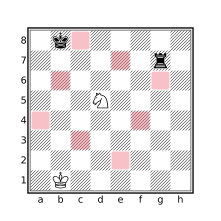
rotate45 up 2 right 1 N
Because rotate45 only affects directions in the target filter, applying the transform to a filter which contains square designators may represent a misuse of the filter. For this reason, CQLi will issue a warning if the target of a rotate45 filter contains a square designator unless the square designator appears within a notransform filter. For example:
rotate45 up 1 d5will elicit a warning while:
rotate45 up 1 notransform d5will not as the intention is explicit.
Transforms Do Not Operate on Sets
It is important to understand that the dihedral transform filters affect directions and square designators but do not affect other Set filters such as Set variables. The flip, flipvertical, fliphorizontal, and rotate90 filters do not modify piece designators either. For example, to obtain the squares attacked by white knights, the query:
flip up 2 right 1 Nmay be used. Specifying the square of the knight using a square designator though:
flip up 2 right 1 d5which will not yield the same result as shown in the below diagrams.
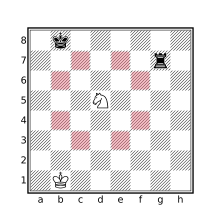
flip up 2 right 1 N
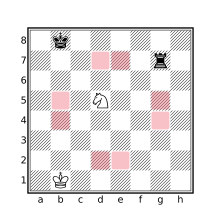
flip up 2 right 1 d5
This is because the square designator (d5) will be subject to the effects of the flip filter whereas the piece designator (N) in the first example will not. The first query is equivalent to:
up 2 right 1 N | right 2 up 1 N | down 2 right 1 N | left 2 up 1 N |
up 2 left 1 N | right 2 down 1 N | down 2 left 1 N | left 2 down 1 N
whereas the second query is equivalent to:
up 2 right 1 d5 | right 2 up 1 e4 | down 2 right 1 d4 | left 2 up 1 d4 |
up 2 left 1 e5 | right 2 down 1 e5 | down 2 left 1 e4 | left 2 down 1 d5
Elision of Duplicate Transforms
A transform filter will not include transforms that introduce duplicate target filter transformations. For example, the following queries will produce the same set of corner squares:
rotate90 a1     // [a1,a8,h8,h1]
flip a1         // [a1,a8,h8,h1]
The additional transforms introduced by the flip filter do not produce modifications of the a1 square designator that are not present in the transforms produced by the rotate90 filter so those additional transforms are elided. This is noticeable when dumping the query tree, when the target filter contains side effects, or when the count parameter is used. The filter message currenttransform may be used inside the target of a transform filter to see the individual transforms being applied during evaluation.
Note that if the result of applying the transforms associated with a transform filter does not produce any non-identity transforms a warning message will be issued indicating that the presence of the transform filter has no effect. For example:
shift Kwill produce the warning:
Superfluous transform does not modify any filters in the target filteras the Shift Filters do not modify piece designators.
Transformation Order
The order in which transforms are applied within a composition is significant when the transforms involved in the composition are not commutative as is the case with dihedral transforms involving reflections. When transform filters are nested, transforms associated with the most nested filters are applied first. For example, the following diagrams show the difference between the queries shiftvertical rotate90 a1 and rotate90 shiftvertical a1.
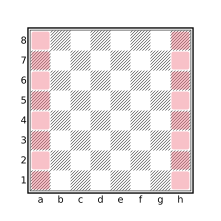
shiftvertical rotate90 a1
rotate90 shiftvertical a1
The notransform Filter
The notransform filter suppresses the effects of enclosing transform filters on its target. This filter is typically used in functions to protect the body of the function from being subjected to enclosing transforms during invocation that would result in undesired effects.
For example, the doubledpawns filter could be implemented as:
notransform flipcolor { P & vertical P }The notransform filter here is necessary to prevent the vertical direction filter from being subjected to transformations of enclosing transform filters. For example:
rotate90 flipcolor { P & vertical P }would find multiple pawns on the same rank in addition to those on the same file while:
rotate90 notransform flipcolor { P & vertical P }will work as expected by preventing the effects of rotate90 from penetrating the target of notransform. Note that the notransform filter only suppresses the effects of enclosing transforms, transforms appearing within the target filter, such as flipcolor in the above example, will still be honored.
The currenttransform Filter
The currenttransform filter is a String filter yielding a textual portrayal of the transforms in effect when the filter is evaluated. This filter is sometimes useful for debugging purposes and often combined with the message or comment filters.
If there are no transforms in effect when currenttransform is evaluated, the result is an empty string. Otherwise, the result is a space-separated list of transforms in effect, in the order in which they have been applied in the evaluation of the current transformation.
The textual representations currently used by the currenttransform filter to articulate transforms are shown in the below table.
| Transform Type | Representation |
|---|---|
| Identity transform | identity |
| Piece color reversal | invertcolor |
| Dihedral transforms | clockwise90, rotate180, counterclockwise90, reflect_h, reflect_v, reflect_a1h8, reflect_a8h1 |
| Shift translations | up^n, down^n, left^n, or right^n to represent a shift up, down, left, or right by n squares. |
For example, the string “right^6 up^3 reflect_a8h1” indicates that the current transform is formed by reflecting the board about the a8-h1 diagonal, shifting the result up by three squares, and then shifting right by six squares.
Note that one transform filter may result in multiple transformations, e.g. a shift filter may produce composite transformations that translate squares in both the horizontal and vertical directions.
Imaginary Position Exploration
CQLi provides facilities to explore positions that do not appear in the PGN file. These imaginary positions may be the result of making hypothetical moves (via the speculative move filter) or by arbitrarily adding or removing pieces from a position using the imagine filter. Imaginary positions are transient by default but the saveposition filter allows imaginary positions to be saved and revisited later in the same game. The currentmutation filter provides a string representation of the current changes in effect for an imaginary position. Imaginary positions may be queried like any other position and support a variety of applications, especially as related to the creation of chess puzzles.
The Speculative move Filter
The move filter as previously described does not actually make moves or change the state of the board, it simply reports on the moves that were made or available in a position. The speculative form of the move filter allows exploration of positions that result from making legal or pseudolegal moves on a temporary copy of the current position. A move filter becomes a speculative move filter by appending a : to the filter followed by any target filter. A speculative move filter iterates over each of the moves matching the criteria of the move filter, performs the move at the current position resulting in an imaginary position, and evaluates the target filter at that position.
The result of the speculative move filter has the same type as the normal move filter but represents the moves for which the target filter matched the resulting imaginary position(s). The speculative version of the move filter also accepts an optional all parameter. If the all parameter is specified, the speculative move filter instead yields a Boolean value that is true if the target filter matched for every move considered and false otherwise. If count and all are combined, the result is the number of considered moves if the target filter matched every one of them and None otherwise.
For example, the query:
move legal count : matewill yield the number of legal moves that deliver checkmate at the current position. The query:
not mate
parent : move legal : mate
will find positions where a player missed a mate in one while the following query will find positions where the player who missed the mate in one went on to lose the game:
not mate
parent : {move legal : {mate flipcolor {wtm 1-0}}}
The move filter mode may be ordinary, legal, pseudolegal, or reverse. A move with a mode of previous may not be a speculative move filter, to achieve a similar effect (for non-imaginary positions), use:
parent :target-filter
An ordinary speculative move filter considers no moves when evaluated in imaginary positions.
The imagine Filter
The imagine filter can be used to add, remove, or swap pieces in a position as well as change the side to move. The changes take place in an imaginary position for which the provided target filter is executed. The imaginary position is then discarded. The syntax of the imagine filter is:
imagineimagine-specifier[...]:filter
An imagine-specifier is one of:
piecepiece-designator-->set
swapsquare1square2
sidetomove{black|white|reverse}
The piece placement specifier uses the piece keyword followed by a single piece designator (which may not contain a square designator), the --> symbol and an arbitrary Set filter. The specified piece type is placed onto each square in set, pieces previously occupying the squares are removed. New piece IDs are assigned to pieces placed in this manner. Pieces may be removed by using _ as the piece-designator. If set is empty, no pieces are placed by this specifier before the target filter is evaluated.
The swap placement specifier consists of the swap keyword followed by two Set filters. If each of the set filters contain exactly one square, the pieces at these two squares are swapped, and the piece IDs of the affected pieces are maintained through the swap. If exactly one of the squares is empty, the piece at the other square is moved to the empty square. If either square1 or square2 does not consist of exactly one square, or both squares are empty, no swap is performed by this specifier prior to the target filter being evaluated.
The side to move specifier consists of the sidetomove keyword followed by exactly one of black, white, or reverse and sets the side to move to black, white, or the opposite side, respectively.
Multiple imagine-specifiers may be specified in a single imagine filter. For example, the below query will remove all queens and swap the black and white kings:
imagine piece _ --> [Qq] swap K k : ...The imagine filter has many applications but is particularly well-suited to solving, creating, and verifying various types of chess puzzles.
Imaginary Positions
Imaginary positions modify the board state of the current position (the changes are undone after the target filter is evaluated) but do not create new game tree nodes and are instead associated with the original position’s game tree node. As such, the value returned by game tree filters (including depth, distance, variation, mainline, ancestor, descendant, lca, child, parent, terminal, virtualmainline, and comparison operators applied to Position operands) on a imaginary position is the same as if the filter were evaluated with the original position from which the imaginary position was created. The value of filters that operate on the state of the board (including ply, movenumber, btm, wtm, attackedby, attacks, check, connectedpawns, fen, isolatedpawns, piece designators, mate, move, passedpawns, piece, square, pin, power, ray, and zobristkey) are affected by imaginary positions.
Use of the comment filter in an imaginary position will add a comment to the original position, even if the imaginary position occurs in the game. Similarly, the originalcomment filter will yield the comment associated with the original position when evaluated with an imaginary position. Since imaginary positions do not have a corresponding game tree node, they never appear in the PGN output produced by CQLi.
The saveposition Filter
Imaginary positions created by a speculative move or imagine filter are typically discarded after evaluating the target filter. The saveposition filter can be used to save an imaginary position until the end of the game. The saveposition filter yields the saved position which may subsequently be revisited using the with-position filter (:). Each saved position has its own position ID but saved positions are never implicitly accessed by CQLi. In particular, saved imaginary positions are not visited during the main game loop or during evaluation of the find, echo, move, or consecutivemoves filters. When the current position is not an imaginary position, saveposition simply yields the current position.
The currentmutation Filter
A position that appears in the PGN game text (including variations) is referred to as an original position. The result of the saveposition filter applied to an imaginary position is a hypostatized position. A real position is any original or hypostatized position. An imaginary position consists of one or more mutations applied to an underlying real position. For example, if a position contains 3 white pawns, the position formed by the filter:
imagine piece R --> P : ...will consist of 3 mutations, one for each pawn replacement.
The currentmutation filter is a String filter that yields an ordered, textual articulation of the current mutations in an imaginary position. Each mutation is either a move, piece placement, piece swap, or sidetomove change. Move mutations occur only as a result of the speculative move filter and may be normal moves or reverse moves, other mutations occur exclusively via the imagine filter. Each type of mutation is articulated as shown in the below table.
| Mutation Type | Articulation Description | Example |
|---|---|---|
| Normal Move | Typical SAN move depiction. | 1.Bf4 |
| Reverse Move | ~ followed by piece that moved, the starting square and the destination square. If this is a capture, the captured piece appears in parentheses after the capture indicator. |
1.~Bg5x(Q)c1 |
| Piece Placement | The placed piece character followed by @ and the destination square. If the square was already occupied, this is followed by x and the piece that was replaced. The entire mutation is enclosed by angle brackets. |
<R@d8><q@c7xp> |
| Piece Swap | The piece character and square of each piece involved in the swap, separated by ^. The entire mutation is enclosed by angle brackets. |
<Nb1^rh8> |
| STM Change | <&wtm> if the new side to move is white, otherwise <&btm>. |
<&btm> |
Note that within piece placement and piece swap mutations, an uppercase piece character indicates a white piece while a lowercase piece character indicates a black piece so e.g. <Nb1^rh8> indicates a swap between a white knight residing on b1 and a black rook residing on h8. In normal and reverse moves, pieces are always presented in uppercase, the color of the involved pieces may be deduced from the move number indicator. For example, in 1...Rd1 the piece that moved must be a black rook since the move was made by Black, as indicated by the ... in the move indicator.
If the current position does not involve any mutations, the result of the currentmutation filter is an empty string. Note that a position returned by saveposition is a real position and does not contain any mutations. To capture the textual mutations of a position, the currentmutation filter must be used with the imaginary position, not the saved position.
The legalposition and reachableposition Filters
The legalposition and reachableposition filters perform an analysis of the current board state in order to determine whether the position is legal or reachable, respectively. This analysis is static, i.e. previous and future positions occurring in the game are not considered. Positional legality is a simple analysis that checks for too many pieces, too many/few kings, etc. Positional reachability is a complex topic that involves often-subtle details of the position and forms the basis of many retrograde puzzles. The reachableposition filter uses a variety of heuristic analysis algorithms in order to both determine reachability and explain why a particular unreachable position could not have occurred in an actual game. Both filters are useful when performing board state transformations using the imagine filter which can transform a legal position to an illegal or unreachable position. The reachableposition filter is also useful when solving or constructing chess puzzles and studies as well as detecting existing puzzles and studies that are unsound due to unreachable starting positions (which violates the WFCC Codex of Chess Composition).
The legalposition Filter
A position is said to be illegal if the placement of the pieces in the current position violates the rules of chess. In particular, all of the following must be true in any legal position:
- There is exactly one white king and one black king on the board.
- There are no more than 8 pawns of each color on the board.
- There are no pawns on the first or last rank.
- There are no more than 16 white pieces or 16 black pieces on the board.
- The opposing king is not in check.
- If the position is the starting position, it must be White to move.
- The current side-to-move’s king is not attacked more than twice.
The legalposition filter evaluates to false if any of the above constraints are violated in the current position, otherwise the filter yields true.
When the legalposition filter appears as a top-level unparenthesized argument to the str, message or comment filters, the result is a textual portrayal of the analysis. If legalposition would evaluate to true, the result is portrayed as “<Legal position>”. Otherwise the result is portrayed as "<Illegal position:explanation> where explanation is a semicolon separated list of reasons articulating the illegality of the position. The reasons are provided below where Color is one of White or Black, Count is an integer, and Set is a set of squares. A short explanation follows each of the reasons, this explanation is not included in the analysis portrayal.
ColorKing not present on board
The board is missing a king of the specified color. Every legal chess position must include exactly one white king and one black king. The game ends upon imminent capture of one of the kings but such a capture does not ever actually take place. If a king is under attack, no move that leaves the king attacked is legal.
MultipleColorKings on board (Set)
The board has more than one king of the specified color. Exactly one king of each color must be on the board at all times. Pawns cannot promote to kings and there is no mechanism by which two or more kings of the same color can be present on the board.
Both sides are in check
The white king and black king are both in check. It is not legal to make a move that places the player’s own king in check. Additionally, if your king is put into check by the opposing player, no move that leaves the king in check is a legal response. For this reason, two kings may never be adjacent to each other (such a condition will be diagnosed by this message).
Opposite side (Color) is in check
The opposing side is in check. Since it is not legal to place or leave an attacked king in check, it is not possible for the opposing king to be in check when it is the other player’s turn (the game ends immediately if the king cannot be removed from check).
Pawn(s) present on Rank 1 (Set)Pawn(s) present on Rank 8 (Set)
One or more pawns of the specified color was found on the first or last rank. The starting position of all pawns is the second rank. Since pawns cannot move backwards, there is no legal way for a pawn to reach the first rank. Pawns that reach the last rank undergo immediate pawn promotion in which they are exchanged for a knight, bishop, rook, or queen; it may not remain a pawn. While playing over the board, the pawn may advance to the 8th rank temporarily until it is replaced by the promoted piece, the move does not end until after the replacement is made so a board position that has a pawn on the last rank is not valid.
Too manyColorPawns (Count) on board (Set)
The side of the specified color has more than 8 pawns. Each side starts with 8 pawns and since there is no way to acquire additional pawns during the game, it is not legal to have more than this many pawns.
Too manyColorpieces (Count) on board
The total number of pieces for the specified side, excluding the king, exceeds 15. Each side starts with 15 pieces plus a king. While a pawn may be exchanged for a different piece during pawn promotion, the number of pieces never increases during play.
Black to move in starting position
The position is the starting position but it is Black to move. In the starting position, only the pawns and knights have legal moves available to them. Since pawns cannot move backwards, it is not possible that a pawn has been moved. Knights can move in the starting position and then back again but since the square color of the knight changes with each move, doing so would require an even number of moves made by both sides to return to the starting position in which it would still be White to move instead of Black. There is no sequence of legal moves that can reach the starting position with Black to move.
ColorKing on squareSquareis attacked byCountpieces (Set)
The specified king is attacked by more than two opposing pieces. The only situation by which a king may be checked by two attackers is in a discovered check where both the discovered attacker and the revealing piece check the king. This can happen as a result of en passant or pawn promotion but it never results in more than two separate pieces checking the king. The only way a triple check would be possible is if the king was already in check when a move added additional attackers. Since no move that leaves a king in check is legal, this is not possible. The squares of all of the attackers are provided in
Set.
For example, if the white rook on a1 is replaced with a white pawn in the starting position, the textual portrayal of legalposition would be:
<Illegal position: Pawn present on Rank 1 (square a1); Too many White
Pawns (9) on board (squares a1, a2, b2, c2, d2, e2, f2, g2, h2)>
Position Legality with Variants
Position legality is only applicable to variants that follow the relevant standard chess rules. In particular, legalposition can be used to determine the legality of positions in Standard chess as well as Chess960, Three-check, and King of the Hill variants but will not yield expected results for other variants. For example, the Horde variant places white pawns on the first rank in the starting position but such positions will be considered illegal by the legalposition filter.
The reachableposition Filter
A position is said to be reachable if it is possible for the position to be obtained by some sequence of legal moves from the traditional starting position of Standard chess. This filter performs the same checks as legalposition (and will evaluate to false in the same situations that legalposition will) as well as more sophisticated analysis techniques in order to determine reachability. The filter yields false if the analysis determines the position is unreachable and true otherwise.
The reachableposition filter will never produce false positives, i.e. it will never evaluate to false for a position that can be reached as the filter yields false only when it can deductively prove a position is not reachable. It is possible, however, for the reachableposition filter to produce false negatives, i.e. evaluate an unreachable position as reachable. In practice, the overwhelming majority of unreachable positions are detected by the reachableposition filter but there are a small number of specific situational themes that the current implementation of this filter will not yet detect as unreachable. If you encounter such a situation, the author would be happy to know about it.
When the reachableposition filter appears as a top-level unparenthesized argument to the str, message or comment filters, the result is a textual portrayal of the reachability analysis. If reachableposition would evaluate to true, the result is portrayed as “<Reachable position>”. Otherwise the result is portrayed as "<Unreachable position:explanation> where explanation is a semicolon separated list of reasons articulating the analysis result. The reasons may include any of those described above for the legalposition filter as well as the reachable-position-specific reasons provided below where Color is one of White or Black, Count is an integer, Squarecolor is one of light or dark and Set is a set of squares. Some articulations are accompanied by bracketed supplemental information that explain how correlated sub-conditions were used in the ultimate unreachable determination. A short explanation follows each of the reasons, this explanation is not included in the analysis portrayal.
ImpossibleColorPawn structure (Set)
The pawn structure of the specified color is not feasible as no sequence of pawn moves or captures could have produced the current pawn structure. The pawns participating in the unfeasible portion of the pawn structure are reported bySet.
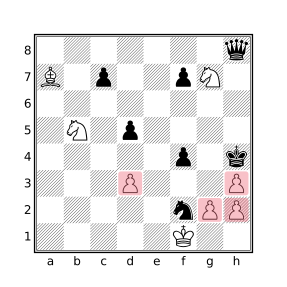
The above position (composed by Alexey Troitzky, 1896) will be reported as:
Impossible White Pawn structure (squares g2, h2, d3, h3)
as it is not possible to achieve the formation of pawns occupied by the specified squares.
ColorPawn structure impliesCountcapture(s) butColoris only missingCountpieces
The pawn structure of the specified side is only achievable through the capture of at leastnpieces but the opponent is missing fewer than this number of pieces making the pawn structure impossible.
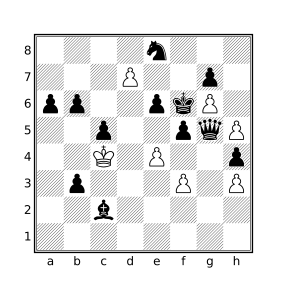
The above position (composed by Siegfried Hornecker, 2007) will be reported as:
White Pawn structure implies 5 captures but Black is only missing
4 pieces
as the fewest number of captures by White pawns needed to reach the pawn structure is five but no more than 4 captures could have been made as Black still has 12 pieces on the board.
All ofColor's missing pieces were captured byColorPawns currently on the board but missing trappedSquarePiececould not have been captured by one of these Pawns
One side has a pawn structure that implies a specific number of pawn captures and the opponent is missing exactly this many pieces meaning that all of the opponents missing pieces had to have been captured by pawns. However, the opponent is a missing queen, rook, or bishop (specified byPiece) that could not possibly have been captured by a pawn as the starting square of this piece is blockaded by friendly pawns preventing the piece’s escape or its capture by an enemy pawn.
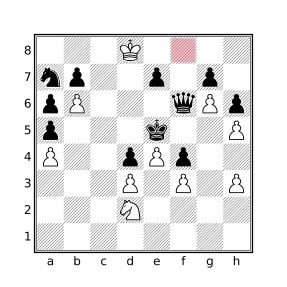
The above position (composed by Filip Bondarenko, 1962) will be reported by as:
All of Black's missing pieces were captured by White Pawns
currently on the board but missing trapped f8 Bishop could
not have been captured by one of these Pawns
The white pawn structure implies 5 captures and there are 5 missing black pieces, all of which therefore must have been captured by pawns. One of these missing black pieces is the dark-square bishop which could not have escaped from its starting square of
f8to be captured by one of White’s pawns.
ColorKing and Queen are swapped
The king and queen of the specified color are swapped respective to the starting position but no sequence of legal moves could have lead to this position as the necessary clearance is not present. Namely, thec-file andf-file bishops are on their starting squares as are theb-g-file pawns.Impossible position forColorKing onSquarewho has no legal path to this square
A king of the specified color was found on a square for which it could not possibly have reached by any series of legal moves owing to unmoved opposing pawns which attack squares that the king would have had to traverse to reach its current position. Specifically, a white king on ranks 7 or 8 or a black king on ranks 1 or 2 was detected while there are opposing pawns attacking every square on their own third rank.Position impliesCountColorPawn promotion(s) but onlyCountpromotion(s) are possible
At least the specified number of promotions for the specified color must have occurred to achieve the current position but this many promotions are not possible due to insufficient missing pawns of the promoting side.
Supplemental information detailing why the position implies a certain number of promotions along with an explanation of why the requisite number of promotions is impossible is included.
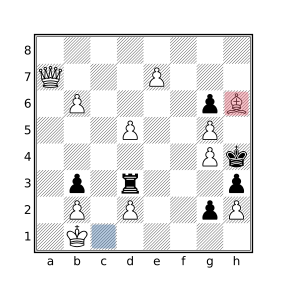
The above position (composed by Vladimir Neishtadt, 1988) will be reported as:
Position implies 1 White Pawn promotion but no promotions
  are possible
[Presence of 1 dark-square White Bishop (square h6) implies
  at least 1 promotion]
[Missing dark-square White Bishop could not have escaped
  starting square (c1)]
[White is not missing any Pawns]
The dark-square white bishop on
h6cannot be the one that started onc1as the pawns onb2andd2would have prevented its escape, therefore the bishop must be the result of a pawn promotion. White, however, is not missing any pawns so it could not have promoted any of them. This logical contradiction can only mean the position is unreachable.
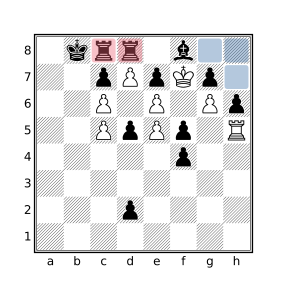
The above position (composed by Ottó Bláthy, 1890) will be reported as:
Position implies 1 Black Pawn promotion but no
  promotions are possible
[Presence of 2 Black Rooks (squares c8, d8) implies
  at least 1 promotion]
[Missing Kingside Black Rook could not have escaped
  confined area (squares h7, g8, h8)]
[Black is not missing any Pawns]
Black has two rooks in this position. The black rook that started on square
h8could not have escaped the area highlighted in blue which is blockaded by the black bishop (trapped by its own pawns one7andg7) and the pawns ong7andh6. At least one of the two black rooks must therefore have been promoted but since Black is not missing any pawns no promotions could have actually occurred.
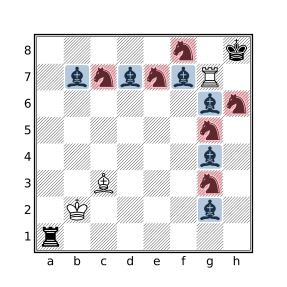
The above position (composed by Anatoly Matsukevic, 1989) will be reported as:
Position implies 9 Black Pawn promotions but only 8
  promotions are possible
[Presence of 6 Black Knights (squares g3, g5, h6, c7,
  e7, f8) implies at least 4 promotions]
[Presence of 6 light-square Black Bishops (squares g2,
  g4, g6, b7, d7, f7 ) implies at least 5 promotions]
[Black is only missing 8 Pawns]
Since Black (presumably) only started with two knights, the presence of 6 of them in this position would have required at least four promotions. There are six bishops but since they are all light-square bishops, at least five of them must have been the result of pawn promotions. Since each side starts with only eight pawns, the requisite number of nine promotions to reach this possible is not possible.
Position impliesCountColorpromotion(s) but promoting this many pawns would require too many captures
At least the specified number of promotions for the specified color must have occurred to achieve the current position but this many promotions are not possible because the smallest number of captures needed to promote this many pawns exceeds the number of missing opposing pieces that could have been captured by such pawns. Supplemental information detailing why the position implies a certain number of promotions along with an explanation of why the requisite number of promotions is impossible is included.
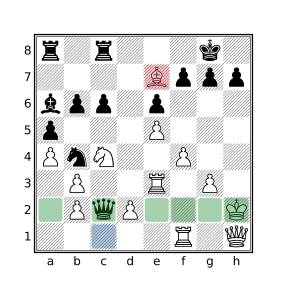
The above position will be reported as:
Position implies 1 White promotion but promoting this
  many pawns would require too many captures
[Presence of 1 dark-square White Bishop (square e7)
  implies at least 1 promotion]
[Missing dark-square White Bishop could not have escaped
  starting square (c1)]
[Existing White pawn structure already implies 1 capture]
[Promotion of 1 White pawn requires at least 3 additional
  captures]
[Black is only missing 3 pieces]
[Promotion cost calculated using pawn start squares a2, c2,
  e2, f2, g2, h2 and promotion files a, b, c, d, e]
The dark-square white bishop that started on
c1could not have escaped as it was trapped by its own pawns onb2andd2, therefore the white bishop one7must be a promoted pawn. Black is missing 3 pieces, one of which was captured by the pawn onb3which only leaves two captures unaccounted for. Pathing analysis can determine that amongst any of the potentially-promoted pawns, at least 3 captures would be necessary to reach the promotion rank. For example, the pawn that started onh2would have to make at least 3 captures to get around the black pawn blockade on rank 7. In the case of theh2pawn an additional capture would be required to promote on a dark square. The combination of this information is used to determine the position is unreachable.
Impossible check ofColorKing
The specified king is in check but there is no way the current position could have been reached as all previous position candidates that could lead to this position are non-viable. Examples of impossible checks include double check via two bishops, two knights, two pawns, or pawn plus bishop/knight and checks by one or two pieces that give check but have no reverse moves which lead to a position where the same king would not have already been in check, possibly by a different piece.
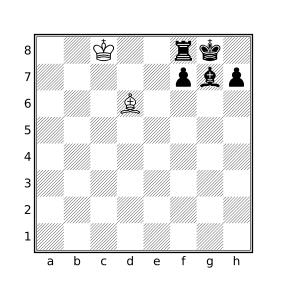
In the above position, there is no move that the black rook could have made to check the white king for which it would not already have been attacking the king. The last move by Black could not have been
O-Osince the black king would have had to pass through check by the white bishop ond6. If the white bishop was instead onb6, the position would not be reported as unreachable as Black could have just playedO-Oas the bishop would no longer attack the squares that would need to be traversed during castling.
Coloris missingSquarecolor-square Bishop but allColorcaptures occurred onSquarecolorsquares (Set)
The specified color is missing a bishop but it can be determined that all captures made so far were by pawns on squares of the opposite color of the missing bishop so there is no accounting for the missing bishop.
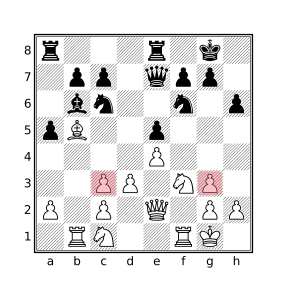
The above position will be reported as:
Black is missing light-square Bishop but all White
  captures occurred on dark squares (squares c3, g3)
Black is missing two pieces (a pawn and a light-square bishop) which means that White has performed two captures. From the doubled white pawns on the
candgfiles it can be deduced that both captures occurred on dark squares. Black’s missing pawn could have been captured on a dark square but Black’s missing light-square bishop could not.
Inconsistent color symmetry forColorto move
If all pawns are present on both sides, and theb-gpawns are all in their starting positions, and thea&hpawns are either in their starting positions or advanced one square, then the only other pieces that could have moved are the knights and rooks. The knights always change color when they move and in the above pawn configuration, a rook can only move one square at a time in which case the square it occupies also changes color for every move. This means that the color symmetry of occupied squares must be preserved when White has the move (the number of occupied light squares equals the number of occupied dark squares) and must be broken when Black has the move. If this is not the case, then the position was not reached via any series of legal moves where White moved first.
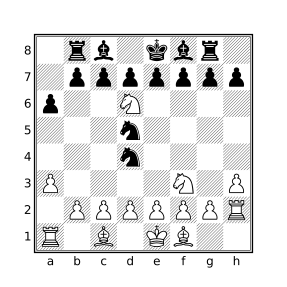
The above position satisfies the criteria needed to make a color symmetry assessment as described above. It is Black to move (Black is in check) but the number of occupied light squares equals the number of occupied dark squares which should only be true when it is White to move meaning that this position is not reachable.
Impossibly trappedColorBishop on squareSquare
Bishops on their own first rank, except forc-file andf-file bishops, cannot have pawns of their own color on the second rank in adjacent files blocking them as there would be no way for the bishop to arrive at the square. Similarly, a bishop cannot be at the last rank if there are enemy pawns that prevent it from escaping unless it could have been a promotion in which case there must be a hole in the enemy pawns on the seventh rank that would have allowed such a promotion to occur.Impossibly trappedColorRook on squareSquare
A Rook was found on the second (seventh) rank with a White (Black) Pawn in front of it on the third rank, a Bishop behind it on the first rank, and White (Black) Pawns on the second (seventh) rank diagonally adjacent to the Bishop, trapping it. Regardless of the colors of the Rook and Bishop, there is no way for the Rook to have become trapped in this way.Impossible escaped/entrenchedColorRook(s) (Set)
If all of White’s pawns are on ranks 2-3 (or all of Black’s pawns are on ranks 6-7), with a pawn in every file, that same side’s rooks must all either be on ranks 1-2 (7-8 for Black) or captured. Since no pawns are missing in this scenario, promotion is not a possibility. Additionally, any promoted opposing rooks must reside behind the pawn blockade as they could not have escaped the pawn structure after promoting.
Similarly, if all of White’s pawns are on ranks 2-3 (or all of Black’s pawns are on ranks 6-7), with a pawn in every file, there can be no enemy rooks on Ranks 1-2 (7-8 for Black) without promotion which requires a missing pawn plus the capture of at least one piece (so that the pawn could have made it past the pawn block).
Position Reachability with Variants
Position reachability is applicable only to variants that both follow the standard rules of chess and utilize the traditional starting position. In particular, reachableposition will not correctly determine positional reachability for Chess 960 games that do not utilize the traditional starting position. In addition to Standard chess, reachableposition may be successfully used with the Three-check, and King of the Hill variants.
Filter Semantics in Illegal Positions
CQLi does not impose any artificial positional constraints and supports query evaluation (including move generation provided by the move filter) with well-defined behavior for positions that violate basic chess principles, i.e. those for which the legalposition filter will return false. Such illegal positions may be obtained through use of the imagine filter or may be specified via the FEN tag of PGN files. CQLi aims to consistently exhibit sensible and practical semantics for filters in such situations. Most filters are not affected by the legality of a position, the remainder of this section enumerates those that are.
The following situations will affect the result of the legalposition filter (as well as the reachableposition filter) but do not impact the behavior of other filters:
- The presence of more than 8 pawns of the same color.
- The presence of more than 16 pieces of the same color.
- Black to move in the starting position.
Unreachable positions detected by the reachableposition filter that are not deemed illegal by the legalposition filter do not affect the behavior of other filters.
Kings
Missing Kings
One or both kings may be missing from the board. The effects of missing kings are:
Null moves and castling moves are both king moves, as such they are not available if there is no king of the current color on the board. Such moves will not be generated by the
movefilter and the presence of such moves in a PGN file for such a position will be rejected in the same way that any other illegal move is.A side with no king may not be subject to check or checkmate, consequently the
checkandmatefilters will always returnfalsewhen evaluated in a position where the side to move has no king. The lack of a king on the opposing side has no effect on the operation of these filters.In the Atomic variant, if the current side is missing a king it is assumed that the king exploded during the previous move and that the game is over, being a loss for the current side to move. As such, the
variantlossfilter will return true and move generation will not produce any moves for either side in such a position.
Extra Kings
One or both sides may have multiple kings on the board. The effects of extra kings are:
Castling moves are not available to a side that has multiple kings and the
movefilter will not produce castling moves in such a position. Reverse move generation will currently produce reverse castling moves for positions with multiple kings although this behavior may change in a future version of CQLi.When multiple kings of the same color are present on the board, none of the kings of that color are subject to check or mate, regardless of variant. This means that move generation may produce moves that place the current side’s king(s) under attack and the
checkandmatefilters will always returnfalsewhen evaluated for a side that has multiple kings. Duplicate kings may also be captured.
Opposite King in Check
If the opposite side’s king is in check it may be captured on the current move, and such capturing moves will be generated by the move filter.
Pawns
Pawns on the First Rank
Pawns on their own first rank may move one or two spaces forward or capture diagonally, just as a pawn on the second rank may. A pawn that moves two spaces forward from the first rank does not set the en passant square and may not be subsequently captured en passant. A pawn that starts on the first rank and subsequently moves forward to the second rank is not distinguished from a pawn that began on the second rank, e.g. it may then move forward two spaces from the second rank and be subject to en passant capture. Note that the behavior of pawns on the first rank matches that of the Horde variant where White starts with pawns on ranks 1-5.
Pawns on the Last Rank
Pawns on their last rank may not move or promote on a later move. They may be captured by an opposing piece. The move filter will never produce a move that causes a pawn to move to its last rank without being promoted to another piece.
Chess Variants
CQLi fully supports several popular chess variants including those supported by lichess.org and FICS. Within PGN files, variants are identified by the Variant tag. The supported variants and corresponding tag values recognized are provided in the table below.
| Variant Name | Brief Description | Recognized Aliases |
|---|---|---|
| Atomic | Captures cause explosions that destroy surrounding pieces. | Atom, Atomic, Atomic Chess |
| Chess960 | Random setup of backrank pieces. | Chess960, Fischerandom |
| Crazyhouse | Captured pieces change color and may be dropped on later moves. | Crazyhouse, Crazy House, House, ZH |
| Giveaway | Lose all pieces or get stalemated to win. Captures are compulsory. | Antichess, Giveaway, Give away, Giveaway Chess, Give away chess |
| Horde | White has 36 pawns and wins `Hor by checkmating Black before all white pawns are captured. | de,Horde Chess` |
| King of the Hill | Like standard chess but a king that makes it to a center square immediately wins the game. | King of the Hill, kingOfTheHill, KOTH |
| Losers | Lose all pieces except the king, get checkmated, or get stalemated to win. Captures are compulsory. | Losers |
| Racing Kings | There are no pawns. White and black pieces start on the first two ranks. Win by getting your king to the last rank first. Moves that would result in check are forbidden. | Race, Racing, RacingKings, Racing Kings |
| Standard | Standard chess. | Chess, Classical, Normal, Standard |
| Suicide | Lose all pieces to win. Captures are compulsory. | Suicide, Suicide Chess |
| Three-Check | Like standard chess but giving three checks to the opponent also wins the game. | Three-Check, Three Check, ThreeCheck, Three Check Chess, 3-Check, 3 Check |
Games that contain a Variant tag with a value corresponding to a recognized alias above are automatically handled as a game of that variant. Aliases are case-insensitive, e.g. zh and crazyhouse are both acceptable values to denote a Crazyhouse chess game. New aliases can be defined using the –variantalias option. Games containing a Variant tag that CQLi does not recognize may be skipped using the –skipunknownvariants option.
Chess960 Support
Chess960 semantics are implicitly supported for all variants, including Standard. In particular, the FEN tag may be used to specify a starting position using X-FEN notation to express castling rights regardless of variant.
Filters Supporting Variants
Many of the supported variants change the winning, losing, and/or drawing conditions. For example, King of the Hill introduces an alternate winning condition (getting a king to the center of the board) and stalemate is a win for the stalemated side in the Giveaway variant. In addition to the variant filter used to identify variants, CQLi includes several filters that can be used to query these variant-specific conditions.
The variant Filter
The variant filter yields a Boolean value indicating whether the current game is a non-standard variant. A game is considered to be a variant if the Variant PGN tag is provided and contains a value other than the values shown in the previous table that correspond to Standard.
When used as an argument to the str, comment, or message filters, the result is a string containing the canonical name of the variant which is either one of the names in the Variant Name column in the previous table or unknown if a Variant PGN tag was provided with an unrecognized value. The canonical name of a non-variant game is Standard. To obtain a string with the Boolean value of the variant filter when used as an argument to str, comment, or message, surround the variant filter with parentheses or braces.
The variantwin Filter
This filter yields a Boolean value indicating whether a variant-specific winning condition has been met for the current side to move. This filter always yields false for Standard chess and the Chess960, Crazyhouse, and Horde variants as these variants do not define new winning conditions (Horde defines a new losing condition where White loses if all of their pieces are captured). The table below lists the conditions under which variantwin will yield true in other variants.
| Variant | Winning Condition |
|---|---|
| Atomic | The side to move has a king on the board but the opposite side does not (presumably having been destroyed in the explosion accompanying an atomic capture). |
| Giveaway | No moves are available for the current side to move (either because of stalemate or because the player has no pieces or pawns remaining on the board). |
| King of the Hill | The current side-to-move’s king resides on d4, d5, e4, or e5. |
| Losers | The current side to move only has a king or is checkmated. |
| Racing Kings | The current side-to-move’s king resides on rank 8 and the opponent’s king does not. |
| Suicide | The current side to move has no pieces or pawns or is stalemated with fewer pieces or pawns than the opponent. |
| Three-Check | The current side to move has delivered check to the opposing king the prescribed number of times (default is 3). |
Note that the conditions under which variantwin is true for Atomic, King of the Hill, and Three-Check do not occur under normal circumstances as the game ends after the winning condition has been met so the terminal position will be the opposite side to move. For the Racing Kings variant, if the white king makes it to rank 8 first, Black gets one chance to draw by getting their king to the back rank, otherwise White wins after Black’s move in which case variantwin will then be true.
The variantloss Filter
This filter yields a Boolean value indicating whether a variant-specific winning condition has been met for the opposite side to move. This filter always yields true if the current side to move has no pieces or pawns, otherwise this filter always yields false for Standard chess and the Chess960 and Crazyhouse variants. The table below lists the conditions under which variantloss will yield true in other variants.
| Variant | Losing Condition |
|---|---|
| Atomic | The side to move has no king on the board but the opposite side does. |
| Giveaway | The opposite side to move has no pieces. |
| King of the Hill | The opposite side-to-move’s king resides on d4, d5, e4, or e5. |
| Losers | The opposite side to move only has a king. |
| Racing Kings | The black king resides on rank 8 and the current side to move is White. |
| Suicide | The opposite side to move has no pieces or pawns or the current side to move stalemated with more pieces or pawns than the opponent. |
| Three-Check | The opposite side to move has delivered check to the opposing king the prescribed number of times (default is 3). |
The situation for which variantloss will return true for the Giveaway or Losers does not occur under normal circumstances as the opposite side will have already won on the previous move ending the game.
The variantdraw Filter
This filter yields a Boolean value indicating whether a variant-specific drawing condition has been met. This filter yields false except in the following situations:
Both kings reside on rank 8 in the Racing Kings variant. This can occur when the black king reaches rank 8 immediately following the white king reaching rank 8.
Both kings have been exposed to check the prescribed number of times to warrant a win. This never happens under normal circumstances.
The current side to move is stalemated with the same number of pieces/pawns as the opponent in a Suicide game.
The variantend Filter
This filter yields true if the game is over due to a variant-specific condition. Note that checkmate and stalemate are not considered to be variant-specific ending conditions even though e.g. stalemate may be considered a variant win for the stalemated side in certain variants. In other words, variantend is not equivalent to variantwin or variantloss or variantdraw. The variantend filter always yields true if the current side to move has no pieces or pawns on the board. Other situations for which this filter will yield true are provided in the below table.
| Variant | End Condition |
|---|---|
| Atomic | One or both sides has no king. |
| Giveaway | At least one side has no pieces/pawns. |
| King of the Hill | There is a king on one of the center squares (d4, d5, e4, or e5). |
| Losers | At least one side has only a king. |
| Racing Kings | The black king resides on rank 8 or it is White to move and the white king resides on rank 8. |
| Suicide | At least one side has no pieces/pawns. |
| Three-Check | At least one side has delivered check to the opposing king the prescribed number of times. |
Behavior of check, mate, and stalemate with Variants
The check filter will only yield true when there is exactly one royal king of the color of the current side to move on the board and it is under attack from an enemy piece, except when the king is adjacent to a non-promoted enemy king in the Atomic variant. A royal king is one that may be subjected to checks. Kings in all supported variants are royal except the kings in the Suicide and Giveaway variants. In the Atomic variant opposing kings may be adjacent to each other in which case neither is subjectable to check.
The mate filter yields a true value when check is true and there are no legal moves for the current side in the current position.
The stalemate filter will yield false if variantend would be true, such as when there are no pieces of the current color on the board.
Behavior of move with Variants
The move filter can be used to generate legal or pseudolegal moves when using the legal or pseudolegal parameters. The Giveaway, Losers, and Suicide variants have a compulsory capture rule requiring that a capture move be made if one is legal. In such cases only capture moves will be generated when using either the legal or pseudolegal parameters. In the Racing Kings variant moves that place either king in check are illegal and such moves will not be generated even when pseudolegal is used.
To support the Crazyhouse variant, the move filter accepts a drop parameter followed by a piece type designator indicating the type of piece being dropped. For example, move to . legal drop R will yield the set of squares for which a previously captured rook may legally be dropped in the current position.
Using pin with Variants
The behavior of the pin filter does not change with variants. While kings in the Suicide variant have no special powers and are not subject to check, the pin filter will still report pieces as being pinned to the king. In the Atomic variant, pieces are not subject to absolute pins when the two kings are adjacent. To accommodate this situation when using the pin filter, the additional check for king adjacency can be made using K attacks k, K attackedby k, or anydirection 1 K & k.
FEN Extensions for Variants
The Crazyhouse and Three-Check variants introduce state information needed to represent a given position that is not articulated by the standard FEN notation. CQLi supports commonly-used extensions to FEN to represent this information as described in the following sections.
Crazyhouse FEN Extensions
There are several different methods used by popular chess software to encode the pocket piece and promoted piece information in a FEN tag. The methods supported by CQLi are described below.
Rank Zero
The piece-placement field is suffixed with an extra slash (/) followed by a list of pocket pieces. Promoted pieces in the piece-placement field are suffixed with a tilde (~). An example of the Rank Zero format is:
rnbq2nQ~/ppppk2p/5p1B/8/8/1P6/P1P1PPPP/q~N1QKBNR/PBRr w K - 1 8
Bracketed
The piece-placement field is suffixed by a square-bracket enclosed list of pocket pieces and promoted pieces in the piece-placement field are suffixed with a tilde (~). An example of the Bracketed format is:
rnbq2nQ~/ppppk2p/5p1B/8/8/1P6/P1P1PPPP/q~N1QKBNR[PBRr] w K - 1 8
Appended
Two new fields are added to the end of the FEN string. The first field is the list of pocket pieces. The second field is a list of squares upon which promoted pieces reside. An example of the Appended format is:
rnbq2nQ/ppppk2p/5p1B/8/8/1P6/P1P1PPPP/qN1QKBNR w K - 1 8 PBRr a1h8
Three-Check FEN Extensions
There are two common methods used to track the number of checks needed to win in the Three-Check variant, both of which are supported by CQLi.
Checks Given
The number of checks given by each side is provided in +W+B format in a new field following the full move number. W and B correspond to the number of checks that have been delivered by White and Black, respectively. CQLi assumes that a total of three checks is required to meet the variant-specific winning condition when this format is used. An example of the Checks Given format is:
5k2/p7/1p6/3B2P1/3P1rp1/b1P2P2/P5K1/7R w - - 4 34 +2+0
Checks Remaining
The number of checks remaining for each side to reach the variant-specific winning condition is provided in W+B format in a new field between the en passant square indicator and the halfmove counter. W and B are each single digits between 0 and 9 that represent the number of checks remaining to be delivered before meeting the variant-specific winning condition by White and Black, respectively. The advantage of this format is that it can support variants where an alternate number of checks are needed to win. An example of the Checks Remaining format is:
5k2/p7/1p6/3B2P1/3P1rp1/b1P2P2/P5K1/7R w - - 1+3 4 34
Other Features
Piece Tracking
At the start of each game, CQLi assigns a numeric piece ID to every piece in the initial position beginning with 1 for the first placed piece, 2 for the second placed piece, etc. Pieces in the initial position are placed in descending rank-major, ascending file-minor order, i.e. the same order specified by the piece placement field of a FEN string. The diagram below shows the standard starting position with the corresponding piece IDs assigned by CQLi.
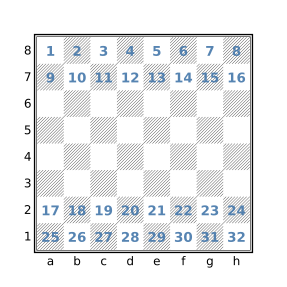
As pieces move around the board, they maintain their assigned piece IDs. The piece IDs can be used to determine if e.g. a particular piece started on the kingside or queenside. Pawns maintain their piece IDs across promotion allowing promoted pieces to easily be correlated to the original pawn.
Piece Variables
The piece assignment filter is used to define a variable that can store the identity of a piece. The syntax of the piece filter is:
piecename=set
where name is any valid variable name and set is any filter with Set type. If set contains a single square and that square is occupied, the variable name has the value of the identity of the piece occupying that square. Otherwise the piece variable has a value of None. For example:
piece $p = a1will create a Piece variable $p which holds the identity of the piece residing on square a1 or None if a1 is unoccupied. The piece variable can then be used to represent the piece in any position, including one where the piece is on a different square. For example, the below query will find positions where the a1 rook appears in all four corners of the board at some point in a game:
initial
piece $p = Ra1
(flip count find $p & a1) == 4
When appearing as an argument to the str, comment, or message filters, a piece variable is portrayed with the piece type followed by the square it occupies (e.g. Ke1) or [absent] if the piece is no longer on the board.
Piece variables are automatically converted to Sets when appearing anywhere except as an argument to a user-defined function or the str, comment, message, or pieceid filters.
Piece variables are also created with the piece iteration filter.
The pieceid Filter
The piece ID of any piece can be obtained with the pieceid filter which accepts a single argument which is either a piece variable or a Set filter. If the argument is a Set filter, pieceid yields the numeric pieceID of the piece that resides on the single square represented by the set argument. If the set argument does not consist of a single square, or if the square represented by the argument is not occupied, the pieceid filter yields None. If the argument is a piece variable the pieceid filter yields the numeric piece ID of the corresponding piece, even if the piece is no longer on the board. The pieceid filter is used primarily to determine if two pieces in different positions are the same piece. For example, the following filter will find two positions within a game that are identical except that two or more pieces of the same type and color have swapped places:
echo (source target) {
    source < target
    source & target == .
    $swapped_pieces = square sq in [Aa] {
        source:pieceid sq != pieceid sq
    }
    $swapped_pieces > 0
    comment("squares of swapped pieces: " $swapped_pieces)
}
Notes
New pieces are not typically added to the board during play although this can occur for dropped pieces in the Crazyhouse variant and when pieces are added to form imaginary positions with either the imagine filter or when generating reverse captures with the speculative move filter. In such cases, the next available piece ID is assigned to the newly placed piece. Captured pieces that are subsequently dropped in the Crazyhouse variant always have a new piece ID, not one that was associated with a captured piece.
In the Crazyhouse variant, it is possible that a game has multiple variations that each consist of drop moves. In such situations it guaranteed that each dropped piece will have a unique piece ID that is not reused in other variations in the same game.
When new pieces are added with the imagine filter or by exploring reverse moves with the speculative move filter, each new piece is assigned the next available piece ID but these piece IDs may be reused by later placements after the corresponding imaginary position has expired. Piece IDs used in imaginary positions saved with the saveposition filter are not subsequently reused.
A maximum of 65,535 distinct piece IDs are supported per game.
The CL_PATH environment variable
The CL_PATH environment variable may be used to specify a set of paths for which CQLi should search for input PGN and CQL query files. When an input file is specified on the command line or via a CQL header input parameter that does not consist of an absolute path name, the file is searched for in the current working directory (the directory from which CQLi was invoked). If the file is not found in the current directory, each of the semicolon-separated directories specified by the CL_PATH environment variable are searched for the file, in the order in which the directories appear. CQLi will then attempt to open the file in the first directory that contains a file with the provided name and terminate if the file could not be successfully processed.
The cqlbegin and cqlend Filters
The cqlbegin and cqlend filters provide a mechanism to perform actions that occur at the beginning and end of processing, respectively.
The cqlbegin Filter
The cqlbegin filter takes a single block (compound statement) argument. The block is evaluated one time prior to processing games. When running with multiple threads, this block is evaluated one time by each thread prior to that thread processing any games (note that it is possible for one thread to evaluate its cqlbegin block after another thread has already started processing games). Multiple cqlbegin blocks may be present in which case they are evaluated in the order in which they appear.
The primary purpose of this filter is to perform preparatory tasks such as initializing persistent variables or processing external files that should be completed before processing the first game (such as in this ).
The cqlend Filter
The cqlend filter takes a single block (compound statement) argument. The block is evaluated once after all games have been processed. When running with multiple threads, this block is evaluated after all persistent variables (including dictionaries) have been merged. Multiple cqlend blocks are evaluated in the order in which they appear.
The cqlend filter can be used to perform post-processing tasks such as writing out custom report information to a file via writefile or the message filter. Since such blocks have access to merged persistent data, they can be used to summarize and/or analyze data collected while processing games.
Metadata filters in cqlbegin and cqlend blocks
While all filters are accessible within cqlbegin and cqlend blocks, the evaluation of such blocks occurs outside the context of a real game so some filters are not particularly useful. Within cqlbegin and cqlend blocks, the gamenumber filter yields a value of zero (which never occurs elsewhere), the result "*" filter yields true to indicate an incomplete game, and the rest of the metadata filters yield a value of None.
All filters in CQLi are evaluated in the context of a current position. In the case of cqlbegin and cqlend blocks, this position is the standard starting position which represents the initial and terminal position of a non-existent game.
The readfile and writefile Filters
The readfile and writefile filters provide a limited extensibility mechanism by which CQLi may interact with its environment during runtime. The Commandpipe feature provides a more powerful extensibility mechanism.
The readfile Filter
readfileinput-filename
The readfile filter accepts a single String argument which represents the name of a file to read. If the provided string is None or the corresponding file cannot be opened for reading, a runtime error is generated and CQLi will terminate. Otherwise the readfile filter yields a String value representing the contents of the specified file. If a relative pathname is provided, it is searched for in the current working directory, the directories specified by CL_PATH are not searched.
The following example will populate the PGN tags ECO and Opening based on the positions reached in each game. The loadEcoFile function reads the tab-delimited files available here which contain opening data carefully curated by Niklas Fiekas (the same data is used by lichess.org to populate these fields for games played on their site). These files contain ECO codes and opening names along with the common set of moves used to reach these positions and a partial FEN string. The data from these files are used to populate two dictionaries, $eco_dict and $opening_dict, whose keys are the first three fields of a FEN string and whose values are the corresponding ECO code and opening name, respectively. The cqlbegin filter is used to ensure that these files are processed one time (per thread) before the first game is analyzed.
cql(silent)
dictionary (min) $eco_dict
dictionary (min) $opening_dict

function loadEcoFile($filename) {
    while ((readfile $filename) ~~ "^(.*?)\t(.*?)\t(.*?)\t(.*?)\t(.*)$") {
        $eco = \1
        $opening = \2
        $fen = \5
        $fen ~~ "^(.*? .*? .*?) "
        $partial_fen = \1
        $eco_dict[$partial_fen] = $eco
        $opening_dict[$partial_fen] = $opening
    }
}

cqlbegin {
    $eco_dir = "chess-openings/dist/"
    loadEcoFile($eco_dir + "a.tsv")
    loadEcoFile($eco_dir + "b.tsv")
    loadEcoFile($eco_dir + "c.tsv")
    loadEcoFile($eco_dir + "d.tsv")
    loadEcoFile($eco_dir + "e.tsv")
}

fen ~~ "^(.*? .*? .*?) "
$partial_fen = \1
if ($eco_dict[$partial_fen]) {
    settag("MyECO" $eco_dict[$partial_fen])
    settag("MyOpening" $opening_dict[$partial_fen])
}
The $eco_dir variable will need to be modified to reflect the location of the opening data files.
The result is to set the ECO and Opening tags to the values corresponding to the most advanced position in each game that has a corresponding position in the opening data. The persistent and dictionary variables are defined with arbitrary merge strategies to allow the query to be run in multi-threaded mode. See the commandpipe filter for an alternate implementation which communicates with an external process to perform the positional inquiries.
The writefile Filter
writefile[noclobber](output-filename contents)
The writefile filter takes a parenthesized argument list containing two String arguments. The first argument specifies the name of the file to write and the second argument specifies the contents to write to the file. The first time that writefile is used to write to a particular file, that file is opened for writing and any previous contents are replaced with contents unless the noclobber parameter is specified in which case the value of contents is appended to the file. Future evaluations of writefile filters writing to the same file cause the specified contents to be appended to the file.
If the output-filename string is None, a runtime error is generated after which CQLi will terminate. Otherwise, if the contents string is None, the writefile filter will yield false without attempting to write to the file. Otherwise, if the corresponding file cannot be opened for writing, a runtime error is generated and CQLi will subsequently terminate.
For example, to write the FEN string of all matching positions where either side could mate if it was their turn, the following query could be used:
move legal : mate
imagine sidetomove reverse : move legal : mate
writefile("mutual-mates.txt" standardfen + \n)
Notes
The readfile and writefile filters may be used in multi-threaded mode in which case it is guaranteed that no more than one read or write operation will occur at a time. This behavior prevents the possibility of interleaved writes to the same file and inconsistent file state due to race conditions involving reads and writes to the same file but does not provide any guarantees related to the order in which reads or writes are performed which may differ between runs. If the order in which reads and writes are performed is important, multi-threaded mode should not be employed.
The –secure option may be used to forbid the use of these filters.
Dynamic Output File Specifiers
The -a and -o options, used to specify where to write matching games, may contain one or more dynamic output file specifiers which allow matching games to be dynamically directed to different output files based on user-defined criteria. The dynamic specifiers supported by CQLi are shown in the table below.
| Output File Specifier | Description |
|---|---|
%t{tag-name} |
Expands to the value of the provided tag or an empty string if the tag is not present |
%T{tag-name} |
Same as the above but limits the characters that may appear in the result |
%q{query} |
Expands to the value given by executing the provided sub-query or the empty string if it does not match |
%Q{query} |
Same as the above but limits the characters that may appear in the result |
When the output filename string contains the above specifiers, they are substituted as described in the above table. This substitution occurs for each matching game, within the context of the game, allowing the output file of matching games to be determined at runtime.
For example, the option -o 'games/eco-%T{ECO}.pgn' will output each matching game to a file with the name that results by substituting %T{ECO} with the value of the ECO game tag, if it exists. Matching games that do not have an ECO tag will be output to the file games/eco-.pgn (the %T specifier expands to the empty string if the specified tag does not exist for the matching game). To exclude games that do not contain the ECO tag, the filter tag "ECO" can be used in the primary query to keep them from matching. The substitution of specifiers occurs after all settag and removetag filters from the primary query have been applied to the game. This means that the values of tags populated during evaluation of the primary query may be used in output tag specifiers.
When a %Q specifier is encountered, the provided CQL query is executed one time at the starting position of the matching game. The query must have string type (the last filter in the query must be a string filter) and the value substituted for the specifier is the string value of the query, or the empty string if the query does not match. This sub-query is separate from the primary query and cannot access the variables or functions of the primary query but may utilize its own persistent and non-persistent variables.
For example, the option -o 'games/%Q{str(gamenumber % 10)}.pgn' would split matching games into ten files based on the last digit of the game numbers. A literal closing brace (}) can be obtained by prefixing it with a backslash (\}). A literal backslash can be obtained with \\. Depending on the shell and quoting mechanism, it may be necessary to double all backslashes when entered on the command line.
The %T and %Q specifiers are called armored specifiers because they implicitly remove any characters that are not either non-ASCII Unicode characters or ASCII letters, numbers, the underscore (_) or hyphen (-) from the substituted values of the specifiers. This helps to mitigate a wide range of potential issues associated with the presence of control characters, slashes, dots, and special symbols appearing in filenames.
It is still important to exercise care when using dynamic output file specifiers in order to prevent unintended behavior. It is strongly recommended that the –dryrun option be employed, and the corresponding output reviewed, every time the dynamic output feature is utilized to prevent surprises. It is also recommended that the .pgn file name extension be included in the literal portion of the output filename, e.g. -o 'games/%Q{...}.pgn' instead of -o 'games/%Q{...}' and relying on the query to include the .pgn extension. The –noclobber option may also be used to prevent CQLi from overwriting existing files.
Below are some additional informational points about using dynamic output file specifiers:
- Tag names are case sensitive, e.g.
%T{site}will not expand to the value of a tag namedSite. - While only the initial position of matching games is evaluated by a sub-query, all of the positions of the full game are accessible to the query so filters such as
findandechowill work as expected. - Advanced functionality, such as defining functions and using
commandpipe, are possible in the sub-query but employing complex logic in the primary query and storing the result in a tag to be used with a%Tspecifier may be easier. - Evaluation of a sub-query cannot be used to “unmatch” a matching game. If a sub-query does not match, the value of the corresponding substitution will be empty but the game will still be output.
- Persistent variables in a sub-query retain their values across games but each thread has its own set of persistent variables which are not merged.
- Tags and comments cannot be removed or modified by sub-queries.
cqlbeginandcqlendblocks are not executed for sub-queries.- CQL headers are ignored when encountered in a sub-query.
- Dynamic output file specifiers may only be used in the argument of the
-aand-ooptions, they will not be expanded if they appear in the output parameter of a CQL header. - Multiple tag and query specifiers may be provided in a single output filename.
- Sub-queries operate on the game after any tag modifications and comment additions/removals that occurred in the primary filter which means the primary query can pass information to the sub-query in the form of a tag or comment.
- The
–excludetagpatternoption can be used to prevent tags that were created solely for the purpose of specifying the output file name from being included in the emitted game. - Positions saved in the primary query using the
savepositionfilter are not accessible in the sub-query. - Run-time errors encountered while evaluating a sub-query will result in program termination with a fatal error message.
- Dynamic output file specifiers are evaluated in the order presented in the output filename string.
- If the filename formed by expanding specifiers cannot be opened, a fatal error will occur.
- The
–dryrunoption can be used to see what files would have been created without actually creating them. - The
–createdirectoriesoption can be used to create directories in the output filename path that do not exist.
Unarmored specifiers
The “unarmored” %t and %q specifiers are provided to support use cases where the replacements performed by the corresponding %T and %Q specifiers are undesired. In this case, it is strongly advised that the replace filter be used to unconditionally replace undesired characters from appearing in the expansion of the format specifier. For %t specifiers, this means that the value of the tag is replaced in the primary query using replace and settag. For the %q specifier, the replace filter should be the last filter in the sub-query, replacing all undesired characters with either the empty string or a suitable replacement string. For example, if the tag Site is used with the %t specifier, the primary query should contain a filter that looks something like settag("Site" replace(tag "Site" "bad-character-set" "")).
The replacements performed by the %T and %Q specifiers are equivalent to evaluating the filter replace(string "[^[-A-Za-z0-9_][^[:ascii:]]]" "") where string is the value that would be substituted before replacements. This may be used as a starting point to implement a different character replacement policy. For example, -o 'games/%q{$var = /* ... */ replace($var "[^[-A-Za-z0-9_~$#]]" "")}.pgn' allows the use of ~, $, and # in filenames but prevents the use of non-ASCII characters. To cause offending characters to be replaced with another character (e.g. _), the "" argument to replace can be replaced with the relevant string, e.g. "_".
When deciding what characters to allow in filenames when using %t or %q, it may be helpful to consider the following:
- Windows does not allow the characters
<,>,:,",/,\,|,?, or*to be present in a file name. - ASCII control characters (
\x00-\x1F) are not allowed in file names for Windows and are not advisable in other filesystems. - The presence of directory separator characters (e.g.
/and\) and.can present security concerns as it could allow parent directory traversal providing a mechanism to access files outside of the intended target directory. - Space characters may present issues with some programs and can be awkward to handle in the shell.
- Windows does not allow a filename to end with a space or
.character.
See also this list of Problematic characters for more information on potential issues that could be encountered when using other symbols in a file name including %, ;, and =.
Filesystem case-sensitivity
It is worth noting that the resulting output files may be impacted by whether the underlying filesystem is case-sensitive or not. On most Windows and macOS systems, file access is case-insensitive meaning that the name test.pgn may be used to access a file with the name test.pgn, Test.pgn, or TEST.PGN. On most Linux systems, the filesystem is case-sensitive which means that attempting to access a file named test.pgn will not access an existing file with the name Test.pgn.
The relevance to CQLi is that when using a dynamic output file specifier that may expand to values that differ only by case, the result will be dependent on the case-sensitivity of the host filesytem. For example, given the option -o 'games/%T{White}.pgn', a game that contains the value "Lasker, Emmanuel" for the White tag, and another game that contains the value "LASKER, EMMANUEL" for the White tag, both games will wind up in the same file on a case-insensitive filesystem but in different files in a case-sensitive filesystem.
To obtain portable results, the lowercase and uppercase filters may be used to ensure consistent case in the resulting expansion. For example, %Q{lowercase(tag "White")} will expand to a value with all uppercase characters converted to lowercase. Similarly, the filter settag("White" lowercase(tag "White")) could be used in the primary query to convert the value of the White tag to all lowercase so that a %T{White} specifier expands to a lowercase value.
Note that the results emitted by the --dryrun option will show case-sensitive filenames which reflect the names that would be used to open the corresponding output files but do not reflect that case-insensitive way in which the resulting files may be accessed.
Multi-threaded Execution
The –threads option may be used to specify the maximum number of concurrent threads. By default, CQLi will use one less than the maximum number of threads reported as being supported by the hardware. The –singlethreaded option may be used to disable multi-threaded execution.
When using multiple threads, CQLi will create the specified number of worker threads with each one processing one game at a time until all games have been processed. The matching games from each thread are then combined and sorted to produce the final output. In most cases, optimal query performance will be obtained by utilizing a number of threads close to the number of available physical or logical cores.
There are several considerations when using multi-threaded execution that are discussed in the following sections.
Persistent Variables and Merge Strategies
Queries that employ persistent variables may not be used with multi-threaded execution unless each persistent variable is defined with a merge strategy that specifies how the final value of the variable is to be formed from the copies used by each thread.
A persistent variable declaration may include an optional parenthesized merge strategy immediately following the persistent keyword. For example, the declaration:
persistent (sum) totalPositions += 1specifies that when the query is run in multi-threaded mode, the final value of the totalPositions variable will be calculated by summing the value of each thread’s copy of this variable. Despite not using the persistent keyword, dictionary variables are always persistent. A dictionary variable may specify a merge strategy following the dictionary keyword and any optional type specifier.
In the vast majority of cases where persistent variables are used, the variable is used to track an extremal (minimal or maximal) value or as a counter in which case the desired semantics can be obtained in multi-threaded mode using corresponding merge strategies. The table below lists the merge strategies available for each variable type.
| Merge Strategy | Allowed Variable Types | Description |
|---|---|---|
min |
Numeric, String, Dictionary | For Numeric or String variables, the smallest value of the variable across all threads is used. For Dictionary variables, the smallest value for each key is used. |
max |
Numeric, String, Dictionary | For Numeric or String variables, the greatest value of the variable across all threads is used. For Dictionary variables, the largest value for each key is used. |
sum |
Numeric, Set, Dictionary | For Numeric variables, the sum of the variable values across all threads is used. For Set variables the result is the union of the variable values across all threads. For Dictionary variables, the sum or union of all values for each key is used. |
int min |
Dictionary | The value used for each key is determined by converting the value of each key to an integer, selecting the smallest integer value, and then converting this value to a string. |
int max |
Dictionary | Like int min except the greatest integer value is used. |
int sum |
Dictionary | Like int min and int max except the sum of all values for each key is used. |
When merging dictionary variables, the final result will contain all of the keys that exist in each thread’s copy, the merge strategy is only employed for keys that exist in multiple threads. The final result of persistent variables is never None unless every thread’s copy of the variable was None, i.e. a non-None value trumps a None value regardless of merge strategy.
The below example employs different merge strategies to collect some simple metrics about games in a database:
persistent (sum) totalPositions += 1
persistent (min) earliestPromotion += 0
persistent (max) greatestPly += 0
if move promote A then
    earliestPromotion = min(earliestPromotion ply)
if terminal then
    greatestPly = max(greatestPly ply)
Indeterminate Processing Order
When running in multi-threaded mode, the order in which games are processed will typically vary between runs as the order is dependent on how long it takes to process each game. In most cases, this is not a concern or even noticeable but there are some situations in which differences may be observed when using multi-threaded mode:
- The output produced when using the
–limitoption may be different between runs on the same database when using multi-threaded execution. - The order in which messages are emitted via the
messagefilter may differ between runs. - Reads performed by the
readfilefilter and the writes performed bywritefileare unordered between threads and may differ between runs. - The order of matching game numbers shown when using the
–showmatchesoption. - The order in which matching games are written when using the
–nosortoption.
Command Pipe Considerations
When a commandpipe filter appears in a CQL query running in multi-threaded mode, a separate instance of the corresponding command-pipe program is invoked for each thread. If the command-pipe program needs to maintain state information between processed games the CQL query may not be an appropriate candidate for multi-threaded mode.
Interacting with External Programs using Command Pipe
Command Pipe is a powerful, language-agnostic, extensibility mechanism that allows CQLi to interact with external programs during processing via a simple text-based interface. A command-pipe program is one that continually reads requests from standard input, one at a time, and responds to each request by printing a response to standard output. Requests and responses each consists of a single line. Command-pipe programs may be written in any language including high-level scripting languages such as Python, Perl, and Ruby.
The commandpipe filter is used to interact with a command-pipe program, it has the syntax:
commandpipe(program-name [args … ] request)
where program-name is a String filter containing the name of the command-pipe program, request is a String filter containing the request to send to the command-pipe program, and args is one or more optional String filters representing commandline options that the command-pipe program should be invoked with. For example:
score = commandpipe("engine-score" standardfen)will send the FEN string corresponding to the current position to the engine-score program and store the resulting response string in the score variable. Any of the arguments to the commandpipe filter may be arbitrary String filters, i.e. they need not be string literals.
The first time a commandpipe filter is evaluated with a new program-name and args combination, the specified program is executed and the provided request is sent. The connection to the same instance of the program persists until CQLi terminates. Subsequent commandpipe filters with the same program-name and args combination as a previously encountered filter communicate with the existing program instance. Because command-pipe programs persist between games, they may accumulate and maintain inter-game state information. Additionally, program startup cost is considerably more expensive than communicating across a pipe; the Command Pipe mechanism can support upwards of 100,000 requests per second per thread.
When running in multi-threaded mode, each thread instantiates its own set of command-pipe programs, a particular instance of a command-pipe program will never service multiple threads. CQLi supports up to 100 concurrently running command-pipe programs per thread.
The –secure option may be used to forbid the use of the Command Pipe feature.
Writing Command Pipe Programs
A command-pipe program consists of three parts: 1) an optional initial startup routine, 2) the main loop, and 3) an optional shutdown routine. The main loop reads one line at a time from standard input (stdin) and responds with a single line written to standard output (stdout). Lines read from stdin correspond to requests sent from CQLi during the evaluation of a commandpipe filter, the line written to stdout forms the result of the same commandpipe filter.
Every request sent to the command-pipe program will automatically be terminated by the platform- specific newline sequence, the request string provided in the commandpipe filter must not contain any embedded newline sequences of its own (this would result in the command-pipe program treating the input as two separate requests for which it would send two separate responses causing a stream desynchronization event for which CQLi will detect, produce a fatal error, and terminate).
The command-pipe program must respond to every request with a single line terminated by the platform’s newline sequence. The command-pipe program must ensure that the stdout stream is flushed after every response is written, this is typically accomplished by calling a flush function on the stream. Failure to flush stdout after writing the request will prevent CQLi from being able to read the result causing a timeout (or a hang if timeouts are disabled).
Requests will always be sent to command-pipe programs using UTF-8 encoding and it is expected that the resulting response will likewise be UTF-8 encoded.
Request and response strings are limited to 4096 bytes, including the newline sequence, CQLi will terminate with a fatal error is this limit is exceeded on either end.
When CQLi is shutting down, it will close the write end of the pipe that is connected to the command-pipe’s stdin stream, the command-pipe program will subsequently read EOF from this stream which should terminate the main loop.
A command-pipe program may need to perform initialization at startup such as connecting to a chess engine, loading data from a file or database, etc. and may also need to perform shutdown tasks such as disconnecting from an engine or server, writing results to a file, etc. Since the command-pipe program is not invoked until there is a pending request, the initialization should generally be performed quickly, if the initial response is not received within one second, a timeout will occur (timeouts are adjustable using the --timeout option described below). Shutdown procedures may take longer as CQLi does not wait for command-pipe programs to exit (CQLi may very well have terminated by the time the command-pipe program is notified that there are no more requests to process).
The stdin and stdout streams must not be read, written, or closed by the initialization or shutdown routines. The stderr stream of the command-pipe process will be connected to the stderr stream of CQLi and may be asynchronously written to at any point during the lifetime of the command-pipe program which is useful for debugging purposes and may also be used to write summary data to the screen.
Timeouts
If a command-pipe program does not respond within a specified amount of time CQLi will produce a runtime error and terminate. There are two timeout values that may be configured, the amount of time it takes a newly spawned command-pipe program to respond to its initial request and the amount of time allowed to respond to subsequent requests. The default timeout values are both one second. The --pipetimeout option may be used to specify different timeouts. This option takes one or two numeric non-negative arguments that represent the timeout in milliseconds (1/1000th of a second), if only one value is provided it applies to both timeouts, otherwise the first value specifies the timeout of initial requests and the second value specifies the response limit of subsequent requests. When two values are provided, the second may not specify a timeout that is larger than the first. A value of zero indicates that no timeout is enforced and may be applied to both timeouts or just the initial timeout. The timeout values are shared by all command-pipe programs.
Note that timeout values represent the wallclock time between sending the request and receiving the response and external resource load could result in spurious timeouts if the specified values are set too low.
Locating the Commandpipe Program
If the provided program-name contains a directory separator, no searching is performed, the program at the provided location will be executed (relative paths will be resolved from the current working directory). If the provided program-name does not contain a directory separator, the specified program is searched for in a platform-specific manner as described in the following sections.
Notes for Windows
If the provided program-name does not contain a directory separator, the program is searched for, in order, in the following locations:
- The directory from which CQLi was launched.
- The Windows system directories.
- The directories specified by the
PATHenvironment variable, in the order in which they appear.
The CL_PATH environment variable is not searched for program-name. If program-name does not contain an extension, a .exe extension is added before the location is resolved.
To execute batch files or scripts, the program-name must specify the coresponding interpreter with the script specified as an argument. For example, to execute a Python script named pipe.py, use:
commandpipe("python" "pipe.py" $request)To pass commandline arguments to pipe.py, provide them as separate arguments to commandpipe after "pipe.py".
Notes for Linux and macOS
If the provided program-name does not contain a directory separator, the program is searched for in the directories specified by the PATH environment variable, in the order in which they appear. If the PATH environment variable is not defined, an implementation-defined set of default directories is searched. The CL_PATH environment variable is not searched for program-name.
Note that unless the PATH variable contains the current directory (which is typically not the case) the current directory will not be searched. To execute a program in the current directory, prefix the name with ./, e.g. ./test.py. Because the name contains a slash, it will be resolved relative to the current directory without a search.
If the file is marked as executable but is not a valid exectuable format and does not start with a recognizable header specifying an intepreter, the default shell (/bin/sh) will be executed with program-name as the first argument (the remaining arguments will also be passed to the shell which will presumably pass them to the interpreter).
If program-name is a script, e.g. a shell or Python script, and contains a shebang line that identifies the interpreter, the interpreter will automatically be invoked to execute the provided script. Otherwise the interpreter must be provided as program-name with the name of the script and its arguments following the interpreter, e.g.:
commandpipe("python3" "test.py" $request)Debugging Command Pipe Programs
The most common errors writing or using command-pipe programs are listed below, these should always be the first things to check when troubleshooting the operation of a commandpipe filter:
- Incorrect specification of the program name in the
commandpipefilter resulting in an error message. - Not terminating response strings with a newline sequence in the command-pipe program resulting in a timeout error or a hang.
- Not flushing
stdoutafter writing a response in the command-pipe program resulting in a timeout or a hang. - Taking too long to respond to a request in the command-pipe program resulting in a timeout or hang.
Other potentially helpful troubleshooting steps include writing event information to stderr from the command-pipe program and using the message filter to write the result of a commandpipe filter to the screen.
Runtime Errors
There are several exceptional conditions that may occur while executing or communicating with a command-pipe program that will result in a runtime error. In all cases CQLi will terminate after issuing a message and providing relevant diagnostic information including the location in the query that was being evaluated when the exception occurred. Possible errors are described below along with typical causes.
command-pipe programprogramsent multiple responses to request
The specified command-pipe program sent multiple messages in response to a single request. This can occur because the request contained an embedded newline sequence causing it to be interpreted as multiple requests by the command-pipe program or because a single response produced by the command-pipe program contained multiple newlines.
maximum number of command-pipe programs (100) reached
CQLi supports up to 100 separate command-pipe programs running alongside each query thread, this error is produced when an attempt is made to launch more than this many programs.
size of request (size) exceeds message size limit (4096)
There is a 4096 byte limit on both requests and responses. If an attempt is made to send a request string that exceeds this limit to a command-pipe program, this error will be emitted.
io error attempting to send request to command-pipe programprogram:detail
An error was encountered while trying to write the request to the specified program’s input pipe. This can occur if the program closed the pipe or terminated prematurely.
command-pipe programprogramfailed to respond within allotted time (Xmilliseconds)
The specified command-pipe program did not respond to a request within the allotted time. This could either represent a bug in the command-pipe program or an inadequate timeout value which may be changed using the
--pipetimeoutoption.
io error attempting to receive response from command-pipe programprogram
An unspecified error was encountered while trying to read the response from the specified program’s output pipe.
failed to start programprogram:detail
The specified program could not be started, detail contains more information about the failure. There are many reasons this error may be encountered including: the program could not be found, the specified file was not executable, and the user does not have sufficient permission to execute the program.
command-pipe programprogramresponse exceeded max length (4096)
The specified command-pipe program sent a response which did not include a newline sequence within the allowed 4096-byte limit.
command-pipe programprogramis no longer responding
The pipe that CQLi established to send requests to the command-pipe’s
stdinstream was closed. This can occur if the program closed the pipe or terminated. This is a common error for interpreted scripts that contain a syntax error that is not diagnosed until after the interpreter starts and processes the script file.
Examples
Communicating with a Chess Engine
The example below uses a Python 3 script that connects to a chess engine using a UCI interface provided by the python-chess library. When the program is first invoked, it launches an instance of the Stockfish chess engine. Requests are expected to consist of a FEN string representing the current position. The running chess engine is then given half a second to evaluate the position and provide an integral score that forms the response. A positive score represents an advantage for White and a negative score an advantage for Black, the magnitude of the number corresponds to the size of the advantage expressed roughly in terms of centipawns (1/100th of a pawn). A score of the form #+X represents a mate in X for White and a score of the form #-X represents a mate in X for Black.
#!/usr/bin/python3

import sys
import chess.engine

def getScore(engine, fen):
    board = chess.Board(fen)
    info = engine.analyse(board, chess.engine.Limit(time=0.5))
    return str(info["score"].white())

# Main loop
with chess.engine.SimpleEngine.popen_uci("/usr/games/stockfish") as engine:
    for line in sys.stdin:
        fen = line.rstrip()
        sys.stdout.write(getScore(engine, fen) + "\n")
        sys.stdout.flush()
The following CQL query simply annotates every position with the engine evaluation score:
cql(quiet)
comment commandpipe("python3" "engine.py" standardfen)
Note that a time limit of 0.5 seconds is insufficient to provide a comprehensive analysis of many positions, increasing this value will provide more accurate and stable scores but may require increasing the default command-pipe timeout with the –pipetimeout option. A depth limit may also be used which may provide more consistently robust results but with greater variance in time. A combined approach might provide both a depth limit and a timeout limit to ensure that analysis never consumes more than e.g. 10 seconds.
Performing an engine analysis on every position of every game is also very expensive, although certainly feasible for a relatively small number of games. A more practical approach for larger databases would be to limit the situations in which the engine analysis is performed.
Debugging Facilities
The message Filter
The message filter behaves like the str filter except that the string formed by the concatenation of its arguments is used to form a message that is emitted during processing. message is a Boolean filter which always yields a true value.
By default, the text emitted as a result of evaluating a message filter will be prefixed with the game number and current move information. For example, the query:
initial
not reachableposition
message standardfen
may produce a message that looks like:
Game 32253: move 1(wtm): 6q1/7p/7p/p6p/6kp/p6p/5R1p/5B1K w - - 0 1If the quiet keyword appears immediately after message, this preamble is omitted:
6q1/7p/7p/p6p/6kp/p6p/5R1p/5B1K w - - 0 1While message is similar to the comment filter, it does not employ the same Smart Comment semantics that comment does. In particular, a message filter that is evaluated will always result in the message being issued, regardless of whether the position ultimately matches. Comment suppression options do not affect messages.
The message filter can be a useful diagnostic tool by showing the values of variables or other filters at specific points in a query. It can also be used as a convenience utility, e.g. to dump pertinent information without having to consult to matching positions in the corresponding output file. By default, messages are emitted asynchronously but the –noasyncmessages option can be used to disable this behavior which is sometimes useful in multi-threaded mode.
The message filter can also be used in a cqlend block to emit the result of post-processing data that was collected during analysis.
The assert Filter
The assert filter takes a single condition argument. If the condition matches the position, the assert filter yields true. Otherwise a runtime error is emitted and CQLi will terminate prematurely. Information about the game and position being examined at the time of the failed assertion is emitted to aid in debugging efforts.
For example, the filter:
assert isbound numPieceswill produce an error similar to the following when the numPieces variable is unbound at the point where the assert filter is evaluated:
test.cql:5:1 error: assert condition failed at game number 57 positionid 101
assert isbound numPieces
^~~~~~~~~~~~~~~~~~~~~~~~
8 . . ♛ . . ♝ . .
7 ♖ . ♞ . ♜ ♞ ♚ .
6 . ♗ ♙ ♟ . ♟ . ♟
5 . . . . ♟ ♙ ♟ .
4 . . . . ♙ . . .
3 . . . . . . ♙ ♙
2 . . . ♘ ♕ . . ♔
1 . . ♖ . . . . .
  a b c d e f g h

Game 57: move 51(btm)
2q2b2/R1n1rnk1/1BPp1p1p/4pPp1/4P3/6PP/3NQ2K/2R5 b - - 8 51
The assert message can be supplemented with additional information by adding or { message … false } to the condition of the assert filter. For example:
assert x <= 100will fail if x is greater than 100 but will not include the value of x in the error message. This information can be included by instead using:
assert x <= 100 or { message("x = " x) false }which will cause the value of x to be emitted immediately before the error triggered by the failed assert condition, e.g:
Game 3487: move 23(wtm): x = 423
test.cql:19:1 error: assert condition failed at game number 348 positionid 0
assert x <= 100 or { message("x = " x) false }}
^~~~~~~~~~~~~~~~~~~~~~~~~~~~~~~~~~~~~~~~~~~~~~
This works because the assert filter first evaluates the LHS of the or condition (x <= 100) and only when that part of the condition fails is the RHS ({ message("x = " x) false}) evaluated because of the short-circuited evaluation of logical operators. During evaluation of the RHS, the value of x is printed by the message filter and the false at the end of the compound filter ensures that the RHS fails as well so that the assertion is still triggered by the failed LHS condition.
Printing the AST
The --parse option will cause CQLi to dump the AST of the parsed CQL query and then exit. This can be useful to determine if the query was parsed as expected. The option can be used with a .cql file or with one or more –cql options (or both). For example, given a file named enpassantecho.cql containing the text:
// Two positions differ only in whether en passant is legal
cql(variations)
move enpassant
echo (source target) {
    sidetomove == source:sidetomove
    not move legal enpassant
    source & target == .
}
when using the --parse option CQLi will emit an AST similar to the following:
QueryContainer {Boolean} <Invalid location>
├─CqlHeader (variations) {Boolean} <enpassantecho.cql:2:1-15>
├─Move (ordinary, enpassant) {Boolean} <enpassantecho.cql:3:1-14>
└─Echo (source slot=0, target slot=1) {Boolean} <enpassantecho.cql:4:1-9:1>
  └─CompoundExpr {Boolean} <enpassantecho.cql:4:22-8:1>
├─EqualToOperator {Numeric} <enpassantecho.cql:5:5-35>
│ ├─SideToMove {Numeric} <enpassantecho.cql:5:5-14>
│ └─ColonOperator {Numeric} <enpassantecho.cql:5:19-35>
│   ├─Identifier (source, slot=0) {Position} <enpassantecho.cql:5:19-24>
│   └─SideToMove {Numeric} <enpassantecho.cql:5:26-35>
├─NotOperator {Boolean} <enpassantecho.cql:6:5-28>
│ └─Move (legal, enpassant) {Boolean} <enpassantecho.cql:6:9-28>
└─EqualToOperator {Boolean} <enpassantecho.cql:7:5-24>
  ├─BitAndOperator {Set} <enpassantecho.cql:7:5-19>
  │ ├─Identifier (source, slot=0) {Position} <enpassantecho.cql:7:5-10>
  │ └─Identifier (target, slot=1) {Position} <enpassantecho.cql:7:14-19>
  └─PieceDesignator '.' {Set} <enpassantecho.cql:7:24>
Node Representation
Each line of the output represents a single filter in the query with children indented below the node. The kind of node is shown first, sometimes followed by parenthetical information that is not directly reflected in any child nodes. For example, the CqlHeader node will contain the options provided in the header and the Move node shows the type of move filter it represents based on supplied parameters. Nodes that represent literal values (numeric literals, piece designators, and strings) will also include the literal value enclosed in single quotes after the node kind. The node may also include annotations enclosed in square brackets, the contents of which are discussed below. The result type of each node is shown in braces followed by the location range of the node as written in the source file shown in angle brackets. Source code comments are not included in the AST.
Node Locations
A location range contains the starting location of the corresponding filter and the ending location, separated by a dash, if different from the starting location (single character filters such as ‘.’ start and end at the same location). The location shows the name of the source entry (usually the name of a file), the line number, and the column number, separated by colons. Line and column numbers start at 1. For example enpassantecho.cql:5:19 refers to line 5, column 19 of file enpassantecho.cql. The source entry name will be elided from the end location if it is the same as the starting location. If the starting and ending locations are on the same line, the line number will be elided from the ending location as well. E.g. enpassantecho.cql:7:5-19 represents columns 5-19 on line 7 of enpassantecho.cql and enpassantecho.cql:4:22-8:1 represents the range starting at line 4 column 22 of enpassantecho.cql and ending on line 8 column 1 of the same file.
Nodes may span multiple source entries when using the -cql option which works by constructing multiple source entries to represent the resulting composite query.
Some nodes do not correspond to anything written in the source file. For example, each top-level filter is implicitly part of what CQLi calls a query container. Default values for omitted optional children of certain filters (such as pin) are included in the AST as implicit nodes. Implicit nodes also include implicit conversions such as position-to-numeric conversions and pieceid-to-set conversions. The location of implicit nodes is represented as “Invalid location” in the AST.
Variables and Slots
Each variable in CQLi is associated with a slot, the index of which is included in the corresponding Identifier node. Different variables can reference the same value such as when pass-by-reference function semantics are employed and the slot for both variables will be the same in such cases. Slot information is also shown for the iterator variable in piece, square, and string iterator filters, and the source and target variables of the echo filter.
Node Annotations
Nodes sometimes contain a node annotation enclosed in square brackets which provides additional contextual information about the node. For example, function call arguments are annotated with the argument index, children of transform filters are annotated with the applied transformation, and the operands of certain filters
are annotated to show which clause of the parent filter the child node corresponds to. When an annotation is present, it appears after any parenthetical information and before the node result type.
Transforms
Transforms are processed and expanded during parse time which is reflected in the corresponding AST. For example, the AST for the query:
rotate90 up 1 c3will look something like:
QueryContainer {Boolean} <Invalid location>
└─Transform (rotate90 4 children) {Set} <test.cql:1:1-16>
  ├─Direction (up) [identity] {Set} <test.cql:1:10-16>
  │ ├─Range {Numeric} <test.cql:1:13>
  │ │ └─Integer '1' {Numeric} <test.cql:1:13>
  │ └─PieceDesignator 'c3' {Set} <test.cql:1:15-16>
  ├─Direction (right) [clockwise90] {Set} <test.cql:1:10-16>
  │ ├─Range {Numeric} <test.cql:1:13>
  │ │ └─Integer '1' {Numeric} <test.cql:1:13>
  │ └─PieceDesignator 'c6' {Set} <test.cql:1:15-16>
  ├─Direction (down) [rotate180] {Set} <test.cql:1:10-16>
  │ ├─Range {Numeric} <test.cql:1:13>
  │ │ └─Integer '1' {Numeric} <test.cql:1:13>
  │ └─PieceDesignator 'f6' {Set} <test.cql:1:15-16>
  └─Direction (left) [counterclockwise90] {Set} <test.cql:1:10-16>
├─Range {Numeric} <test.cql:1:13>
│ └─Integer '1' {Numeric} <test.cql:1:13>
└─PieceDesignator 'f3' {Set} <test.cql:1:15-16>
The kind of transform (rotate90 in this case) is shown in parentheses and the children of the transform node are the transformed target of the rotate90 filter. Each transformed child is annotated with the specific transform applied.
Colored Output and Unicode
By default, ANSI escape sequences will be used to produce colored effects for the dumped AST tree when using the --parse option. If these sequences do not render properly in the terminal or are undesired (such as when redirecting the output to a file), the --noansicolors option may be used to suppress such sequences from being generated.
Unicode characters are used to represent the chess pieces in the chessboard printed during the presentation of a runtime error and Unicode box-drawing characters are used to print the AST tree when using the --parse option. These characters are emitted by default for Linux and macOS and suppressed by default on Windows. The --consoleunicode and --noconsoleunicode options may be used to enable or disable, respectively, the use of these characters.
The CQL Header
CQL queries may contain an optional CQL header which has the syntax:
cql([parameters])
The CQL header provides the ability to specify several front-end properties within the query itself. Commandline options can be used to override parameters provided in a CQL header. The available header parameters are listed in the below table.
| Header Option | Description |
|---|---|
gamenumber range |
Only gamenumbers within the provided range are processed. |
input filename |
Specifies the name of the input PGN file. |
matchcount range |
Only output games with a given number of matching positions. |
matchstring string |
Sets the string that CQLi uses to comment matching positions. |
output filename |
Specifies the name of the output PGN file. |
result result |
Only games with the specified result are processed. |
quiet |
Suppresses match and auxiliary comments. |
silent |
Suppresses all comments generated by CQLi. |
sort matchcount range |
Like matchcount and sort games by number of matches. |
variations |
Enable processing of variations. |
For example, the query:
cql(input HHdbVI.pgn
    output many-terminals.pgn
    variations
    matchcount 100 200)
terminal
will enable processing of variations, find games from HHdbVI.pgn that have between 100 and 200 terminal positions, and write the results to many-terminals.pgn sorted in descending order of the number of terminal positions (which will be included in a sort comment at the beginning of each game). The result is similar to running the query:
100 <= (sort find all terminal) <= 200with the options:
--input HHdbVI.pgn --output many-terminals.pgn --variations
except that in the latter case terminal positions will be commented with a “Found” comment instead of a “CQL” comment.
CQLi allows CQL headers to appear anywhere in the query although it is recommended to place them at the beginning of the query file for compatibility with CQL 6. If multiple CQL headers are provided in a query, only the parameters provided in the latest header are honored.
The input Parameter
The input parameter accepts a single filename argument which may either be a string literal or a series of characters terminated by the first ‘)’ or whitespace character seen. The file designated by the filename argument is used as the input PGN file. The –input option may be used to override this parameter. This parameter is ignored if the –secure option is used.
The matchcount Parameter
The matchcount parameter accepts a range argument with one or two non-negative numeric literals. If two literals are provided, the value of the second must not be less than the value of the first. Only games for which the number of matching positions is within the specified range will be emitted. If zero is included in the specified range, games that do not match the query will be emitted. The –matchcount option may be used to override this parameter.
The matchstring Parameter
The matchstring parameter accepts a single string argument which must be a string literal. The specified string will be used to comment matching positions instead of the default of “CQL”. An empty string may be specified to disable matching comments. The –matchstring option may be used to override this parameter.
The output Parameter
The output parameter accepts a single filename argument which may either be a string literal or a series of characters terminated by the first ‘)’ or whitespace character seen. The file designated by the filename argument is used as the output PGN file. A filename of stdout will cause matching games to be written to standard output. The –output option may be used to override this parameter. Like the --output option, the file specified by this parameter need not have a .pgn extension. This parameter is ignored if the –secure option is used.
The result Parameter
The result parameter accepts a single result argument which is one of the following token sequences: 1-0, 0-1, 1/2-1/2, *, or one of the following string literals: "1-0", "0-1", "1/2-1/2", or "*". Only games that have a result corresponding to the result argument are processed by CQLi. This parameter cannot be overridden by the –result option as the option injects a result filter into the query stream while the result parameter limits the games processed before the CQL query is evaluated.
The quiet Parameter
The quiet parameter does not accept any arguments. Its presence indicates that matching comments and auxiliary comments should not be emitted in matching games. The –silent option may be used to override this parameter.
The silent Parameter
The silent parameter does not accept any arguments. When this option is specified, CQLi will not add any comments to matching games. The –quiet option may be used to override this parameter.
The sort matchcount Parameter
This parameter is identical to the matchcount parameter described above in that it accepts a range which specifies the prerequisite number of matching positions in order for games to be emitted. Additionally, games will be sorted in the output file, in descending order, by the number of matching positions. If the query contains sort filters, those filters take precedence with the match count being the tie-breaker between positions that would otherwise have the same sort order. The –sortmatchcount option provides the equivalent sorting behavior on the commandline. The –matchcount option may be used to override the range associated with this parameter, in such a case the results will still be sorted by the match count.
The variations Parameter
The variations parameter does not accept any arguments. Its presence specifies that processing of variation positions should be enabled. The –mainline option may be used to override this parameter.
HHdbVI and HHdbVII Database Interface
CQL 6.1 provides the hhdb filter as an interface designed specifically for the querying of the endgame study database. CQLi supports this feature and extends it to support the newer database.
The HHdbVI and HHdbVII databases contain a substantial amount of information about the studies they contain in PGN tags and comments. This information is encoded in a uniform way which facilitates methodical extraction. The hhdb filter provides an interface to access this information without needing to know the details of how this information is encoded.
The hhdb keyword must be followed by a command which is one of the string literals or contextual keywords described in the following sections. Some commands may optionally be followed by one or more parameters which affect the operation of the command as described. The commands fall into three general categories: position attributes, study attributes, and award attributes which provide access to information about the position, the study itself, and the awards earned by the study.
Almost all of the functionality provided by the hhdb commands could be obtained using existing language features. Equivalent queries are provided for these commands for illustrative purposes and to assist in the creation of custom functionality that behaves similar to the provided commands. The CQLi functionality is not implemented in terms of the provided equivalencies but the resulting behavior is intended to be identical.
Position Attributes
The following Boolean hhdb filter commands may be used to inspect attributes of the current position. The first five commands must be specified as string literals, the last two as keywords.
| Command | Description | Equivalent Query |
|---|---|---|
"<cook>" |
Study is cooked by the move preceding the current position. | originalcomment "<cook" |
"<eg>" |
The previous move ended the solution, any remaining moves are for analytical purposes. | originalcomment "<eg>" |
"<main>" |
Previous move starts an alternate main line. | originalcomment "<main>" |
"<minor_dual>" |
The start of a attributed minor dual. | originalcomment "<minor_dual" |
"<or>" |
The start of an unattributed minor dual. | originalcomment "<or>" |
mainline |
Current position is a mainline or an alternate mainline position. | not find quiet <--move previous secondaryand not originalcomment "<main>" |
variation |
The current position is neither a mainline nor an alternate mainline position. | find quiet <--move previous secondaryand not originalcomment "<main>" |
The comments <cook>, <eg>, <main>, <or>, and <minor_dual> are used in the HHdbVI and HHdbVII databases to mark the positional characteristics described in the above table. The <minor_dual> comment always includes the initials of the person attributed with finding the dual, e.g. <minor_dual MG>. Most <cook> comments will similarly contain the initials of the person credited with discovering the cook. The initials of multiple people may be provided, separated by slashes, e.g. <cook RB/MG/MR>. To extract the initials attached to a <cook> comment, use:
originalcomment ~~ "<cook (.*?)>" \1Replace cook with minor_dual to accomplish the same for <minor_dual> comments.
Within the HHdbVI and HHdbVII databases, <main> comments are used to mark variations that should be considered part of the mainline for the purpose of the study. An alternate mainline position is one that is not a mainline position but should be treated as one by virtue of a <main> comment appearing in every ancestor position that starts a variation.
Study Attributes
Boolean Attributes
The following hhdb filter commands produce a Boolean value indicating whether the current study has the attribute described by the corresponding entry in the below table.
| Command | Description | Equivalent Query |
|---|---|---|
cooked |
True if any position in the current study contains a <cook> comment. |
none |
dual |
True if the study is marked with the U1 or U2 flags. |
tag "Black" ~~ "U[12]" |
sound |
False if the study is marked with the U3, U4, or U5 flags or the study contains a <cook> comment and the study is marked with the U1 or U2 flags, otherwise true. |
not {hhdb cooked andtag "Black" ~~ "U[12]" ortag "Black" ~~ "U[345]"} |
unsound |
True if any position in the study contains a <cook> comment or if any of U1, U2, U3, U4, or U5 appear in the Black PGN tag. |
hhdb cooked ortag "Black" ~~ "U[1-5]" |
See the table below for the meanings associated with the U1, U2, U3, U4, and U5 tags.
The cooked command searches all comments in the current study for the string <cook, including comments in variation positions when processing of variations is not enabled. This same behavior is employed by the sound and unsound commands as well. The ability to access comments in variation positions when variations are disabled is not otherwise exposed in CQLi.
Note that sound is not the opposite of unsound. In particular, a study marked with either the U1 or U2 flag but that does not contain a <cook> comment is considered to be both sound and unsound by these commands.
The HHdbVI database uses the Black PGN tag to record a variety of possible study flags such as (c) which indicates the study corrects an originally unsound study and CR indicating that the study was originally stipulated as “Black to win” or “Black to draw” (all of the studies in HHdbVI are stipulated from White’s perspective). For each of these flags, there is an hhdb command of the same name as well as a corresponding long version as shown in the below table. Commands marked with * correspond to information only present in the HHdbVII database.
| Command | Description | Equivalent Query |
|---|---|---|
"(c)" or correction or C |
Corrects the original unsound study. | "(c)" in tag "Black" or tag "Black" ~~ " C " or tag "Black" ~~ " C$" |
"(m)" or modification or M |
Modification of the original study. | "(m)" in tag "Black" or tag "Black" ~~ " M " or tag "Black" ~~ " M$" |
"(s)" or corrected_solution |
Contains a corrected solution. | "(s)" in tag "Black" or "solution corrected" in initialposition : originalcomment |
"(v)" or version or V |
A version of the original study. | "(v)" in tag "Black" or tag "Black" ~~ " V " or tag "Black" ~~ " V$" |
AN or anticipation |
Subset of a previously published study. | "AN" in tag "Black" |
CE or computer_based_ending*</s |
up> Study based on endgame databases. | "CE" in tag "Black" |
CR or colors_reversed |
The original stipulation was specified from Black’s perspective. | "CR" in tag "Black" |
MC or too_many_composers |
There are too many composers to fit into the White field. |
"MC" in tag "Black" |
MR or material_restriction*</su |
p> Study from a tourney with a materia restriction. | l "MR" in tag "Black" |
PH or posthumous |
Study was posthumously published. | "PH" in tag "Black" |
TE or theoretical_ending |
Theoretical ending, probably not a study. | "TE" in tag "Black" |
TT or theme_tourney or theme_tournament |
This study is from a theme tournament. | "TT" in tag "Black" |
TW or twin |
Twin study. | "TW" in tag "Black" |
U1 or dual_at_move_1 |
Second solution exists at move 1. | "U1" in tag "Black" |
U2 or dual_after_move_1 |
Extra solution exists after move 1. | "U2" in tag "Black" |
U3 or white_fails |
White cannot fulfill the stipulation with correct play from Black. | "U3" in tag "Black" |
U4 or white_wins_in_draw |
The study stipulated that White should draw but White can win with correct play. | "U4" in tag "Black" |
U5 or unreachable |
Starting position is unreachable. | "U5" in tag "Black" |
For example, to check if a study is marked as a theoretical ending, either of the following may be used:
hhdb TE
hhdb theoretical_ending
The "(c)", "(m)", "(v)", and "(s)" commands must be presented as string literals, the remaining commands must be presented as keywords.
Games containing the U1 - U5 flags contain additional information (typically the person credited with the cook and the publication name and date) in the initial comment. This additional information is preceded by a list of space separated, possibly parenthesized, flags, followed by a colon and ending with a period or the start of another flag elaboration. Some examples from different studies include:
U2: Zadachy i Etyudy=80 26-6-2020.
U2: Schach/9 1975 U1 U2: Hornecker=S HHdbIII#27364 9-7-2004.
(U2): Ulrichsen=J EG=170 10/2007.
This information may be extracted using the hhdb firstcomment filter with a regular expression. For example, to extract information associated with U2 flags in the initial comment, use:
hhdb firstcomment ~~ "\(?U2\)?.*?:(.*?)(\.| \S+:| U\d|$)" \1The reachableposition filter may be used to determine why a position with the U5 flag is unreachable (most of the studies marked with this flag are the result of the analysis performed by the reachableposition filter).
String and Numeric Attributes
The egdiagram attribute is a Numeric value representing the EG (End Game magazine) diagram number if available and None otherwise.
The remaining attributes in the below table have String values. When immediately followed by a string literal, the result is a Boolean value indicating whether the value of the string literal appears anywhere in the extracted string, otherwise the result is the value of the extracted string.
| Command | Description | Equivalent Query |
|---|---|---|
composer |
The composer of the study. | See below |
diagram |
Study diagram number, if any. | event ~~ "#([^ ]+)" \1 |
distinction |
Study distinction, if any. | See below |
egdiagram |
EG diagram number, if any. | initialposition: {originalcomment ~~ "EG#(\d+)" int \1} |
firstcomment |
Comments at initial position. | initialposition: originalcomment |
gbr |
EGBR code of initial position. | tag "Black"~~"[+-=]\d{4}\.\d\d[a-h][1-8][a-h][1-8]" |
gbr kings |
King squares from the EGBR. | tag "Black"~~"[+-=]\d{4}\.\d\d(([a-h][1-8]){2})" \1 |
gbr material |
Material portion of the EGBR. | tag "Black"~~"[+-=](\d{4}\.\d\d)(([a-h][1-8]){2})" \1 |
gbr pawns |
Pawn counts from the EGBR. | tag "Black"~~"[+-=]\d{4}\.(\d\d)(([a-h][1-8]){2})" \1 |
gbr pieces |
EGBR encoded piece counts. | tag "Black"~~"[+-=](\d{4})\.\d\d(([a-h][1-8]){2})" \1 |
search |
The concatenation of the Event, White, and Black tags and the first comment, all separated by newline characters. |
event + \n + tag "White" + \n + tag "Black" +if ($oc = position 0: originalcomment) \n + $oc else "" |
stipulation |
Articulated stipulation, if any. | initialposition: originalcomment ~~"stipulation: (.+?)( [^ :;]+[;:]|\.)" \1 |
tourney_edition |
Tourney edition, if any. | See below |
tourney_name |
Tourney name, if any. | See below |
tourney_year |
Tourney starting year, if any. | See below |
tourney_year_end |
Tourney ending year, if any. | See below |
tourney_year_part |
Tourney year part, if any. | See below |
HHdbVII Tourney Event Fields
HHdbVII stores several database-specific tourney attributes in the Event PGN tag using the format
[distinction] [edition] [tourney name] [part/]year[-year]
where each bracketed component is optional and any returned string is the exact trimmed substring from the Event tag. The distinction, tourney_edition, tourney_name, tourney_year, tourney_year_part, and tourney_year_end commands expose these components directly and return None when the corresponding field is absent.
The distinction command returns values such as 1.p, 17/19.pl, 2.sp.hm, .c, or sp.c. The string returned by the distinction command is the same string that is parsed to extract Award Attributes. The distinction command will work properly with both the HHdbVI and HHdbVII databases while the commands that begin with tourney_ will only produce useful values with the HHdbVII database.
The tourney_year command returns the first year from the trailing year field while tourney_year_end returns the second year only when the Event tag ends in a range such as 2022-2023. The tourney_year_part command returns the Roman numeral from tags such as Shakhmaty v SSSR I/1956 or 64 II/1930.
These commands are intended specifically for the HHdbVII Event formatting conventions. They correctly account for common HHdbVII cases such as entries with no year (for example no ty) and the small number of distinction-only entries where the Event tag contains just an award marker such as 1.p.
Composers
Composers in HHdbVI have the format lname=I where lname is the last name and I is the initial letter of the composer’s first name. I will sometimes consist of the initials of first and middle names if there are multiple composers with the same last name and first initial. If the composer is unknown, this will be represented by the string unknown (for which there are 372 studies in HHdbVI and 379 studies in HHdbVII). For example, the query:
hhdb composerwill yield the composer(s) of the study while:
hhdb composer "Arestov=P"will match studies where Pavel Arestov was a composer. Composer information is traditionally stored in the White PGN field but if there are too many credited composers to list in that field, the initial comment will contain full set of composers (for HHdbVI) or the set of composers not present in the White field (for HHdbVII). In HHdbVI, the White field always ends with “NN” when there are additional composers and usually (but not always) will contain the MC flag in the Black field. When the first comment in HHdbVI contains a list of composers, they start at the beginning of the comment and are terminated by a period.
The HHdbVII database has a first comment that starts with “MC:” followed by the list of composers that could not fit in the White field. This does not have an explicit terminator but the heuristic employed below (looking groups of alphabetic characters with an embedded =) correctly extracts the composer for HHdbVII.
Taking all of this into account, the equivalent query for hhdb composer that works for both HHdbVI and HHdbVII is:
if tag "White" [-3:] == " NN" then
    initialposition: originalcomment ~~ "^([^.]+)"
else
    if initialposition: originalcomment ~~ "^MC:(( [A-Za-z_]+=[A-Z]+)+)" then
        tag "White" + \1
    else tag "White"
Stipulations
221 studies in HHdbVI contain a specific stipulation in the initial comment, 185 of these stipulations have the form “mate in #” and 28 have the form “ult in #” were # is an integer. The stipulation command will yield the extracted stipulation if available or None otherwise. E.g. to find study with a stipulation of “mate in #” where # is greater than 100 use:
initial
hhdb stipulation ~~ "mate in (\d+)"
int \1 > 100
GBR Codes
Every study in the HHdbVI and HHdbVII databases contain an extended GBR code, the first character of which is either + or = corresponding to “White to win” or “White to draw”, respectively. This GBR code is enclosed in parentheses and stored at the beginning of the Black PGN field, before any flags. For example, in the tag:
[Black "(+0002.45h8g5) TT (m) U2"]the extended GBR code is +0002.45h8g5. This GBR code contains encoded piece counts and king locations of the initial position, see Calculating Extended GBR Codes for the details of how this information is represented. The gbr command will yield the entire GBR for the study while gbr kings, gbr pieces, gbr pawns, and gbr material will extract the corresponding portion of the string. For example, using the GBR provided above:
hhdb gbr == "+0002.45h8g5"
hhdb gbr kings == "h8g5"
hhdb gbr pawns == "45"
hhdb gbr pieces == "0002"
hhdb gbr material == "0002.45"
Award Attributes
Nearly a third of the studies in HHdbVI and HHdbVII are marked with award information appearing at the beginning of the Event PGN field, the award commands provide access to this information.
The three categories of awards recorded are: prizes, honorable mentions, and commendations. For each category there are special awards and regular (i.e. nonspecial) awards for a total of six recognized award types. A study will contain at most one recorded award type.
Each award has a minimum rank and a maximum rank. In most cases one or both of these ranks are implicit. When an award specifies a single rank the minimum and maximum rank are the same, e.g. for a “2nd place prize”, the minimum and maximum ranks are both 2. When a shared award is specified, the minimum and maximum ranks are those indicated by the award, e.g. for a “shared 4th-6th place prize”, the minimum rank is 4 and the maximum rank is 6. When there is no rank specified (commendations often do not include a rank), the minimum rank is implied to be 1 and the maximum rank 10000.
An hhdb award command consists of one or more of the following parameters:
| Parameter | Description |
|---|---|
award |
Match studies having an award in any category. |
commendation |
Limit awards to commendations. |
hm |
Limit awards to honorable mentions. |
max |
Yield the maximum award rank instead of the minimum. |
nonspecial |
Exclude special awards. |
prize |
Limit awards to prizes. |
sort |
Sort studies by type and rank. |
sortable |
Yield a numeric key that may be used to sort studies by award. |
special |
Exclude non-special awards. |
Multiple parameters may appear subject to the following constraints within a single hhdb filter:
- No more than one of
award,commendation,hm, orprizemay be specified. - No more than one of
max,sort, orsortablemay be specified. - If
sortis specified, it must be the first parameter of thehhdbfilter. - The
specialandnonspecialparameters may not be combined. - The same parameter may not appear multiple times in an
hhdbfilter.
The result of an hhdb award filter is always Numeric. When neither the sort nor sortable parameters appear in an hhdb command, the result is the value of the minimum rank of the award for the current study or None if the current study does not have a matching award. If the max parameter is specified, the result is the maximum rank of the award, if any.
Examples
| Filter | Description |
|---|---|
hhdb award |
Matches studies that received any award. |
hhdb nonspecial |
Matches studies that received a non-special award. |
hhdb prize == 1 |
Matches studies with a possibly shared, possibly special, first place prize. |
hhdb max prize == 1 |
Matches possibly special, non-shared, explicitly first place prizes. |
hhdb special > 1 |
Matches special awards of any category that are explicitly second place or lower. |
Sorting of Awards
If the sortable parameter is specified, the result is an implementation-defined value encoding the award type and ranks that may be used as a target for the sort filter such that studies are sorted first by award type, then minimum rank, and finally maximum rank. Award types are ordered as follows such that any award of the specified type will always have a smaller sortable value than awards of the types that follow:
- Non-special prizes
- Special prizes
- Non-special honorable mentions
- Special honorable mentions
- Non-special commendations
- Special commendations
In the current version of CQLi, the value produced when sortable is used is:
AwardType * 10000000000 + AwardMinRank * 100000 + AwardMaxRank
where AwardType is a value between 2 (for non-special prizes) and 7 (for special commendations), AwardMinRank is the award’s minimum rank, and AwardMaxRank is the award’s maximum rank. The result will be 11 decimal digits having a value between 20000100001 and 71000010000. For example, a clear first-place non-special prize would have the value 20000100001, a shared 3-4th place non-special honorable mention would have the value 40000300004, and a special commendation without an explicit rank would have the value 70000110000.
The result is to produce the effect that would typically be expected when using sortable in a sort filter, e.g.:
sort min hhdb sortablewill sort matching studies in decreasing order of the relative prestige of the earned awards.
If the sort parameter is specified, the filter is recomposed into a sort filter such that a filter of the form hhdb sort ... becomes sort quiet min hhdb sortable ....
Examples
The documentation for HHdbVII contains several examples of how to use ChessBase to search for certain types of studies. The below table contains equivalent CQLi queries for these examples and the number of matching studies in both the HHdbVI and HHdbVII databases.
| Query | Finds studies that: | HHdbVI | HHdbVII |
|---|---|---|---|
hhdb composer "Kasparyan" |
are composed by Kasparyan | 819 | 831 |
hhdb composer "Kasparyan=G" |
are composed by Ghenrikh Kasparyan | 763 | 765 |
hhdb gbr material "0400.33" |
have 1 rook and 3 pawns on each side | 117 | 131 |
hhdb gbr pieces "0013" and hhdb gbr kings[3] == "8" |
have white bishop against black knight with the black king on rank 8 | 235 | 259 |
hhdb composer "Grunfeld" and hhdb gbr kings "h3b2" |
composed by Grunfeld with white king on h3 and black king on b2 | 1 | 1 |
hhdb U3 |
are incorrect | 11802 | 12396 |
hhdb U5 |
have unreachable starting positions | 72 | 79 |
hhdb CE |
are based on endgame databases | 0 | 420 |
hhdb CR |
were originally published with colors reversed | 642 | 663 |
hhdb TE |
correspond to theoretical endings | 1820 | 1865 |
hhdb TW |
are part of a twin | 1803 | 1931 |
hhdb MC |
contain more composers than are present in the White tag | 202 | 214 |
hhdb AN |
fully anticipated, i.e. plagiarism or accidental recomposition | 692 | 773 |
hhdb PH |
are published posthumously | 944 | 1043 |
hhdb TT |
participated in a theme tourney | 2858 | 3414 |
hhdb MR |
were composed with a material restriction | 0 | 2675 |
hhdb TT and hhdb MR |
theme tourney with material restriction | 0 | 187 |
hhdb firstcomment "after game" |
were inspired by an actual game | 82 | 228 |
hhdb firstcomment "after problem" |
were inspired by a previous problem | 0 | 9 |
hhdb firstcomment "after" |
were inspired by game, problem, or study | 1605 | 2231 |
hhdb firstcomment "after Reti=R h8a6" |
inspired by a particular study by Reti | 13 | 23 |
hhdb firstcomment "diagram:" |
have uncertain initial positions | 4 | 7 |
hhdb firstcomment "also known as:" |
participated in a tourney which has multiple names | 0 | 2589 |
hhdb firstcomment "not found in:" |
could not be found in a reported source | 0 | 160 |
hhdb firstcomment "pseudonym:" |
were published under a pseudonym | 294 | 451 |
hhdb firstcomment "composer:" |
have an incomplete composer name | 21 | 23 |
hhdb firstcomment "name:" |
contain a likely name error | 2 | 15 |
hhdb firstcomment "stipulation:" |
contain a stipulation (e.g. mate in #) | 221 | 247 |
hhdb firstcomment "composed" |
composed earlier than published | 1587 | 1655 |
hhdb "(s)" |
were unsound until published with a corrected solution | 462 | 522 |
HHDB Option Interface
All of the hhdb commands may be accessed from the command line using the --hhdb option which takes one or more arguments consisting of a command and appropriate parameters and injects a corresponding hhdb filter into the composed query. For example:
--hhdb sound
will inject the filter:
hhdb soundinto the query. Commands and parameters that must be presented as string literals in a filter should not be enclosed in quotes when using the --hhdb option, except as necessary for shell escape purposes. For example, use:
--hhdb '<cook>'
instead of:
--hhdb '"<cook>"'
Any commands that yield a String value must be followed by a search parameter (which should not be enclosed in quotes), e.g. to locate studies with a first comment that contains the string “correction” use:
--hhdb firstcomment correction
To inject a filter from the commandline that only matches when there is a first comment use the –cql option instead, e.g.:
--cql 'hhdb firstcomment'
Synoptic Examples
This section contains many short examples with little or no commentary. Many of the examples found here are also included in the section which discusses the relevant filters in more detail.
Illustrative Examples
This section contains queries for various types of positional constructs. Each query is accompanied by an illustrative diagram representing a position found by the query.
Pawn Attacks
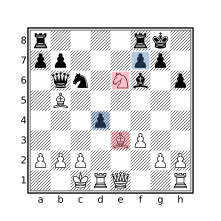
flipcolor [bnrqk] attackedby P > 1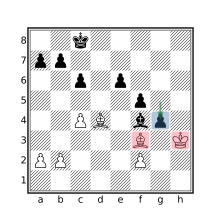
flipcolor piece Pawn in P {
    [bnrqk] attackedby Pawn > 1
}
Castling
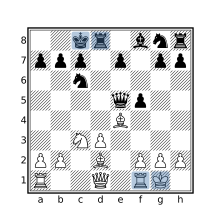
initial
find move o-o
find move o-o-o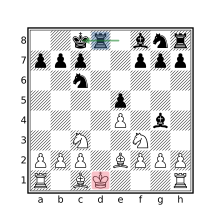
check
move previous castle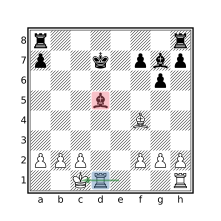
flipcolor {
    btm
    move previous castle
    $pin =? pin through [bn]
        from (R attackedby K)
    $pin attackedby a == []
}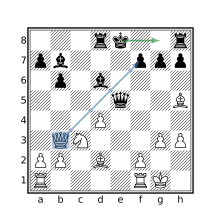
move castle
child : not move legal : mate
imagine sidetomove reverse :
    move legal : mate
Pawn Structures
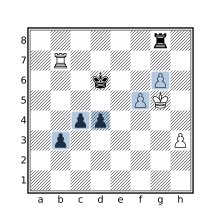
flipcolor Pa-h5-8 & passedpawns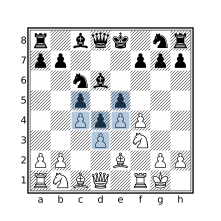
flipcolor p & up 1 P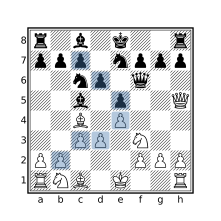
flipcolor P & diagonal 1 P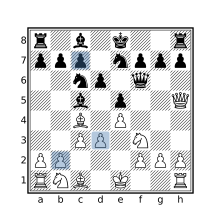
(flipcolor P & diagonal 1 P) &
(flipcolor P & ~ up horizontal 0 1 P)
Promotions
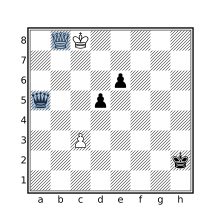
promotedpieces & Q
promotedpieces & q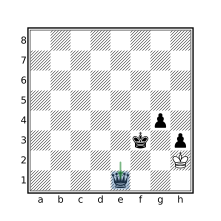
stalemate
move previous promote Q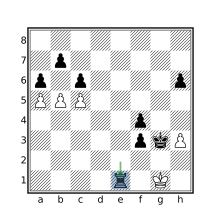
move promote [BNR]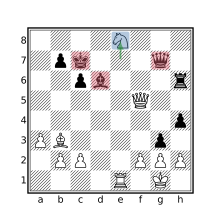
flipcolor {
    btm
    piece $pid = move to . previous
        promote N
    [krq] attackedby $pid > 1
}
King Squares
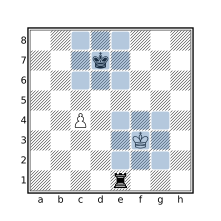
flipcolor { _ attackedby K == 8 }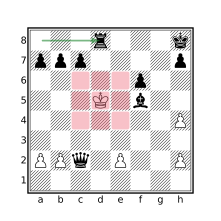
mate
flipcolor { wtm _ attackedby K == 8 }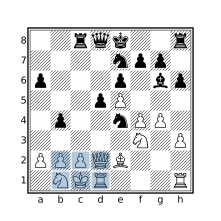
flipcolor {
    [_a] attackedby K == []
}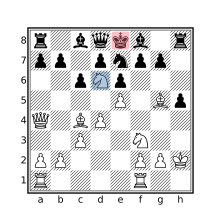
mate
flipcolor {
    wtm
    [_a] attackedby K == []
}
Speculative move
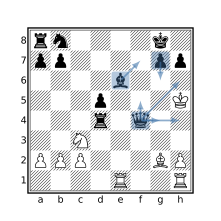
move count legal : mate > 5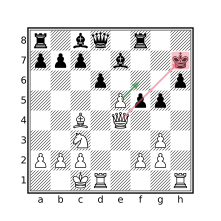
move legal enpassant : {
    check
    flipcolor { [brq] attacks K }
}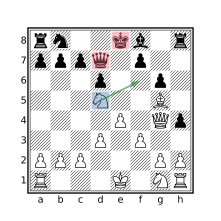
flipcolor piece $knight in N {
    move from $knight legal : {
        [kq] attackedby $knight > 1
    }
}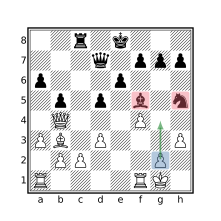
flipcolor piece Pawn in P {
    move to . from Pawn legal : {
        [bnrqk] attackedby Pawn > 1
    }
}
Tactics
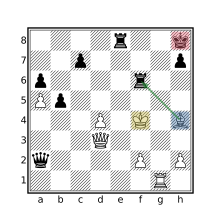
mate
parent : check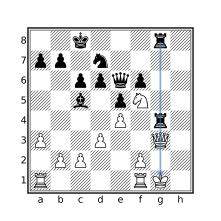
flipcolor ray orthogonal (R R q k)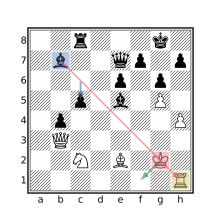
flipcolor {
    xray(B k [qr])
    move from k to _
}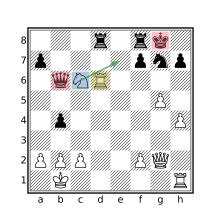
flipcolor
xray(R (move from N to
    ~(. attackedby a): check) q)
Miscellaneous
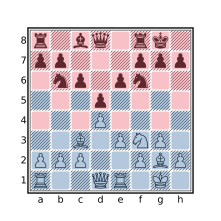
. attackedby A & . attackedby a == []
. attackedby A | . attackedby a == 64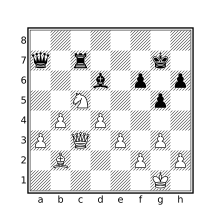
flipcolor dark [Aa] == [Aa]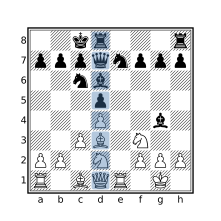
shifthorizontal
up 0 7 a1 & [Aa] == 8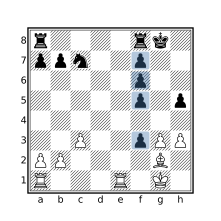
shifthorizontal flipcolor {
    QP = down a8 & P QP > 3 QP
}
Tag Operations
This section contains examples that manipulate PGN tags. The cql(silent) header is used to prevent new comments (such as game header comments or matching position comments) from being added to matching games (which is all of them if a CQL query is not provided).
Set the PlyCount tag to the number of plies in the mainline
cql(silent)
terminal
mainline
settag("PlyCount" str ply)
Populate an EndFEN tag with the FEN of the final position
cql(silent)
terminal
settag("EndFEN" standardfen)
Add missing 7-tag roster components
cql(silent)
initial
if not tag "Event" then settag("Event" "?")
if not tag "Site" then settag("Site" "?")
if not tag "Date" then settag("Date" "????.??.??")
if not tag "Round" then settag("Round" "?")
if not tag "White" then settag("White" "?")
if not tag "Black" then settag("Black" "?")
if not tag "Result" {
    $result = "*"
    if result "1-0" then $result = "1-0"
    if result "0-1" then $result = "0-1"
    if result "1/2-1/2" then $result = "1/2-1/2"
    settag("Result" $result)
}
Remove the Opening tag from all games
cql(silent)
removetag "Opening"
Change the name of a tag
cql(silent)
initial
settag("NewTagName" tag "OldTagName")
removetag "OldTagName"
Find games with inconsistent Result tag
cql(silent)
initial
tag "Result"
$expected_result = "*"
if result 1-0 then $expected_result = "1-0"
if result 0-1 then $expected_result = "0-1"
if result 1/2-1/2 then $expected_result = "1/2-1/2"
$expected_result != tag "Result"
Comment Operations
The queries in this section manipulate comments that appear in the move text portion of the PGN file. The header cql(quiet) prevents matching position comments from being added but game header comments will still be added. To suppress the game header comments, use the –noheader command line option.
Find all games containing comments
cql(quiet)
hascomment
Find all games with evaluation comments of the form [%eval ...]
cql(quiet)
hascomment "[%eval "
Remove all comments from every game
cql(quiet)
removecomment
Remove time clock comments having the form %[clk ...]
cql(quiet)
if hascomment {
    removecomment
    $newcomment = replace((originalcomment) "\[%clk .*?\]" "")
    if $newcomment != "" {
        comment $newcomment
    }
}
Add a comment to each position containing the position’s Zobrist Key
cql(quiet)
comment zobristkey
Output File Operations
This section provides examples of how to control various aspects of the output file. Since these aspects are handled by the CQL front-end (they are not part of the CQL language), the focus is on the CQLi command and relevant arguments instead of a CQL query. The commands below will match all games in the input file. To limit the operation to matching games, provide a .cql file argument or use the -cql option to supply a query.
The examples below use input.pgn as input file and output.pgn (or the output/ directory when using multiple output files) for the output file, these should be adjusted appropriately.
The –silent option is used to prevent new comments from being added to matching games which is usually the desired behavior. This option can be removed or replaced with any combination of –quiet, –noheader, and –matchstring to obtain an alternate behavior.
Split matching games into files named after a tag
cqli -i input.pgn -o 'output/%T{Event}.pgn' --silent
Use with:
–dryrunto see results without creating the output files.–noclobberto prevent overwriting existing files.–createdirectoriesto create directories that do not exist.
Split matching games into files based on query
cqli -i input.pgn -o 'output/%Q{str gamenumber % 10}.pgn' --silent
See notes above.
Exclude NAGs from matching games
cqli -i input.pgn -o output.pgn --silent --elidenags
Exclude comments from matching games
cqli -i input.pgn -o output.pgn --silent --elidecomments
Exclude variations from matching games
cqli -i input.pgn -o output.pgn --silent --elidevariations
Include all PGN move text on a single line
cqli -i input.pgn -o output.pgn --silent --pgnlinewidth 0
Expository Examples
Calculating Effective Attackers
The attacks filter can be used to find all direct attacks on a square, but will not include indirect attacks from batteries or exclude pinned pieces that could not move to the target square. This section discusses how both of these cases might be handled.
Batteries
A battery consists of two or more sliding pieces arranged along a ray such that one of the pieces attacks some square S and the remaining pieces x-ray through the initial piece. The initial piece in a battery may be a pawn that attacks S if the other pieces in the battery are bishops or queens that appear in the same ray as the pawn’s attack. For example, consider the following position:
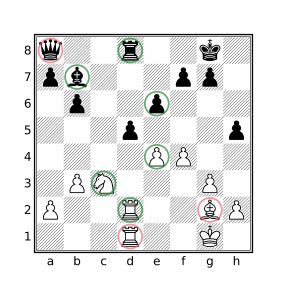
d5
The pieces circled in green are direct attackers of d5 and the pieces circled in red are indirect attackers, they may participate in a defense of d5 but are not reported by the attacks or attackedby filters. It is sometimes necessary to consider indirect attacks from batteries and this requires some additional work.
The following situations are considered:
Rooks and queens orthogonally aligned with the target square may attack it if the only pieces occupying the squares between them are rooks and queens.
Bishops and queens diagonally aligned with the target square may attack it if the only pieces occupying the squares between them are bishops and queens, or a pawn that also attacks the target square.
The following function will yield the pieces that directly or indirectly attack the target square:
function batteryAttacks($sq) {
    $ortho_attacks = flipcolor piece $p in orthogonal $sq & [RQ]
        { not between($p $sq) & ~[_RQ] }
    $diag_attacks = flipcolor piece $p in diagonal $sq & [BQ]
        { not between($p $sq) & ~([_BQ]|P attacks $sq) } |
    $other_attacks = [PpNnKk] attacks $sq
    $ortho_attacks | $diag_attacks | $other_attacks
}
To find all sliding pieces that may participate in an attack, the piece filter is used to iterate over the sliding pieces. Those whose attacking direction intersects the target piece, without intervening pieces that do not, are included in the result. The filter between($p $sq) & ~[_RQ] is used to exclude sliders that are blocked by pieces that do not move in the same direction. The between($p $sq) filter will yield the squares between the sliding piece and the target square and ~[_RQ] will yield the squares occupied by non-rook non-queen pieces. The intersection of these filters are the blocking pieces, their presence will prevent a candidate from being included by the function. Diagonal attackers are similarly calculated except that a pawn that attacks the target square is allowed to be present in the attacking line. Pawn, king, and knight attackers are calculated using the attacks filter.
Note that knights cannot move to any of the squares that a sliding piece on the same square could move to so a sliding piece cannot x-ray a knight that attacks the target. The king cannot be captured so it similarly cannot open a line for an x-rayed attacker.
Dichromatic Batteries
The above function limits batteries to conjoined attacks by pieces of the same color. A black queen behind a white rook might be considered an attacker of a square in front of the white rook, depending on the application, since the black queen could recapture on said square if the white rook captures on that square first. On the other hand, the black queen’s ability to do so would be dependent on the white rook performing such a capture so it may not be desired to consider the queen to be an attacker. The batteryAttacks function can be modified to consider such dichromatic batteries by removing the flipcolor filter and specifying black and white pieces in the piece designators:
function batteryAttacksDichromatic($sq) {
    $ortho_attacks = piece $p in orthogonal $sq & [RQrq]
        { not between($p $sq) & ~[_RQrq] }
    $diag_attacks = piece $p in diagonal $sq & [BQbq]
        { not between($p $sq) & ~([_BQbq]|[Pp] attacks $sq) } |
    $other_attacks = [PpNnKk] attacks $sq
    $ortho_attacks | $diag_attacks | $other_attacks
}
Pinned Pieces
While pinned pieces may be excluded from the list of attackers using e.g. [Aa] attacks d5 & ~pin, this likely will not produce the intended result as pinned pieces may sometimes participate in an attack: pinned pawns and sliders may move along the pinning line. To determine whether a pinned piece may effectively participate in an attack, it is necessary to consider the ray which forms the pin. For example, consider the following position:
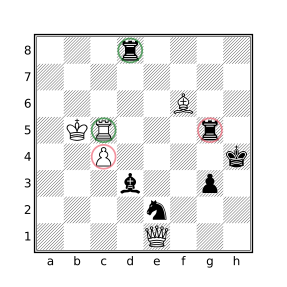
d5
Both black rooks attack d5 but the rook on g5 is not an effective attacker because it is pinned by the bishop on f6. White attacks d5 with two pinned pieces. The pinned pawn is not an effective attacker as it is pinned by the black bishop but the c5 rook is an effective attacker as the d5 square is on the same line as the pin by the black rook on g5. Black attacks f2 with a pinned pawn, this is an effective attacker as the pawn could move to this square (if there was an opposing piece to capture).
The nonpinnedAttackers function shown below will yield the direct attackers of the provided target square that are not prohibited from moving to the square due to a pin.
function canVisit($sq $p) {
    $pin_from = pin from [Aa] through $p
    $pin_to = pin to [Kk] through $p
    $sq & (between($pin_to $pin_from) | $pin_from)
}

function nonpinnedAttackers($sq) {
    $pinned_pieces = pin
    $ortho_attacks = piece $p in orthogonal $sq & [RQrq] {
        not $p in $pinned_pieces or canVisit($sq $p)
    }
    $diag_attacks = piece $p in diagonal $sq & [BQbq] {
        not $p in $pinned_pieces or canVisit($sq $p)
    }
    $pawn_attacks = piece $p in [Pp] attacks $sq {
        not $p in $pinned_pieces or canVisit($sq $p)
    }
    $knight_attacks = ([Nn] & ~$pinned_pieces) attacks $sq
    $king_attacks = [Kk] attacks $sq

    $ortho_attacks | $diag_attacks | $pawn_attacks |
        $knight_attacks | $king_attacks
}
Note that pinned knights can never move and kings cannot be pinned. All other piece types are considered valid attackers unless they are pinned and the target square is not within the pinning line. A naive implementation of canVisit might look like:
$sq & between([Kk] pin from [Aa] through $p)but this version has two problems: 1) it incorrectly allows the pinned piece to move to a square on a line between the opposing king and the pinning piece, and 2) it does not afford the pinned piece the opportunity to capture the pinning piece (the between filter does not include the bounding squares). Since the or filter is short-circuited, the canVisit function will only be called for pinned pieces.
The above function will consider a king to be an attacker even if the target square is attacked by an opposing piece. Such attacks can be excluded by replacing the assignment of $king_attacks with:
$king_attacks = flipcolor { not $sq attackedby a K attacks $sq }Putting it all Together
The effectiveAttacks function below combines the handling of pinned pieces and batteries yielding all the effective attackers of the target square. An effective attacker is one of:
- A non-pinned direct attacker of the target square.
- A pinned direct attacker if the target square lies on the pinning line.
- X-rayed attackers that are not lined up behind a pinned attacker which could not move to the target square.
function canVisit($sq $p) {
    // Determine if square $sq lies on the pinning
    // line for which $p is restricted to.
    $pin_from = pin from [Aa] through $p
    $pin_to = pin to [Kk] through $p
    $sq & (between($pin_to $pin_from) | $pin_from)
}

function effectiveAttacks($sq) {
    // Return the set of pieces that effectively attack $sq.
    $pinned_pieces = pin

    $eff_pawn_attacks = piece $p in [Pp] attacks $sq
        not $p in $pinned_pieces or canVisit($sq $p)
    $eff_ortho_attacks = flipcolor piece $p in orthogonal $sq & [RQ] {
        not between($p $sq) & ~[_RQ]
        not between($p $sq) & $pinned_pieces
        not $p in $pinned_pieces or canVisit($sq $p)
    }
    $eff_diag_attacks = flipcolor piece $p in diagonal $sq & [BQ] {
        not between($p $sq) & ~([_BQ] | $eff_pawn_attacks & A)
        not between($p $sq) & $pinned_pieces & [BQ]
        not $p in $pinned_pieces or canVisit($sq $p)
    }
    $eff_knight_attacks = ([Nn] & ~$pinned_pieces) attacks $sq
    $eff_king_attacks = [Kk] attacks $sq

    $eff_pawn_attacks | $eff_ortho_attacks | $eff_diag_attacks |
    $eff_knight_attacks | $eff_king_attacks
}
Note that no special handling is necessary to allow pieces in a monochromatic battery to be behind a pinned piece that can move along the same line as a piece that can only be pinned by an opposite colored piece appearing behind it. The below diagram shows effective attackers of e5 as calculated with the effectiveAttacks function which includes batteries and pinned pieces which may move along the pinning line to reach e5.
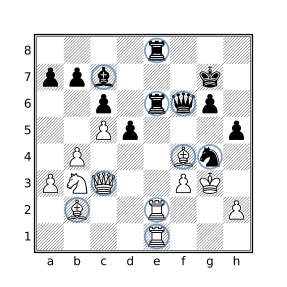
e5
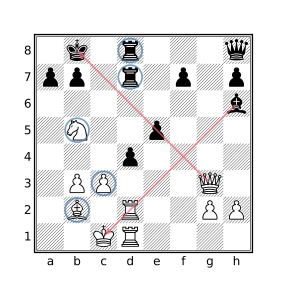
d4
The diagram on the left above shows the effective attackers of the e5 square including the two rook batteries. The white bishop on f4 and the black queen on f6 are both pinned but can effectively attack e5 as this square resides in both pinning lines.
The diagram on the right shows the effective attackers of d4 including the black rook battery and a battery formed by the white pawn and bishop. The black pawn on e5 is not an effective attacker as it is pinned to the black king by the queen on g3. Likewise, the white rook on d2 is pinned and cannot participate in an attack on d4, for this reason the rook on d1 is not considered an effective attacker either.
Effective Attackers with Dichromatic Batteries
A version of the effectiveAttacks function which supports dichromatic batteries is given below.
function effectiveAttacksDichromatic($sq) {
    // Return the set of pieces that effectively attack $sq,
    // including pieces participating in a dichromatic battery.
    $pinned_pieces = pin

    $eff_pawn_attacks = piece $p in [Pp] attacks $sq
        not $p in $pinned_pieces or canVisit($sq $p)
    $eff_ortho_attacks = flipcolor rotate90 piece $p in down $sq & [RQ] {
        not between($p $sq) & ~[_RQrq]
        not between($p $sq) & $pinned_pieces or up $sq & K
        not $p in $pinned_pieces or up $sq & K
    }
    $eff_diag_attacks = flipcolor rotate90 piece $p in northeast $sq & [BQ] {
        not between($p $sq) & ~([_BQbq] | $eff_pawn_attacks)
        not between($p $sq) & $pinned_pieces or southwest $sq K
        not $p in $pinned_pieces or southwest $sq & K
    }
    $eff_knight_attacks = ([Nn] & ~$pinned_pieces) attacks $sq
    $eff_king_attacks = [Kk] attacks $sq

    $eff_pawn_attacks | $eff_ortho_attacks | $eff_diag_attacks |
    $eff_knight_attacks | $eff_king_attacks
}
Unlike the monochromatic version, accommodating dichromatic slider batteries does need to handle intervening pinned pieces which may be able to move in the same direction as the opposite-colored slider that pins it.
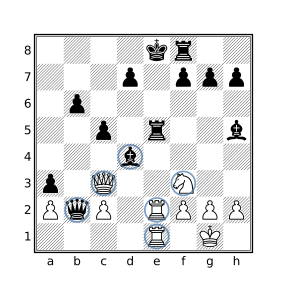
e5 including dichromatic batteries
White is winning after 1.Rxe5+ Bxe5 2.Qxe5+ Qxe5 3.Rxe5+ Kd8 4.Rxh5.
Final Notes
These functions obviously do not consider aspects of the position that may be critical to the evaluation such as whether the side to move is in check, a piece pinned by an attacker that will become unpinned during a capture sequence when the pinning piece moves to the attacked square, or whether a particular capture sequence exists that will result in an advantage for one side.
While the above functions could be modified to handle specific situational themes based on the particular application, the subtleties of positional evaluation are better left to chess engines. In many cases, the role of CQLi will be to find a relatively small set of candidate positions which can then be more rigorously analyzed with the assistance of a chess engine.
Detecting 3-fold Repetition
The following query will detect 3-fold position repetition in a game:
$key = zobristkey
(find all {zobristkey == $key}) > 2
but is a bit slow. A (5x) faster approach using dictionaries is:
dictionary str --> int (min) $D
if initial then unbind $D

$D[zobristkey] += 1
$D[zobristkey] > 2
An arbitrary merge strategy is used for the declared dictionary so that the query can be executed with multiple threads. Since the dictionary is explicitly reset at the beginning of each game, the actual merge strategy does not matter as the merged key values are not used.
Properly Handling En Passant with 3-fold Repetition
The above queries for detecting 3-fold repetition overlook a rarely encountered subtlety involving a difference between how 3-fold repetition is defined and how most Zobrist implementations work with regards to en passant capture possibilities.
The FIDE Laws of Chess, section 9.2.2 (dealing with position repetition) states:
Positions are considered the same if and only if the same player has the move, pieces of the same kind and colour occupy the same squares and the possible moves of all the pieces of both players are the same. Thus positions are not the same if:
- at the start of the sequence a pawn could have been captured en passant
- a king had castling rights with a rook that has not been moved, but forfeited these after moving. The castling rights are lost only after the king or rook is moved.
The Polyglot book format specifies the following related to Zobrist hashing:
If the opponent has performed a double pawn push and there is now a pawn next to it belonging to the player to move then “enpassant” is the entry from RandomEnPassant whose offset is the file of the pushed pawn (counted from 0(=a) to 7(=h)). If this does not apply then enpassant=0. Note that this is different from the FEN standard. In the FEN standard the presence of an “en passant target square” after a double pawn push is unconditional. Also note that it is irrelevant if the potential en passant capturing move is legal or not (examples where it would not be legal are when the capturing pawn is pinned or when the double pawn push was a discovered check).
In other words, Polyglot-compatible Zobrist hash keys will include the en passant square in the hash if en passant capture is pseudolegal but FIDE only considers two otherwise identical positions to be different if en passant capture is legal in one of them and not the other. What this means is that the queries provided above will not detect legitimate 3-fold repetitions when the first instance of the repeated position appears immediately after a double pawn push and there is a pseudolegal en passant capture move but not a legal en passant capture move (they will instead be detected upon the 4th appearance of the position). Consider the following position:
The table below shows the Zobrist key after each move:
| Move | Zobrist Key |
|---|---|
1...d5 |
7f2953c5a45efa72 First occurrence |
2.Kg5 |
911cf55c7be6025c |
2...Ke8 |
a38d6ed99b80a39c |
3.Kf5 |
512116937880cb13 |
3...Kd8 |
63b08d1698e66ad3 Second occurrence |
4.Kg4 |
afb9464c21d0ef37 |
4...Ke7 |
4970e0692dd2f1c1 |
5.Kf5 |
85792b3394e47425 |
5...Kd8 |
63b08d1698e66ad3 Third occurrence |
The noted entries show positions that are considered to be identical according to the FIDE rules but the first of these identical positions has a different Zobrist key. White cannot capture en passant after 1...d5 as the pawn is pinned by the black rook. To properly accommodate this rare situation, the following can be added immediately after $key is assigned in the above query:
if move pseudolegal enpassant and not move legal enpassant {
    move legal null : move legal null : { $key = zobristkey }
}
When a position is encountered for which there is a pseudolegal en passant move but not a legal one, the speculative move filter is used to effectively remove the en passant square from the Zobrist hash by creating a new imaginary position that is the result of applying two null moves to the current position and setting $key to the Zobrist hash of that position. Null moves reset the en passant square and the side to move (which is why two null moves are needed instead of one) but do not change anything else about the position that is included in the Zobrist hash. In other words, with the above change, $key will be assigned the same Zobrist key value that it would if there were no pseudolegal en passant move available resulting in different keys only if there is a legal en passant move in one position and not the other which matches the FIDE rules.
With all that said, from a practical standpoint, the change is probably not significant in most applications. The modified version runs about 27% slower than the original and did not produce different results when testing with ten million lichess games. If you are working in this area it is a potentially important point to understand though, especially since so many chess programs get 3-fold repetition wrong with regards to en passant, and in more interesting ways than the one discussed here. For example, some software will never differentiate based on the availability of en passant, incorrectly allowing a 3-fold claim when the number of moves available are different (chess.com and ICC reportedly among them). The venerable pgn-extract tool behaves the same as the unmodified query present in the previous section when using its --repetition option to find 3-fold repetitions.
Insufficient Mating Material
The FIDE Laws of Chess (section 5.2.2) state:
The game is drawn when a position has arisen in which neither player can checkmate the opponent’s king with any series of legal moves. The game is said to end in a ‘dead position’. This immediately ends the game, provided that the move producing the position was in accordance with Article 3 and Articles 4.2 – 4.7.
The type of position described above is called a dead position. A subset of dead positions in which mate cannot be achieved due to lack of material that can execute a mate by either side is referred to as insufficient mating material and can be distinguished from situations where sufficient mating material exists but cannot reach the opposing king to effect mate due to e.g. fixed pawn structures trapping the pertinent pieces.
The following situations will be considered in this example:
- King vs King.
- King + Knight vs King.
- King + n Bishops vs King + m Bishops where all Bishops reside on squares of the same color, and m + n > 0. This includes all King + Bishop vs King endings.
Note that in some situations it is possible to force mate with King + Knight vs King when there are also pawns on the board and that mate can be achieved (although not forced) with King + 2 Knights vs King so such positions are not considered here.
The resulting query simply checks the 3 above situations:
function InsufficientMaterial() {
    // King vs King
    [Aa] == [kK] or
    // King + Knight/Bishop vs King
    ([Aa] == 3 and [BbNn]) or
    // King vs King + all light/dark square Bishops
    ([Aa] == [kKBb] and flipcolor not dark [Bb])
}
Note that flipcolor not dark [Bb] is equivalent to not dark [Bb] or not light [Bb] which will be true if there are either no light square bishops or no dark square bishops meaning that all of the bishops are of the other color square. This is not equivalent to not flipcolor dark [Bb] as flipcolor dark [Bb] will yield a set containing the light and dark square bishops which will always match the position. This is because a transform containing a set filter yields the union of the transformed children while a transform containing a Boolean filter yields a Boolean indicating whether any of the transformed children matched the position.
Calculating Extended GBR Codes
The GBR code of a chess position is a string that encodes the number of each piece type present on the board. The name is derived from the initials of those involved in its creation: Richard Guy, Hugh Blandford and John Roycroft. GBR codes are useful for classifying endgames and are often included in endgame study databases such as HHdbVI.
The standard GBR code has the form:
abcd.ef
where a, b, c, and d represent the number of queens, rooks, bishops, and knights in the position with white pieces having a value of 1 and black pieces a value of 3. E.g. a position with 2 white rooks and 1 black rook has a value of 5 for b. A value of 9 is used if there are more than 2 white or 2 black pieces of the specified type.
The values of e and f correspond to the number of white and black pawns, respectively.
A common extension to GBR coding is to include the location of the white and black kings at the end of the string, e.g.:
0416.01b8c6
represents a position consisting of 1 white rook and 1 black rook, 1 white bishop, 2 black knights, and 1 black pawn with the white king residing on square b8 and the black king on c6.
The below query defines functions to calculate both the standard GBR code and the extended version that includes the positions of the kings. The extended GBR code is then stored in the tag “GBRCode”.
function GBRCode() {
    // Perform individual component calculations
    queen_count  = if Q > 2 or q > 2 then 9 else #Q + 3*#q
    rook_count   = if R > 2 or r > 2 then 9 else #R + 3*#r
    bishop_count = if B > 2 or b > 2 then 9 else #B + 3*#b
    knight_count = if N > 2 or n > 2 then 9 else #N + 3*#n
    wpawn_count  = if P > 8 then 9 else #P
    bpawn_count  = if p > 8 then 9 else #p

    // Create a string from the components representing the GBR code
    str(queen_count rook_count bishop_count knight_count
        "." wpawn_count bpawn_count)
}

function EGBRCode() {
    str(GBRCode() K k)
}

initial
settag("GBRCode" EGBRCode())
Note that the GBR codes stored by the above query will correspond to the starting position which makes sense for endgame studies which start at interesting endgame positions. The initial filter may be changed to terminal to store the GBR code associated with the ending position of regular chess games or used with a custom query to store the GBR code of some other key position in the game.
Static Evaluation Functions
In his seminal paper “Programming a Computer for Playing Chess” (published in Philosophical Magazine, Ser.7, Vol. 41, No. 314 - March 1950 available here), Claude Shannon describes a process for programatically evaluating chess positions which forms the basis of traditional chess engine evaluation today. At its core, the process combines a static evaluation function with the minimax algorithm to find the best possible move in a given position. The evaluation function is used to assess leaf nodes in the game tree reached by exploring candidate moves by both sides. In his paper, Shannon provides the following example of a “crude” evaluation function:
Pw - Pb - 0.5 (Dw - Db + Iw - Ib + Bw - Bb) + 0.1 (Mw - Mb)
where P is the combined power of the pieces on the specified side (Pw being the power of the white pieces and Pb the power of the black pieces), D, I, and B are the number of double, isolated, and backward pawns, and M is the mobility of the specified side. Power is calculated using the traditional piece values as per the power filter and mobility is defined as the number of moves available to each side in the current position. The result is a numerical approximation of the relative advantage held by White, where a negative value indicates an advantage for Black.
The pgn-extract program provides an option to annotate positions with the result of a simplified version of the above function that forgoes the penalties associated with particular pawn structures, i.e.:
Pw - Pb + 0.1 (Mw - Mb)
The following CQL query may be used to comment positions in a game with values produced by this function:
function scale_number($n $scale) {
    str(if $n < 0 then "-" else "" abs($n/$scale) "." abs($n%$scale))
}

$eval = 10 * (power A - power a)
    + imagine sidetomove white : move legal count
    - imagine sidetomove black : move legal count
comment scale_number($eval 10)
Values are internally scaled by a factor of 10 as numeric values in CQL are limited to integers.
To implement the original function, the doubledpawns and isolatedpawns filters may be used to calculate the first two penalties. There is no standard definition of “backward pawn” and Shannon does not provide one in the paper. For the purpose of this exercise, a pawn will be considered to be “backward” if any square between it and its final rank, or an intervening opposing pawn, is attacked by more opposing pawns than friendly pawns and there are no friendly pawns behind or beside it on adjacent files. In other words, a pawn is considered backward if it cannot be safely pushed up the board without the assistance of other pieces. See Dan Heisman’s article “What is a backward pawn?” for a breakdown of the various definitions of backward pawn in chess literature and the definition he offers, the spirit of which is hopefully captured here. The following function may be used to detect such pawns.
function backwardpawns() {
    $backward_candidates = notransform [Pp] &
        ~ flipcolor P & horizontal 1 up 0 7 P
    flipcolor piece $p in $backward_candidates & P {
        square $sq in up $p & ~(up 0 7 p) {
            # p attacks $sq > P attacks $sq
        }
    }
}
The function starts by identifying candidate backward pawns which are those having no friendly pawns behind/besides it on adjacent files. The query expression used to identify such pawns closely resembles the equivalent query for isolated pawns except that friendly pawns in front of it are not considered. The remainder of the function iterates over the candidate backward pawns checking for squares in its path that are attacked by more opposing pawns than friendly pawns.
The modified query that applies pawn penalties then becomes:
$dp = doubledpawns
$ip = isolatedpawns
$bp = backwardpawns()
$eval = 10 * (power A - power a)
    - 5 * ((#$dp&P) - #$dp&p + #$ip&P - #$ip&p + #$bp&P - #$bp&p)
    + imagine sidetomove white : move legal count
    - imagine sidetomove black : move legal count
comment scale_number($eval 10)
An accurate static evaluation function is a critical component of traditional chess engines. While the above functions provide a starting point for writing such a function, there are many additional variables that need to be considered by a robust implementation including consideration of piece combinations, passed pawns, king safety, outposts, trapped pieces, controlled squares, threat analysis, etc. Most chess engines have separate evaluation functions for different game phases and may utilize endgame tablebases when there are few pieces left on the board. The reliability of static board evaluation is also limited to quiescent positions, engines must be able to recognize volatile positions and handle them accordingly.
See Communicating with a Chess Engine for an example of how CQLi may obtain dynamic position evaluations from external chess engines such as Stockfish.
Most-occurring Events
The find filter is the natural choice for counting the number of times a particular situation occurred in a game. If processing of variations is enabled, evaluation of the find filter will include positions within variations. If this is not desired, the queries below may be modified to replace initial with terminal and find with find <-- to do a “bottom up” search from the end of each line. Note that the “Found i of n” comments added by the find filter will be in reverse order when doing a bottom up search compared to a top down search.
Most Active Piece
The following query will find games where at least one piece was moved over 100 times:
// Games with 100 or more moves by a single piece.
initial
piece $p in [Aa] {
    sort "Number moves by a single piece"
    { find all move previous from $p } >= 100
}
Since $p is a Piece variable which holds the identity of a piece and the piece identity persists across promotion, the moves made by a pawn before and after promotion will both count toward the total moves made by the piece.
The body of the find filter uses move previous instead of move so that the comments inserted by find for the matching positions appear after the move is made instead of before the move.
Most Captures by a Single Piece
A minor variation of the previous query which will yield games where one piece captured at least 10 opposing pieces:
// Games with 10 or more captures by a single piece
// sorted by the number of captures.
initial
piece $p in [Aa] {
    sort "Number captures by a single piece"
    { find all move previous capture . from $p } >= 10
}
Most Captures on a Single Square
The following query will find games in which 10 or more pieces were captured on a single square. The captures need not have occurred consecutively.
// Games where 10+ captures occurred on a single square.
initial
square $sq in . {
    sort "Most captures on a single square"
    { find all move previous capture $sq } >= 10
}
Most Squares Visited by a Single Piece
The below query will find pieces that visited at least 30 different squares in the course of a game (including the square the piece started on):
// Games where a piece visits 30+ different squares.
initial
piece $p in [Aa] {
    sort "Most squares visited by a single piece" {
        $visited = []
        find all quiet {
            not $p in $visited
            $visited |= $p
            comment("Square " #$visited ": " $p&.)
        }
        $visited
    } >= 30
}
For each piece, the $visited variable keeps track of every square that the piece has visited. The find filter iterates over each position and if the current piece is on a square not previously visited, it is added to the set of visited squares and a comment is added indicating the position at which the piece first visited the new square. Since $p is a piece variable, it will include both the piece and the square when appearing in a comment filter so $p&. is used to convert it to a Set value so only the square is included in the comment. The value of the sort filter is $visited, which is implicitly converted from a Set to a Numeric value, so only the comments added in association with the piece that visited the largest number of squares will be kept.
Most Available Moves
The query below will find positions with more than 70 legal moves available.
// Games with more than 70 moves in a position
cql(quiet)
sort "Most moves in a position" {
    $num_moves = move count legal
    comment($num_moves " legal moves")
    $num_moves
} > 70
Unlike the previous queries, the find filter is not employed here; all of the action takes place in the body of the sort filter. Only games having a position with more than 70 legal moves will match, games will be sorted by the maximum number of legal moves. The comment filter is used to annotate the position that has the most available moves (Smart Comments suppresses comments that do not correspond to the position with the most moves). The quiet parameter is used to suppress matching position comments, otherwise every position that had more than 70 available moves would have a matching comment instead of just the comment added for the position with the most moves.
Below is a position found using the above query where no promotions have occurred and Black has 79 different legal moves available.
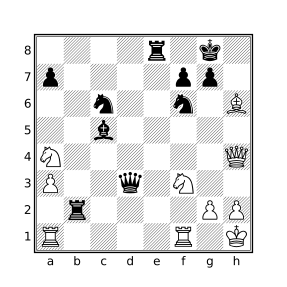
Black played 23...Rc2.
Longest Consecutive Sequences
While the find filter is useful for counting the number of positions matching a condition (e.g. “Most-occurring events”), the line filter is the tool of choice for identifying events that occur in sequence.
Notes about the Examples
The nestban parameter to the line filter is used in most of the following examples. The effect is to prevent subsequences from being reported as the examples in this section are concerned only with the longest sequence. The result of the line filter is the length of the longest line found which is used with the sort filter in the following examples so that matching games are sorted by the length of the longest sequence.
Since the line filter only considers sequences within individual lines, no extra work is necessary to prevent consideration of positions across different variations. Processing of variations will need to be enabled using either the variations parameter in the cql() header or the commandline --variations argument for variations to be considered though.
Longest Series of Mutual Checks
The following query will find games containing consecutive sequences of five or more moves where each move (played by both sides) delivers check:
// Find games with 5 or more consecutive checks (moves by both sides)
// and sort the results by the longest sequence in each game.
sort "Consecutive checks"
    { line nestban --> check + } >= 5
An example of a matching game is found here. The CQLi annotated move text of the game resulting from the above query is:
{consecutive checks: 5} 1.e4 e5 2.Nf3 d6 3.d3 Bg4 4.Be2 Nf6 5.Bd2 Nc6 6.Nc3 Qd7
7.h3 Be6 8.O-O O-O-O 9.Bg5 Bxh3 10.gxh3 Qxh3 11.Bxf6 gxf6 12.Nd5 Rg8+ 13.Ng5
Rxg5+ {CQL} {Start line that ends at move 16(wtm)} 14.Bg4+ Rxg4+ 15.Qxg4+ Qxg4+
{End line of length 5 that starts at move 14(wtm)} 16.Kh1 Be7 17.Rg1 Qh3# 0-1
Longest series of captures
The below query will find games with sequences of 15 or more consecutive captures and sort the matching games by the length of the capture sequence. The captures need not all take place on the same square.
// Find games with 15 or more consecutive captures (by both sides)
// and sort the results by the longest sequence found.
sort "Consecutive captures"
    { line nestban --> move capture . + } >= 15
Here is a game that matches this query. The CQLi annotated move text of the game is:
{consecutive captures: 15} 1.d4 Nf6 2.g3 g6 3.Bg2 Bg7 4.Nf3 d6 5.O-O O-O 6.Nbd2 c6 7.a3
b6 8.b3 Bb7 9.Bb2 Nbd7 10.c4 c5 11.d5 e6 12.e4 Re8 13.Re1 Bh6 14.e5 {CQL} {Start line
that ends at move 21(btm)} 14...dxe5 15.Nxe5 Nxe5 16.Bxe5 exd5 17.Bxf6 Qxf6 18.Bxd5 Bxd5
19.Rxe8+ Rxe8 20.cxd5 Bxd2 21.Qxd2 {End line of length 15 that starts at move 14(btm)}
21...Qxa1+ 22.Kg2 Qxa3 23.d6 Qxb3 24.d7 Rd8 25.Qd6 Qe6 26.Qc7 Qxd7 27.Qxd7 Rxd7 0-1
Longest series of non-capturing moves
The below query will find games where 200 or more consecutive moves were made (100 by each side) without a capture.
// Find games with 100+ consecutive non-capture moves.
sort "Consecutive non-capturing moves"
    { line nestban --> not move capture . + } >= 200
Longest symmetrical game
The following query will find games where the position before each move by White is symmetrical for at least the first 10 white-to-move positions. A position is symmetrical if each piece has an opposing piece of the same type on the square on the opposite side of the board.
// Find games where positional symmetry is maintained for at
// least the first 10 white-to-move positions.
function isSymmetrical() {
    square all $sq in [Aa] {
        $opp_sq = makesquare(file $sq (8 - (rank $sq) + 1))
        colortype $sq == -colortype $opp_sq
    }
}

initial
sort line singlecolor --> isSymmetrical() {10,}
The isSymmetrical function matches symmetrical positions. It works by iterating over each square on which there is a piece, calculating the square on the opposite side of the board (the one with the same file but the rank flipped along the horizontal bisector) and then checking that the piece on the opposite square has the same type but opposite color using the colortype filter.
The starting position is symmetrical but that symmetry can only be maintained in positions after both White and Black have moved. The singlecolor parameter is used with the line filter to limit examined positions to those where it is the same side to move as in the initial position (White to move unless the FEN tag is used to specify an alternate starting position).
Below is the final position of a game in which symmetry was maintained for the entire 21 moves played before ending in a draw.
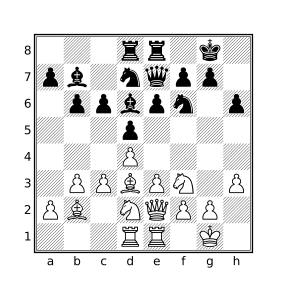
Earliest or Latest Occurrence
Finding the earliest or latest occurrence of an arbitrary condition simply involves evaluating a query to detect the presence of the condition and using the sort filter along with ply or movenumber to order the occurrence. Queries designed for finding the earliest or latest occurrence of an event will generally employ the following templates.
To find the earliest occurrence of some event, the following template may be used:
cql(quiet)
sort minsort-string{
condition-expr
commentcomment-expr
movenumber
} <=max-value
The template for latest occurrences is:
cql(quiet)
sort maxsort-string{
condition-expr
commentcomment-expr
movenumber
} >=min-value
The sort-string is a textual description of the condition used in the comment generated by the sort filter, condition-expr is the filter that detects the condition and may have any type. max-value and min-value specify the maximum and minimum allowed values for the movenumber filter, respectively. The comment filter can be used to annotate the reported position.
The value that will be sorted by sort is the value of the compound expression. Recall that a compound expression has the type and value of the last contained expression, in this case the value of movenumber so occurrences will be sorted by move number. ply could be used instead of movenumber to order by half-moves. Note that ply always starts at zero while movenumber may start at a value greater than one if the FEN tag in the PGN file is used to specify a starting position with an alternate starting move number.
Note that the sort filter will suppress comments appearing within its body for all positions except the one corresponding to the best position (e.g. the earliest or latest position) but match comments will still be inserted for every position that matches the query. For example, if ten positions match the criteria, only the best position will include the comment generated by the comment filter but all ten positions will have the matching comment CQL added which is typically undesired. The quiet parameter in the CQL header is used to suppress these comments, the parameter matchstring "" can be used as well without also suppressing auxiliary comments.
Earliest Exchange Game
To find the earliest exchange of all pieces, the below query may be used:
// Games in which all pieces were exchanged within 20 moves.
cql(quiet)
sort min "Earliest exchange game" {
    [Aa] == [KkPp]
    comment "Only kings and pawns remain"
    movenumber
} <= 20
One game found by this query is emitted by CQLi as:
{Earliest exchange game: 18} 1.e4 e5 2.Nf3 Nc6 3.Bb5 Nf6 4.Nc3 Bb4 5.Bxc6
dxc6 6.O-O Bxc3 7.dxc3 Qxd1 8.Rxd1 Bg4 9.Bg5 O-O 10.Bxf6 gxf6 11.h3 Bxf3 12.
gxf3 Rfd8 13.Kf1 Kf8 14.Ke2 Rxd1 15.Rxd1 Ke7 16.f4 Rd8 17.Rxd8 Kxd8 {Only
kings and pawns remain} 18.fxe5 fxe5 19.Ke3 Ke7 20.f4 exf4+ 21.Kxf4 Ke6 22.e5
f6 23.exf6 Kxf6 24.h4 h5 25.Ke4 Ke6 26.Kf4 Kf6 27.Ke4 Ke6 28.Kf4 Kf6 1/2-1/2
The position at which all pieces had been captured (the beginning of move 18) is:
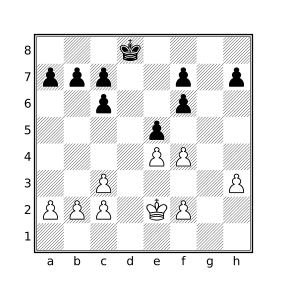
Latest Initial Capture
The following query will find the latest initial capture in a game:
// Games where the initial capture occurs after move 50
cql(quiet)
sort max "Moves before initial capture" {
    [Aa] == 31
    move previous capture .
    comment "Initial capture"
    movenumber
} > 50
The condition here is that there are 31 pieces on the board and that the move that lead to this position was a capture. If the check for the number of pieces is left out, the latest capture will be reported, not the latest initial capture. If the move filter is left out, the latest position that had 31 pieces will be reported which might be significantly later.
Below is a game found by this query in which the initial capture did not occur until move 71 by White:
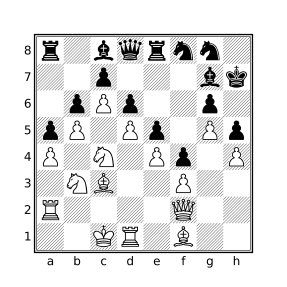
71.Nbxa5
The game concluded:
71...bxa5 72.Bxa5 Be6 73.dxe6 Nxe6 74.Rxd6 Qe7 75.Rd7 Qc5 76.Qxc5 Nxc5
77.Bxc7 Nxd7 78.cxd7 Rf8 79.Nb6 1-0
Statistics
The dictionary type provides a simple mechanism by which many types of statistics may be collected and reported with a CQL query. The following examples use dictionaries to collect statistics and the --showdictionaries option to cause the dictionary values to be emitted at the end of processing. The results can then be graphed or consumed by a post-processing tool.
It is also possible to perform post-processing work directly within CQLi using cqlend blocks which are evaluated at the end of processing, after dictionaries and other persistent variables have been merged.
The examples below define each dictionary with an appropriate merge strategy so that the query may be used in multi-threaded mode.
Game Lengths
The following query will produce a breakdown of games by length:
dictionary int --> int (sum) plies_per_game
terminal
plies_per_game[ply] += 1
false
Player Counts
The query below will produce a count of the number of games played by every player:
dictionary str --> int (sum) players
initial
players[player white] += 1
players[player black] += 1
false
Generating and Solving Chess Problems
While not a replacement for programs that specialize in solving specific types of chess problems, the imaginary position features that CQLi provides (via the imagine filter, speculative move filter, and reachable position detection) make it particularly well-suited for solving many types of chess problems and, in some cases, generating such problems. The ability to rigorously solve chess problems, including confirming that a given solution is the best and unique solution, provides an aid to the chess problem composer by helping to ensure that the problem is sound. This section describes how CQLi may be employed to solve or generate various types of chess problems.
Direct Mate Puzzles
Mates in 1
The simplest problem type considered here is the mate in 1 in which the current side to move makes a move which is checkmate. Such puzzles are generally considered to be well-formed only if there is exactly one solution. For example, the below diagram shows a position for which White has 81 legal moves (including the four different promotions via dxc8), 21 of which result in check but only one of which is mate.
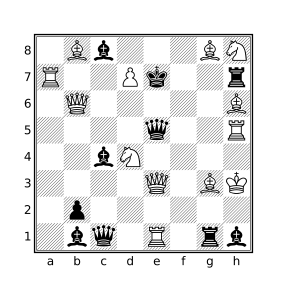
The unusual nature of the position (which is reachable) as well as the relatively large number of moves which check, but do not mate, the black king serves as a greater challenge than many other mate in 1 puzzles.
The solution is shown with the CQL query:
move legal : { mate comment currentmutation }which, for the above position, will produce the comment 1.Qa3#. For puzzles with multiple solutions, each solution will appear in a separate comment. The above query is a simple application of the speculative move filter which iterates over each legal move in the current position, makes that move, and then evaluates the target filter at the new position. In this case, the target filter checks that the new position is mate and if it is, adds a comment that articulates the new position using the currentmutation filter.
The same query can be used to find mate in 1 positions in actual games and can be extended to match particular conditions or themes. For example, to find mate in 1 positions for which a knight move exposes the king to a double attack (which is mate), this is the only move that mates, and this move was not played in the actual game, the following query may be used:
move count legal : mate == 1
not move : mate
flipcolor move legal from N :
    { mate A attacks k == 2 comment currentmutation }
One position found using the above query appears at move 17 in this game:
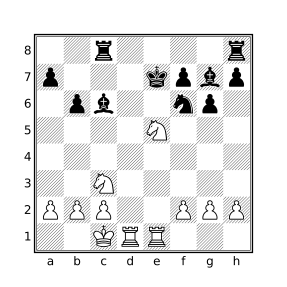
17.Nxg6#
In the actual game White played 17.Nxc6+ and went on to lose the game (which was a 30 second bullet game).
Who’s the Goof?
“Who’s the Goof” is the name coined by Jeff Coakley for a puzzle where the goal is to determine why a presented position is unreachable. While some of the puzzles are simple, such as having too many pawns on the board or both kings in check, many of the puzzles require retrograde analysis to solve. Two such puzzles are shown in the below diagrams.
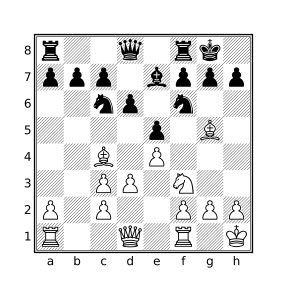
J. Coakley, 1996
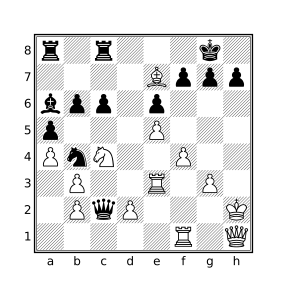
J.Coakley, 2010
The reachableposition filter can be used to try to determine if a position is reachable. The filter yields false if CQLi can prove that the position cannot be reached by any sequence of moves from the starting position and true otherwise. When reachableposition appears as an argument to the comment, message, or str filters the result is a string stating that the position is reachable or explaining why the position is unreachable. The string articulations for the reachableposition filter for the above two positions are:
<Unreachable position: Black is missing light-square Bishop but all
 White captures occurred on dark squares (square c3)>

<Unreachable position: Position implies 1 White promotion but promoting
 this many pawns would require too many captures
 [Presence of 1 dark-square White Bishop (square e7) implies at least
  1 promotion]
 [Missing dark-square White Bishop could not have escaped starting square
  (c1)]
 [Existing White pawn structure already implies 1 capture]
 [Promotion of 1 White pawn requires at least 3 additional captures]
 [Black is only missing 3 pieces]
 [Promotion cost calculated using pawn start squares a2, c2, e2, f2, g2, h2
  and promotion files a, b, c, d, e]>
Some unreachable positions require examination of the potential previous positions in order to determine that the position is unreachable, the reachableposition filter does not automatically perform such recursive analysis. For example, the following position is not reachable but will not be detected as such just by using reachableposition:
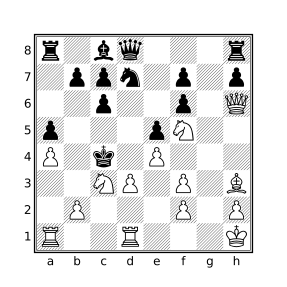
J.Coakley, 2016
The following query will detect the unreachable nature of this position:
move legal reverse count : reachablepositionThe query will yield 0 if none of the previous position candidates themselves are reachable. The below query can be used to obtain a textual articulation detailing why each of the previous candidate positions is unreachable:
move legal reverse count : reachableposition == 0

articulation = ""
if (not move legal reverse : {
    articulation +=
        "After " + currentmutation + ": " + str reachableposition + \n
}) then articulation = "No possible previous moves in position"
comment articulation
The above query will produce the following articulation for the previously diagrammed position:
After 1.~Pd2d3+: <Unreachable position: All of White's missing pieces were
    captured by Black Pawns currently on the board but missing trapped c1
    Bishop could not have been captured by one of these Pawns>
After 1.~Pc2x(N)d3+: <Unreachable position: Black is missing dark-square
    Bishop but all White captures occurred on light squares (square f3)>
After 1.~Pc2x(B)d3+: <Unreachable position: Position implies 1 Black Pawn
    promotion but no promotions are possible
    [Presence of 2 light-square Black Bishops (squares d3, c8) implies at
     least 1 promotion]
    [Black is not missing any Pawns];
    Black is missing dark-square Bishop but all White captures occurred on
    light squares (square f3)>
After 1.~Pe2x(N)d3+: <Unreachable position: White Pawn structure implies 2
    captures but Black is only missing 1 piece;
    Black is missing dark-square Bishop but all White captures occurred on
    light squares (square f3)>
After 1.~Pe2x(B)d3+: <Unreachable position: White Pawn structure implies 2
    captures but Black is only missing 1 piece;
    Position implies 1 Black Pawn promotion but no promotions are possible
    [Presence of 2 light-square Black Bishops (squares d3, c8) implies at
     least 1 promotion]
    [Black is not missing any Pawns];
    Black is missing dark-square Bishop but all White captures occurred on
    light squares (square f3)>
Switcheroos
“Switcheroo” is the name given to a type of puzzle invented by Jeff Coakley in which the goal is to switch the positions of any two pieces such that Black is checkmated in the resulting position. The only requirement is that the solution position must be reachable. Switcheroos should have a single valid solution but often have one or more candidate solutions that result in positions that are unreachable in subtle ways.
Solving Switcheroos
The diagrams below contain two examples of Switcheroos.
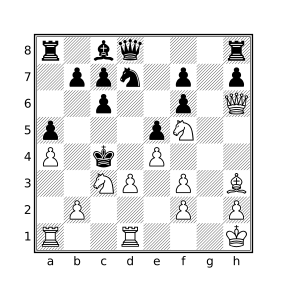
J.Coakley, 2012
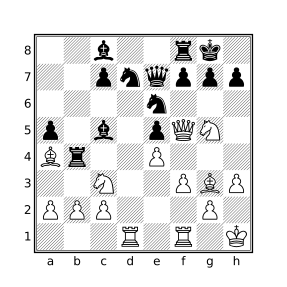
J.Coakley
The imagine filter can be used to swap two pieces. The legalposition filter will check if a position violates any basic chess principles without performing any retrograde analysis, e.g. both kings in check, pawns on the back rank, etc. The reachableposition filter will try to determine if a position is unreachable by additionally applying more sophisticated checks. These filters can be combined to solve Switcheroo puzzles.
The below query will find valid solutions to Switcheroo puzzles as well as identify switches that result in mate and what superficially appears to be a legal position but is in fact unreachable (reported as “Tries”).
// Solve Switcheroo puzzles and report unreachable tries.

tries = ""
solutions = ""

piece $p1 in [Aa] {
    piece $p2 in [Aa] {
        // Don't consider identity swaps or previous swaps
        pieceid $p1 > pieceid $p2
        try = str($p1 " <--> " $p2)
        // Perform the swap and make sure it is black to move
        imagine swap $p1 $p2 sidetomove black : {
            mate
            legalposition
            if reachableposition {
                solutions += try + " "
            } else {
                if tries != "" then tries +=  ", "
                tries += str(try "?: " reachableposition)
            }
        }
    }
}

if solutions != "" {
    comment("Solutions: " solutions)
    comment("Tries: " tries)
}
The output of the above query applied to a PGN file that contains the previously-diagrammed positions is provided below (with comments reformatted to improve readability):
[FEN "1r1Q1B1k/pp3p1p/2nb1rpN/4q1N1/7P/1P4Pb/P1P2R2/R2B2K1 b - - 0 1"]
[SetUp "1"]

{Solutions: bd6 <--> kh8}
{Tries: Ng5 <--> kh8?: <Unreachable position: Impossible check of Black King>,
rf6 <--> kh8?: <Unreachable position: Impossible check of Black King>} *

[FEN "2b2rk1/2pnqppp/4n3/p1b1pQN1/Br2P3/2N2PBP/PPP3P1/3R1R1K b - - 0 1"]
[SetUp "1"]

{Solutions: Rf1 <--> kg8}
{Tries: Ba4 <--> kg8?: <Unreachable position: Impossibly trapped White Bishop
                        on square g8>,
Qf5 <--> ph7?: <Unreachable position: Black Pawn structure implies 2 captures
                but White is only missing 1 piece>,
Ng5 <--> kg8?: <Unreachable position: Impossible check of Black King>,
ne6 <--> kg8?: <Unreachable position: Impossible check of Black King>,
nd7 <--> kg8?: <Unreachable position: Impossible check of Black King>} *
Note that in the first puzzle, the position after bd6 ↔︎ kh8 is reachable if the previous move was e7xd8=Q#.
Finding Switcheroos
The following query will search games in a database for positions which meet the requirements of a Switcheroo. In order to provide higher-quality puzzles and keep things interesting, the following additional conditions will be incorporated:
- Only positions containing mutual switcheroos will be sought. A mutual switcheroo is one in which there is exactly one swap that will checkmate black and a different swap which will checkmate white. This significantly reduces the frequency of matching positions and adds another element to the puzzles.
- Only positions that contain at least one unreachable try for each checkmate will be considered. This makes for more interesting and challenging puzzles.
- Only positions with solutions that do not involve swapping kings are considered. Most switcheroos encountered in actual games involve this theme which gets tired quickly and does not provide the same satisfaction as other puzzles.
// Find Mutual Switcheroos in real games.

tries = ""
opp_tries = ""

mates = 0
opp_mates = 0
solution = ""
opp_solution = ""

piece p1 in [Aa] {
    piece p2 in [Aa] {
        pieceid p1 > pieceid p2
        try = str(p1 " <--> " p2)

        imagine swap p1 p2 : {
            mate
            legalposition
            if reachableposition {
                mates += 1
                if solution != "" then solution += ", "
                solution += try
            } else {
                if tries != "" then tries += ", "
                tries += str(try "?: " reachableposition)
            }
        } or true

        imagine sidetomove reverse swap p1 p2 : {
            mate
            legalposition
            if reachableposition {
                opp_mates += 1
                if opp_solution != "" then opp_solution += ", "
                opp_solution += try
            } else {
                if opp_tries != "" then opp_tries += ", "
                opp_tries += str(try "?: " reachableposition)
            }
        }
    }
}

mates == 1
opp_mates == 1
tries != ""
opp_tries != ""
not "k" in lowercase(solution + opp_solution)

comment(standardfen)
comment("Mutual switcheroo: " solution ", " opp_solution)
comment("Tries: " tries ", " opp_tries)
The above query can easily be modified to relax or add additional constraints. Below are two mutual switcheroos found using this query.
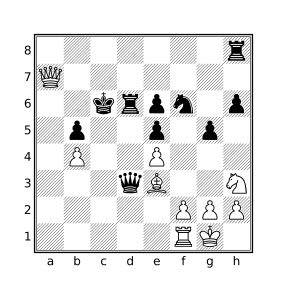
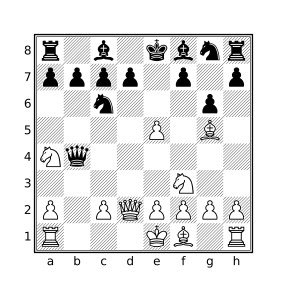
The first puzzle comes from the position after 33...Kc6 in this game, the second comes from the position after 8.Qd2 in this game. The solutions to the first puzzle are: Rf1 ↔︎ rh8 (White is checkmated) and Nh3 ↔︎ pe5 (Black is checkmated). The solutions to the second puzzle are: Ra1 ↔︎ rh8 (White is checkmated) and Nf3 ↔︎ pc7 (Black is checkmated).
The failed tries for the two puzzles are articulated by the following comments:
{Tries: Kg1 <--> Be3?: <Unreachable position: Impossibly trapped White Bishop
on square g1>, Nh3 <--> Pb4?: <Unreachable position: Impossible White Pawn
structure (squares f2, g2, h2, h3, e4)>}

{Tries: Na4 <--> pc7?: <Unreachable position: Black Pawn structure implies 2 captures
but White is only missing 1 piece>, Ra1 <--> ra8?: <Unreachable position: All of
Black's missing pieces were captured by White Pawns currently on the board but
missing trapped a8 Rook could not have been captured by one of these Pawns>}
Retractor Problems
In a retractor problem, the side to move retracts their last n moves and then plays m different moves to reach a specified position.
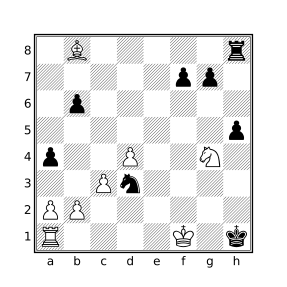
Sam Loyd, 1860
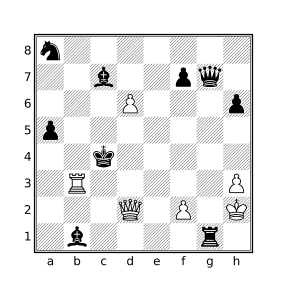
Sam Loyd, 1860
The first part of the problem requires determining what the candidates for the last move(s) are and then determining which of the resulting positions is reachable. CQLi provides reverse move generation which will provide the reverse moves that result in legal positions and the reachableposition filter which will weed out resulting positions that CQLi can determine are unreachable. From there it is simply a matter of iterating over legal moves in the new position to match the stipulation.
For example, to solve problems having the stipulation “White retracts a move to mate in one” the following query may be employed:
move legal reverse : {
reachableposition
move legal : { mate comment currentmutation }
}Running the above query on these positions yields:
[FEN "1B5r/5pp1/1p6/7p/p2P2N1/2Pn4/PP6/R4K1k b - - 0 1"]
[SetUp "1"]
{1.~Pa7x(B)b8=B 1.a8=Q#} {1.~Pa7x(B)b8=B 1.a8=B#} *
[FEN "n7/2b2pq1/3P3p/p7/2k5/1R5P/3Q1P1K/1b4r1 b - - 0 1"]
[SetUp "1"]
{1.~Pe5x(P)d6 1.Qc3#} *In words, the solution to the first puzzle is to retract the move “pawn on a7 captures bishop on b8 and promotes to bishop” and then to play the move a8=Q# or a8=B#. In the second puzzle the move to retract is “pawn on e5 captures pawn on d5 en passant” and then play the move Qc3#.
Triple Loyds
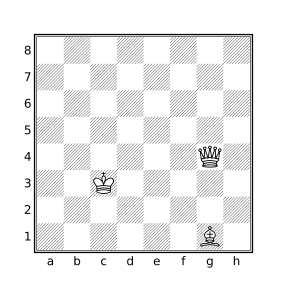
Sam Loyd, 1866
A “Triple Loyd” is the name coined by Jeff Coakley for a puzzle conceived of by Sam Loyd in which the task is to find three distinct squares on which the black king may be placed to produce positions that are 1) mate, 2) stalemate, and 3) mate in 1. The diagrammed position below shows the original puzzle by Sam Loyd.
Solving Triple Loyds
The imagine filter can be used to place the black king on different squares checking for one of the three conditions. The square filter will iterate over a set of squares. The following query will iterate over the set of empty squares to see if any of the conditions are met when a black king is placed thereon. The position only matches if the king can be placed on squares satisfying all three conditions. If there are multiple solutions for any of the three conditions, these will be noted. Unreachable positions will be excluded.
checkmates = []
stalemates = []
matein1s = []
square sq in _ {
imagine piece k --> sq sidetomove black : {
reachableposition
if mate then checkmates |= sq
if stalemate then stalemates |= sq
imagine sidetomove white : {
reachableposition
move legal : mate
matein1s |= sq
}
}
}
checkmates stalemates matein1s
unsound_reason = ""
if checkmates > 1 then unsound_reason += "multiple checkmates "
if stalemates > 1 then unsound_reason += "multiple stalemates "
if matein1s > 1 then unsound_reason += "multiple mate in 1s "
if stalemates & matein1s then unsound_reason +=
str("squares " stalemates & matein1s " reused")
comment("Triple Loyd: " checkmates " (mate), " stalemates
" (stalemate), " matein1s " (#1)")
if unsound_reason != "" then comment("Unsound: " unsound_reason)Running this query on the above position produces:
[FEN "8/8/8/8/6Q1/2K5/8/6B1 b - - 0 1"]
[SetUp "1"]
{Triple Loyd: e3 (mate), h1 (stalemate), a8 (#1)} *The mate in 1 after the black king is placed on a8 is 1.Qc8#.
Chess Mazes
A chess maze is a puzzle where a target piece must make its way from its starting square to a specified ending square without moving to a square that is attacked by an enemy piece. The target piece makes all of the moves. There generally should be a single path through the maze that can be traversed in the smallest number of moves.
There are several kinds of chess mazes with different rules that dictate the types of moves that can be made, whether captures are allowed, etc. The mazes considered here use the rules provided by Jeff Coakley in his Puzzling Side series (see issue 69). The rules are relatively simple:
- The goal is for the specified white piece to find the shortest path to capture the black king.
- No other captures are permitted.
- No piece other than the specified traversing piece may move.
- The traversing piece may not move to a square which is attacked by a black piece although it may move through such a square.
For example, the following diagrams show a “Rook Maze in 17” and “Knight Maze in 29” with safe squares highlighted in blue and the shortest paths shown in orange.
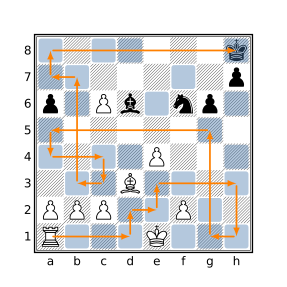
J. Coakley, 2006
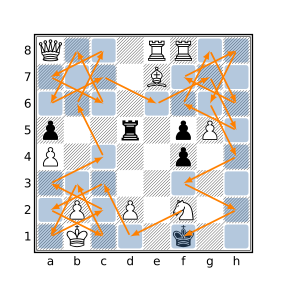
J. Coakley, 2020
The shortest path through such a maze can be calculated using a breadth-first exploration algorithm implemented by iteratively expanding a frontier of reachable positions. The dictionary variable dict_next contains all of the positions that can be reached in n-1 moves, at the beginning of the algorithm this dictionary just contains the starting position. At each iteration, all of the possible moves at every position in dict_next are calculated and the resulting positions are added to a temporary array that becomes the new dict_next at the beginning of the next iteration. The algorithm will find the length of the shortest path, the number of distinct solutions of that length, and the paths for each distinct solution.
The dict_reached dictionary stores the length of the shortest path to each reached square to ensure that every considered move makes forward progress. The dict_paths dictionary stores a string representing the best path for each saved position.
// Solve Coakley-style piece mazes.
initial
// The piece that will traverse the maze, specified by the 'Start' tag.
piece target = makesquare tag "Start"
// The destination square is either specified by the 'End' tag or else
// assumed to be the square on which the black king resides.
dest_square = if tag "End" then makesquare tag "End" else k
// The empty squares that may safely be traversed by the target piece.
safe_squares = (_ & ~(. attackedby a)) | dest_square
// For pawn mazes, are promotions to queen allowed?
allow_queen_promo = 0
dictionary int --> int dict_next // Next positions to examine
dictionary str --> int dict_reached // The shortest path to all reached distinct positions
dictionary int --> str dict_paths // Representation of path used to reach saved position
dictionary int --> int dict_next_temp // New positions reached while processing dict_next
dictionary int --> int unique_paths // Count of unique paths by ply
// Dictionaries are persistent but entries from previous games should
// not affect the currently analyzed maze so they are reset first.
unbind dict_next
unbind dict_reached
unbind dict_paths
unbind dict_next_temp
unbind unique_paths
dict_next[positionid] = 0
dict_reached[zobristkey] = 0
dict_paths[positionid] = str target
is_pawn_maze = if target & P then 1 else 0
shortest_path = 1000
while (#dict_next > 0) {
key $key in dict_next {
position $key : {
num_premove_pieces = #[Aa]
premove_target_piece_type = type target
imagine sidetomove white : move legal from target to safe_squares : {
allow_queen_promo == 1 or is_pawn_maze == 0 or not target & Q
if (not dict_reached[zobristkey] or dict_reached[zobristkey] == ply) {
imag_position = saveposition
save_pos_id = imag_position: positionid
dict_next_temp[save_pos_id] = ply
dict_reached[zobristkey] = ply
if not dict_paths[save_pos_id] then dict_paths[save_pos_id] = ""
capture_indicator = if num_premove_pieces != #[Aa] then "x" else ""
promote_indicator = if premove_target_piece_type != type target
then "=" + (str target)[0]
else ""
dict_paths[save_pos_id] = dict_paths[$key] + "-" + capture_indicator +
str target&. + promote_indicator
if target == dest_square {
us = if unique_paths[ply] then unique_paths[ply] else 0
unique_paths[ply] = us + 1
if ply < shortest_path then shortest_path = ply
sort min "Shortest path" {
comment("Path #" unique_paths[ply]": " dict_paths[save_pos_id]) ply
}
}
}
}
}
}
// Replace dict_next with the contents of dict_next_temp
unbind dict_next
key $key in dict_next_temp { value = dict_next_temp[$key] dict_next[$key] = value }
unbind dict_next_temp
}
comment("Unique paths: " unique_paths[shortest_path])Given the below input corresponding to the examples mazes above:
[FEN "7k/7p/p1Pb1np1/8/4P3/3B4/PPP2P2/R3K3 w - - 0 1"]
[SetUp "1"]
[Start "a1"]
*
[FEN "Q3RR2/4B3/8/p2r1pP1/P4p2/8/1P1P1N2/1K3k2 w - - 0 1"]
[SetUp "1"]
[Start "f2"]
*the game-text portion of the output produced by the maze-solving query will look something like:
{Shortest path: 17} {Unique paths: 1}
{Path #1: Ra1-d1-d2-e2-e3-h3-h1-g1-g5-a5-a4-c4-c3-b3-b7-a7-a8-xh8} *
{Shortest path: 29} { Unique paths: 1}
{Path #1: Nf2-d1-c3-a2-c1-b3-a1-c2-a3-c4-b6-c8-a7-c6-b8-a6-c7-e6-
g7-h5-f6-g8-h6-f7-h8-g6-h4-f3-h2-xf1} *For mazes with multiple shortest paths, the Unique paths comment will report the total number of paths but Smart Comments will suppress all but the first found path since the comment filter that articulates the path appears in a sort filter. The --keepallbest option can be used to see all distinct paths.
Pawn mazes typically require promotion to reach the end square and the promotion to the piece that reaches the end the fastest is the one reported. Because promoting to a queen virtually always results in the shortest path, most such puzzles stipulate that queen promotions are not allowed and queen promotions are thus disabled by default. To allow queen promotions set the allow_queen_promo variable to 1 in the above query.
Mating Patterns
This section explores mating pattern classification using CQLi. On each page, a different mating pattern is presented along with a definition, a query which can be used to find instances of the pattern, and examples of positions that match the provided query.
Mating patterns do not always have unanimous definitions so one is provided for the purpose of defining a corresponding query. In many cases, variations of the mating pattern definition are discussed after the examples along with relevant changes to the provided query to match the variations.
The Query section contains the complete query used to identify positions matching the discussed mating pattern.
The Examples section contains two examples of each pattern which were found using the presented query. The first diagram often contains an archetypical position with the second diagram highlighting either a particularly interesting position or an example of a matching position that may have unexpected characteristics. Arrows and colored squares are used in the diagrammed positions with the following meanings:
- Blue squares are used to represent mating pieces.
- Red squares are used to highlight the mated king and, in some cases, attacked escape squares or the line of attack between a sliding mating piece and the king.
- Green squares show the position of the mating piece in the prior position and a green arrow shows the move that delivered mate.
- Yellow squares are sometimes used to highlight supporting pieces or squares attacked by supporting pieces.
Anastasia’s Mate
Our Definition
The mated king is on the edge of the board, attacked by an opposing rook. It is trapped on the edge by a friendly piece standing directly in front of it and by an opposing knight that attacks the remaining escape squares which must be empty.
Query
mate flipcolor rotate90 { kh1-8 attackedby Rh1-8 N & left 3 k a & left 1 k _ & northwest 1 k _ & southwest 1 k }
Examples
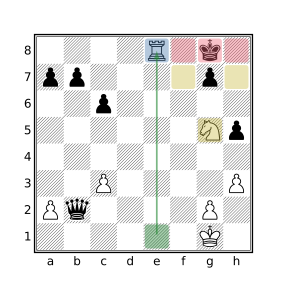
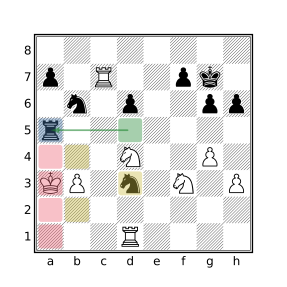
Variations
Stricter variations may additionally require:
- The friendly piece standing in front of the king to be a pawn: add
p & left 1 k- The king must be on its own second rank: add
kh7
Broader variations may allow:
- The attacking piece to be either a rook or a queen:
addkh1-8 attackedby [RQ]h1-8
Anderssen’s Mate
Our Definition
The mated king is attacked on its own back rank by an adjacent opposing rook on the same rank which is in turn supported by a pawn.
Query
mate flipcolor { P attacks (Ra-h8 attackedby ka-h8) }
Examples
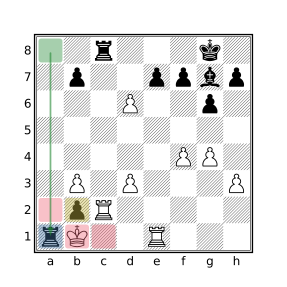
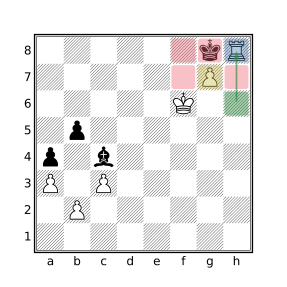
Variations
Stricter variations may require:
- The pawn that supports the rook to also be attacked by the king
(P attacks (Ra-h8 attackedby ka-h8)) attackedby k
Broader variations may allow:
- The mating piece to be either a rook or a queen
P attacks ([RQ]a-h8 attackedby ka-h8)
Arabian Mate
Our Definition
The mated king resides in a corner where it is attacked by an opposing adjacent rook. A knight both defends the rook and attacks the escape square diagonally adjacent to the mating rook.
Query
mate flipcolor flip { kh8 Nf6 Rh7 }
Examples
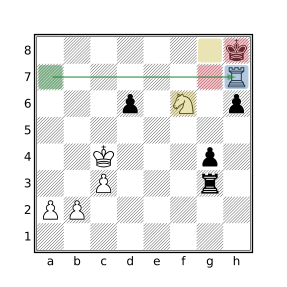
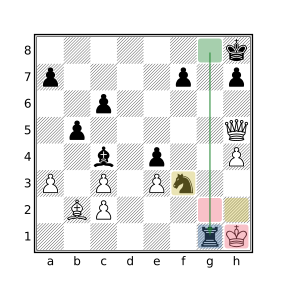
Backrank Mate
Our Definition
The mated king is attacked on its own back rank by a non-adjacent opposing rook or queen on the same rank and the squares on the 7th rank that are reachable by the king are all occupied by friendly pieces.
Query
mate flipcolor { ([QR]a-h8 attacks ka-h8) & ~(. attackedby k) [_A]a-h7 attackedby k == [] }
Examples
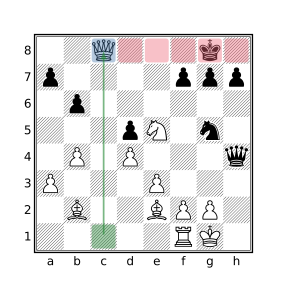
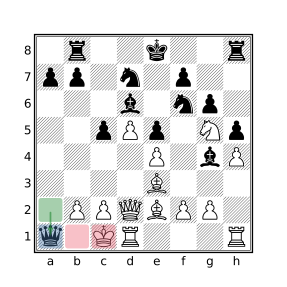
Balestra Mate
Our Definition
The mated king is attacked by a bishop and all of the possible escape squares are attacked by an opposing queen a knight’s move away. Additionally, none of the squares attacked by the queen are also attacked by the bishop and all of the squares surrounding the king that are attacked by the queen are empty.
Query
mate flipcolor { $attacking_bishop =? B attacks k $supporting_queen =? (flip northeast 1 up 1 k) & Q . attackedby $attacking_bishop & . attackedby $supporting_queen == [] (. attackedby k) attackedby Q & [Aa] == [] }
Examples
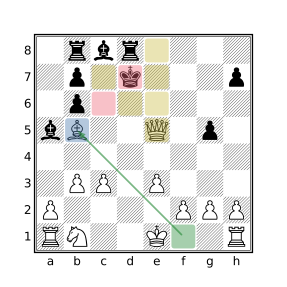
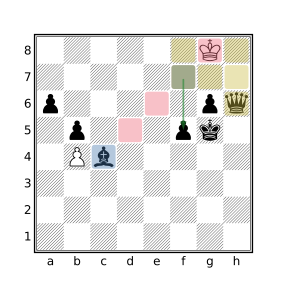
Variations
Stricter variations may require:
- That all of the squares surrounding the king be empty (which implies the king is on the edge of the board): add
(. attackedby k) == (_ attackedby k)
Bishop & Knight Mate
Our Definition
The mated side has no pieces besides the king while the mating side has only a bishop and a knight.
Query
mate flipcolor { a == k A == 3 B == 1 N == 1 }
Examples
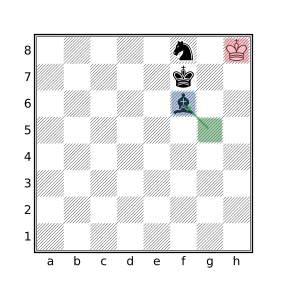
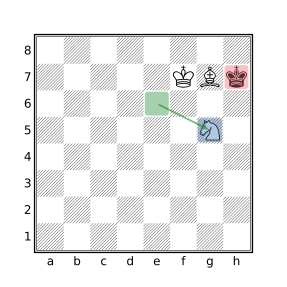
Notes
A bishop and knight can force mate against a lone king in 33 moves or less from any position (except when the stronger side allows the opposing king to attack a piece while threatening stalemate, see diagram) with perfect play, but the required techniques are notoriously difficult to master. The challenge of administering this checkmate is demonstrated by the fact that only about 35% of grandmaster bishop and knight games end in mate and over 15% of such games end in a draw. Among all games played on lichess, only about 11% of bishop and knight endgames end with mate, over 65% of such games end in a draw.
Blackburne’s Mate
Our Definition
The mated king is attacked by an opposing bishop. All of the squares surrounding the king are either occupied by friendly pieces or empty squares attacked by an opposing bishop or knight. It is a necessary characteristic of this mate that two opposing bishops and one knight participate in the attack.
Query
mate flipcolor { B attacks k A attackedby k == [] _ attackedby k == _ attackedby k attackedby [BN] B attacks (_ attackedby k) == 2 N attacks (_ attackedby k) == 1 (_ attackedby k) attackedby B & (_ attackedby k) attackedby N == [] }
Examples
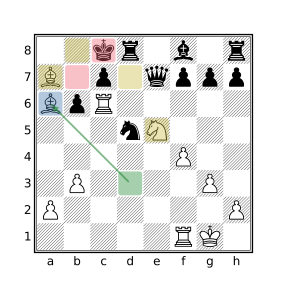
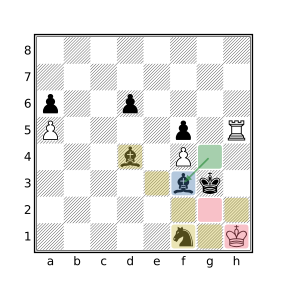
Blind Swine Mate
Our Definition
The king, on his own first rank, is attacked by two opposing adjacent rooks on the king’s second rank. One of the rooks checks the king while the other works with the checking rook to block escape squares while at the same time defending the checking rook.
Query
mate flipcolor { horizontal 1 Ra-h7 attacks ka-h8 & Ra-h7 R attacks (_ attackedby k) == 2 }
Examples
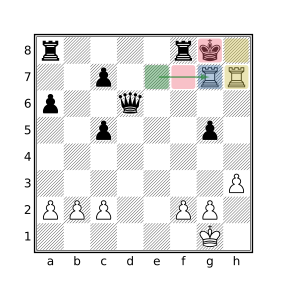
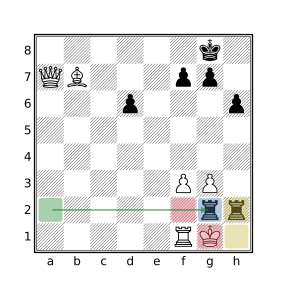
Variations
Stricter variations may require:
- No pieces besides the rooks attack the mated king’s escape squares: add
A attacks (_ attackedby k) == Ra-h7
Broader variations may allow:
- The two rooks to be non-adjacent:
replacehorizontal 1 Ra-h7 attacks ka-h8 & Ra-h7
withRa-h7 attacks ka-h8 attackedby Ra-h7
Boden’s Mate
Our Definition
The mated king is attacked by an opposing bishop. All of the potential escape squares for the king are either attacked by one of two opposing bishops or occupied by friendly pieces. The rays formed by the lines of attack of the bishops intersect.
Query
mate flipcolor { $king_squares = _ attackedby k | k $king_squares attacked by B == $king_squares B attacks $king_squares == 2 not k attacks A fliphorizontal { ray maindiagonal (B k) ray offdiagonal (B $king_squares) } }
Examples
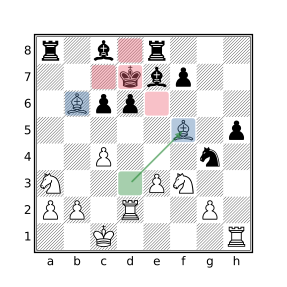
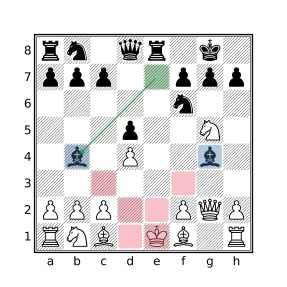
Variations
Broader variations may allow:
- The squares not attacked by the bishops may be occupied by enemy pieces:
remove not k attacks A- The attacking bishops may be attacked by the mated king: replace
not k attacks Awithnot k attacks (A & ~B)
Corner Mate
Our Definition
The king is mated in a corner square, hemmed in by a friendly pawn directly in front of the king. A rook or queen controls the adjacent file preventing escape. A minor piece delivers the mating attack. Both potential escape squares on the file adjacent to the king must be empty.
Query
mate flipcolor { flipvertical { kh8 ph7 _g8 g7-8 attackedby [RQ]g1-7 == 2 k attackedby [BN] } }
Examples
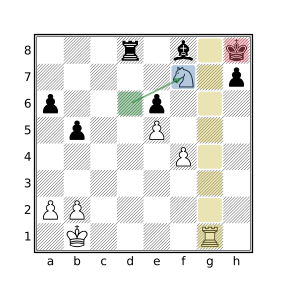
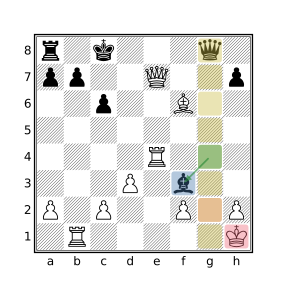
Variations
Broader variations may allow:
- The square horizontally adjacent to the king to be occupied:
remove_g8
Cozio’s (Dovetail) Mate
Our Definition
The mated king is attacked by a diagonally adjacent opposing queen which cuts off all escape squares except for the two that are a knight’s move away from the queen which are instead occupied by friendly pieces that cannot capture the queen.
Query
mate flipcolor rotate90 { (southeast 1 k) & Q (up 1 k) & a (left 1 k) & a _ attackedby k == 5 }
Examples
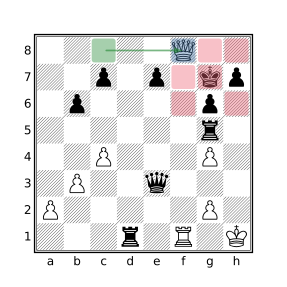
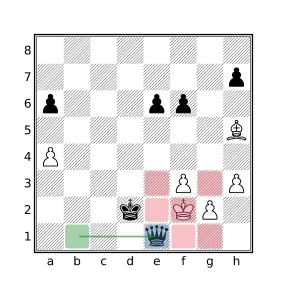
Variations
Stricter variations may require:
- The empty squares surrounding the king not be attacked by any opposing pieces besides the queen: add
A attacks (_ attackedby k) == 1
Broader variations may allow:
- The pieces residing a knight’s move from the queen to be (defended) opposing pieces: replace both instances of
awith[Aa].
Damiano’s Mate
Our Definition
The mated king and rook are in their short-castled positions with a friendly pawn directly in front, itself blocked by an opposing advanced pawn. Mate is delivered by the opposing queen, the advanced pawn both defending the queen and cutting off escape by the king in the other direction. This position is often reached after a rook sacrifice to get the queen into position.
Query
mate flipcolor { {kg8 rf8} $friendly_pawn =? down 1 k & p $opposing_pawn =? down 1 $friendly_pawn & P Q attacks k attackedby $opposing_pawn _ attackedby $opposing_pawn }
Examples
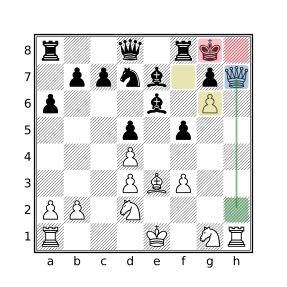
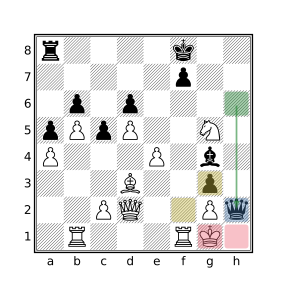
Variations
Broader variations may allow:
- The square attacked by the supporting pawn, opposite the queen, to be occupied: remove
_ attackedby $opposing_pawn.
Epaulette Mate
Our Definition
The king is attacked by a queen two or more squares in front of it and flanked on parallel sides by friendly pieces preventing sideways escape. The three squares in front of the king are either all empty or contain friendly pieces directly in front of the flanking pieces to form a so-called “double epaulette”. This configuration implies that the king either resides on the side of the board or the squares behind it are cut off, typically by an opposing rook.
Query
mate flipcolor rotate90 { A attacks k == ray down (k _ Q) == 1 (horizontal 1 k) & a == 2 {southeast 1 k & _ southwest 1 k & _} or {southeast 1 k & a southwest 1 k & a} }
Examples
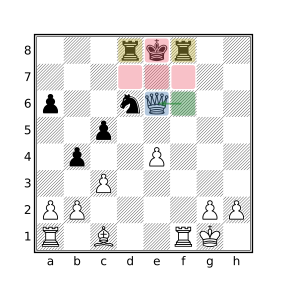
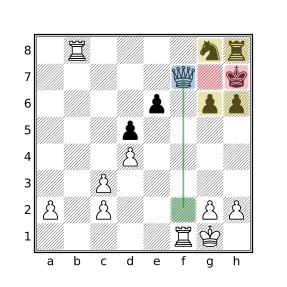
Variations
Stricter variations may additionally require:
- The mated king to be on the edge of the board: add
ka-h8.- That the flanking configuration be horizontal: remove
rotate90.- Flanking pieces to be rooks: replace
(horizontal 1 k) & a == 2
with(horizontal 1 k) & r == 2
Guéridon (Swallow Tail’s) Mate
Our Definition
The mated king is attacked by an orthogonally adjacent opposing queen which cuts off all escape squares except for the two that are a knight’s move away from the queen which are instead occupied by friendly pieces that cannot capture the queen. This is very similar to the Cozio (Dovetail) Mate where the queen is diagonally adjacent to the mated king instead of orthogonally adjacent.
Query
mate flipcolor rotate90 { (down 1 k) & Q (northeast 1 k) & a (northwest 1 k) & a _ attackedby k == 5 }
Examples
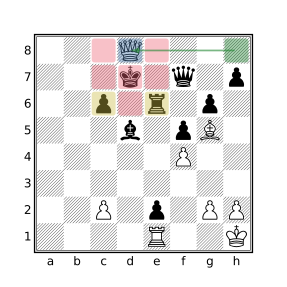
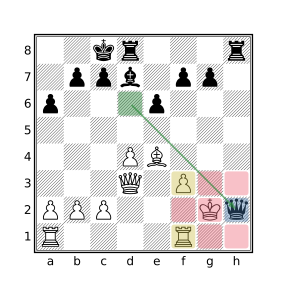
Variations
Stricter variations may require:
- The empty squares surrounding the king not be attacked by any opposing pieces besides the queen: add
A attacks (_ attackedby k) == 1
Broader variations may allow:
- The pieces residing a knight’s move from the queen to be (defended) opposing pieces: replace both instances of
awith[Aa].
Greco’s Mate
Our Definition
The mated king resides in one of the three squares comprising a triangular region in one of the corners of the board. A rook or queen delivers mate from a distance on the edge of the board while a diagonally adjacent friendly pawn and an opposing bishop cut off the remaining escape squares. No other pieces participate in the attack.
Query
mate flipcolor rotate90 { {kg-h7-8 pg7} k attackedby [QR] _ attackedby k attackedby B A attacks (_ attackedby k) == 2 a attackedby k == 1 not A attackedby k }
Examples
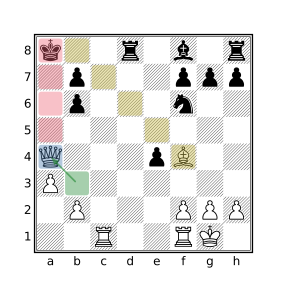
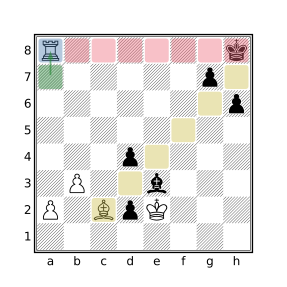
Variations
Stricter variations may require:
- That the king be mated on his own side of the board: replace
rotate90withflipvertical.- The mated king to be in a corner square: replace
kg-h7-8withkh8.
Hook Mate
Our Definition
The mated king is attacked by an opposing adjacent rook which is defended by a knight that is also adjacent to the king, the knight being defended by a pawn. These three pieces work together to solely cover all squares around the gap between the rook and knight which is occupied by an opposing piece incapable of capturing the mating rook.
Query
mate flipcolor { k attacks (N attacks (R attacks k) attackedby P) k attacks (R attacks k) _ attackedby k == 5 A attacks (k | . attackedby k) == 3 }
Examples
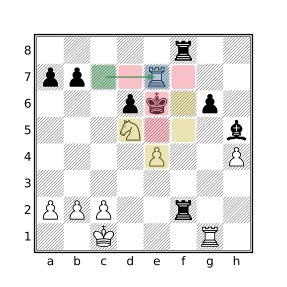
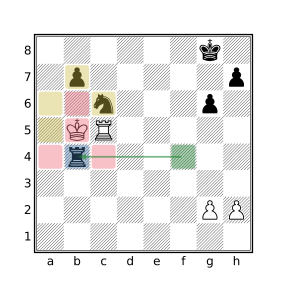
Variations
Broader variations may allow:
- The part of the pawn to be played by a bishop: change
attackedby Ptoattackedby [PB]
Kill Box Mate
Our Definition
The king is mated by an orthogonally adjacent rook that resides in the corner of a 3 by 3 square box with a queen in the opposite corner of the box. The queen both defends the rook and cuts off all escape squares not covered by the rook.
Query
mate flipcolor rotate90 { northwest 2 Q & up 1 k & R right 1 k & _ }
Examples
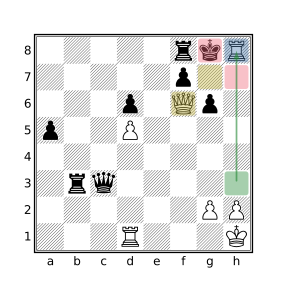
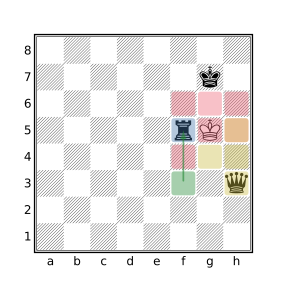
King & Two Bishops Mate
Our Definition
The mated side has no pieces besides the king while the mating side has only two bishops. The mate necessarily occurs on the edge of the board.
Query
mate flipcolor { [Aa] == 4 B == 2 }
Examples
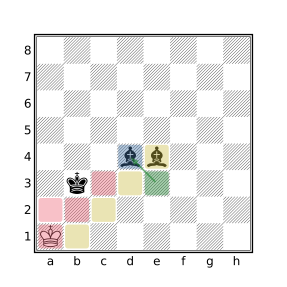
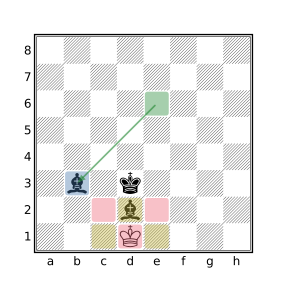
Légal’s Mate
Our Definition
An opposing knight and bishop are positioned around the mated king such that all of the orthogonally adjacent squares are attacked by these pieces, the bishop covers two of the squares and the knight the other two, including the square occupied by the bishop. A third piece, either another knight or another bishop, delivers the mate. The squares diagonally adjacent to the king are either attacked by the third piece or occupied by friendly pieces.
Query
mate flipcolor rotate90 { right 1 k & B down 2 k & N k attackedby [NB] A attacks (k | [A_] attackedby k) == 3 }
Examples
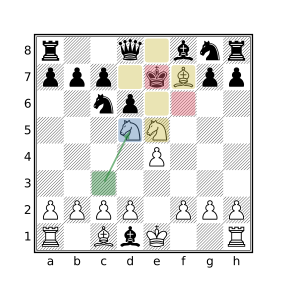
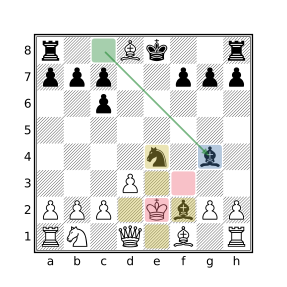
Variations
Stricter variations may require:
- That the piece attacking the king be a knight:
replacek attackedby [NB]withk attackedby N.
Max Lange’s Mate
Our Definition
The king is attacked by a diagonally adjacent opposing queen on separate edges of the board around the corner square. An opposing bishop both defends the queen and attacks the escape square not covered by the queen due to the presence of a piece between the bishop and king. No other pieces directly participate in the attack.
Query
mate flipcolor flip { {Qg8 Bf7 kh7 [Nbnp]g7} A attacks (_ attackedby k) == [g8,f7] }
Examples
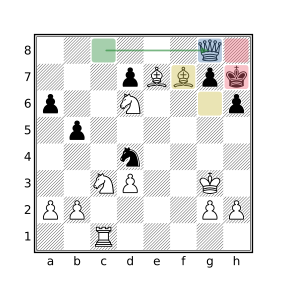
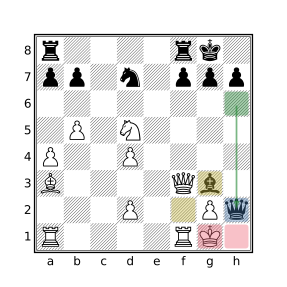
Variations
Stricter variations may require:
- The mated king to reside on its side of the board on the
aorhfile:
replaceflipwithflipvertical.- The mated king to reside on the
h7square (h2for the white king):
removeflip.
Broader variations may allow:
- Other pieces to participate in the attack:
removeA attacks (_ attackedby k) == [g8,f7].
Mayet’s Mate
Our Definition
The king is mated on the edge of the board by an adjacent opposing rook which solely attacks all of the king’s escape squares. The mating rook is defended by a bishop that does not otherwise participate in the attack.
Query
mate flipcolor rotate90 { $rook = Ra-h8 attackedby ka-h8 A attacks (_ attackedby k) == $rook B attacks $rook }
Examples
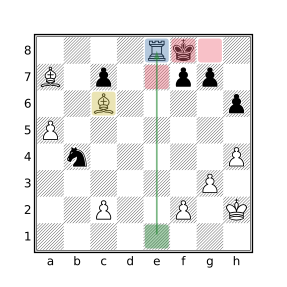
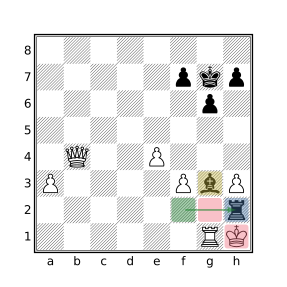
Variations
Stricter variations may require:
- That the king be mated on his own back rank: remove
rotate90.- At least two empty squares around king (which implies king cannot be mated in the corner): add
_ attackedby k > 1.- The bishop defends the rook from a distance:
addbetween($rook B attacks $rook) > 0.
Morphy’s Mate
Our Definition
The king is mated in the corner by an opposing bishop while a rook solely guards the other empty escape square on the adjacent file. A friendly adjacent piece prevents the king from escaping to the next rank.
Query
mate flipcolor rotate90 { kh8 ah7 _g8 A attacks g8 == Rg1-6 B attacks k }
Examples
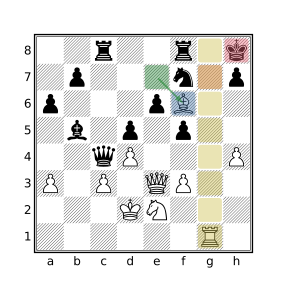
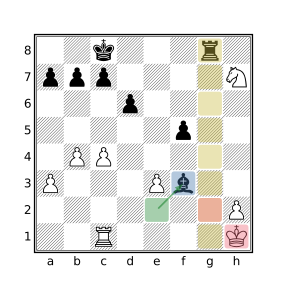
Variations
Stricter variations may require:
- The king to be mated on its own back rank:
replacerotate90withflipvertical.- The friendly obstructing piece to be a pawn: replace
ah7withph7
Broader variations may allow:
- A queen to cut off the king from the adjacent file:
replaceRg1-6 attacks g8with[RQ]g1-6 attacks g8.
Opera Mate
Our Definition
The king is mated on the edge of the board by an adjacent opposing rook which solely attacks all of the king’s escape squares except one. A bishop both defends the rook and attacks the remaining escape square. This mating pattern is distinguished from Mayet’s mate by the fact that the defending bishop attacks one of the escape squares.
Query
mate flipcolor rotate90 { $rook = Ra-h8 attackedby ka-h8 $bishop = B attacks $rook A attacks (_ attackedby k) == $rook | $bishop _ attackedby k attackedby $bishop == 1 }
Examples
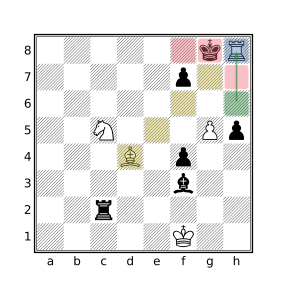
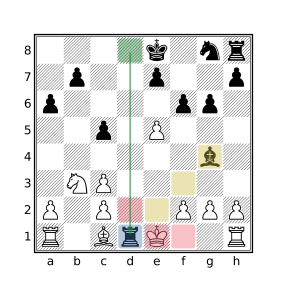
Variations
Stricter variations may require:
- That the king be mated on his own back rank: remove
rotate90.
Pillsbury’s Mate
Our Definition
The king is mated on the edge of the board next to a corner square, by an opposing rook with escape to the empty corner square cut off by a bishop and all other squares surrounding the king occupied by friendly pieces. It differs from Morphy’s mate in that the king is mated in the square next to the corner instead of in the corner square.
Query
mate flipcolor rotate90 { ah7 af7 af8 Rg1-6 attacks kg8 B attacks h8 }
Examples
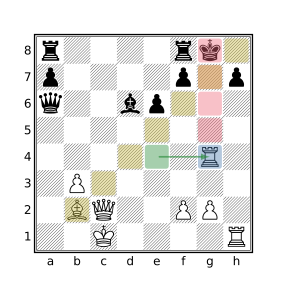
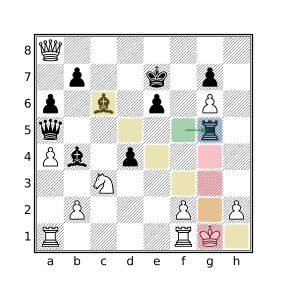
Variations
Stricter variations may require:
- The king to be mated on its own back rank:
replacerotate90withflipvertical.
Broader variations may allow:
- A queen to cut off squares of the long diagonal:
replaceB attacks h8with[BQ] attacks h8
Réti’s Mate
Our Definition
The mated king is surrounded by 4 friendly pieces. Mate is delivered by an opposing bishop that both attacks the king and guards one of the empty squares on the other side of the king. The remaining two potential escape squares are covered by a rook or queen which also defends the bishop at a distance (of at least two squares).
Query
mate flipcolor rotate90 { $bishop =? B & northeast 1 k $supporter =? ray down ($bishop _ _ [RQ]) $guarded =? _ & southwest 1 k a attackedby k == 4 A attacks ((_ attackedby k) & ~$guarded) == 1 }
Examples
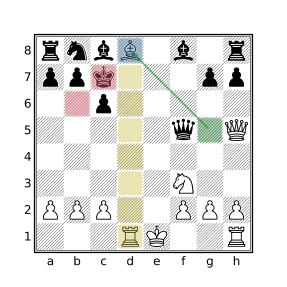
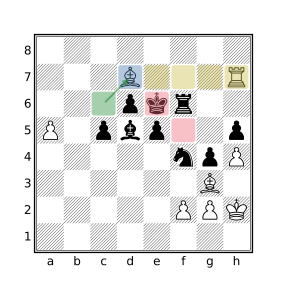
Smothered Mate
Our Definition
The mated king is attacked by a knight and is completely surrounded by friendly pieces.
Query
mate flipcolor { k attackedby N . attackedby k & [A_] == [] }
Examples
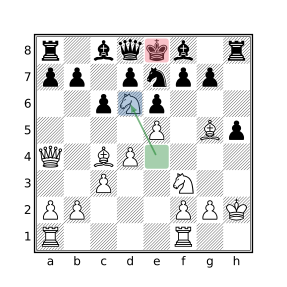
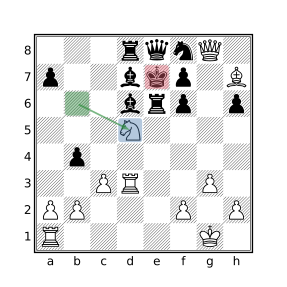
Stamma’s Mate
Our Definition
The mated king is trapped in a corner of the board by one of its own pawns and the opposing king while attacked by an opposing knight.
Query
mate flipcolor flipvertical { ka1 pa2 Kc1-2 k attackedby N }
Examples
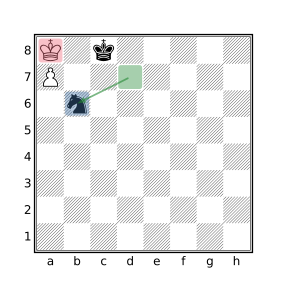
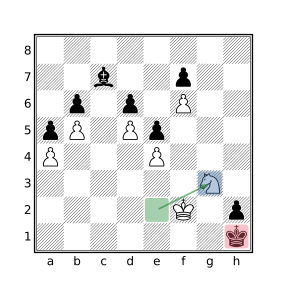
Variations
Stricter variations may require:
- No other pieces on the board for the mated and/or mating side:
addflipcolor { wtm A == 2 }for mated side,
flipcolor { wtm a == 2 }for the mating side,
or[Aa] == 4for both sides.
Suffocation Mate
Our Definition
The king is checked by an opposing knight. All of the empty squares surrounding the king (of which there must at least be one, otherwise it would instead be a smothered mate) reside along a single diagonal which is attacked by a bishop or a queen.
Query
mate flipcolor { N attacks k $escape_squares = _ attackedby k $attacker = [BQ] attacks $escape_squares A attacks $escape_squares == 1 rotate90 { northeast $attacker & $escape_squares == $escape_squares } $escape_squares attackedby $attacker == $escape_squares }
Examples
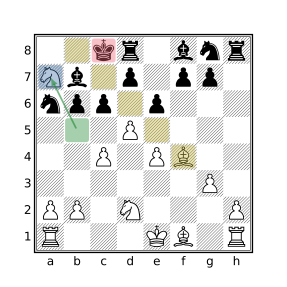
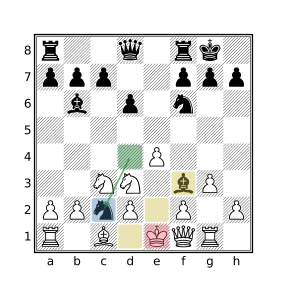
Triangle Mate
Our Definition
The king is mated by a diagonally adjacent queen that resides in the corner of a 3 by 3 square box with a rook an adjacent corner. The rook both defends the queen and cuts off all escape squares not covered by the queen except for the one square on the middle of the edge opposite the edge with the rook and queen. The uncovered square is occupied by a friendly piece.
Query
mate flipcolor rotate90 { a & up 1 k flipvertical { R & southwest 1 k Q & southeast 1 k } }
Examples
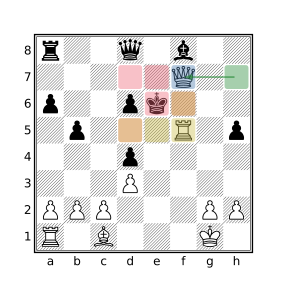
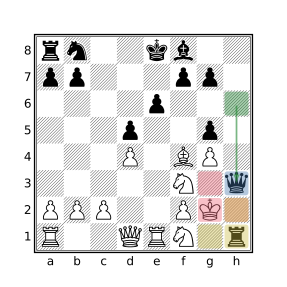
Variations
Stricter variations may require:
- That the remaining squares around the king be empty:
add_ attackedby k == 5.
Vuković’s Mate
Our Definition
The king is mated on the edge of the board by an opposing adjacent rook which is defended by a pawn or king. A knight covers escape squares on the edge of the board.
Query
mate flipcolor rotate90 { N & down 2 ka-h8 $rook =? R & down 1 ka-h8 (~[KPk]) attacks $rook == [] }
Examples
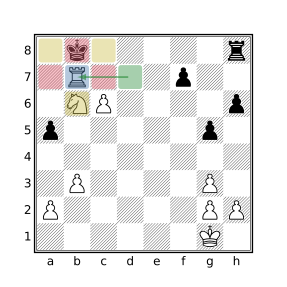
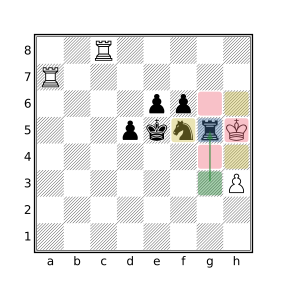
Variations
Stricter variations may require:
- The squares flanking the king to be empty:
addhorizontal 1 k & [Aa] == []- The king to not reside in a corner square:
replace both instances ofka-h8withkb-g8
Broader variations may allow:
- The checking rook to be defended by any piece:
remove(~[KPk]) attacks $rook == []
Filter Conspectus
List of Symbol Filters
| Filter | Type | Brief Description |
|---|---|---|
. |
Set | Piece designator representing all 64 squares. |
_ |
Set | Piece designator for unoccupied squares. |
- |
Numeric | Unary negation or binary subtraction. |
` |
Any | Identity operator. |
: |
Any | Evaluate RHS filter in the context of the LHS position. |
[] |
Set | Piece designator representing no squares. |
[] |
Varies | String slicing or dictionary access. |
~~ |
String | Regular expression pattern matching and extraction. |
\i |
String | Text of the ith captured group. |
\-i |
Numeric | Starting index of the ith captured group. |
\{name} |
String | Text of the specified named captured group. |
\-{name} |
Numeric | Starting index of the specified named captured group. |
\n |
String | Predefined literal representing the newline character. |
\r |
String | Predefined literal representing the carriage return character. |
\t |
String | Predefined literal representing the tab character. |
\" |
String | Predefined literal representing the double quote character. |
\\ |
String | Predefined literal representing the backslash character. |
~ |
Set | Set complement of the Set operand. |
& |
Set | Set intersection of two Set operands. |
& |
Set | Positional intersection of two Positions. |
| |
Set | Set union of two Set operands. |
+ |
Num/Str | Numeric addition or string concatenation. |
* |
Numeric | Numeric multiplication. |
/ |
Numeric | Numeric division. |
% |
Numeric | Numeric remainder (modulus). |
# |
Numeric | Cardinality of a Set, String, or Dictionary operand. |
== |
Varies | Equality comparison. |
!= |
Boolean | Inequality comparison. |
< |
Varies | Less-than comparison. |
<= |
Varies | Less-than-or-equal comparison. |
> |
Varies | Greater-than comparison. |
>= |
Varies | Greater-than-or-equal comparison. |
= |
Boolean | Assign the RHS value to the LHS variable. |
=? |
Boolean | Assign RHS to LHS only if RHS is non-empty set. |
+= |
Boolean | Compound addition or concatenation assignment. |
-= |
Boolean | Compound subtraction assignment. |
*= |
Boolean | Compound multiplication assignment. |
/= |
Boolean | Compound division assignment. |
%= |
Boolean | Compound modulus assignment. |
&= |
Boolean | Compound intersection assignment. |
|= |
Boolean | Compound union assignment. |
[]= |
Boolean | String slice or dictionary entry assignment. |
() |
Varies | Parentheses used to modify filter precedence. |
List of Named Filters
| Filter | Type | Brief Description |
|---|---|---|
abs |
Numeric | Absolute value of provided argument. |
ancestor |
Boolean | Determine if one position is the ancestor of another. |
and |
Boolean | true if LHS and RHS filters both match the position. |
anydirection |
Set | Direction filter for rays of any direction. |
ascii |
Num/Str | Convert between an ASCII character and its numeric ordinal value. |
assert |
Boolean | Terminates processing if the provided condition does not match. |
attackedby |
Set | Set of squares attacked by the specified pieces. |
attacks |
Set | Set of pieces attacking the specified squares. |
between |
Set | Set of squares between squares in the specified sets. |
black |
Numeric | Always yields the numeric value -1. |
btm |
Boolean | true if it is Black to move. |
check |
Boolean | true if the current side is in check. |
child |
Position | The specified child position of the current position. |
colortype |
Numeric | Numeric representation of piece residing on the specified square. |
commandpipe |
String | Send a request to an external program and receive a response. |
comment |
Boolean | Add the specified PGN comment to the current position. |
connectedpawns |
Set | The set of connected pawns in the current position. |
consecutivemoves |
Numeric | Find the longest series of consecutive moves in two sequences. |
currentfen |
String | A normalized FEN representation of the current position. |
currentmutation |
String | Textual representation of imaginary position mutations in effect. |
currentposition |
Position | The current position. |
currenttransform |
String | Textual representation of transforms in effect. |
cqlbegin |
Boolean | Defines a block to run at the beginning of processing. |
cqlend |
Boolean | Defines a block to run at the end of processing. |
dark |
Set | The set of dark squares in the provided square set. |
date |
String | The value of the Date PGN tag, if present. |
depth |
Numeric | The variation depth of the current position. |
descendant |
Boolean | Determine if one position is the descendant of another. |
diagonal |
Set | Direction filter for diagonal rays. |
dictionary |
Boolean | Declares a dictionary variable. |
distance |
Numeric | The number of moves that separate two positions. |
doubledpawns |
Set | The set of doubled pawns in the current position. |
down |
Set | Direction filter for rays in the down direction. |
echo |
Bool/Num | Detect positions with a given relationship to the current position. |
eco |
String | The value of the ECO PGN tag, if present. |
elo |
Numeric | The rating of the specified player if provided in the PGN game. |
event |
String | The value of the Event PGN tag, if present. |
eventdate |
String | The value of the EventDate PGN tag, if present. |
false |
Boolean | The Boolean value false. |
fen |
Boolean | Compare the current position to a FEN-line pattern string. |
file |
Numeric | The index of the file component of the provided square. |
find |
Bool/Num | Search previous or future positions for target filter matches. |
flip |
Varies | Apply rotation and reflection transforms to a target filter. |
flipcolor |
Varies | Apply color transforms to a target filter. |
fliphorizontal |
Varies | Apply horizontal bisection reflection transforms to a target filter. |
flipvertical |
Varies | Apply vertical bisection reflection transforms to a target filter. |
function |
Boolean | Defines the specified function. |
gamenumber |
Numeric | The index of the current game in its containing PGN file. |
halfmoveclock |
Numeric | The number of half-moves since a capture or pawn move. |
hascomment |
String | Deprecated alias for originalcomment. |
hhdb |
Varies | Provides an interface for the HHdbVI and HHdbVII databases. |
horizontal |
Set | Squares in the horizontal rays emanating from the provided set. |
if |
Any | Conditionally execute a filter. |
imagine |
Any | Execute a filter on modified version of the current position. |
in |
Boolean | true if the LHS set or string exists in the RHS set or string filter. |
indexof |
Numeric | Obtain the index of one string in another string, if present. |
initial |
Boolean | true if the current position is the initial position. |
initialposition |
Position | The initial position for the current game. |
int |
Numeric | Attempts to convert a string to an integer value. |
isbound |
Boolean | true if the specified variable has a non-None value. |
isolatedpawns |
Set | The set of isolated pawns in the current position. |
isunbound |
Boolean | true if the specified variable has a value of None. |
key |
Boolean | Iterate over the keys in a dictionary. |
lca |
Position | The latest-common ancestor of two positions. |
left |
Set | Squares located along a ray moving left from the provided set. |
legalposition |
Boolean | Check if the board state represents a legal position. |
light |
Set | The set of light squares in the provided square set. |
line |
Num/Pos | Search for a sequence of positions matching a specified pattern. |
loop |
Boolean | Execute a target filter until it fails to match the position. |
lowercase |
String | Convert all uppercase characters to lowercase characters. |
maindiagonal |
Set | Squares in the maindiagonal rays emanating from the provided set. |
mainline |
Boolean | true if this position exists in the main line. |
makesquare |
Set | The square on the intersection of the given file and rank. |
mate |
Boolean | true if the current side is checkmated. |
max |
Num/Str | The largest of multiple Numeric or String values. |
message |
Boolean | Emit a message with the specified text. |
min |
Num/Str | The smallest of multiple Numeric or String values. |
move |
Multiple | Inspect played or hypothetical moves and resulting positions. |
movenumber |
Numeric | The current move number. |
northeast |
Set | Squares in the ray moving northeast from the provided set. |
northwest |
Set | Squares in the ray moving northwest from the provided set. |
not |
Boolean | false if the target filter matches the position, otherwise true. |
notransform |
Any | Suppress the effect of enclosing transforms on target filter. |
offdiagonal |
Set | Squares in the offdiagonal rays emanating from the provided set. |
or |
Boolean | true if either the LHS or RHS filter matches the position. |
originalcomment |
String | The original comment associated with the current position. |
orthogonal |
Set | Squares in the orthogonal rays emanating from the provided set. |
parent |
Position | The position that is the parent of the current position, if any. |
passedpawns |
Set | The set of passed pawns in the current position. |
persistent |
Boolean | Declares a persistent Numeric, Set, or String variable. |
piece |
Bool/Set | Declares a piece variable or iterates over pieces on squares. |
pieceid |
Numeric | The unique PieceID of the piece residing on the given square. |
pin |
Bool/Set | Find pins in the current position matching specified criteria. |
player |
String | The value of the specified player from the PGN file, if present. |
ply |
Numeric | The ply of the current position. |
position |
Position | The position corresponding to the provided position ID. |
positionid |
Numeric | The position ID of the current position. |
power |
Numeric | The combined value of the pieces occupying the given squares. |
promotedpieces |
Set | The squares occupied by promoted pieces. |
rank |
Numeric | The rank of the specified square. |
ray |
Set | Search for the specified pieces arranged along a ray. |
reachableposition |
Boolean | true if the current position is reachable in Standard chess. |
readfile |
String | The text contained in the specified file. |
removecomment |
Boolean | Remove original comments associated with the current position. |
removetag |
Boolean | Removes the specified tag from the current game. |
replace |
String | Replaces instances of matching pattern in a string. |
result |
Boolean | true if the game termination token matches the given result. |
reversecolor |
Varies | Apply reversed-color transform to a target filter. |
right |
Set | Squares located along a ray moving right from the provided set. |
rotate45 |
Varies | Apply 45°{} rotation transforms to a target filter. |
rotate90 |
Varies | Apply 90°{} transforms to a target filter. |
saveposition |
Position | Save the current imaginary position. |
settag |
Boolean | Set the specified PGN tag of the current game to the given value. |
shift |
Varies | Apply unrestricted shift transforms to a target filter. |
shifthorizontal |
Varies | Apply horizontal shift transforms to a target filter. |
shiftvertical |
Varies | Apply vertical shift transforms to a target filter. |
sidetomove |
Numeric | The numeric value associated with the color that has the move. |
site |
String | The value of the Site PGN tag, if present. |
southeast |
Set | Squares located along a southeast ray emanating from a given set. |
southwest |
Set | Squares located along a southwest ray emanating from a given set. |
sqrt |
Numeric | The integral portion of the square root of the given value. |
square |
Bool/Set | Iterate over the squares in the provided set. |
stalemate |
Boolean | true if the current side to move is stalemated. |
standardfen |
String | The standard FEN representation of the current position. |
str |
String | The concatenation of the stringized arguments provided. |
string |
Boolean | Iterate over the String keys in a dictionary. |
tag |
String | The original value of the specified PGN tag for the current game. |
terminal |
Boolean | true if this position does not have any children. |
true |
Boolean | The Boolean value true. |
type |
Numeric | Numeric value of piece type occupying the specified square. |
unbind |
Boolean | Remove the value associated with a variable making it None. |
up |
Set | Squares located along a ray moving up from the provided set. |
uppercase |
String | Convert all lowercase characters to uppercase characters. |
variant |
Boolean | true if this game is a non-standard chess variant. |
variantdraw |
Boolean | true if the game is a draw due to variant-specific criteria. |
variantend |
Boolean | true if the game is over due to a variant-specific condition. |
variantloss |
Boolean | true if the game is lost due to a variant-specific condition. |
variantwin |
Boolean | true if the game is won due to a variant-specific condition. |
variation |
Boolean | true if the current position is part of a variation. |
vertical |
Set | Squares in the vertical rays emanating from the provided set. |
virtualmainline |
Boolean | true if the current position is a virtual mainline position. |
while |
Boolean | Execute target filter while the specified condition is true. |
white |
Numeric | Always yields the numeric value 1. |
writefile |
Boolean | Write the specified string to the given file. |
wtm |
Boolean | true if it is White to move. |
xray |
Set | Search for x-rays involving the specified pieces. |
year |
Numeric | The year the current game was played, if available. |
zobristkey |
String | The Zobrist hash key of the current position. |
List of Keywords
The table below lists all the keywords used by CQLi including non-filter keywords such as keyword parameters. Keywords marked with * are CQLi extensions. User-defined identifiers (variable and function names) may not have the name of a keyword.
abs |
doubledpawns |
lastposition |
pin |
southeast |
all |
down |
lca |
place* |
southwest |
ancestor |
drop |
left |
player |
sqrt |
and |
echo |
legal |
ply |
square |
anydirection |
eco |
legalposition* |
position |
stalemate |
ascii |
elo |
light |
positionid |
standardfen* |
assert |
else |
line |
power |
str |
attacked |
enpassant |
loop |
previous |
string |
attackedby |
enpassantsquare |
lowercase |
primary |
sum* |
attacks |
event |
maindiagonal |
promote |
swap* |
between |
eventdate |
mainline |
promotedpieces* |
tag |
black |
false |
makesquare |
pseudolegal |
terminal |
btm |
fen |
matchcount |
quiet |
then |
by |
file |
matchstring |
rank |
through |
capture |
find |
mate |
ray |
to |
castle |
firstmatch |
max |
reachableposition* |
true |
check |
flip |
message |
readfile |
type |
child |
flipcolor |
min |
removecomment |
unbind |
colortype |
fliphorizontal |
move |
removetag* |
up |
commandpipe* |
flipvertical |
movenumber |
replace* |
uppercase |
comment |
from |
nestban |
restrict* |
variant* |
connectedpawns |
function |
noclobber* |
result |
variantdraw* |
consecutivemoves |
gamenumber |
nolinearize* |
reverse* |
variantend* |
count |
halfmoveclock* |
nonatomic* |
reversecolor |
variantloss* |
cql |
hascomment |
northeast |
right |
variantwin* |
cqlbegin |
hhdb |
northwest |
rotate45 |
variation |
cqlend* |
horizontal |
not |
rotate90 |
variations |
curpos* |
if |
notransform |
saveposition* |
vertical |
currentfen* |
imagine* |
null |
secondary |
virtualmainline |
currentmutation* |
in |
offdiagonal |
set* |
while |
currentposition |
indexof |
or |
settag |
white |
currenttransform |
initial |
originalcomment |
shift |
writefile |
dark |
initialposition |
orthogonal |
shifthorizontal |
wtm |
date |
input |
output |
shiftvertical |
xray |
depth |
int |
parent |
sidetomove |
year |
descendant |
isbound |
passedpawns |
silent |
zobristkey* |
diagonal |
isolatedpawns |
persistent |
singlecolor |
|
dictionary |
isunbound |
piece |
site |
|
distance |
key* |
pieceid |
sort |
Filter Precedence
The following table lists the precedence of CQLi filters. Filters with a smaller precedence number bind more tightly than filters with a higher precedence number. All filters have left-to-right associativity except for the with-position (:) filter and the relational operator filters which are right-to-left associative. Parentheses or braces may be used to modify filter precedence, e.g. 1 + 2 * 3 ≡ 7 but (1 + 2) * 3 ≡ 9. There is never an evaluation performance cost associated with parentheses or braces used in this way.
| Precedence | Filter | Notes |
|---|---|---|
| 1 | -`tag |
Unary minus Identity operator |
| 2 | : |
(right-to-left associative) |
| 3 | [] |
(precedence of LHS) |
| 4 | ~~ |
(precedence of LHS) |
| 5 | darklightdirection filters |
up, down, left, right, northeast, northwest, southeast, southwest, diagonal, orthogonal, vertical, horizontal, maindiagonal, offdiagonal, anydirection |
| 6 | movepin |
(from, to, capture, enpassant, and ‘:’ parameters)( from, to, and through parameters) |
| 7 | attacksattackedby |
|
| 8 | ~ |
|
| 9 | & |
|
| 10 | | |
|
| 11 | betweencolortypefilein parameterslowercasepiecepieceidpowerranktypeuppercase |
(each argument of the between filter)The in parameters of the piece, square, and string filtersPiece assignment |
| 12 | / * % |
Division, multiplication, and remainder |
| 13 | + - |
Addition and subtraction |
| 14 | #intreadfile |
Set cardinality |
| 15 | absasciimakesquarepositionsqrt[]=/=*=%=+=-=&=|==? |
Dictionary/slice assignment Compound assignment, conditional set assignment |
| 16 | <<===>>=!= |
Relational operator filters (right-to-left associative) |
| 17 | in |
set/string membership filter, not in parameter |
| 18 | not |
|
| 19 | and |
|
| 20 | or |
|
| 21 | find=transforms |
The body of the find filterRHS of simple assignment The body of transform filters |
| 22 | {}assertcommentechoif/then/elseimaginelinemessagepersistentsortstrwhile |
Constituents of a compound filter Argument(s) of a comment filterThe body of echoThe condition of if and bodies of then and elseBody and set filters of an imagine filterConstituents of a line filterArgument(s) of a message filterBody of a sort filterArgument(s) of a str filterCondition of a while filter |
| iterator bodies | The bodies of loop, piece, square, string, and while filters |
|
| user-defined functions | The arguments of user-defined functions | |
| arguments of function-like filters | The parenthesized arguments of ancestor, child, consecutivemoves, descendant, distance, indexof, lca, makesquare, min, max, min, ray, settag, writefile, and xray |
Type-induced Precedence Vitiation of Binary Infix Filters
When parsing using the precedence in the above table yields a LHS operand with a type that is not appropriate for a given binary infix filter, CQLi will attempt to expand the LHS argument to the next-highest grammar production in order to find a LHS filter with the appropriate type. This has the effect of causing the filter to bind less tightly than it normally would but only with regards to the LHS expression. This process of seeking a higher-order production will continue until there is no such production available at which point a syntax error will be issued. For example, using precedence vitiation, the query:
# str a1 * 5is parsed as #( str a1 ) * 5 despite the precedence suggesting it should be parsed as #( str (a1 * 5) ) because a1 has Set type which is not a valid type for a LHS operand to *. In this example, when * receives a LHS operand of a1, it rejects it and instead receives the next-highest-order production of str a1. This operand has String type which is also inappropriate for * so it too is rejected and finally it receives # str a1 as a LHS operand which is the correct type for * so it becomes the LHS operand of * in the expression. This same mechanism is what allows position 0 : wtm to be parsed as (position 0) : wtm even though the LHS of : binds tighter than the RHS of position.
This behavior is provided to support backwards compatibility with CQL 6.1 which behaves the same way. When this behavior is employed, an info message will be emitted by CQLi indicating that precedence vitiation is being employed to satisfy the type requirements of a binary filter. Use -w 3 to see such messages. Nodes that were subjected to precedence vitiation are also noted in the dumped AST.
The table below lists the binary infix filters that participate in this scheme in order to obtain an amenable LHS operand and the corresponding satisfactory LHS operand types.
| Filter | Expected LHS Type |
|---|---|
attackedby |
Set |
attacks |
Set |
in |
Set or String |
|& |
Set |
~~ |
String |
[] (string slicing) |
String |
+ |
String or Numeric (see note below) |
- |
Numeric |
*/% |
Numeric |
: |
Position |
!=== |
Numeric, Set, String, or Position |
<<=>>= |
Numeric, Set, String, or Position |
Finally, the + filter also exhibits the above-described precedence vitiating behavior when the LHS and RHS expressions are not the same type. This allows e.g. both int "24" + 1 and int "24" + "1" to be parsed without error, the former being interpreted as (int "24") + 1 despite the fact that + binds more tightly than int.
Order of Evaluation
The precedence rules dictate that e.g. x + y * z is processed as x + (y * z) but they do not prescribe an evaluation order, e.g. which of x, y, or z is evaluated first. The evaluation order may influence the result for filters that have side effects (such as issuing a message, adding a comment, changing a variable value, or writing to a file). The architecture of the CQL language does not lend itself to many situations where this is a practical concern but it should be noted that unless otherwise specified in the description of a filter, the evaluation order of filters is unspecified. For example, in the below query:
$result = ""
function foo($value) { $result += str(value) value }
foo(foo(1) + foo(2))the function foo takes a value, appends the string representation of the value to $result, and then returns the same value. After the call foo(foo(1) + foo(2)), $result will contain the digits 123 but the order of these digits is not specified. In particular, the last digit will be 3 (because the inner calls must be evaluated to determine the value that the outer call receives) but it is not specified whether the LHS or RHS operand to the + filter is evaluated first so $result may be either 123 or 213 after the call. It is recommended to avoid combining multiple filters containing side effects in a larger filter where the order of evaluation may influence the final result.
Commandline Options
CQLi options specified on the commandline may begin with either one or two hyphens and are case insensitive. For example, the option --gamenumber could also be specified as -gamenumber, -gameNumber, --GameNumber, etc. In this manual, commandline options are always presented in all lowercase and prefixed by two hyphens when containing multiple characters (e.g. --input) and one hyphen when consisting of a single character (e.g. -i).
General Options
This section describes the most commonly used options which affect the general behavior of CQLi such as what files to operate on, whether variation positions are visited, and the number of analysis threads to use.
| Option | Description |
|---|---|
-a / --append |
Append PGN output to the specified file. |
--binaryoutput |
Write output PGN files in binary mode. |
--cql |
Specify query text on the commandline. |
--createdirectories |
Create directories as needed to house output PGN files. |
--dryrun |
Show the output file names without actually creating them. |
-g / --gamenumber |
Specify the range of games to process. |
-h / --help |
Print help information and exit. |
-i / --input |
Specifies the input PGN file. |
--license |
Print license information and exit. |
--limit |
Stop processing after the specified number of matching games. |
--lineincrement |
Specifies how often the game progress indicator is updated. |
--mainline |
Specifies that variations in a PGN file should not be processed. |
--matchcount |
Specify the minimum number of matching positions per game. |
--matchstring |
Specify the string used to comment matching positions. |
--maxopenoutputfiles |
Limits the number of output PGN files kept open at a time. |
--nestedcomments |
Enables nested braced comments in input PGN file. |
--noclobber |
Prevents overwriting existing output files. |
--nosort |
Disables sorting of matching games. |
-o / --output |
Specifies the output PGN file. |
--showmatches |
Enables emission of matching game numbers during analysis. |
-s / --singlethreaded |
Disables multi-threaded processing. |
--skipunknownvariants |
Do not process games with an unknown Variant tag. |
--sortmatchcount |
Sort matching games by match count (descending). |
--threads |
Specify the number of concurrent query threads. |
--variantalias |
Define new variant aliases. |
--variations |
Specifies that variations in a PGN file should be processed. |
--version |
Print version information and exit. |
--vi |
Equivalent to -i HHdbVI.pgn. |
--vii |
Equivalent to -i HHdbVII.pgn. |
-w / --warnlevel |
Specify the diagnostic warning level. |
The -a/--append Option
The -a option takes a single string argument which specifies the name of the output PGN file that CQLi will write matching games to. If the specified file already exists, output will be appended to the end of the file. In all other respects the option behaves the same as the –output option.
The --binaryoutput Option
The --binaryoutput option causes CQLi to open output PGN files in binary mode rather than text mode. On Windows, lines are terminated by a carriage-return/line-feed sequence when writing in text mode (the default). When binary mode is enabled, lines are terminated with a single line-feed character which matches the behavior on macOS and Linux systems (in both text and binary modes). This option can be used to produce files that are identical across platforms.
This option applies to all output PGN files including those specified with –output, –append, and Dynamic Output File Specifiers.
The --cql Option
While CQL queries are typically contained in text files with a .cql extension, it is sometimes convenient to specify short queries on the commandline. The --cql option accepts a single string argument representing the query to execute. Multiple --cql options may be specified in which case the evaluated query is formed from the combination of the strings provided to each option instance.
For example, the command:
cqli -i in.pgn -o out.pgn--cql 'stalemate [Aa] == 3 flipcolor { K Q k }'
will find stalemate positions in a KQ vs K endgame. The same query may be specified using multiple --cql options as in:
cqli -i in.pgn -o out.pgn--cql stalemate --cql '[Aa] == 3' --cql 'flipcolor { K Q k }'
The single quotes surrounding the arguments to the --cql options in the above examples are used to force the commandline shell to consider the entire string as one argument. This is often necessary when the argument contains spaces or other characters with special meaning to the shell such as $ or |.
One or more --cql options may also appear before a .cql file is specified in which case the specified query strings are prepended to the query appearing in the .cql file. This can be useful to add criteria to an existing .cql file without modifying its contents.
The --createdirectories Option
If the --createdirectories option is specified, CQLi will attempt to create missing directory hierarchy components for the specified output file(s). For example, the option -o x/y/z/test.pgn will usually fail if the directory hierarchy x/y/z/ does not exist in the directory from which CQLi is invoked. When --createdirectories is used, CQLi will attempt to create the directory components that do not exist before attempting to open the specified file. This can be useful when directory names are specified using Dynamic Output File Specifiers. This option does not affect the behavior of the writefile filter.
The --dryrun Option
When the --dryrun option is used, the names of the output file(s), along with the number of games that would be written to each file, is emitted at the end of processing as usual but the files are not actually created or written to. The primary purpose of this option is to ensure expected results when using Dynamic Output File Specifiers.
The --help Option
If the --help option is specified, CQLi will print help information and terminate. This option does not accept any arguments.
The -i/--input Option
The -i option takes a single string argument specifying the input PGN file for CQLi to process. A -i option will override an existing input CQL header parameter. If the argument to the -i option is not an absolute path name, it will be searched for in the directories specified by the CL_PATH environment variable if it is not found in the current directory. If the specified file cannot be found or opened by CQLi an error will be emitted and CQLi will terminate. At most one input PGN file may be specified.
The --license Option
If the --license option is specified, CQLi will print license information and terminate. This option does not accept any arguments.
The --limit Option
The --limit option takes a single non-negative numeric argument specifying the maximum number of matching games to find. After finding the specified number of matching games, CQLi will write the games and terminate. This option is useful when searching a large database and only a relatively small number of matching games are desired or when testing a query. If CQLi is running in single-threaded mode, the option --limit n will always find the first n matching games. However, when running in multi-threaded mode (the default), the first n games that match may not necessarily represent the first n matching games in the PGN file and the results may be different between runs.
The --lineincrement Option
By default, CQLi displays a progress indicator consisting of a dot (.) for every 1000 games processed. After every 10,000 games, the total number of games processed is shown in brackets followed by a newline, e.g.:
.........[10000]
.........[20000]
.........[30000]The --lineincrement option takes a single non-negative integer which specifies how often the bracketed game total and newline combination are emitted, the default value is 10000. A dot is emitted for every n / 10 games processed where n is the value provided for this option, 10 dots will be emitted before every newline if n is a multiple of 10. For example, the option --lineincrement 100000 will cause a dot to be printed after every 10,000 games processed and a newline after each 100,000 games producing output that looks like:
.........[100000]
.........[200000]
.........[300000]The option --lineincrement 0 may be used to completely suppress the progress indicator.
The --mainline Option
If this option is provided, CQLi will not process variation positions in a PGN file, even if a CQL header includes the variations parameter.
The --matchcount Option
By default, all games that contain at least one position matching the CQL query are written to the output file. The --matchcount option can be used to require a different number of matching positions in a game for it to be written to the output file. This option takes one or two non-negative numeric arguments. If one argument is provided, only games with exactly this number of matching positions are emitted. If two arguments are provided, only games whose number of matching positions are within the (inclusive) range specified by these arguments are emitted. It is an error to provide two arguments where the first argument is larger than the first.
If the first argument to the --matchcount option is 0 then games that do not match are included in the output (if 0 is the only argument, then only games that do not match are emitted). Emitted games that did not match will still contain Header Comments and Sort Comments as appropriate.
The --matchstring Option
By default, all matching positions in a game are commented with the string CQL when written to the output file. The --matchstring option takes a single string argument which overrides the string used to comment matching positions. An empty string argument (e.g. --matchstring '') can be used to indicate that matching positions are not automatically commented.
The --maxopenoutputfiles Option
The --maxopenoutputfiles option takes a single non-negative numeric argument specifying the maximum number of open output PGN files to keep open at a time when using Dynamic Output File Specifiers. Since closing a file that has been opened for writing is a relatively expensive operation on some systems (notably Windows), CQLi keeps output PGN file handles open as an optimization so that it does not have to keep opening and closing files every time the output filename changes. When opening a new output file fails due to operating system limits, CQLi will close the least-recently used output file so that the new one can be opened. The commandpipe and writefile filters also need to be able to open file handles and can fail if there are too many output PGN file handles open. This option allows an upper bound to be specified on the number of concurrently open output PGN files to prevent starving the commandpipe and writefile filters of available file handles.
For example --maxopenoutputfiles 100 will limit the number of file handles used for output PGN files to 100. On macOS, which has a default limit of 256 open file descriptors per process (the defaults are higher for other operating systems), this leaves over 150 file handles available for other purposes.
A value of zero indicates there is no maximum which is the default. A value of one effectively disables the multiple open PGN output file optimization.
The --nestedcomments Option
The PGN standard clearly states that “Brace comments do not nest” and, by default, CQLi will treat the first encountered right brace within a braced comment as the comment terminator. Some non-compliant chess software will produce PGN files where a left brace within a braced comment is treated as the start of a nested comment and a subsequent right brace is not intended to terminate the original comment. The resulting ill-formed PGN files produced by such software will produce parse errors when processed by CQLi. The --nestedcomments option will cause CQLi to treat left braces encountered within braced comments as the start of nested comments requiring an equal number of right braces to be seen before the comment is fully terminated. This option only affects the input PGN file, CQLi will never produce a PGN file with nested comments (braces appearing in a comment will be replaced with underscores before CQLi writes the result to the output PGN file).
The --nosort Option
By default, CQLi will store all matching games in memory until processing of the input PGN file has completed at which point the matching games will be sorted (according to any provided sort filter criteria and then by the game number) and written to the output file. If the --nosort option is specified, matching games are immediately written to the output file without performing any such sorting. This option is useful when the number of matching games is potentially very large and storing them in RAM could result in memory exhaustion.
If the sort filter is not used in the query (including via hhdb sort) and multiple threads are not enabled, the resulting output will be identical when using this option. If sort filters are used in the query, they will behave normally when evaluated but the order of matching games in the output file will not be influenced by the result of the sort filters. In single-threaded mode games will be emitted in game number order, in multi-threaded mode the order of games is unspecified and may differ between runs.
The --noclobber Option
This option will prevent CQLi from overwriting existing files specified with the -o option (including those specified with Dynamic Output File Specifiers) or the output parameter of a CQL header. When this option is specified, an attempt to open an output file that already exists will result in a fatal error. This option does not prevent existing files from being appended with the -a option nor does it prevent files from being overwritten with the writefile filter (the noclobber keyword can be used with the writefile filter for that purpose).
The -o/--output Option
The -o option takes a single string argument which specifies the name of the output PGN file that CQLi will write matching games to. The file will be overwritten if it exists. Note that there is no restriction on the name of the file specified by this parameter, e.g. CQLi will quietly overwrite existing files without a .pgn extension if requested.
If the specified name is not an absolute path, the file will be created in the current directory. At most one -o option may be specified. A -o option will override an existing output CQL header parameter. If no -o option is specified, and no output CQL header parameter is provided, a default output file name is constructed as follows:
- If a CQL query file name is provided, the output PGN file name consists of the base name of the query file with the extension replaced with
-out.pgn. For example, if the query file is namedC:/CQL/queries/loop.cql, the output file name will beloop-out.pgn. - If no CQL query file is provided, the output file name will be
cqldefault-out.pgn.
Default output files are always written to the current directory. If the argument to -o is stdout, matching games are written to standard output (to write output to a file named stdout use -o ./stdout).
Matching games may be split across multiple files by using one or more dynamic specifiers in the output filename string. See Dynamic Output File Specifiers for more information.
The --showmatches Option
The --showmatches option causes the game number of each game that will be written to the output PGN file to be emitted during processing, this output is interspersed with the progress indicator, e.g.:
<323>....<4773>.<5053>..<7853>..[10000]
....<14192>.....[20000]
<20357>..<22736>.....<27039><27065>..<29839>[30000]If the progress indicator is disabled using the option --lineincrement 0, the --showmatches option will still be effective but all matches will be emitted on a single line, e.g.:
<323><4773><5053><7853><14192><20357><22736><27039><27065><29839>The -s/--singlethreaded Option
CQLi employs multi-threaded execution by default when supported by the host hardware, the --singlethreaded option causes CQLi to process games without launching separate worker threads. This is sometimes desirable in cases where results can be affected by the use of multiple threads, see Multi-threaded Execution for details.
The --skipunknownvariants Option
The --skipunknownvariants option causes CQLi to skip games that contain a Variant tag with a value that is unknown to CQLi, such games are otherwise treated as Standard chess games which can result in PGN parse errors for moves that CQLi does not recognize as valid. This is useful when processing PGN files that contain multiple variants, some of which are not supported by CQLi.
The --sortmatchcount Option
The --sortmatchcount option causes matching games to be sorted in descending order by the number of matching positions (the match count). Games with a higher match count will appear before games with a lower match count in the output file. If the query also contains sort filters, those filters take precedence with the match count serving as a tie-breaker between games that would otherwise have the same sort order.
This option is independent of the –matchcount option. When used alone, --sortmatchcount sorts all matching games by match count without imposing any filtering criteria on the number of matches. When used together with --matchcount, games are first filtered by the specified match count range and the remaining games are sorted by match count.
This option provides the same sorting behavior as the sort matchcount CQL header parameter.
The --threads Option
The --threads option takes a single non-negative numeric argument specifying how many concurrent query threads should be used to process the provided PGN file. An argument of 0 will cause CQLi to use as many query threads as the system hardware reports it can support, by default CQLi will utilize a number of threads equal to one less than this value. There are several limitations and caveats associated with multi-threaded analysis, see Multi-threaded Execution for details.
Note that the option --threads 1 is not equivalent to using –singlethreaded. When invoked with –singlethreaded, CQLi runs with a single thread and disables the thread-related machinery needed to support multiple threads. The --threads 1 option causes CQLi to employ the multi-threaded mechanisms but to only launch a single thread which will result in worse performance than using --singlethreaded due to the overhead incurred from the multi-threaded machinery, this option is primarily used for testing.
The --variantalias Option
CQLi uses the Variant PGN tag to determine the variant of a game. For each supported chess variant, there are several innately recognized values for the Variant tag. The --variantalias option allows new values for this tag to be recognized as corresponding to a supported variant.
The variantalias option takes two arguments, the first being the variant name and the second being the variant alias. The variant name is any variant name innately known to CQLi (see Chess Variants for builtin aliases). The variant alias is the new alias being registered. Games having a Variant tag with the value of the provided variant alias will then be recognized as the variant associated with the specified variant name. The values used for variant name and variant alias are case-insensitive.
For example, CQLi recognizes the Chess960 variant with a Variant tag of either Chess960 or Fischerandom. To cause CQLi to recognize games having a Variant tag of FRC as belonging to this variant, either of the following options would suffice:
--variantalias Chess960 FRC
--variantalias Fischerandom FRC
The --variations Option
By default, CQLi will not process variation positions in a PGN file. The output PGN for matching games will contain any variations from the original game but the variations will neither be visited during query evaluation nor accessible from filters such as child. If the --variations option is provided, variations will be visited and accessible from other positions. This option does not accept any arguments.
The --version Option
If the --version option is specified, CQLi will print version information and terminate. This option does not accept any arguments.
The --vi Option
The --vi option is a shorthand equivalent to -i HHdbVI.pgn which specifies the HHdbVI endgame study database as the input PGN file.
The --vii Option
The --vii option is a shorthand equivalent to -i HHdbVII.pgn which specifies the HHdbVII endgame study database as the input PGN file.
The -w/--warnlevel Option
CQLi supports three types of diagnostics: errors, warnings, and infos. Error diagnostics are used to report incorrect syntax or semantics in a CQL query, incorrect option usage, and runtime errors such as when the condition of an assert filter fails, the file specified by the readfile filter cannot be accessed, or a command-pipe program does not respond when using the commandpipe filter. Warnings are used to alert the user of suspicious CQL constructs which may not behave as intended, use of deprecated features, and situations having the potential to introduce performance issues. Infos are generally used to inform about the use of CQLi extensions and legacy (but not deprecated) features.
CQLi also supports three warning levels. At warning level 1 only errors are emitted. At warning level 2 errors and warnings are emitted. At warning level 3, all diagnostics are emitted. The default warning level is 2, the -w option can be used to override this default. The -w option requires a single argument which must be either 1, 2, or 3.
Feature Options
These options are used to enable or disable features or to change the default behavior of certain features.
| Option | Description |
|---|---|
--alwayscomment |
Disable smart comments. |
--keepallbest |
Support multiple best-length matches for certain filters. |
--noasyncmessages |
Do not emit user-requested messages until end of game. |
--nocommitlog |
Disable enhanced smart comments. |
--noremovecomment |
Suppress comment removals via the removecomment filter. |
--noremovetag |
Suppress tag removals via the removetag filter. |
--nosettag |
Suppress tag modifications via the settag filter. |
--nosmartcomments |
Alias for --alwayscomment. |
--pipetimeout |
Set the response timeout value for Command Pipe programs. |
--secure |
Forbid the use of readfile and writefile filters. |
--showdictionaries |
Emit dictionary values after processing. |
The --alwayscomment/--nosmartcomments Option
This option will disable the Smart Comments mechanism that normally prevents comments from being emitted in a variety of situations where such comments are typically undesired. This option is sometimes useful as a debugging tool such as differentiating the lack of a comment due to smart comments vs another cause.
The --keepallbest Option
This option affects how Smart Comments work with the line, sort, and consecutivemoves filters. By default, comments explicitly added by comment filters appearing within these filters or the auxiliary comments implicitly added by these filters are only kept for the best match. The best match for line is the longest matching sequence for any evaluation of the line filter, the ending position with the smallest position ID is used to break ties among multiple lines of the same length. The best match for a sort filter is the first instance of the greatest value (or least value if sort min is used) of the filter for all evaluations over an entire game. The best match for a consecutivemoves filter is the first instance of the longest sequence encountered across all evaluations over an entire game.
When the --keepallbest option is used, there may be multiple best matches for these filters, the specific effects on each filter are described below. Explicit and auxiliary comments will be preserved for each of the best matches.
Effect on the line Filter
The --keepallbest option induces the following behavior upon a line filter:
- At most one match for each ending position is kept. Since multiple matches of the same length with different ending positions can only occur within variations, the
--keepallbestfilter has no effect when processing of variations is not enabled or in games that do not contain variations. - Start and ending comments are inserted for each line tied for the longest length.
- Smart comments are applied to each of the longest matching lines.
- If the
nestbanparameter is used with alinefilter, all positions participating in each of the longest matching lines will be banned from starting a later match for the samelinefilter. - The final state of variables modified in a
linefilter is that after matching the best of the longest lines. The best of multiple matching lines of the same length is the one whose ending position has the smallest position ID. Atomic evaluation ensures variable consistency while each line is being processed.
The --keepallbest option has no effect on line filters that use the firstmatch parameter.
Effect on the consecutivemoves Filter
All common subsequences found by the consecutivemoves filter that are tied for the longest length will be annotated when using the --keepallbest option. Additionally, any comments resulting from the comment filter appearing in argument list of the consecutivemoves filter will be kept for all such subsequences.
Effect on the sort Filter
The auxiliary comment generated by the sort filter is not affected by the --keepallbest option. When multiple evaluations of the sort filter yield a value that is tied for the best value, explicit and auxiliary comments appearing in the body of the sort filter are kept for each corresponding evaluation.
When the body of a sort filter is an echo filter (which implies that the body of the corresponding echo is a Numeric filter), only comments associated with the first evaluation of the echo filter yielding the best value are normally kept. When using --keepallbest, the comments in all evaluations of echo yielding this best value are retained.
The --noasyncmessages Option
By default, CQLi will immediately emit messages requested via the message filter. This option will instead cause such messages to be queued and emitted at the completion of each game. For troubleshooting purposes it is typically desired to have the requested information presented immediately but this option may be useful to prevent messages from different games from being interspersed in multi-threaded mode as the entire set of messages for each game are emitted as an atomic unit when this option is used.
The --nocommitlog Option
This option will disable the CQLi extensions to Smart Comments that cause smart comments to be applied in more situations. Using this option will approximate the behavior of smart comments as implemented in CQL 6.1.
The --noremovecomment Option
Neuters the effect of removecomment filter. removecomment filters are still evaluated and will match the position but their semantics (removing any original comments at the current position) will not be honored.
The --noremovetag Option
Neuters the effect of the removetag filter. removetag filters will be evaluated as normal but the specified tag will not actually be removed from the game. This option does not affect the –includetagpattern or –excludetagpattern options.
The --nosettag Option
Neuters the effect of the settag filter. settag filters will be evaluated as normal but the specified tag will not actually be set.
The --pipetimeout Option
This option can be used to override the default timeouts associated with command-pipe programs. See Timeouts for more information.
The --secure Option
If --secure is specified, the appearance of the commandpipe, readfile or writefile filters will elicit in a fatal query parse error. Additionally, the input and output CQL header parameters will be ignored when this option is used.
The --showdictionaries Option
The values of persistent variables not declared with the quiet keyword are emitted by CQLi after processing of all games is complete. While dictionary variables are always persistent, they are not included in this list by default because they may be arbitrarily large and are often used to maintain state information across games, the final results of which are not typically interesting. If the --showdictionaries option is used, dictionary variables not declared as quiet will be emitted along with other persistent variables. Emitted dictionaries include the keys and values of all dictionary members as described in String Portrayal of Types.
PGN Output Options
The below options affect the formatting and content of PGN files produced by CQLi.
| Option | Description |
|---|---|
--coalescecomments |
Enables coalescing of multiple comments in a position. |
--compactcomments |
Suppress spaces between comments and enclosing braces. |
--compactmoves |
Suppress spaces between move numbers and move text. |
--compactvariations |
Suppress spaces between variations and enclosing parentheses. |
--elidecomments |
Suppress all comments, including original comments. |
--elidenags |
Suppress NAGs. |
--elidevariations |
Suppress emission of variation lines. |
--excludetagpattern |
Omit tags whose names match the provided regular expression. |
--includetagpattern |
Emit only tags whose names match the provided regular expression. |
--movenumberaftercomment |
Always emit move number indicators after comments. |
--movenumberafternag |
Always emit move number indicators after NAGs. |
--movenumbers |
Emit move number indicators. |
--nocoalescecomments |
Disables coalescing of multiple comments in a position. |
--nocompactcomments |
Emit spaces between comments and enclosing braces. |
--nocompactmoves |
Emit spaces between move numbers and move text. |
--nocompactvariations |
Emit spaces between variations and enclosing parentheses. |
--noelidecomments |
Allow comments to be emitted. |
--noelidenags |
Allow NAGs to be emitted. |
--noelidevariations |
Allow variation lines to be emitted. |
--nomovenumberaftercomment |
Comments preceding moves do not elicit move numbers. |
--nomovenumberafternag |
NAGs preceding moves do not elicit move numbers. |
--nomovenumbers |
Never emit move number indicators. |
--nosplitmoves |
Move numbers must appear on the same line as move. |
--nouniquecomments |
Keep duplicate comments in a position. |
--pgnlinewidth |
Set the maximum line length for PGN output files. |
--splitmoves |
Move numbers may appear on a separate line from move. |
--uniquecomments |
Remove duplicate comments in a position. |
The --coalescecomments and --nocoalescecomments Options
These options control whether multiple comments in a single position are coalesced in the output PGN file. When multiple comments are coalesced, they appear as a single comment separated by spaces. For example, a position that contains the two comments X and Y will be rendered as the single comment:
1.e4 {X Y}
when comment coalescing is enabled and two comments when comment coalescing is disabled:
1.e4 {X} {Y}
CQLi does not coalesce comments by default.
The --compactcomments and --nocompactcomments Options
By default, CQLi does not place spaces between comments and the braces that enclose them, e.g.:
1.e4 {X}
The default behavior corresponds to the --compactcomments option. If --nocompactcomments is specified, all comments will be separated from their enclosing braces by a single space, e.g.:
1.e4 { X }
The --compactmoves and --nocompactmoves Options
By default, CQLi does not separate the move indicator from the move, e.g.:
1.e4
This behavior corresponds to the --compactmoves option. If --nocompactmoves is specified, CQLi will place a space between move indicators and the corresponding moves, e.g.:
1. e4
The --compactvariations and --nocompactvariations Options
By default, CQLi does not place spaces between variations and the parentheses that enclose them, e.g.:
d4 (d3)
The default behavior corresponds to the --compactvariations option. If --nocompactvariations is specified, variations will be separated from the enclosing parentheses by a single space, e.g.:
d4 ( d3 )
The --elidecomments and --noelidecomments Options
If the --elidecomments option is specified, no comments will appear in the output PGN file produced by CQLi. Unlike the –silent option which only prevents CQLi from adding new comments, this option will additionally suppress any comments originally appearing in games.
The default behavior corresponds to the --noelidecomments option.
The --elidenags and --noelidenags Options
By default, CQLi will preserve NAGs appearing in processed games. If the --elidenags option is specified, NAGs are not included in PGN output.
The --elidevariations and --noelidevariations Options
By default, CQLi will preserve variation lines appearing in processed games, even when processing of variations is not enabled. If the --elidevariations option is specified, variation lines will never be included in PGN output, even if there are matches that appear in variation lines.
The --includetagpattern and --excludetagpattern Options
These options may be used to control which PGN tags are emitted when writing matching games. If --includetagpattern is specified, only tags whose names match the provided regular expression argument will be emitted. If --excludetagpattern is specified, tags whose names match the provided regular expression argument will be omitted. If both options are specified, a tag will be emitted only if it matches the --includetagpattern pattern and does not match the --excludetagpattern pattern.
For example, to exclude all tags except for Event, Site, Date, Round, White, Black, and Result, the option --includetagpattern 'Event|Site|Date|Round|White|Black|Result' may be used.
Note that the provided pattern must match the entire tag name; wildcards may be used to accomplish non-anchored matching. For example, to specify any tag that ends with Date, use .*Date instead of Date. Patterns are case sensitive by default, see Regex Matching Flags for performing case-insensitive matches.
These options only control which tags are written out for matching games. In particular, excluded tags are still accessible within Dynamic Output File Specifiers. This means that new tags created via settag in the primary query can be used in a %T (or %Q) specifier to dictate the name of the output file while also being excluded from the emitted game using these options.
The FEN tag is always emitted regardless of these options, even if one of the provided patterns would otherwise exclude it. To remove a FEN tag, use the removetag filter directly.
The --movenumberaftercomment / --nomovenumberaftercomment Options
The PGN specification dictates that move number indicators should always appear before a move by White and should appear before a move by Black only when there is a comment or NAG appearing before the move. By default, CQLi follows this behavior. If the --nomovenumberaftercomment option is specified, a comment preceding a move by Black will not cause a move number indicator to appear before the move (a NAG still will unless --nomovenumberafternag is also specified).
The --movenumberafternag and --nomovenumberafternag Options
The PGN specification dictates that move number indicators should always appear before a move by White and should appear before a move by Black only when there is a comment or NAG appearing before the move. By default, CQLi follows this behavior. If the --nomovenumberafternag option is specified, a NAG preceding a move by Black will not cause a move number indicator to appear before the move (a comment still will unless --nomovenumberaftercomment is also specified).
The --movenumbers and --nomovenumbers Options
By default, CQLi will precede all moves by White with a move number indicator as well as moves by Black that are preceded by a comment or NAG. If the --nomovenumbers option is specified, move number indicators will never appear in the PGN output.
The --pgnlinewidth Option
This option takes a single numeric argument specifying the maximum line length (including the newline character) of content written to the output PGN file, the default is 79.
Note that the specified line length may be exceeded for tag lines (tags are never split across multiple lines) or words in a comment that are longer than the specified width (comments are only split on spaces). Note also that the line length is specified in bytes, not characters, so lines containing multibyte Unicode characters may appear to be much shorter than this limit.
The --splitmoves and --nosplitmoves Options
By default, CQLi will allow a line break to separate a move number indicator from its corresponding move. If the --nosplitmoves option is specified, a move number indicator will never appear on a separate line from its corresponding move, even if the --nocompactmoves option is used (which causes a space to separate the move number indicator from the move).
The --uniquecomments and --nouniquecomments Options
By default, CQLi suppresses multiple instances of the same comment at the same position. If --nouniquecomments is specified such comment deduplication will not occur.
Note that using this option may result in duplicate auxiliary and position ID comments being emitted at a position. This option is typically used only for debugging purposes.
The --noheader, --silent, and --quiet Options
There are five categories of comments that can be controlled with CQL options:
- The header comment appearing at the start of a game containing the game number.
- Sort comments at the beginning of a game articulating the best sort value for each sort filter processed.
- User-specified comments introduced via the
commentfilter. - Match comments applied to each position matching the specified query.
- Auxiliary comments inserted while processing
consecutivemoves,echo,find, andlinefilters.
The --noheader option suppresses header comments appearing at the beginning of each game. The --quiet option suppresses match comments and auxiliary comments. The --silent option suppresses all comments added by CQLi.
Comments that exist in the input PGN file are not affected by the options discussed here (they can only be removed with the removecomment filter). The table below shows the effect of the available combinations of these options.
| Option(s) | User | Sort | Header | Match | Auxiliary |
|---|---|---|---|---|---|
| none | ✓ | ✓ | ✓ | ✓ | ✓ |
--noheader |
✓ | ✓ | - | ✓ | ✓ |
--quiet |
✓ | ✓ | ✓ | - | - |
--noheader + --quiet |
✓ | ✓ | - | - | - |
--silent |
- | - | - | - | - |
Match comments may be effectively suppressed by specifying an empty match string with the --matchstring option. Auxiliary comments may additionally be suppressed on a per-filter basis by specifying the quiet keyword parameter when using the consecutivemoves, echo, find, or line filters. Sort comments may similarly be suppressed for individual sort filters by using the quiet keyword parameter.
Filter Injection Options
| Option | Description |
|---|---|
--assign |
Assigns a string or numeric value to the specified variable. |
--black |
Require the Black tag to contain the provided string. |
--btm |
Inject a btm filter. |
--event |
Require the Event tag to contain the provided string. |
--fen |
Limit positions to those matching the provided FEN string. |
--flip |
Inject a flip transform filter. |
--flipcolor |
Inject a flipcolor transform filter. |
--fliphorizontal |
Inject a fliphorizontal transform filter. |
--flipvertical |
Inject a flipvertical transform filter. |
--hhdb |
Injects an hhdb filter, see –hhdb. |
--player |
Require the Black or White tags to contain the provided string. |
--reversecolor |
Inject a reversecolor transform filter. |
--result |
Require the game result to match the result provided. |
--rotate45 |
Inject a rotate45 transform filter. |
--rotate90 |
Inject a rotate90 transform filter. |
--shift |
Inject a shift transform filter. |
--shifthorizontal |
Inject a shifthorizontal transform filter. |
--shiftvertical |
Inject a shiftvertical transform filter. |
--site |
Require the Site tag to contain the provided string. |
--virtualmainline |
Limit matching positions to virtual mainline positions. |
--white |
Require the White tag to contain the provided string. |
--wtm |
Inject a wtm filter. |
--year |
Require the year of the Date or UTCDate tag to match the provided value or reside within the provided range. |
Operation of Injected Filters
A CQL query may be provided to CQLi via a file, via the –cql commandline option, or formed from one or more of the above filter-injecting commandline options. These mechanisms may also be combined to form the resulting query.
Each of the --cql and filter-injecting options introduce query text relative to the order in which the option appears. A query file is optional if other options result in the creation of query text. If a query file is provided, it must be the last argument in the invocation of CQLi, consequently no more than one query file may be supplied.
A transform option (one of the options in the above table that has the same name as a transform filter) injects the corresponding transform keyword followed by an opening brace, a closing brace is injected at the end of the final composed query such that everything that comes after the transform option is subject to the effect of the corresponding transform filter.
Non-transform options in the table above inject an unbraced filter into the query stream. Query text injected via the --cql option is immediately enclosed by braces, i.e. the closing brace does not extend to the end of the query as it does for transform options.
The result is that transform options affect all subsequent filters and that query text from other sources does not interact in unexpected ways. Since query text provided by a --cql option is braced, the effect of a transform filter appearing in a --cql option is limited to the text injected by the option.
The following example will match games where the Event tag contains Tata Steel, one of the player tags contains Firouzja, and this player lost the game:
--event "Tata Steel" --flipcolor --white "Firouzja" --result "0-1"
The resulting query text created from these options is:
event "Tata Steel" flipcolor { player white "Firouzja" result 0-1 }If a query file is provided, it is added (without braces) to the end of the injected text, before closing braces associated with the injected transform filters are added. For example, if the above options were combined with a query file that contained:
eco "C65"the resulting query would be:
event "Tata Steel" flipcolor { player white "Firouzja" result 0-1 eco "C65" }The --assign Option
The --assign option takes two arguments and injects an assignment to the variable specified by the first argument with the value specified by the second argument. If the second argument is a valid numeric value, the numeric value will be assigned, otherwise string assignment will be used. For example, the option:
--assign X 10
will inject the filter:
X = 10while the option:
--assign X 10a
will inject the filter:
X = "10a"The --black Option
The --black option takes a single argument and injects a corresponding player filter. For example, the option:
--black "Carlsen"
will inject the filter:
player black "Carlsen"The --btm Option
Accepts no arguments. Injects a btm filter into the query.
The --event Option
The --event option takes a single argument and injects a corresponding event filter. For example, the option:
--event "Tata Steel"
will inject the filter:
event "Tata Steel"The --fen Option
The --fen option takes a single argument and injects a corresponding fen filter. For example, the option:
--fen "2r5/2q2pk1/b2p1npb/p1nPp3/P3P2P/B4QP1/2BN4/1R3NK1"
will inject the filter:
fen "2r5/2q2pk1/b2p1npb/p1nPp3/P3P2P/B4QP1/2BN4/1R3NK1"The --flip Option
Accepts no arguments. Injects a flip transform filter into the query.
The --flipcolor Option
Accepts no arguments. Injects a flipcolor transform filter into the query.
The --fliphorizontal Option
Accepts no arguments. Injects a fliphorizontal transform filter into the query.
The --flipvertical Option
Accepts no arguments. Injects a flipvertical transform filter into the query.
The --player Option
The --player option takes a single argument and injects a corresponding player filter. For example, the option:
--player "Carlsen"
will inject the filter:
player "Carlsen"The --reversecolor Option
Accepts no arguments. Injects a reversecolor transform filter into the query.
The --result Option
The --result option takes a single argument and injects a corresponding result filter. For example, the option:
--result "0-1"
will inject the filter:
result 0-1The --rotate45 Option
Accepts no arguments. Injects a rotate45 transform filter into the query.
The --rotate90 Option
Accepts no arguments. Injects a rotate90 transform filter into the query.
The --shift Option
Accepts no arguments. Injects a shift transform filter into the query.
The --shifthorizontal Option
Accepts no arguments. Injects a shifthorizontal transform filter into the query.
The --shiftvertical Option
Accepts no arguments. Injects a shiftvertical transform filter into the query.
The --site Option
The --site option takes a single argument and injects a corresponding site filter. For example, the option:
--site "Wijk aan Zee"
will inject the filter:
site "Wijk aan Zee"The --virtualmainline Option
The --virtualmainline option does not accept any arguments and injects a virtualmainline filter into the query. The use of this option implies the --variations option.
The --white Option
The --white option takes a single argument and injects a corresponding player filter. For example, the option:
--white "Firouzja"
will inject the filter:
player white "Firouzja"The --wtm Option
Accepts no arguments. Injects a wtm filter into the query.
The --year Option
The --year option takes one or two numeric arguments and injects a corresponding year filter that matches games played in the specified year or range of years. For example, the option:
--year 2020
will inject the filter:
{ year == 2020 }and the option:
--year 2010 2020
will inject the filter:
{ 2010 <= year <= 2020 }Diagnostics
CQLi issues diagnostic messages during query parse time (which happens once before any games are processed) and during query evaluation time (while games are being processed). There are four diagnostic categories: errors, warnings, infos, and notes. Error diagnostics are issued for fatal situations that CQLi cannot recover from such as syntax errors while parsing a CQL query and during evaluation when the condition of an assert filter does not match the position. Errors cannot be suppressed and CQLi will terminate after issuing an error diagnostic. Warning messages are issued to diagnose suspicious filter use that is likely a logic error, certain potential inefficiencies, and the use of deprecated constructs. Info messages are typically used to report the use of CQLi extensions that are not supported by CQL 6.1. Notes are not stand-alone diagnostics but rather are emitted along with error, warning, or info diagnostics to provide additional context for the preceding diagnostic.
Diagnostic Format
Diagnostics consist of three lines. The first line contains the name of the source containing the CQL query, the line and column number corresponding to the location where the diagnostic emanated, the diagnostic category, and the text of the diagnostic. The second line contains the portion of the query that is being diagnosed and the third line contains a position indicator pointing to the location referenced by the line and column number. The third line may also highlight one or more relevant portions of the query text appearing on the same line. An example of a warning is:
test.cql:2:1 warning: Superfluous transform does not modify any filters in the target filter
rotate90 ray orthogonal (R K)
^ ~~~~~~~~~~~~~~~~~~~~This is a warning because, while legal, it is suspicious since removing rotate90 will not change the behavior of the query. The position indicator points to the transform in question and the target filter referenced by the diagnostic is highlighted.
Notes
Notes sometimes appear after a warning, error, or info diagnostic to convey additional information about the diagnostic. For example, the query:
function Greater($x $y) { $x > $y }
Greater(A a)will elicit:
test.cql:1:30 error: Sets cannot be compared using the '>' filter
function greater($x $y) { $x > $y }
~~ ^ ~~
test.cql:2:1 note: While instantiating function 'greater'
greater(A a)
^ In this case, the error is not diagnosed until the function is called as the argument types are not known before the call. The note provides the location where the function invocation responsible for the error occurs.
Warning Levels
There are three warning levels in CQLi. At warning level 1 only errors are emitted, at warning level 2 errors and warnings are emitted, at warning level 3 all diagnostics, including infos, are emitted. The default warning level is 2 and can be changed with the --warnlevel or -w option which accepts a single numeric argument, e.g. -w 3.
List of Warnings
Atomic evaluation of string assignment in 'line' constituent may be inefficientAtomic evaluation of slice assignment in 'line' constituent may be inefficient
A constituent of a
linefilter that was not marked asnonatomiccontained an assignment to a String variable. String variable modifications are evaluated atomically in alinefilter but may result in suboptimal performance, especially for large strings. Modifying the query so that string variables are modified outside thelinefilter may be more efficient.
Regular expression can yield empty matches
The regular expression provided as the RHS argument to the
~~pattern matching filter will match an empty string which may result in unexpected results. For example:
X ~~ "\d*"
will extract digits from a string but will also match a string that does not contain any digits, yielding an empty string as a match. Since this is likely to be undesired, a warning is emitted.
Square designators are not influenced by 'rotate45' transforms and should be enclosed by a 'notransform' filter
A square designator appeared within the target of a
rotate45filter. Square designators are not affected by arotate45filter and their presence in the target filter is suspicious. The square designator(s) can be wrapped in anotransformfilter to make the intention explicit and silence this diagnostic.
Dictionary assignment in 'line' constituent will not be evaluated atomically
A dictionary assignment appeared in the constituent of a
linefilter that was not marked asnonatomic. Dictionary modifications inlinefilter constituents are not evaluated atomically.
Modification of dictionary variable will not be evaluated atomically in 'line' filter
A dictionary was the target of an
unbindfilter in the constituent of alinefilter that was not marked asnonatomic. Dictionary modifications inlinefilter constituents are not evaluated atomically.
Range parameters of transform filters are deprecated, consider using 'count' instead
A range parameter was used with a transform filter. This use is deprecated and support for it may be removed in the future.
Superfluous transform does not modify any filters in the target filter
A transform filter does not have any effect because none of the filters in the target are subject to the types of transformations employed by the transform filter. For example:
shift up R & k
will elicit this message as the
shifttransform filter only modifies square designators but there are no square designators in the target filter so theshiftfilter can be removed without affecting the behavior of the query.
'sort' keyword following 'hhdb' award filter is suspicious, parenthesize the preceding 'hhdb' filter or place 'sort' after 'hhdb' to suppress this warning
The
sortkeyword appeared immediately after anhhdbaward filter but was not parsed as part of the award filter because the keyword did not immediately follow thehhdbkeyword. Was thesortintended to apply to the award filter or as a standalone filter? If the former, thesortkeyword should be moved immediately after thehhdbkeyword. Otherwise, the query is parsed as intended but either the precedinghhdbfilter or the followingsortfilter should be braced or parenthesized to make the intention explicit.
The 'ancestor' filter is deprecated, 'ancestor(x y)' can now be written as 'x < y'The 'descendant' filter is deprecated, 'descendant(x y)' can now be written as 'x > y'
Since CQLi{} 1.0.4, the Comparison Filters check for ancestral relationships when applied to Position filters. The
ancestoranddescendantfilters are deprecated in favor of the equivalent comparison operator filters.
List of Infos
Precedence vitiation was employed to obtain suitable LHS operand for 'Name' filter, parenthesize the highlighted expression to silence this message
A binary infix filter did not receive a LHS argument of the appropriate type when applying the standard parsing precedence. The precedence of the operator specified by
Namewas temporarily subverted to allow a higher-order grammar production to form the LHS argument. This process produced a LHS operand of the expected type (an error would have been emitted instead if it hadn’t) but the result may not have been parsed according to the user’s expectations. The expression that was used to form the LHS is highlighted to indicate how the expression was parsed. Surrounding the highlighted expression in parentheses will silence this diagnostic.
Using 'persistent' on variable 'Name' more than once is redundant
The
persistentkeyword should only appear on the first reference of a variable.
The purpose of the remaining diagnostics in this section are to report the use of filters and language features that are not supported by CQL 6.1 which is useful if compatibility with CQL 6.1 is desired.
Use of non-variable argument to 'consecutivemoves' filter is a CQLi extension
CQL 6.1 requires that arguments to
consecutivemovesbe variables.
Persistent variable merge strategy is a CQLi extension
CQL 6.1 does not support parallel execution of queries that use persistent variables and does not recognize the merge strategy syntax used by CQLi.
'quiet' dictionaries are a CQLi extension
CQL 6.1 supports quiet persistent variables but not quiet dictionaries.
Dictionary type specifier is a CQLi extension
The ability to define dictionaries with alternate key and value types using a type specifier is a CQLi extension.
Compound assignment for dictionary members is a CQLi extensionConditional set assignment for dictionary members is a CQLi extension
CQL 6.1 does not support compound or conditional set assignment for dictionary members.
Use of 'nonatomic' keyword in 'line' filter is a CQLi extensionUse of 'nolinearize' keyword in 'line' filter is a CQLi extension
CQL 6.1 does not support the
nonatomicornolinearizekeywords to thelinefilter.
Speculative 'move' filter is a CQLi extension
CQL 6.1 does not support speculative move exploration.
Reverse 'move' filter is a CQLi extension
CQL 6.1 does not support reverse move exploration.
Restricted shift filters are a CQLi extension
CQL 6.1 does not support the restricted shift filter syntax.
'noclobber' is a CQLi extension
CQL 6.1 does not support the
noclobberkeyword parameter to thewritefilefilter.
The 'commandpipe' filter is a CQLi extensionThe 'cqlbegin' filter is a CQLi extensionThe 'cqlend' filter is a CQLi extensionThe 'halfmoveclock' filter is a CQLi extensionThe 'legalposition' filter is a CQLi extensionThe identity filter is a CQLi extensionThe 'imagine' filter is a CQLi extensionThe 'key' filter is a CQLi extensionThe 'reachableposition' filter is a CQLi extensionThe 'removetag' filter is a CQLi extensionThe 'replace' filter is a CQLi extensionThe 'standardfen' filter is a CQLi extensionThe 'zobristkey' filter is a CQLi extension
CQL 6.1 does not support any of the above filters.
Revision History
Changes in Version 1.0.7
Documentation Improvements
Many refinements have been made throughout the Reference Manual including adding shaded code blocks, zebra-striped tables, improved page headers, and a cleaner Table of Contents. Many mistakes have been corrected, new examples were added, and explanations of key concepts improved.
A Brief Tour of CQL was added to better support new users getting stated with CQLi.
A new Mating Patterns section was added which explores 30 mating patterns, each with a corresponding CQLi query and diagrammed examples.
A rewritten Synoptic Examples section adds focused subsections, supports a broader set of use cases, and includes over two dozen diagrams.
The new List of Symbol Filters section was added to supplement List of Named Filters.
Incorrect rendering of the
^character in query examples was corrected.
New Features
- Added the new
–includetagpatternand–excludetagpatternoptions which can be used to control which PGN tags are emitted when writing matching games. - Named capture groups may now be extracted outside of regular expression patterns using
\{name}and\-{name}. See Groups, Captures, and Backreferences for details. - Added the new
–binaryoutputoption. - Added the new
–sortmatchcountoption. - Added the new
tourney_edition,tourney_name,tourney_year,tourney_year_end,tourney_year_part, anddistinctionhhdb commands to support extraction of the corresponding information from theEventfield of theHHdbVIIdatabase. See for details.
General Improvements
- The pattern provided as the right-hand operand to the
~~filter no longer needs to be a string literal. - The
quiet,<--, andallkeywords used with thefindfilter may now appear in any order. - The speculative move filter now accepts an optional
allkeyword parameter causing the filter to match the position only if the target filter matches for every position considered. - CQLi now supports PGN files containing more than 2 billion games.
Changes in Version 1.0.6
- The new
cqlbeginandcqlendfilters can be used to perform actions at the start and end of processing. - The new
–noclobberoption may be used to prevent CQLi from overwriting existing output files. - The new
–createdirectoriesoption may be used to create non-existent directories specified in the name of output PGN files. - The new
–maxopenoutputfilesoption can be used to limit how many output PGN files are open at a time. - The version information displayed when using the
–versionoption now includes the build date and the version of ICU4C that is statically linked to CQLi. - The presence of multiple
-a/-ooptions on the command line is now diagnosed as an error.
Changes in Version 1.0.5
New Features
- The Dynamic Output File Specifiers feature allows matching games to be split across multiple output files based on user-defined criteria.
- The new
–dryrunoption can be used to show the files that would have been created without actually creating them. - The new
replacefilter supports replacing portions of a string that match a provided regular expression. - Dictionary variables can now be declared to have keys and values of Numeric and Set type in addition to String type.
- Compound assignment and conditional set assignment can be used with dictionaries.
- The new
keyfilter is used to iterate over non-String dictionary keys.
General Improvements
- Some Set filters (including
dark,light,attacks,attackedby, and the set operators&,|, and~) would previously yield a value ofNonewhen provided with an argument with theNonevalue. Outside of variable access filters (which yieldNonefor unbound variables or non-existent dictionary elements), set filters now consistently yield the empty set ([]) when they do not match the position. - Several Boolean filters (including
ancestor/descendant,echo,in, andsettag) would previously yield a value ofNoneinstead offalsein certain situations. Additionally, a Boolean compound filter ({ ... }with a Boolean terminating filter) would yieldNoneinstead offalseif any of its constituent filters failed to match the position. WhileNoneandfalseare treated identically in almost every context, noticeable inconsistencies could occur when the value of one of these filters was converted to a string via thestr,comment, ormessagefilters. Boolean filters will now consistently yield the valuefalsewhen they do not match the position. - The
legalpositionfilter previously incorrectly evaluated tofalsefor positions where a King resided on a square it could not have reached without passing through check by an opposing pawn. Such positions will now only be diagnosed by thereachablepositionfilter. - The
reachablepositionfilter had the potential to incorrectly deduce a rook was impossibly positioned when there were adjacent pawns on the third rank that could have swapped files via captures, resulting in a previously open file that would have allowed rook traversal. This scenario is now properly handled. - The
reachablepositionfilter now detects impossible escaped promoted rooks when all of the opposing side’s pawns are on ranks 2-3/6-7. - The
reachablepositionfilter now detects additional situations in which a King resides on a square it could not have reached without passing through check by an opposing pawn. - The
reachablepositionfilter can now detect situations in which a Rook is impossibly trapped on the second rank by a Bishop and Pawns.
HHDB Improvements
- Added support for the newly-released database including:
- Added the
–viioption. - Updated the
hhdb composerandhhdb stipulationcommands to support the conventions used by HHdbVII. - Updated the
hhdb "(c)",hhdb "(m)",hhdb "(s)", andhhdb "(v)"commands to support the format used to represent these attributes in HHdbVII. - Added the command aliases
hhdb C,hhdb M,hhdb S, andhhdb V. - Included an section to demonstrate how to accomplish the searches discussed in the HHdbVII documentation with CQLi.
- Added the new
hhdb CE/hhdb computer_based_endingandhhdb MR/hhdb material_restrictioncommands to support new study attributes available in HHdbVII. - Updated references and statistics as appropriate.
- Added the
- Updated the behavior of
hhdb composerto better handle inconsistencies in HHdbVI.
Changes in Version 1.0.4
- Added the new
–nosortoption which writes matching games immediately instead of storing them in memory until processing is complete. - Previously, games containing very long lines (thousands of moves) could cause CQLi to crash. This issue has been corrected.
- Added new Filter Semantics in Illegal Positions section.
- Ordinary move filters do not consider any moves when evaluated in imaginary positions.
- The
move previousfilter used in an imaginary position now corresponds to the move associated with the most recently evaluated speculative move filter in effect on the current position, if any. - Added the CQLi version number to the title page of this Reference Manual.
- CQLi now employs multi-threaded execution by default.
curposis now an alias for thecurrentpositionfilter.- An implicit
.cqlextension will now be added to an input query file name that does not contain an extension and cannot be located with the provided name. - Added support for the
–vioption which is equivalent to-i HHdbVI.pgn. - Comparison operators applied to position operands now check for an ancestral relationship between positions. The previous behavior for
XopYwhereXandYare position filters andopis a comparison operator can be obtained usingX:positionidopY:positionid. In particular, the filterX:positionid < Y:positionidmay be used inside ofechofilters to prevent the same pair of positions from being evaluated twice.
Changes in Version 1.0.3
- The
hhdbfilter is now supported. - The
movefilter now honors theprimaryandsecondaryparameters when combined with thepreviousparameter. - If
quietand<--both appear in afindfilter,quietmust now be specified first which matches the behavior of CQL 6.1. - The new
–appendoption may be used to append PGN output to an existing file. - Added new
–helpand–licenseoptions. - Added new Appendix D: License section.
- String articulations of the
reachablepositionfilter are now prefixed withReachableorUnreachableinstead ofValidorInvalid.
Changes in Version 1.0.2
General Improvements
- Messages diagnosing the presence of invalid tokens in PGN games now always include the offending token in the message.
- Improved handling of unescaped embedded quotes in malformed PGN tag pairs.
- Improved handling of malformed FEN tags in PGN files.
- Restored support for Windows 7 which broke in version 1.0.1.
- The performance of the regex iteration filter with large strings has been substantially improved.
- The performance of string slicing, string cardinality (
#), and the\-nregex group index filter have been significantly improved for long strings. - The performance of the
+=filter applied to string operands has been improved.
Functional Changes
- The
\-nregex group index filter now correctly counts characters outside the Basic Multilingual Plane. - The
readfileandwritefilefilters now work correctly with filenames containing Unicode characters on Windows. - The
currentfenfilter (and thefenfilter when not followed by a string literal) now produce a normalized FEN string with a halfmove clock value of0and a move counter of1. The newstandardfenfilter may be used to obtain a FEN string with values for the halfmove clock and move counter that correspond to the current position. - The target of an
imaginefilter is now always evaluated. Previously the target was not evaluated and the filter did not match in some situations where a piece placement or swap specifier did not change the position.
New Features
- Added the new
–skipunknownvariantsoption. - Added the new PGN output options:
Documentation Improvements
- Numerous refinements including the addition of many more cross-reference links, clarification of key points and ideas, and various technical and typographical corrections.
- Added the new System Requirements section.
- Added descriptions of the
\nand\-nregex group filters. - Added new Code Points and Graphemes section.
- Added more Synoptic Examples.
- Extended the Regular Expression Matching section by adding a table of parenthetical constructs and the new Escape Sequences sub-section. Appendix A now lists CQLi-specific regex extensions.
Changes in Version 1.0.1
- The condition of an
iffilter no longer needs to be parenthesized when the optionalthenkeyword is not present. This matches the behavior of CQL 6.1. - The new
–nestedcommentsoption supports processing of PGN files that contain nested braced comments. - The summary message emitted at the end of processing no longer uses a digit separator for decimal numbers which produced undesired effects for some locales.
- A default output PGN file is now used if no output file is specified instead of writing matching games to standard output which can now be accomplished with the option
-o stdout. - Added descriptions for the
–lineincrementand–showmatchesoptions. - The string slicing operator now correctly indexes the Unicode code points of the provided string instead of the bytes in the UTF-8 encoding.
- Added description for the
#string cardinality operator. - The new Command Pipe extensibility feature allows CQLi to communicate with external programs during processing.
- CQLi will now emit user-requested messages immediately following evaluation of the corresponding
messagefilter instead of queueing such messages and emitting them all at once when processing of the game has completed. The previous behavior may be restored using the new–noasyncmessagesoption. - CQLi will now handle runtime errors immediately instead of waiting until processing of the current position or game has completed. Additionally, CQLi will no longer wait for other query threads to complete before terminating due to a fatal error.
- The option
--threads 0may now be specified to indicate that CQLi should use as many threads as are supported by the hardware. - CQLi will no longer add a superfluous move indicator for a move by Black in the output PGN file when appearing as the second move in a variation when the last move preceding the start of the variation contained a comment or NAG.
- Added a new Variable Scopes section to elaborate on how this mechanism works in CQLi.
- PGN files are now opened in binary mode which prevents undesired handling of certain control characters on Windows.
- The
settagfilter will now replace\rand\ncharacters in the provided tag value argument with spaces before writing the tag pair. - Added the new section Notes for CQL6 Users.
- The
inputandoutputCQL header parameters are now ignored when using the–secureoption.
Appendix A: Differences Between CQL 6.1
CQL Language Differences
New Features in CQLi
Variant Support
CQLi provides comprehensive support for several chess variants including Chess 960, Atomic, Crazyhouse, King of the Hill, Three-check, Antichess, Horde, and Racing Kings which includes the ability to correctly parse such games and perform legal and pseudolegal move generation for these variants via the move filter. CQLi also provides the new variant, variantwin, variantloss, variantend, and variantdraw filters to inspect variant-specific ending conditions. Finally, the move filter supports the new drop parameter to support dropped-piece moves in the Crazyhouse variant.
CQL 6.1 does not provide explicit support for variants but can parse PGN files containing King of the Hill and Three-check games as these variants do not introduce any changes to game mechanics aside from alternate winning conditions. Of course CQL 6.1 does not understand the alternate winning conditions of these variants but they can still be evaluated using CQL 6.1 without loss of move text as a result of game parse errors.
Other variants cannot be correctly parsed by CQL 6.1 for various reasons and will result in loss of move text as games will be truncated at the first move that cannot be processed by CQL 6.1. In particular, CQL 6.1 does not support positions without both a black and white king on the board such as occur in the Horde variant, does not support the capture explosions or king adjacency rules of Atomic chess, does not understand piece drops employed in Crazyhouse, does not enforce compulsory captures or the non-royal kings (which are not subject to check and may be captured) of Antichess, and does not support Chess 960 style castling or the notation needed to specify Chess 960 castling rights. Racing Kings games cannot be reliably parsed by CQL 6.1 since it is necessary to consider the fact that checking is forbidden to disambiguate certain moves.
Imaginary Position Support
The ability to modify board state within games using the imagine filter and the speculative move filter, as well as the currentmutation filter used to articulate board modifications and the saveposition filter used to save modified positions, are CQLi-specific features. CQL 6.1 does not provide a mechanism to explore positions not actually reached within a game.
Unicode Support
CQLi provides full support for Unicode and properly handles UTF-8 characters within PGN tags, in-game comments, and CQL query strings. This results in several noticeable behavior changes:
- Preservation of Unicode characters in these locations.
- The cardinality operator (
#) applied to a String yields the number of code points in CQLi instead of the number of bytes as it does in CQL 6.1. - The indices used with string slicing represent the positions of code points, not bytes.
- CQLi supports values between 0 and 127 with the
asciifilter whereas CQL 6.1 supports values up to 255. CQLi assumes UTF-8 encoding and values larger than 127 are always part of a non-ASCII multi-byte character when appearing in a UTF-8 encoded file. - Unicode string collation is employed by CQLi to support the
sortfilter and comparison filters applied to string filters. Language-specific collation tailorings are supported based on the user’s locale settings. Regular expression matching conforms to Level 1 of the Unicode Technical Standard #18 with some support for Level 2.
Command Pipe
CQLi provides a generalized extensibility mechanism via the commandpipe filter that allows CQL queries to interact with external programs during query evaluation. Command-pipe programs may be written in any programming language and may perform tasks such as database lookups, obtaining positional evaluations from local or remote chess engines, writing statistic information to a file, etc.
Other Filters
The following additional CQLi filters not referenced above do not exist in CQL 6.1.
CQLi Extensions
CQLi-specific enhancements to existing CQL features.
- Persistent variable and dictionary merge strategy specification to support multi-threaded execution of queries employing them.
- CQLi supports dictionaries with keys and values having Numeric and Set types in addition to String type.
- Conditional set assignment and compound assignment for dictionary members.
- Multi-threaded execution support for queries employing the
readfileandwritefilefilters. - Reverse move generation using the
reversekeyword parameter with themovefilter. - The optional
restrictkeyword parameter for shift transforms. - Atomic evaluation of nodes involving variable modifications in
lineconstituents. - Optional
nolinearizeandnonatomickeyword parameters for thelinefilter. - CQLi allows
{?}to be used as an alias for the?quantifier inlineconstituents. - The string
"*"as an argument to theresultfilter to indicate an unfinished or incomplete game. - The
movefilter allows combiningcaptureandpromotewithlegalandpseudolegal. - The
movefilter allows thecountparameter to be used with all forms of themovefilter, not justlegalorpseudolegal. - Extended Smart Comments which suppresses comments whenever the enclosing expression does not match including many cases not covered by CQL 6.
- Commit Logging for
sortandconsecutivemoveswhich suppresses best-value updates and associated comments when an enclosing expression does not match. - The
yearfilter will attempt to extract the year from theUTCDatetag in the absence of aDatetag. - Variables declared in loops and functions have block scope.
- The
sortfilter does not require the use of a doc-string forsort min. - The
consecutivemovesfilter allows any position filter for its arguments, CQL 6.1 requires arguments to be position variables. - The
currentfenfilter may be used as an alias for the version of thefenfilter that does not receive a string literal argument. - CQLi supports up to 1000 regular expression backreferences in a pattern, CQL 6.1 supports 100.
- The CQLi-specific
noclobberkeyword parameter may be used with awritefilefilter to append to an existing file. - CQLi supports multiple comments at a position, CQL 6.1 removes all comments except the last.
- CQLi supports the following string regular expression features not supported by CQL 6.1: named capture groups (including extraction via
\{name}and\-{name}), lookbehind assertions, in-pattern comments, possessive matches, optional case-insensitive matching, and the backslash sequences\a,\A,\e,\E,\h,\H,\k,\N,\p,\P,\Q,\R,\U,\V,\X,\z, and\Z. - The
nonspecialandsortableparameters of thehhdbfilter.
Implementation Defined Behavior
Known differences in implementation-defined behaviors.
- The first and longest matching sequence reported by the
linefilter may be different between the implementations when there are multiple matching candidate sequences. - The portion matched by
lineconstituents involving multiple optional regex repetitions may be different between implementations.
Other Observable Differences
- If two transform keywords are followed by a range, the range applies to their composition in CQL 6.1 but to the most nested transform in CQLi. Thus,
shift flip count {a1 a7}yields64in CQL 6.1 and8in CQLi. cql()headers are always optional in CQLi, may appear anywhere a function definition is legal, and multiple headers are allowed (all but the last one is ignored).- In CQL 6.1
1/2-1/2,1-0and0-1are each individual tokens which means thatx = 1-0+1results in a parse error which can be rectified by placing whitespace on either side of the-. In CQLi these are not tokens which means that 1)x = 1-0is not a parse error and 2)result 1 - 0is treated the same asresult 1-0. - CQL 6.1 employs AST node transformations to accommodate certain filters such as
!=. The AST produced by CQLi always represents the query as written without performing such transformations. This difference is noticeable in error messages and when viewing the resulting AST via the--parseoption. - The
linefilter in CQL 6.1 utilizes a traditional backtracking algorithm for filter repetition which can result in extremely long evaluation times for certain combinations of games and patterns due to a phenomenon known as catastrophic backtracking. CQLi avoids this issue by employing a non-backtracking NFA search algorithm. - CQLi honors the enpassant square and castling rights specified in the FEN tag of a PGN game.
- Extraneous characters at the end of the FEN string in a
fenfilter result in an error at parse time. - CQLi honors the fullmove number specified in the FEN tag of a PGN game. The first move of a game with a FEN tag will start at the move number specified instead of
1. Themovenumberfilter, position portrayal in e.g.commentandmessagefilters, and the move number indicators in the output PGN file reflect this difference. - The
intfilter in CQLi will ignore leading whitespace and non-digit characters following a valid number, in CQL 6.1 theintfilter will not match the position for such strings. - CQL 6.1 allows a backslash literal (e.g.
\n) to be used in a context where a string literal is required (e.g. the implicit search string forplayer,site,event, etc.). CQLi does not support this usage. - CQLi allows dictionaries to be specified as
quietto indicate their values should not be emitted when using--showdictionaries. - The tag argument to the
settagfilter need not be a string literal in CQLi and there are no prohibitions on tags that may be modified with this filter. - CQLi does not require input or output files to have a prescribed file extension, including those operated on by the
readfileandwritefilefilters. - CQLi preserves one-line comments in PGN files (those that begin with a semicolon) and converts them to braced comments, CQL 6.1 removes one-line comments.
- CQLi recognizes
passas a null move in the move text of a PGN file. - When
countis used withlegalorpseudolegal, promotion moves that differ only in the type of the promoted piece are not counted separately in CQL 6.1 but are in CQLi. The CQL 6.1 behavior may be obtained by subtracting 3/4 of the generated promotions, e.g.move count legal - 3 * move count legal promote A / 4. - In CQLi, the
isboundfilter always returnsfalse, and theisunboundfilter always returnstrue, for a variable that does not exist in the lexical scope of the filter as identifier resolution is always performed at parse time. This behavior differs from CQL 6.1 where variables are resolved at run time and e.g.isbound Xwill returntrueif the variableXholds a value, even ifXis not declared until later. - In CQL 6.1 an
hhdbaward filter that does not specifyspecialwill only consider special awards if the result of the filter is not used in a numeric context. In CQLi, whether or how the result is used does not have any bearing on the behavior of a filter and anhhdbaward filter will always match both special and non-special awards unless one of thespecialornonspecialparameters are specified.
CQL Frontend Differences
New Features
- The
--limitrangeoption stops processing when the specified number of matching games are found. - The
--warnlevel/-woption accepts a value of 1, 2, or 3 and sets the warning level to the provided value. (1 = errors only, 2 = errors and warnings, 3 = errors, warnings, and infos). - The
--pgnlinewidthwidthoption specifies the maximum line width of output PGN files. - The
--coalescecomments/--nocoalescecommentsoptions specify whether multiple comments for a single position should be emitted as a single combined comment or as individual comments. - The
--compactmoves/--nocompactmovesoptions control whether space characters separate the move number indicator from the move in output files (e.g.1.e4vs1. e4). - The
--compactvariations/--nocompactvariationsoptions determine whether space characters appear between variation text and the enclosing parentheses in output files (e.g.1.e4 (1.d4)vs1.e4 ( 1.d4 )). - The
--compactcomments/--nocompactcommentsoptions specify if spaces should separate comments from the enclosing braces in output files (e.g.1.e4 {best by test}vs1.e4 { best by test }). - PGN and CQL files specified with relative paths on the command line are searched in the colon-separated list of directories in the
CL_PATHenvironment variable if the file cannot be found in the directory from which CQLi was invoked. - The
--showdictionariesoption may be used to cause dictionary values to be emitted at the end of processing with other persistent variable values. - The
--noremovetagoption suppresses tag removals via theremovetagfilter. - The
--secureoption rejects queries containingreadfile,writefile, orcommandpipefilters and causes theinputandoutputCQL header parameters to be ignored. - The
--keepallbestoption keeps comments associated with all best matches for theline,sort, andconsecutivemovesfilters. - The
--nosortoption reduces memory consumption by emitting matching games immediately. - The
--noclobberoption prevents overwriting existing output files. - The
--createdirectoriesoption automatically creates directories as needed for output files. - CQLi supports expressive diagnostics which include precise location information and query component highlighting in diagnostics and supports non-fatal warning and info messages.
- CQL 6.1 produces syntax errors for many valid, but suspicious, queries. CQLi accepts such queries after producing a non-fatal warning message.
Extensions
- The
--nosmartcommentsoption is an alias for--alwayscomment. - PGN files are not required to have a
.pgnextension and CQL files are not required to have a.cqlextension.
Missing Functionality
- The
-gui,-guipgnstdin, and-guipgnstdoutoptions are not supported.
Appendix B: Open Source Declarations
International Components for Unicode
CQLi utilizes the International Components for Unicode (ICU) to provide Unicode support and Regular Expression facilities. ICU is licensed under the following terms, see the ICU LICENSE file for more information.
COPYRIGHT AND PERMISSION NOTICE (ICU 58 and later)
Copyright © 1991-2020 Unicode, Inc. All rights reserved.
Distributed under the Terms of Use in https://www.unicode.org/copyright.html.
Permission is hereby granted, free of charge, to any person obtaining a copy
of the Unicode data files and any associated documentation (the "Data Files")
or Unicode software and any associated documentation (the "Software") to deal
in the Data Files or Software without restriction, including without limitation
the rights to use, copy, modify, merge, publish, distribute, and/or sell copies
of the Data Files or Software, and to permit persons to whom the Data Files or
Software are furnished to do so, provided that either
(a) this copyright and permission notice appear with all copies of the Data
Files or Software, or
(b) this copyright and permission notice appear in associated Documentation.
THE DATA FILES AND SOFTWARE ARE PROVIDED "AS IS", WITHOUT WARRANTY OF ANY KIND,
EXPRESS OR IMPLIED, INCLUDING BUT NOT LIMITED TO THE WARRANTIES OF MERCHANTABILITY,
FITNESS FOR A PARTICULAR PURPOSE AND NONINFRINGEMENT OF THIRD PARTY RIGHTS.
IN NO EVENT SHALL THE COPYRIGHT HOLDER OR HOLDERS INCLUDED IN THIS NOTICE BE LIABLE
FOR ANY CLAIM, OR ANY SPECIAL INDIRECT OR CONSEQUENTIAL DAMAGES, OR ANY DAMAGES
WHATSOEVER RESULTING FROM LOSS OF USE, DATA OR PROFITS, WHETHER IN AN ACTION OF
CONTRACT, NEGLIGENCE OR OTHER TORTIOUS ACTION, ARISING OUT OF OR IN CONNECTION WITH
THE USE OR PERFORMANCE OF THE DATA FILES OR SOFTWARE.
Except as contained in this notice, the name of a copyright holder shall not be used
in advertising or otherwise to promote the sale, use or other dealings in these Data
Files or Software without prior written authorization of the copyright holder.Appendix C: Other Resources
Resources
The official website of the original CQL software developed by Gady Costeff and Lewis Stiller. Contains great documentation and many examples, focusing primarily on using CQL with chess study databases.
Extensive information related to all aspects of regular expressions including tutorials, reference information, and examples.
Databases
- HHdbVII Endgame Study Database (Commercial)
The database that served as the original inspiration for CQL, provided in standard PGN format. The Harold van der Heijden endgame study database (HHdbVII) is the most comprehensive collection of endgame studies available. The meticulously curated studies contain a wealth of information presented in a standard format including study composers, publication information, details of known cooks, corresponding composition tournament results, etc. The most recent version of the database (released in 2025, updated every 5 years) contains 103,157 studies consisting of 5,209,799 positions across all variations.
- HHdbVI Endgame Study Database (Commercial)
The predecessor of the current HHdbVII endgame study database (above). Released in 2020, this version of the Harold van der Heijden endgame study database contains 93,839 studies consisting of 4,527,028 positions.
- The Week in Chess (Free)
Released in weekly installments for over 25 years, contains many high-quality games from major chess events worldwide. Available in PGN and CBV formats.
- Lichess Game Databases (Free)
All of the rated games played on lichess.org since 2013, grouped by variant and month in PGN format, released under the Creative Commons CC0 license. Games include date and time, links to the games on lichess.org, player names and ratings, ECO, Opening, TimeControl, and Termination tags. About 6% of games include Stockfish analysis annotations for each position. Games since April 2017 contain clock information comments for each position. With over 7 billion Standard rated games and over 140 million rated variant games, this is a great resource for various research purposes.
- FICS Game Databases (Free)
Access to over 200 million games played on the Free Internet Chess Server during the last 20 years in PGN format, grouped by year and month. Provides the ability to filter downloaded games by time control and rating. Includes several million variant games (crazyhouse, suicide, atomic, losers, etc.).
- Lichess Puzzles (Free)
Over 1.8 million original chess puzzles from games played on lichess.org. Puzzles are provided in CSV format and include starting FEN, rating information, and theme tags. The puzzles need to be converted to PGN format prior to consumption by CQLi.
Books and Periodicals
An electronic periodical with a wide range of original puzzles of various types by renowned author and Chess Master Jeff Coakley. Puzzles include the “Who’s the Goof”, “Triple Loyd”, and “Switcheroo” discussed in Generating and Solving Chess Problems as well as many others. Over 200 issues of of “Puzzling Side” are freely available in PDF format. The “Winning Chess Puzzles for Kids” books (volumes 1 and 2), also by Coakley, contain hundreds of similar puzzles and are a great resource. Finally, the Scholar’s Mate magazine (edited by Coakley) is a wonderful and engaging publication featuring puzzles developed by Coakley. PDF versions of the most recent 50 issues are freely available.
Appendix D: License
License for CQLi and accompanying documentation
Copyright (c) 2022-2026, Robert Gamble. All rights reserved.
Redistribution and use in source and binary forms, with or without modification, are permitted provided that the following conditions are met:
Redistributions of source code must retain the above copyright notice, this list of conditions and the following disclaimer.
Redistributions in binary form must reproduce the above copyright notice, this list of conditions and the following disclaimer in the documentation and/or other materials provided with the distribution.
Neither the name of the copyright holder nor the names of its contributors may be used to endorse or promote products derived from this software without specific prior written permission.
THIS SOFTWARE IS PROVIDED BY THE COPYRIGHT HOLDERS AND CONTRIBUTORS “AS IS” AND ANY EXPRESS OR IMPLIED WARRANTIES, INCLUDING, BUT NOT LIMITED TO, THE IMPLIED WARRANTIES OF MERCHANTABILITY AND FITNESS FOR A PARTICULAR PURPOSE ARE DISCLAIMED. IN NO EVENT SHALL THE COPYRIGHT HOLDER OR CONTRIBUTORS BE LIABLE FOR ANY DIRECT, INDIRECT, INCIDENTAL, SPECIAL, EXEMPLARY, OR CONSEQUENTIAL DAMAGES (INCLUDING, BUT NOT LIMITED TO, PROCUREMENT OF SUBSTITUTE GOODS OR SERVICES; LOSS OF USE, DATA, OR PROFITS; OR BUSINESS INTERRUPTION) HOWEVER CAUSED AND ON ANY THEORY OF LIABILITY, WHETHER IN CONTRACT, STRICT LIABILITY, OR TORT (INCLUDING NEGLIGENCE OR OTHERWISE) ARISING IN ANY WAY OUT OF THE USE OF THIS SOFTWARE, EVEN IF ADVISED OF THE POSSIBILITY OF SUCH DAMAGE.
Comments
Positions appearing in a recorded game in an input PGN file may contain comments and additional comments may be added to matching positions during the evaluation of a CQL query which will be included when the game is written to the output PGN file. Comments are the primary mechanism by which matching positions and information related to matching filters are communicated. CQLi provides several facilities to inspect comments appearing in PGN games, remove existing comments, add new comments, and control the various types of comments that are added during the operation of CQLi.
Comment Filters
The
originalcommentfilter provides access to comments appearing in the processed PGN file, thecommentfilter allows insertion of new comments, and theremovecommentfilter allows the removal of original comments appearing in the PGN file.The
commentFilterThe
commentfilter behaves like thestrfilter except that the string formed by the concatenation of its arguments is used to form a comment at the current position. Thecommentfilter always yields atruevalue. Unless the–nosmartcommentsoption is used, Smart Comments ensures that a comment added with thecommentfilter will not be written to the output PGN file if the enclosing expression fails to match or the query ultimately does not match the position.The
originalcommentFilterThe
originalcommentfilter is used to inspect comments and annotations appearing in the original PGN game text.When
originalcommentis not followed by a string literal it yields a string containing the text of the original comment at the current position orNoneif there is no original comment. Note that the string returned byoriginalcommentreflects the comments appearing in the PGN text and are not affected bycommentorremovecommentfilters that have been evaluated, e.g. the original comment(s) may still be retrieved even after aremovecommentfilter has been evaluated for the same position.Multiple Comments in a Position
If the current position has multiple original comments, these will be combined into a single string, separated by newline characters, in the string returned by
originalcomment. Because newlines in original comments are replaced with a space character when being parsed, and the regular expression anchoring characters^and$will match the beginning or end of a line terminated with a newline, the~~filter may be used to check if one of multiple comments at a position consists entirely of some string. For example, if the a position contains the commentsABCand123, the query:will match the position. Since, by default, newlines are not matched with the ‘
.’ regular expression character, the query:will not match. To search for a pattern that may span multiple consecutive comments (and thus multiple lines in the string returned by
originalcomment), either explicitly include the newline character as in:or enable the ability of
.to match a newline within a group using the?s:syntax:Implicit Search with
originalcommentIf
originalcommentis immediately followed by a string literal that represents a Numeric Annotation Glyph (NAG), or a corresponding typographic annotation symbol recognized by CQLi, the filter yieldstrueif there is a respective annotation at the position andfalseif there is not. Iforiginalcommentis immediately followed by a string literal that does not represent such an annotation, the result has Boolean value and yieldstrueif there is an original comment at the current position and the provided string appears in the text of any of the original comments at the current position andfalseotherwise.NAGs and Symbolic Annotations with
originalcommentA NAG consists of a dollar sign (
$) followed by one or more digits to form a decimal numeric value between0and255. NAGs are the standard way to represent simple annotations in a PGN file. CQLi also recognizes several typographic annotation symbols that may follow a move in a PGN game, the list of supported symbols and their corresponding NAG values is provided in the table below.!?!!??!??!=+/==/++/--/++--+Examples
Given the following PGN game text:
the table below shows the results of several uses of
originalcommentat each position of the above game.1.e41...e52.d4originalcomment"pre-game""Best by test""??"Noneoriginalcomment ""truetruetruefalseoriginalcomment "a"truefalsefalsefalseoriginalcomment "$1"falsetruetruefalseoriginalcomment "!"falsetruetruefalseoriginalcomment "$113"falsefalsetruefalseoriginalcomment "="falsefalsefalsetrueoriginalcomment "??"falsefalsefalsefalse"??" in originalcommentfalsefalsetruefalseNote in particular that
originalcomment "$1"will match if the position contains either the NAG$1or the corresponding annotation symbol!. A comment whose text resembles a NAG or symbolic annotation is still a comment and will not be matched by the NAG-querying version oforiginalcomment, theinfilter may be used to check for the presence of a comment containing text that would be interpreted as a NAG byoriginalcomment. Positions may contain multiple NAGs but at most one symbolic annotation.The
removecommentFilterThe
removecommentfilter removes any original comments associated with the current position. Theremovecommentfilter always yieldstrue.Adroit use of
commentandremovecommentmay be employed to remove or replace part of an original comment. For example, to remove clock information embedded in comments that looks like[%clk 0:09:16], the following query may be used:To replace all instances of one string in a comment with another, e.g. all instances of “XX” with “Y”, use the query:
Note that
removecommentdoes not employ smart-comment-like semantics. The effects of a previously evaluatedremovecommentfilter will be realized even if the same position later fails to match.The
–noremovecommentoption may be used to prevent comment removal with theremovecommentfilter. In this case evaluation ofremovecommentfilters still yield atruevalue but the original comment is not removed when the PGN game is written to the output file.Comments Added by CQLi
There are six situations in which CQLi may add comments to a position which are described in the following sections.
User Comments
User comments are added by the
commentfilter. These comments always appear in the output PGN file, subject to the provisions of Smart Comments, unless the–silentoption or thesilentheader parameter is used. Thecommentfilter may be used to annotate a position with multiple comments.Sort Comments
Each
sortfilter appearing in a query will cause a corresponding sort comment to be inserted at the beginning of each matching game with the best value encountered for the filter in that game. Sort comments are not emitted forsortfilters using thequietkeyword parameter or when either the--silentoption or thesilentheader parameter is used.Header Comments
By default, every matching game contains a header comment which includes the game number of the game which is the index of the game in the input PGN file. The
–noheaderoption may be used to suppress these comments.Match Comments
By default, CQLi will annotate every matching position of a game with the comment
CQL. The–matchstringoption or thematchstringheader parameter may be used to change the string used to annotate matching positions. Specifying an empty match string will effectively suppress these comments. Match comments are also suppressed if the--silentor--quietoptions are used or if thesilentorquietparameters appear in the CQL header.Auxiliary Comments
Auxiliary comments are those added during the operation of the
consecutivemoves,echo,find, andlinefilters. See the descriptions of these filters for information about the comments they add. Auxiliary comments are suppressed if the--silentor--quietoptions are used or if thesilentorquietparameters appear in the CQL header.Position ID Comments
A position ID comment has the form
id:position-idwhereposition-idis the numeric position ID value of the position in which the comment appears. Position ID comments are added to variation positions to help identify them in the following situations:messageorcommentfilter.commentfilter is evaluated in a variation position.echofilter is a variation position.linefilter is a variation position.Position ID comments are suppressed if auxiliary comments are suppressed.
Comment Order
Multiple comments added to a single position will appear in the following order: header comment, match comment, sort comments, and user and auxiliary comments in the order in which they were added by the corresponding filters. Header and sort comments appear only at the initial position, before the first move. When multiple
sortfilters are present, sort comments appear in the order in which their respective filters appear in the CQL query. CQLi will never add more than one header comment to a game or more than one match comment to a position.If the game from the input PGN originally contained comments, all comments added by CQLi in a given position will appear after any original comments at that position.
For example, given the following input:
and the query:
the result will be emitted as:
Comment Coalescing
By default, multiple comments at a position will be written out as multiple distinct comments in the PGN file, each enclosed by a separate set of braces. If the
–coalescecommentsoption is used, multiple comments at a single position will be combined into a single comment with space characters separating each coalesced comment component. For example, the query:produces three comments at the initial position: one containing
AB, one containingX, and one containingY. By default, these comments would be represented in the PGN file as three separate comments:If comment coalescing is enabled, the combined comment will be represented as:
Separately written comments make it clear where each comment begins and ends but some chess software does not handle multiple comments well and may not recognize or preserve multiple comments.
Unique comments
By default, multiple comments with the same text at the same position are not written to the output PGN file. This deduplication occurs before comment coalescing and includes both original comments and comments added by CQLi. If there are duplicate original comments at the same position, all but one of them is removed, even if the duplicate comments were not adjacent. Duplicates between new and original comments are likewise removed. The
–nouniquecommentsoption may be used to allow such duplicate comments.Smart Comments
The Smart Comments mechanism ensures that only appropriate comments are added to the resulting matching games by suppressing unnecessary comments. Comments added by filters such as
comment,line, andfindare suppressed in the following cases:Position Does Not Match
Any comments added while evaluating the current position will be suppressed if the position ultimately does not match the query. For example:
will only add the comment “
Terminal position” to positions that have no children as all other positions will fail to match theterminalfilter which will suppress preceding comments for that position.Subsequent Filter Fails to Match
If a later filter in the compound expression containing a comment does not match, previous comments are elided even if the position ultimately matches the query. For example:
will only comment the end of the main line, even though the enclosing
iffilter will match all non-terminal positions.Enclosing Filter Does Not Match
If a comment is added by a filter that is enclosed by another filter that fails to match later, the comment is suppressed. For example:
will only comment on positions in which there are 3-4 absolute pins as the enclosing comparison will not otherwise match even though the query itself will match every position.
Best Values
The
min,max,sort,line, sortedecho, andconsecutivemovesfilters accumulate only those comments that are associated with the best value(s) encountered by those filters. The details of effect of this behavior are described below.minandmaxFiltersComments appearing in a
minormaxfilter will only be emitted for values that correspond to the lowest or highest argument values. For example:will emit the comments “
A” and “X”.sortFiltersComments appearing within a
sortfilter will only be emitted for the lowest or highest value evaluated for thesortfilter within a particular game. If multiple evaluations yield the same best value, only the comments associated with the first occurrence of the best value are kept unless the–keepallbestoption is used. For example:will only emit a comment for the first position encountered having the maximum number of moves of all evaluated positions.
lineFiltersComments appearing in a
linefilter are only emitted for the longest matching line found. For example:will only comment the checks associated with the longest line of checks found at the current position. If there are multiple matching lines of the longest length in a
linefilter, only the comments associated with one of the matching lines are kept unless the--keepallbestoption is used.Sorted
echoFiltersWhen the
echofilter is used as the target of asortfilter, only the comments associated with the largest matching value of theechofilter’s target are retained. If multiple evaluations of theechotarget filter yield the largest value, only the comments generated with the first evaluation of the largest value are retained unless the--keepallbestoption is used.The
consecutivemovesFilterComments appearing in the arguments to the
consecutivemovesfilter are only retained for the evaluation of the filter that yields the longest matching sequence.